Next-Level Code. Nexuvibe Style ...
Hrs
Min
Sec

Most guides on WooCommerce cart recovery focus on one piece of the puzzle — the email copy, the timing, the coupon strategy — without ever stepping back to show you how the whole system fits together. This is the guide that does that. It is not about a single email or a single tactic. It is about building a complete multi-step recovery campaign from scratch: every decision, in the right order, with the reasoning behind each one explained clearly.
The difference between a store with a 5% cart recovery rate and one with a 20% recovery rate is almost never the quality of a single email. It is the architecture of the system around it — how email capture is configured, what triggers the sequence, how many touches happen before a discount appears, how the magic link returns the shopper to their cart, and how the whole thing is measured and improved over time. That architecture is what this guide covers.
We walk through this using multi-step WooCommerce abandoned cart email campaign automation as the practical implementation context, but every principle and structural decision here applies regardless of which recovery tool you use. By the end, you will have a complete mental model of what a well-built campaign looks like — and a clear picture of exactly what to configure and why.
This is a long guide because a complete setup deserves a complete explanation. Work through it once and you will have a recovery program that runs automatically, improves with every month of data, and generates compounding revenue from traffic you were already paying to acquire.
A multi-step recovery campaign is only as strong as the data feeding into it. Before you configure a single email, two foundational elements need to be in place: a working email capture system and a correctly defined “abandoned” trigger. Getting either of these wrong means your campaign is either reaching the wrong people or missing the right ones entirely.
Your recovery campaign can only contact shoppers whose email addresses you have captured. Live checkout field capture — recording the email address the moment a guest or registered shopper types it into the checkout form, before they submit or abandon — is the mechanism that makes the guest segment reachable. Without it, your campaign reaches only the registered users you already have email addresses for, which is typically a minority of your abandoning traffic. Confirm live capture is enabled and working before you build anything else.
The abandonment timeout is the period of inactivity after which a cart with a captured email is classified as abandoned and eligible to trigger the recovery sequence. Set it too short — under 10 minutes — and you will be emailing shoppers who are still actively browsing, which creates a terrible experience and high unsubscribe rates. Set it too long — over an hour — and your first recovery email arrives late enough that the shopper has likely bought elsewhere. For most WooCommerce stores, a 15 to 20 minute timeout strikes the right balance: enough time to confirm genuine abandonment, not so long that the recovery opportunity is cold.
The right number of emails in a recovery sequence is not a universal answer — it depends on your product category, your average order value, your customer relationship depth, and your audience’s sensitivity to follow-up email. That said, the data across e-commerce cart recovery programs converges on a consistent finding: a single recovery email leaves substantial recoverable revenue unreached, while more than four emails produces diminishing returns that tip into irritation for most audiences.
Three emails is the standard that performs best across the widest range of WooCommerce store types. It gives each email a distinct and non-redundant job to do, covers the realistic time window during which abandoned shoppers are still likely to return, and does not overstay your welcome in the inbox. For stores selling high-consideration, high-value products — furniture, electronics, luxury goods — a fourth email makes sense because the purchase decision takes longer and shoppers expect more touchpoints before committing. For impulse or low-cost product stores, two well-timed emails often outperform three because the decision window is shorter and over-following up increases unsubscribes disproportionately.
Timing is the single variable in recovery campaign setup that store owners spend the most time debating and the least time testing with actual data. The debates tend to be abstract — should the first email go at 30 minutes or 60 minutes? — when the correct answer is always: test both on your audience and measure which drives more completed orders. That said, there are sensible defaults that hold up across most WooCommerce store types, and these are the right starting points before you have enough data to optimize.
This is the highest-leverage send in the entire sequence and consistently drives the majority of recovered revenue across all campaign types. At 30 to 60 minutes, the shopper still remembers exactly what they were looking at. The product is fresh in their mind. If they abandoned because of distraction — a phone call, a browser tab switch, a child interrupting — they are still in a buying mindset and a gentle nudge is all it takes. Sending later than 60 minutes significantly reduces the open rate on this first email because the purchase context fades quickly. No coupon in this email. Just the cart, the magic link, and a clean reminder.
The 24-hour email catches a different segment than the first: shoppers who abandoned deliberately, who needed time to think, or who were comparison-shopping and have not yet committed elsewhere. At 24 hours, the first email is recent enough that this follow-up does not feel like a non-sequitur. This is where you can deploy trust signals, address common objections, and add a soft urgency element — stock availability, a relevant social proof snippet, or a reminder of your returns policy. Still no coupon. The shopper who converts here did not need a discount; they needed a reason to trust you or a second reminder of something they genuinely wanted.
The 72-hour email is your final recovery attempt and your only email in the sequence that earns a coupon. The shopper has seen two emails and not converted. They are either price-sensitive, uncertain, or just very slow to decide. A dynamic coupon with a 24 to 48-hour expiration window — unique to this recipient, not reusable, not guessable — gives this email a clear proposition: here is a concrete financial reason to complete this purchase in the next two days. After this email, the sequence ends. If they have not converted by now, continued contact moves from recovery into harassment.
The structure of each email in a recovery sequence matters as much as the timing. Subject lines, body content, and calls to action need to be calibrated to the specific job that each email in the sequence is doing. A first recovery email that tries to do the work of all three — remind, persuade, and offer a discount — wastes the second and third emails and trains shoppers to wait for the discount in the first message.
The coupon in your third email needs four configuration decisions before it is ready to deploy: the discount type, the amount, the expiration window, and the minimum cart value. Each of these has a right answer for your store, and none of them should be left at a default setting without deliberate thought.
Use percentage discounts (5–10%) for carts under £80. They feel generous without requiring you to calculate individual margin implications per cart. Use fixed amounts (£10, £15) for higher-value carts where a percentage discount looks small but a named pound value feels concrete and meaningful to the shopper.
24 to 48 hours is the standard effective window. Short enough to create genuine urgency, long enough to give the shopper realistic time to act. Coupons with 7-day expirations produce almost no measurable urgency effect. Coupons with 4-hour expirations miss shoppers who open the email after the window has already closed.
Set the minimum spend requirement at or slightly below the value of the abandoned cart. This prevents the shopper from removing items to get a lower total and then applying the discount. It ensures the coupon only activates on a genuine recovery order, not a discounted smaller purchase.
Every dynamic code must be configured as single-use — one redemption per code, permanently. This is non-negotiable. A code that can be used twice by the same customer, or once by each of ten different customers who received the forwarded email, is a static code with extra steps. The entire margin-protection benefit of dynamic coupons depends on strict single-use enforcement.
A recovery campaign without proper suppression logic will send all three emails to every abandoner regardless of whether they have already returned and completed their order after the first email. This is not just a wasted send — it is actively damaging to the customer relationship. A shopper who completed an order after your first recovery email and then receives a second email three hours later offering a coupon will either be confused, annoyed, or will request a retroactive discount on their already-completed order.
The suppression rule is simple: the moment a cart is marked as recovered — meaning the order associated with those abandoned items has been completed — all pending emails for that sequence should be cancelled immediately. This should happen automatically and in real time. If your recovery plugin does not handle this natively, verify it before launching any campaign. Sending recovery emails to customers who already bought is one of the fastest ways to erode the trust that drives repeat purchases.
A multi-step campaign that is not measured per step is effectively opaque. You know if the overall recovery rate is good or bad but you have no idea which part of the sequence is driving results and which is underperforming. The analytics setup for a recovery campaign needs to be granular enough to answer three specific questions for each email step: how many people received it, how many opened and clicked, and how many of those clicks resulted in a completed order.
A declining open rate across steps is expected and normal — fewer shoppers open each successive email. The question is how steep the decline is. If email two open rate is below 50% of email one, your subject lines or send timing for the second email need work. If email three open rate has dropped below 15% of your original audience, the sequence may have an unsubscribe problem driven by over-contact.
This is the most diagnostic metric in your analytics. A high open rate but low click-to-order rate on email one suggests the magic link or the return experience is broken. A high click-to-order rate on email three but low on emails one and two suggests the coupon is doing too much of the work — your earlier emails may need stronger calls to action or better objection handling.
Tracking recovered revenue separately for email one, two, and three gives you the full picture of how your sequence is generating value — and how much of that value is discount-subsidised. Revenue recovered by emails one and two is full-margin revenue. Revenue recovered by email three is discounted. If email three is generating the majority of your recovered revenue, the economics may still be positive, but the margin quality of that revenue is lower than it appears in the total.
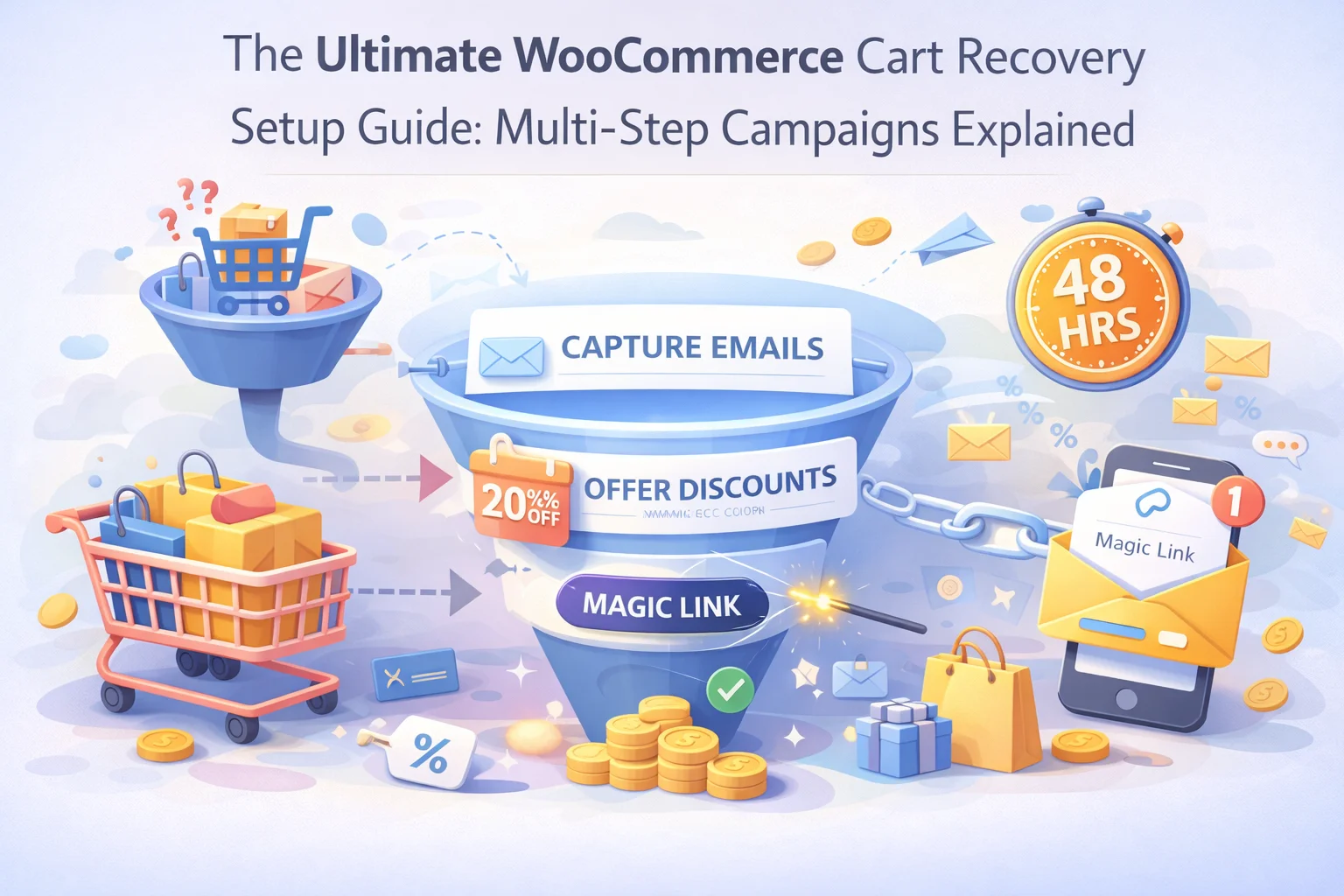
Every decision in this guide comes together into a single, implementable setup. The table below is the full blueprint — a reference you can open alongside your WooCommerce plugin settings and configure step by step, in the order shown.
Building this system once is how you turn a traffic acquisition investment into a compounding revenue engine. Every shopper who adds to a cart and leaves is either a missed opportunity or a recoverable one. With this campaign structure in place, the recoverable segment grows measurably with every month you run it — not because you are spending more on traffic, but because you are extracting more value from the traffic you are already paying for.
The complete infrastructure to build this — live capture, three-step campaign builder, dynamic coupons, magic links, per-step analytics — is available in one place through WooCommerce cart recovery automation with built-in multi-step campaign management. The strategy is in this guide. The execution starts with getting the plugin configured correctly — and now you have both.
Nexu Abandoned Cart Recovery gives you live capture, multi-step campaign builder, one-click magic links, dynamic single-use coupons, automatic suppression, and analytics that break down performance at every step of the sequence.








Hey, finally a guide that actually explains when
Hey everyone, just picked up this cart recovery guide and wow, it's loaded with useful stuff. The part about when to send that first email really surprised me I had no idea waiting even an hour could mean losing customers to competitors. The coupon tips were great too, though I'm still trying to wrap my head around setting up those dynamic discounts without cutting into margins. has anyone else cracked that part yet? definitely worth checking out if you're tired of watching carts slip away.
Hey everyone! Just finished working through this cart recovery guide, and honestly, it's really good. the section on timing especially that 30 to 60 minute window was a really helpful for me. a lot of guides just toss random delays at you, but this one actually breaks down why catching customers while the product's still on their mind makes a difference. No filler, just straightforward steps that make sense. the coupon placement part could maybe go a little deeper into testing different email thresholds (like first vs. third), but overall?