Next-Level Code. Nexuvibe Style ...
Hrs
Min
Sec

Dark mode has moved from a novelty to a baseline expectation. Most operating systems default to it for users who prefer it, over 80 percent of smartphone users have it enabled in some form, and OLED screens — now the majority of mobile displays — genuinely save battery when showing dark pixels. Android’s official dark theme documentation confirms that dark backgrounds on OLED panels reduce power consumption significantly compared to full-brightness white backgrounds. If your WordPress site does not offer a proper dark mode experience in 2026, you are asking a large portion of your audience to accept a worse experience on your site than the one they have everywhere else.
The plugin options available for WordPress range from genuinely good to surprisingly broken. The most common failure — and the one that no user will forgive once they experience it — is the white flash that appears before dark mode kicks in. It is called FOUC (Flash of Unstyled Content), it is caused by dark mode being applied via JavaScript after the page has already rendered, and it ruins the experience on every single page load.
This comparison tests seven of the most used WordPress dark mode plugins against a consistent set of criteria. We look at FOUC behavior, image handling, toggle quality, color control depth, and real-world usability. The rankings are based on what the plugins actually do when installed on a live site, not what their description pages claim.
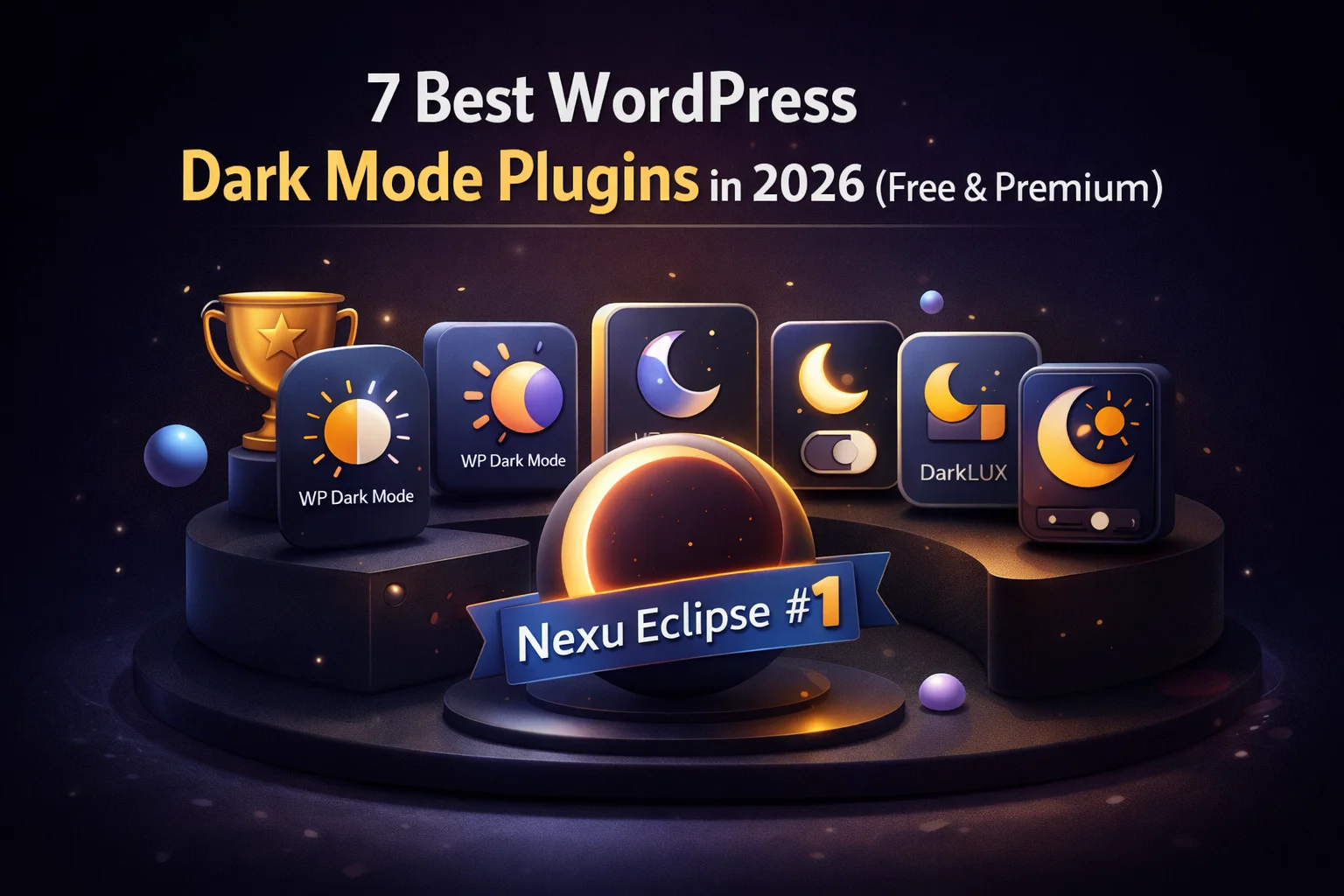
To be fully transparent: Nexu Eclipse is a premium plugin from NEXU WP, and it ranks first in this comparison. That ranking reflects its performance on the criteria that matter most. You can read the full breakdown for every plugin and decide for yourself.
✓ Full support · ~ Partial or limited · ✗ Not supported or fails in testing
Premium · FOUC-Free · Full Color Control · Image Safe · OS Sync
Nexu Eclipse is the plugin that exists specifically because every other dark mode solution leaves an unresolved problem somewhere. It is built around three principles that most plugins treat as optional: no flash on any page load, no CSS inversion that distorts images, and granular color control that respects your site’s visual hierarchy.
The FOUC elimination in Nexu Eclipse is architectural, not a workaround. The plugin uses a combination of the native prefers-color-scheme CSS media query as the OS-level baseline and a synchronous early-execution script for stored user preferences. Dark mode is present from the very first pixel the browser paints — not applied a fraction of a second later. First-time visitors with OS dark mode get a flash-free experience. Returning visitors who have toggled their preference get a flash-free experience. Every page navigation is clean.
On the color side, Nexu Eclipse provides independent controls for backgrounds, text, secondary text, links, borders, and accents. This is not a single “darkness level” slider — it is a design system for your dark theme, letting you preserve the exact visual hierarchy and brand identity of your site rather than flattening everything to generic greys. Images and videos are excluded from transformation by default, so product photos, hero images, and thumbnails look exactly as intended regardless of which mode the visitor is using.
The toggle design options are noticeably above what other plugins offer. Multiple switch styles, flexible positioning including fixed floating and header injection, and smooth animated transitions on mode change. The exclusion system lets you protect individual elements by CSS selector, entire pages by URL, or specific post types. When dark mode does not belong on a particular section of your site, you can simply tell it to stay away.
Free + Premium · Partial FOUC Fix · Feature-Rich
WP Dark Mode is the most installed dark mode plugin in the WordPress plugin repository, and for good reason — it offers a genuinely capable feature set in its premium tier and a serviceable free version for basic use cases. The plugin covers the fundamentals: OS sync, multiple toggle styles, color customization, and image handling. Where it falls short of first place is its FOUC behavior, which in testing remained inconsistent across page navigations depending on the theme and caching configuration. The flash does not always appear, but it appears often enough to notice on fast connections where users expect instant render.
Free · Lightweight · Limited Customization
Among the entirely free options, Darkling is the most honest about what it is: a lightweight, no-frills dark mode toggle that handles the basics without adding plugin bloat. It does not invert images, it responds to OS preferences reasonably well, and the toggle it produces is clean enough for most simple use cases. The FOUC behavior is inconsistent — better than the worst offenders, but not genuinely eliminated. Color customization is limited to a handful of preset adjustments rather than per-element control, and there is no exclusion system.
Free / Paid · Browser Extension Approach · Inconsistent on Custom Themes
Night Eye approaches dark mode from a browser-extension mindset, analyzing page colors algorithmically rather than working through WordPress-native styling. The result looks polished on some themes and completely broken on others, depending on how the theme structures its CSS. OS sync works, but the lack of exclusion controls means there is no way to protect specific elements from the algorithmic transformation when it goes wrong. FOUC was consistently observed in testing regardless of theme type.
Free · CSS Inversion · Admin-Only in Free Tier
Dark Mode for WP appears prominently in search results despite having the most significant limitations in this roundup. Its free version applies dark mode only to the WordPress admin dashboard — not to the front-end visitor experience at all. Any front-end implementation uses CSS inversion, meaning your images display as photographic negatives. There is no color customization, no exclusions, and FOUC is unavoidable. If you want dark mode for your site’s admin panel only, this works. For visitor-facing dark mode, it is not a real option.
Free · Basic Toggle · No OS Sync
LightDark provides a functional manual toggle without any OS preference detection, meaning dark mode users whose operating system is already set to dark receive no automatic benefit. They have to manually click the toggle on every visit. Image handling is reasonable for a free plugin. FOUC is present and consistent. There is no exclusion system and color customization is minimal. It works as a proof-of-concept, but it is hard to recommend over Darkling for anyone who wants a free option with OS awareness.
DIY · No Plugin Required · No Manual Toggle
A CSS-only dark mode using @media (prefers-color-scheme: dark) is technically the most correct approach for eliminating FOUC for OS dark mode users. The query is supported in all major browsers since 2019 including Chrome, Safari, Firefox, and Edge. Because it is pure CSS, dark styles are applied before any JavaScript runs, and the experience is flash-free for anyone whose OS is in dark mode. The catch is significant: there is no toggle, no way for users to override their OS setting on a per-site basis, no stored preferences, no exclusion system, and it requires custom CSS for every element in your site. It is a solid foundation for a developer, but not a finished solution for a site owner.
The pattern that emerges from testing these seven options is consistent: FOUC is the single biggest differentiator in dark mode quality, and it is the problem most plugins either ignore or handle with partial measures. Free plugins generally make a reasonable attempt at dark mode but leave the flash unresolved because fixing it properly requires architectural work that goes beyond a simple JavaScript class-toggler.
The second differentiator is image handling. CSS inversion looks terrible, full stop. It is the fastest way for a developer to implement dark mode, and it produces the worst user-visible result for anyone who cares what their site looks like. Any plugin that inverts images as part of its dark mode transformation is not a serious option for a site with visual content of any kind.
The third differentiator, which only becomes apparent on sites with custom designs, is exclusion control. When your site has brand colors, hero sections, or graphic elements that do not translate well to dark mode processing, you need the ability to protect them explicitly. Plugins without exclusion controls leave you with no recourse when dark mode breaks a specific section.
If your site has any visual design investment — custom colors, brand imagery, designed page templates, WooCommerce product listings — the choice between a plugin that solves these problems and one that does not is not a minor quality difference. It is the difference between dark mode that looks professional and dark mode that makes your site look broken at night. The WordPress dark mode plugin engineered to solve every layer of the problem is the one worth using when you want to get this right the first time.
No white flash. No inverted images. Full color control, granular exclusions, OS sync, and toggle designs that actually fit your site. Nexu Eclipse is the only WordPress dark mode plugin that solves the problem at every level.








Finally no weird inverted images!
Finally a dark mode plugin that doesn't blind me when the page loads. No weird flash just works.
Oh man, finally a plugin that actually kills that annoying white flash! no more FOUC on load.
Finally, no FOUC on page loads