
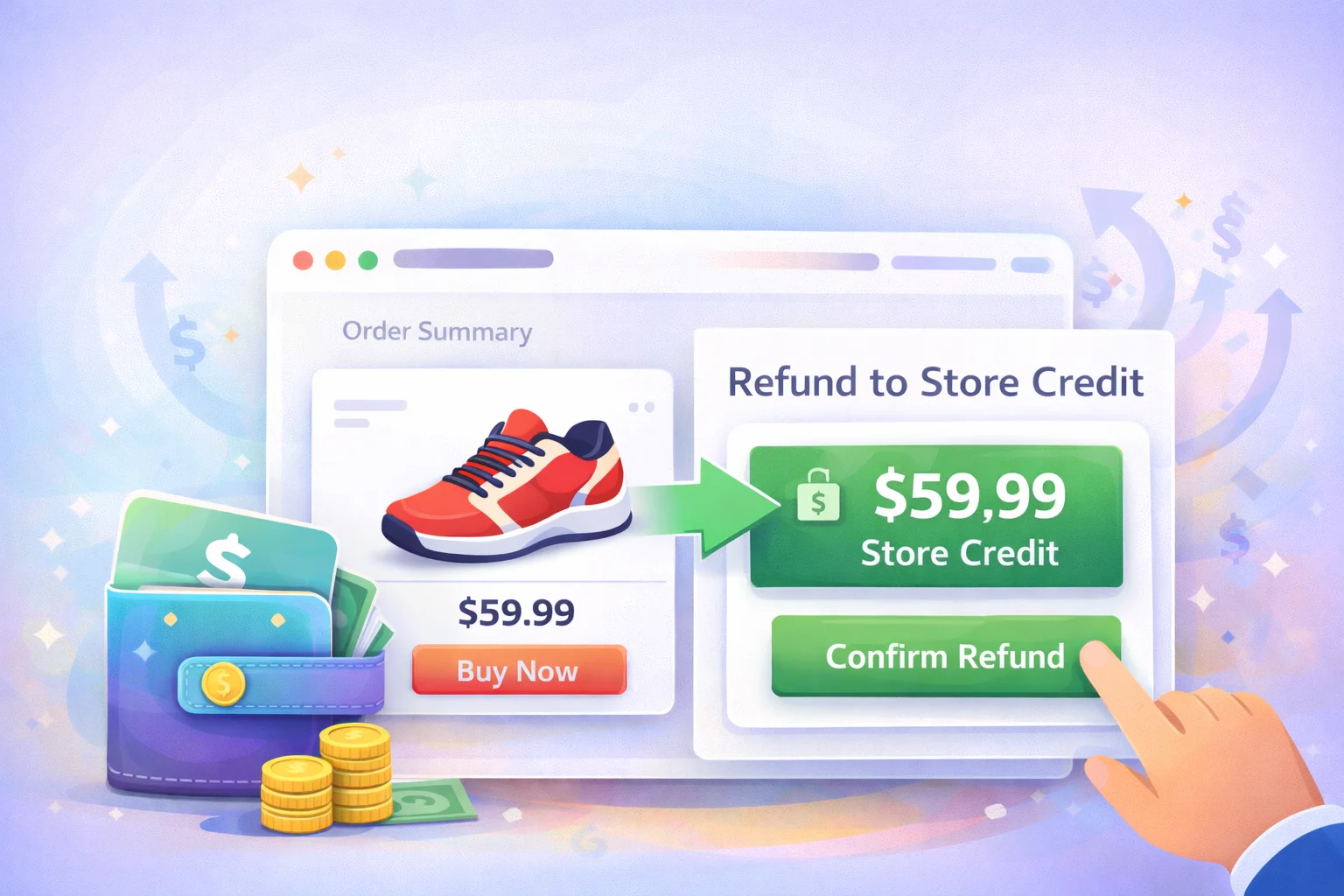
A customer emails you. They want to return something. In most WooCommerce stores, what happens next is entirely predictable: the order gets refunded, the money goes back to their card, and that customer — who just had a friction-filled experience with your store — is now gone. No balance to bring them back. No reason to return. Just a transaction that ended in subtraction.
Now consider what happens in a store that handles refunds differently. The same customer requests a return. Instead of the money disappearing back to their bank — a process that takes 3–5 business days and involves the payment processor — the refund is credited instantly to their store wallet. Same amount. Faster. And now sitting inside your ecosystem rather than outside it.
That is the refund-to-store-credit mechanic. It is not a trick. It is not a way to avoid giving customers their money back. Done properly — with a genuine wallet they can also withdraw from if they choose — it is simply a faster, more convenient alternative to a card refund that happens to keep the customer’s funds in your store. The data on what it does to return rates and repeat purchase rates is unambiguous.
This guide explains the full picture: why refund-to-credit works psychologically, how WooCommerce handles it natively (and where it falls short), and exactly how to configure a proper refund-to-wallet system that runs automatically — including the option for customers to initiate cancellations themselves.
Why a refund to store credit is better for everyone — including the customer
Let’s be direct about the obvious concern first: some store owners worry that offering store credit instead of a card refund will feel manipulative to customers, or that it will generate complaints from people who want their money back on their card. This is a legitimate concern — but it is a concern about implementation, not about the mechanic itself.
The key distinction is between a store credit system that traps customer money and one that simply offers store credit as the default, faster option while keeping cash refunds available. When customers understand that their wallet balance is real money — that they can spend it freely, or withdraw it if they genuinely want the cash — the wallet refund is almost universally preferred.
Consumer research on returns consistently finds that the refund experience is one of the strongest predictors of whether a customer will shop with a brand again. A fast, painless refund — even to store credit — dramatically outperforms a slow card refund in customer satisfaction scores. The speed signals that the store trusts the customer. The credit balance keeps the relationship active rather than severing it. A customer who got a smooth refund-to-wallet experience is paradoxically more likely to return than one who never had to deal with a return at all.
From the store’s perspective, the business case is equally clear. A card refund takes revenue entirely out of the store ecosystem. A wallet refund keeps it inside — the customer will almost certainly spend it, and when they do, the original sale is effectively recovered. Stores that track the conversion rate of wallet-refunded customers vs. card-refunded customers reliably find that the wallet group returns at a significantly higher rate.
There is also the operational dimension. Processing a card refund through a payment gateway takes admin time, involves payment processor fees in some configurations, and introduces a 3–5 day delay that generates support tickets. A wallet credit is instant, requires minimal admin action, and generates no support overhead. The cost saving on high-volume refund periods — seasonal sales, product launches — is material.
What WooCommerce does by default — and where it falls short
Out of the box, WooCommerce offers one type of refund: the card refund. An admin opens the order, clicks “Refund,” enters the amount, and the payment gateway processes the reversal. Simple, functional, and completely inflexible. There is no native mechanism for crediting a customer’s wallet, no store credit system, and no way for customers to request a cancellation and receive instant credit themselves.
WooCommerce does have a basic store credit concept through its coupon system — an admin can manually create a coupon code worth the refund amount and send it to the customer — but this is cumbersome at scale, creates no visible wallet balance for the customer, and is invisible as a loyalty mechanism. It solves the technical problem without addressing the customer experience problem at all.
What WooCommerce cannot do natively: credit a refund directly to a customer’s wallet balance, allow customers to self-cancel eligible orders and receive instant wallet credit, or give customers a visible, named balance they can track and spend. Each of these requires a dedicated wallet plugin — and the way that plugin handles the refund flow determines whether the experience builds loyalty or just processes a transaction.
How a proper refund-to-wallet system should work
A well-designed refund-to-wallet system has three components that need to work together: the admin refund flow, the customer cancellation flow, and the wallet balance itself. Getting all three right is what separates a system that genuinely improves the refund experience from one that just moves the friction around.
Component 1
The admin refund flow
When processing a refund from the WooCommerce order panel, the admin should be able to choose whether to refund to the original payment method or to the customer’s wallet. The wallet option should credit instantly, update the customer’s balance in real time, and trigger an automated notification email. No manual coupon creation, no separate step, no waiting on the payment gateway.
Component 2
The customer self-cancellation flow
For eligible orders — typically those in “pending” or “processing” status — customers should be able to cancel from their own order page and receive the credit immediately, without having to contact support. This reduces support overhead dramatically and gives the customer a sense of control that the traditional “email us to cancel” process simply cannot match.
Component 3 — Most important
A real wallet — not a coupon code
The credit should land in a genuine wallet — a named, currency-denominated balance visible in the customer’s account area, with its own transaction history. A coupon code issued by email functions mechanically but psychologically it is invisible: the customer cannot see their balance accumulating, cannot feel the pull of money waiting to be spent, and is far more likely to forget about it. A visible wallet balance is what converts a refund from a transactional event into a retention mechanism.
Setting up refund-to-wallet in WooCommerce with Smart Wallet
Smart Wallet by NEXU WP handles all three components of the refund-to-wallet flow: admin refunds to wallet, customer self-cancellation with instant credit, and a full customer-facing wallet with transaction history. Here is how to configure it.
Step 1
Configure the cancellation settings
Navigate to Smart Wallet → Settings → Cancellation. This is where you define the rules for customer self-cancellation: which order statuses are eligible (typically “pending payment” and “processing”), whether the refund goes automatically to the wallet, and whether cancellation requires admin approval or is instant. The cancellation tab gives you full control over the flow without requiring any custom code.

Step 2
Verify the customer-facing cancel button
Once configured, a cancel button appears on eligible orders in the customer’s account area. The button is clearly visible, the process is a single step, and the wallet credit appears immediately after confirmation. Customers do not need to contact support, wait for a response, or navigate any friction. This is the moment that determines whether the refund experience generates goodwill or resentment — and it takes about thirty seconds to complete from the customer’s side.

Step 3
The credit lands in a real wallet
The refunded amount appears immediately in the customer’s wallet balance — visible on the wallet card in their account area, logged in their transaction history, and available to apply at their next checkout. It does not arrive as an email with a coupon code to paste somewhere. It is simply there, in their balance, denominated in the store currency, ready to use. That visibility is what makes the difference between a credit that gets forgotten and one that drives a return visit.

Step 4 — The trust signal
Configure the withdrawal option
This step is optional in technical terms but important in strategic ones. Navigate to Smart Wallet → Settings → Withdrawal and enable the withdrawal feature. Most customers will not use this option — the wallet balance is more convenient to spend than to withdraw — but its existence changes how the wallet is perceived. A wallet you can withdraw from is savings. A wallet you cannot withdraw from is a gift card you were forced to accept. The distinction matters enormously to customers who are evaluating whether to trust the system.

What the admin sees when refunds go to the wallet
From the store admin perspective, wallet refunds create less work, not more. There is no payment gateway to interact with, no 3–5 day reversal window to track, and no coupon codes to generate and email manually. The transaction is logged automatically in the Smart Wallet admin dashboard, with full visibility into which customers have received credits, for which orders, and in what amounts.


The Transactions tab records every wallet movement — cashback credits, top-ups, checkout payments, and refund credits — giving a complete picture of wallet activity across all customers. The Withdrawal Requests tab surfaces any customers who have requested a cash payout so the admin can review and action them without these requests getting lost in a support inbox.
The Reports tab gives a financial overview that helps answer one of the most valuable questions a store owner using wallet refunds can track: what percentage of wallet-refunded credits are subsequently spent in the store versus withdrawn? This ratio tells you exactly how effectively the refund mechanic is converting potential revenue losses into future sales.

The mistakes that make refund-to-credit backfire
A refund-to-wallet system that is poorly implemented does more damage than simply processing card refunds. Customers who feel they have been denied access to their money become vocal. Avoiding the following mistakes is not optional.
Never make wallet credit the only refund option
If a customer paid by card and wants a card refund, they are legally entitled to one in most jurisdictions. Offering wallet credit as the only option generates chargebacks and negative reviews. The wallet should always be presented as a faster, equally valid alternative — customers who choose it do so because they see the value. Customers who do not should receive a standard refund without friction.
Never issue wallet credit without a visible transaction history
A customer who receives a wallet credit but cannot see it in their account will email support asking where their refund is. This erases the entire operational benefit of the system. The wallet balance and the transaction that created it must be immediately visible to the customer the moment the credit is issued.
Never set wallet credits to expire
Expiry dates on wallet credits are understood by customers as pressure to spend rather than a genuine benefit. They create anxiety rather than loyalty, and customers who feel pressured will either spend reluctantly once or request a card refund instead. A refund credit should have no expiry — it is the customer’s money and should behave accordingly.
Always send an automated notification email
Every wallet credit — whether from cashback, a top-up, or a refund — should trigger an automated notification email. For refunds specifically, this serves as both a confirmation and a passive re-engagement message. Smart Wallet handles this automatically through its notification settings, but verify that refund-specific notifications are enabled when you first configure the plugin.
Frequently asked questions
Every refund your store processes is a decision point. The customer is already disappointed — the product did not meet their expectations, or circumstances changed, or they simply changed their mind. What happens next determines whether they are gone or whether they are coming back.
A card refund closes the loop. A wallet refund opens a new one. The customer leaves with the same value they came in with — but now it is sitting inside your store rather than back in their bank, pulling them toward the next visit rather than simply returning them to zero.
The infrastructure to make this work is not complicated. It takes one plugin, twenty minutes of configuration, and a returns policy update. The stores that have implemented it are, without exception, glad they did.
Smart Wallet — wallet refunds, cashback, and store credit for WooCommerce
Instant refund-to-wallet credits. Customer self-cancellation with automatic wallet credit. Full transaction history. Withdrawal option. Cashback on every completed order. Admin analytics dashboard. Everything your refund and loyalty strategy needs — from one plugin, from $39/year.
Smart Wallet by NEXU WP
From $39/year · Single site licence · No code required





As a therapist running a side hustle online store, this saved me so much stress.
So do customers actually use the credit later?
I run a small design studio with an online store, and handling returns used to be such a hassle lost revenue, unhappy customers, and no guarantee they'd come back. This refund to store credit setup changed that. Now when clients return something, the credit hits their wallet instantly instead of disappearing into processing limbo. They're happier because it's faster, and I'm happier because they actually use those funds on future orders. the only thing I'd love is more customization for the wallet interface itself. Still, it's been a smart move for retention.
Keeps me coming back for sure.