Next-Level Code. Nexuvibe Style ...
Hrs
Min
Sec

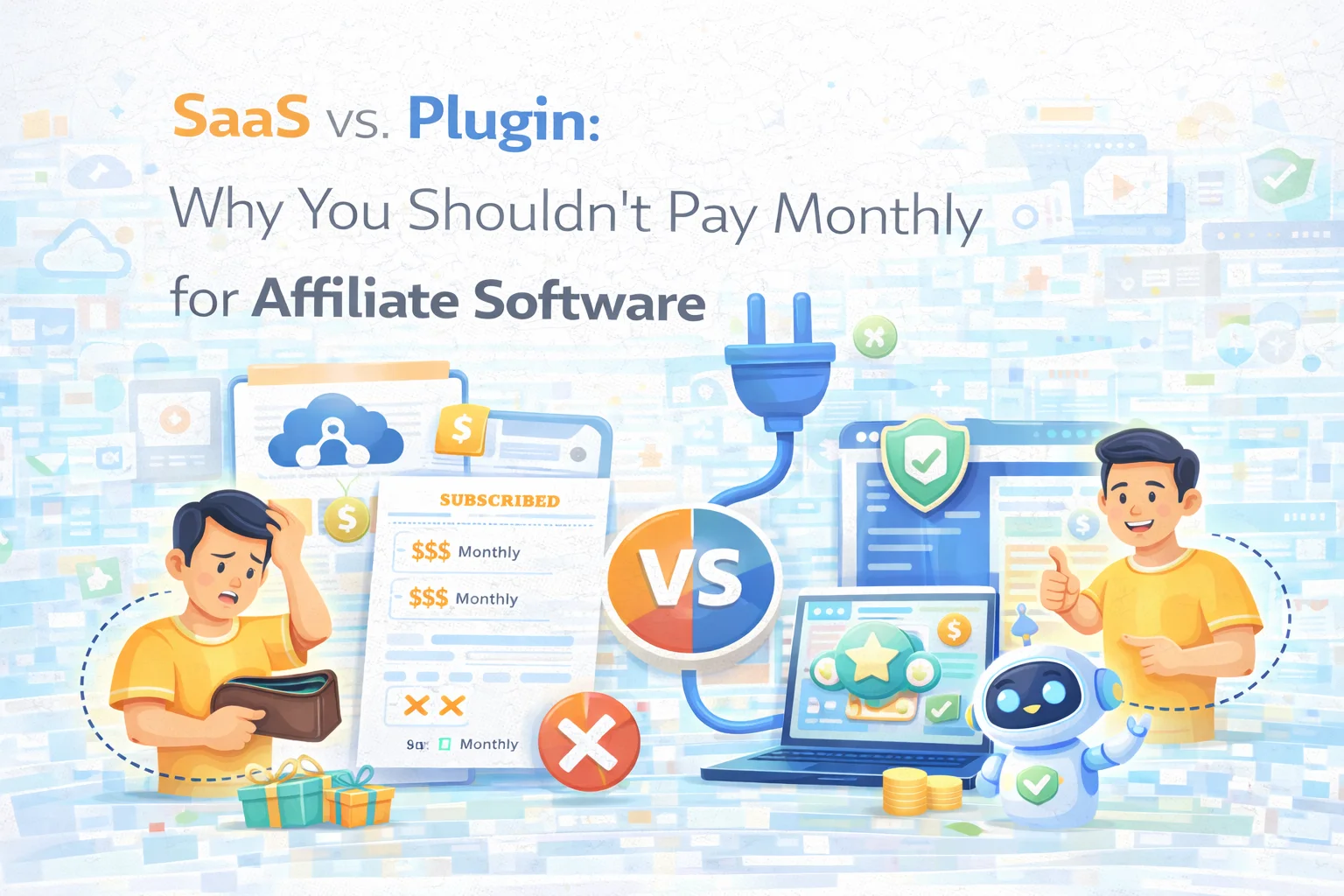
There is a mental model that has become so common in the software industry that most people have stopped questioning it: if you need a tool, you subscribe to it. Monthly fee, ongoing access, cancel any time. This model works very well for the companies selling the software. Whether it works for the people buying it depends entirely on how long they actually need the tool and what the cumulative cost becomes over time.
For affiliate marketing software specifically, the subscription model has been the default for long enough that many WooCommerce store owners never stop to compare it against the alternative. Platforms like Tapfiliate, PartnerStack, Rewardful, and similar SaaS tools sit somewhere between $50 and $300 per month depending on the plan, and they market themselves as “simple” — which they are, right up until you start calculating what you have actually spent on them twelve or twenty-four months in.
This article is not an argument that SaaS affiliate platforms are bad products. Several of them are well-built. The argument here is more specific: for a WooCommerce store that already owns its infrastructure, hosting, and data, paying a recurring monthly fee to run affiliate tracking is paying for a problem you do not have. The capability you are renting exists as a one-time purchase, and the data it generates belongs entirely to you from the moment you install it.
We are going to walk through the real numbers, the real trade-offs, and explain why Affiliate Engine – Ultimate WooCommerce Referral & Affiliate Marketing Plugin represents a structurally different approach to running an affiliate program — one that is not just cheaper, but architecturally cleaner for stores that already live inside WordPress.
Let us use a realistic example. A mid-tier SaaS affiliate platform costs $79 per month. That is the kind of price point that feels manageable — it is less than most store owners spend on their email marketing tool, and far less than a developer retainer. So the purchase happens, the affiliate program launches, and twelve months later the invoice history shows $948 spent.
Twenty-four months: $1,896. Thirty-six months: $2,844. These are not unusual timeframes for an affiliate program — most programs that work at all keep running for years because they are generating revenue. The longer the program works, the more the subscription model extracts from the business that built it.
These figures use a $79/month example. Many SaaS affiliate platforms sit higher once you factor in the tier required for the features you actually need.
The counter-argument that SaaS companies use at this point is that their software is always maintained, always updated, and the price includes the infrastructure costs. This is true — and it matters for large enterprises running complex affiliate operations across multiple platforms. For a WooCommerce store running a straightforward affiliate program for its own products, it is a poor trade. You are paying infrastructure costs for infrastructure you already own, and maintenance costs for a plugin ecosystem that handles updates as a standard part of normal WordPress operations.
The subscription fee is the visible cost of SaaS affiliate software. The less visible cost is data ownership — and specifically, what happens to your affiliate program’s data if you ever need to leave the platform.
When you run affiliate tracking through a SaaS platform, your referral records, affiliate profiles, commission history, payout logs, and visit data live in that platform’s database. Not yours. When you cancel, you get a data export (if the platform offers one) and then access ends. Historical data that took years to accumulate is, in practice, inaccessible unless you manually migrate it somewhere.
There is also the integration question. A SaaS affiliate platform needs to connect to your WooCommerce store via API or webhook to track conversions. This works — but it introduces a dependency between your checkout flow and an external service. If the SaaS platform experiences downtime, your conversion tracking is interrupted. If they change their API, your integration may break. If they sunset a feature, you adapt or leave.
A WordPress plugin that runs natively inside your WooCommerce installation has none of these external dependencies. The tracking hooks directly into WooCommerce order events. There is no API call leaving your server. The commission records are written to your database. The whole system lives where your store lives, and its uptime is your server’s uptime — which you control.
The strongest genuine argument for SaaS affiliate platforms is simplicity of setup. You create an account, connect your WooCommerce store via a plugin or API key, and the tracking starts. You do not need to configure a plugin, manage updates, or think about how it interacts with the rest of your WordPress installation.
This argument is real — for someone who has no existing WordPress infrastructure and does not want to manage it. For a WooCommerce store owner who is already managing WordPress updates, plugin compatibility, and hosting configuration as part of normal operations, the “no setup required” case for SaaS dissolves. You are already managing a WordPress environment. Adding a well-built affiliate plugin to that environment is not meaningfully more complex than adding any other plugin you run.
When affiliate tracking is native to WooCommerce — running inside your own installation rather than through an external API — the integration depth is simply higher. Order data, customer data, product data, and coupon data are all available directly. There is no translation layer, no API rate limit, and no version mismatch between your WooCommerce setup and an external platform’s integration plugin.
Affiliate Engine – Ultimate WooCommerce Referral & Affiliate Marketing Plugin was built with this native integration as the starting point. The affiliate dashboard lives inside WooCommerce My Account — where your customers already go to manage their orders. The commission rules hook directly into WooCommerce order status events. Coupon attribution works because the plugin has direct access to WooCommerce’s coupon system, not a webhook interpretation of it.
Five years ago, there was a legitimate case for SaaS affiliate platforms over WordPress plugins, and it was a feature argument. The SaaS platforms had better dashboards, more sophisticated commission rules, coupon attribution, fraud detection, and payout management. WordPress affiliate plugins at the time tended to be simpler — basic link tracking and a commission list that you managed manually.
That feature gap has largely closed. A plugin like Affiliate Engine for WooCommerce includes coupon attribution in the core plugin, commission tiers, configurable hold periods, fraud detection with a dedicated admin interface, payout request management, a link generator for affiliates, a creatives manager so affiliates have ready-to-use promotional assets, visit tracking, and Elementor widget support — all in a single flat licence.
The honest checklist that most WooCommerce store owners need from their affiliate program looks like this, and every item on it now exists in Affiliate Engine without requiring additional purchases:
One of the practical differences between a SaaS platform and a native WooCommerce plugin becomes very visible in payout management. In a SaaS system, payout management typically means: the platform records what is owed, and you export that data or use a payment integration to actually send money. The payment itself often happens through a separate workflow — PayPal mass payments, bank transfers, or a connected payout service.
In Affiliate Engine, the payout workflow is built around a request system that lives inside your WordPress admin. Affiliates submit payout requests from their My Account dashboard when they have eligible earnings. Those requests appear in a dedicated Payouts tab where you can review pending requests, see the amounts, and update the status as you process them. The actual money transfer still happens through your normal payment method — but the tracking, approval workflow, and status visibility are all inside the same environment where you manage everything else about your store.
The store owner’s cost and data ownership are the main arguments against SaaS affiliate platforms. But there is a second dimension to this that is worth addressing: the experience your affiliates have, and how that affects their motivation to keep promoting your store.
When your affiliates use a SaaS platform’s affiliate portal, they are logging into a branded third-party interface that may or may not feel connected to your store. The experience is clean and functional, but it is generic — the same dashboard that thousands of other affiliates for thousands of other stores use. Your brand identity in that portal is limited to a logo and some colour settings.
When your affiliates use Affiliate Engine, they are logging into their existing WooCommerce account — the same account where they can see their own order history, manage their address book, and check their past purchases. The affiliate section is another tab in a familiar environment. There is no new login to remember, no new interface to learn. They go where they already go, and their affiliate tools are there.
Running an affiliate program without clear attribution data is how disputes start. An affiliate shares a link, a customer visits and then returns three days later to buy — who gets credit, and how do you prove it? These questions are only answerable if your tracking data is transparent and accessible.
Affiliate Engine’s visit tracking logs traffic from affiliate links so you can see how referral visits are converting. The referrals tab in the admin shows the full attribution record: which affiliate, which order, which commission status, and the timestamp. When an affiliate asks “did my referral count?”, the answer is in the admin, visible and specific. No guessing, no manual cross-referencing between a SaaS platform and your WooCommerce order list.
An honest comparison has to acknowledge the cases where a SaaS platform is genuinely the better tool. The argument in this article is specific to WooCommerce store owners running a single-store affiliate program — it is not a universal case against SaaS affiliate software.
If you are running WooCommerce AND Shopify AND a SaaS product and want a single affiliate program tracking referrals to all three, a platform-agnostic SaaS tool handles this in a way that a WooCommerce-specific plugin cannot.
Some enterprise-tier SaaS platforms allow full white-labelling of the affiliate portal — custom domain, custom design, your branding throughout. For companies that want this as a distinct product experience, SaaS delivers it more completely.
Enterprise SaaS platforms offer dedicated partner manager tooling, recruitment workflows, and CRM-style affiliate relationship management that go well beyond what a WordPress plugin is designed to handle.
The subscription model for affiliate software has existed long enough that it feels like the natural way to run a program. It is not — it is just the model that works best for the companies selling the software. For a WooCommerce store that already owns its infrastructure, the better structure is a one-time purchase that installs where your store lives, tracks conversions natively, keeps your data in your own database, and runs for the entire life of your program without sending another invoice.
Affiliate Engine – Ultimate WooCommerce Referral & Affiliate Marketing Plugin is that structure. The maths make sense from the first month, and they keep making sense for every month after that.
Referral tracking, coupon attribution, commission tiers, fraud detection, payout management, and visit analytics — all in one native WooCommerce plugin at a flat one-time price. Your data stays in your database.








Worth it but the monthly fee adds up
So if I cancel, how do I pull
Hey! quick question for anyone who's used this plugin long term how painful is it to migrate years of affiliate payout history and performance data over from a SaaS tool?
This article really opened my eyes to how much those monthly SaaS fees add up. I run a small WooCommerce store, and after two years of paying $49/month for affiliate software, I realized I'd spent nearly $1,200 money that could've gone toward better tools or even just savings. The worst part?