Next-Level Code. Nexuvibe Style ...
Hrs
Min
Sec

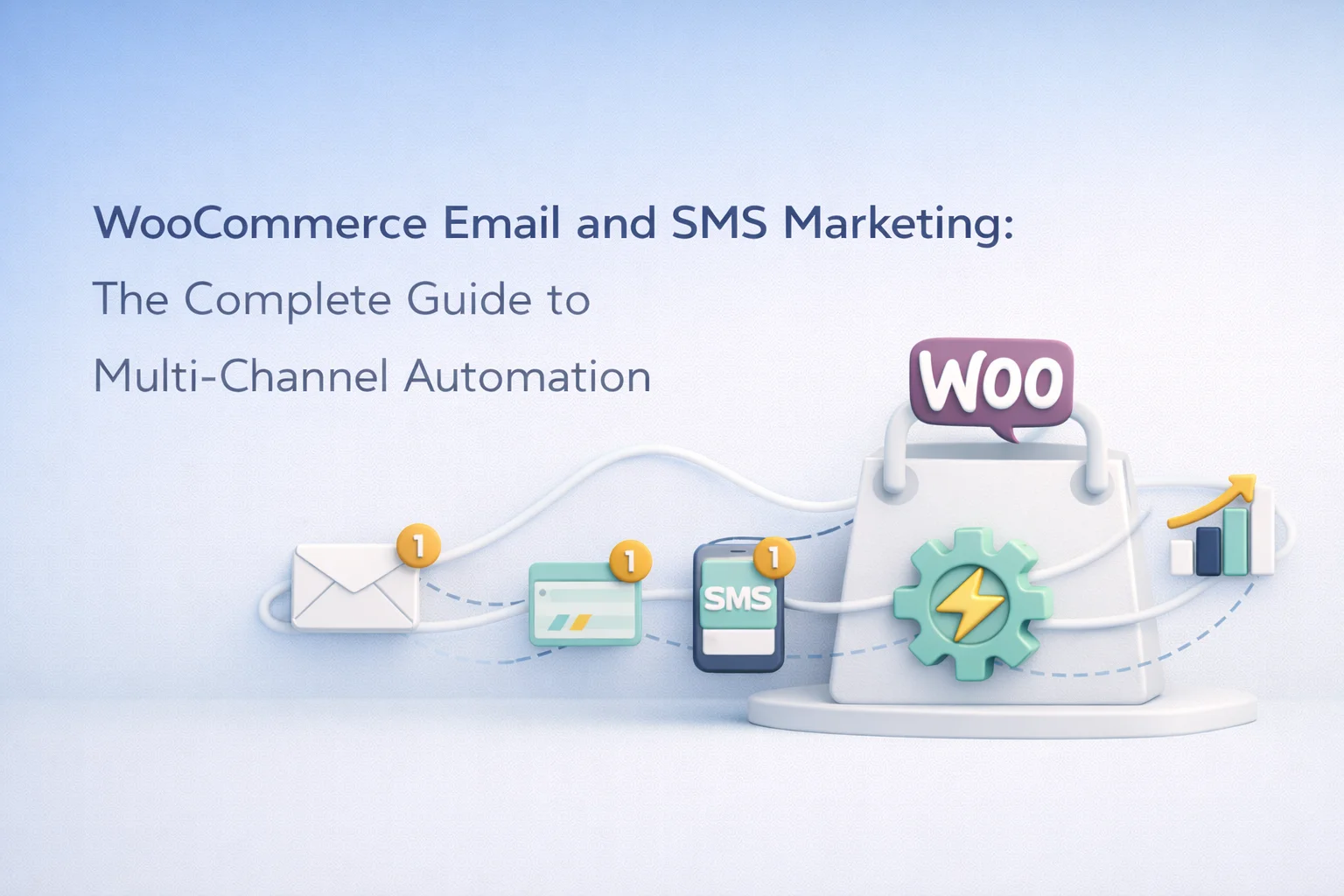
There is a version of WooCommerce marketing where email lives in one tool, SMS lives in another, your contact list is split between two platforms, and you spend half your time making sure the same customer does not receive a promotional email and an SMS about the same offer within the same hour. That version is common, and it is exhausting to maintain. The alternative is a unified approach where email and SMS share the same contact database, the same automation builder, and the same set of rules about who gets what and when.
This guide covers the practical reality of running email and SMS marketing together in WooCommerce. Not as two separate strategies that happen to coexist, but as a single multi-channel system where each channel serves a specific purpose and the automation decides which channel to use based on the context: what the customer did, how urgent the message is, and which channel is most likely to reach them at the right moment.
We walk through this using WooCommerce multi-channel email and SMS marketing automation, which handles both channels in a single plugin with a shared contact database and unified automation builder. The strategic principles work regardless of the specific tool you use.
The case for multi-channel marketing is not theoretical. According to research from Omnisend’s 2024 marketing statistics report, campaigns that use three or more channels earn a significantly higher order rate than single-channel campaigns. SMS in particular performs well for time-sensitive messages: open rates consistently exceed 90%, and most text messages are read within three minutes of delivery. Email, by contrast, excels at longer-form content, visual storytelling, and messages that the recipient might want to reference later.
The reason most WooCommerce stores do not run multi-channel marketing is not that they do not see the value. It is that the implementation has historically been complicated. Email and SMS were separate tools with separate contact lists, separate automations, and separate analytics. Coordinating them required manual effort: “if the customer did not open the email within 24 hours, go to the SMS tool and send a text.” That kind of manual coordination breaks down as soon as you have more than a handful of automations running.
The shift that makes multi-channel practical for smaller stores is tools that handle both channels in a single interface. When email and SMS share the same contact database, the same automation builder, and the same trigger system, coordinating across channels stops being a manual task and becomes a configuration decision. You build one automation flow, and within that flow you decide which steps are email and which steps are SMS based on the context.
Email and SMS are not interchangeable. Each channel has characteristics that make it better suited for specific types of messages. Using the wrong channel for a message does not just reduce its effectiveness. It actively annoys the customer. Nobody wants a 500-word promotional email via text, and nobody checks their email for a time-sensitive flash sale ending in two hours.
Email is the right channel for messages that contain multiple pieces of information, product images, detailed explanations, or content the customer might want to save and return to. Welcome sequences, post-purchase follow-ups with care instructions, newsletters, product launch announcements with images and descriptions, review requests with context about the purchase, and educational content all belong in email. Email gives you visual real estate to tell a story, show a product, and build a relationship.
SMS is the right channel for messages that need immediate attention and have a clear, single action. Cart abandonment nudges (especially as a second-channel follow-up after email did not work), flash sale alerts, shipping notifications, appointment reminders, limited-stock warnings, and time-sensitive discount codes all work well as text messages. Keep SMS under 160 characters when possible, include one link, and never send more than two or three marketing texts to the same person in a week.
The most effective multi-channel pattern is escalation. Start with email, because it is less intrusive and gives the customer more context. If the email does not produce a response within a defined window, follow up with SMS, because it has a higher chance of being seen. This works exceptionally well for cart recovery (email first, SMS follow-up), win-back campaigns (email with a soft reminder, SMS with a time-limited offer), and post-purchase review requests (email with context, SMS as a final nudge).
Email deliverability is the foundation that everything else sits on. If your emails do not reach the inbox, the best copy and design in the world do not matter. For WooCommerce stores using self-hosted marketing plugins, email deliverability depends on your sending infrastructure: the SMTP service that actually transmits the emails from your server to your recipients.
Your hosting provider’s default mail function is not suitable for marketing emails. It lacks proper authentication (SPF, DKIM, DMARC), has unpredictable deliverability, and can get your server’s IP address blacklisted if you send volume through it. Instead, connect to a dedicated SMTP service. Options like Amazon SES ($0.10 per 1,000 emails), Brevo (300 emails/day on the free plan), or Mailgun provide the authentication, reputation management, and deliverability infrastructure that marketing emails require.
SMS requires a gateway that connects your WordPress installation to the telephone network. Unlike email, you cannot send SMS from your own server. You need a third-party service that handles the actual message delivery, and Twilio is the industry standard for this. The setup involves creating a Twilio account, purchasing a phone number (typically $1/month), and connecting the credentials in your plugin’s settings.
SMS costs are per-message, which makes cost management important. In the US, Twilio charges roughly $0.0079 per outbound SMS. At 1,000 messages per month, that is about $8. At 10,000 messages, about $79. This is why SMS should be used strategically rather than as a broadcast channel. The rate limiting feature in your plugin settings is critical: it lets you cap the number of SMS messages sent per hour, protecting both your budget and your recipients from message fatigue.
The real power of multi-channel marketing emerges when email and SMS are combined in a single automation workflow rather than managed as separate campaigns. A unified workflow lets you define a customer journey that uses the right channel at the right moment, with the automation engine handling the channel switching automatically.
Here is a concrete example of how a multi-channel cart recovery flow works in practice. The trigger fires when a customer abandons their cart. One hour later, the first action sends a reminder email with the cart contents and a direct link back to checkout. If the customer has not completed the purchase after 24 hours, the second action sends a brief SMS: “Hi {first_name}, your cart at [Store] is still waiting. Tap to complete: [link].” If there is still no conversion after 48 hours, a third action sends an email with a dynamically generated discount code. Each step uses the channel that is most appropriate for its purpose and timing.
Writing SMS marketing messages is a different discipline than writing email. You have roughly 160 characters before the message splits into multiple segments, which doubles the cost. Every word needs to earn its place. The structure is always the same: identify yourself, state the purpose, include one clear action, and provide a link.
Good SMS templates are reusable. You create them once, test them, and then attach them to any automation or broadcast that needs an SMS step. A cart recovery template, a flash sale template, a shipping notification template, and a win-back template cover the vast majority of SMS use cases for a WooCommerce store. The merge tags ({first_name}, {coupon_code}, {shop_url}) ensure each message feels personal despite being sent at scale.
Multi-channel marketing makes consent management more complex. A customer who unsubscribes from email marketing may still want SMS notifications about their orders. A customer who opts out of SMS promotions may still want to receive email newsletters. Your system needs to track consent preferences per channel, not just as a single on/off switch.
Regulations like GDPR in Europe and the TCPA in the United States have specific requirements around SMS marketing consent that are stricter than email. Under TCPA, you need explicit written consent before sending marketing text messages, and each message must include clear opt-out instructions (typically “Reply STOP to unsubscribe”). Your unsubscribe system needs to process these opt-outs immediately and automatically suppress future SMS sends to those numbers while potentially keeping their email subscription active if that was a separate consent.
When you send a broadcast to 5,000 contacts or an automation triggers a batch of messages, you need visibility into what is happening. Are the messages actually leaving the server? Is anything stuck? Did anything fail? A queue system processes messages in batches rather than all at once, which prevents your WordPress server from being overwhelmed and ensures that rate limits on your SMTP or SMS gateway are respected.
The queue also serves as an emergency brake. If you notice a typo in your broadcast five minutes after hitting send, you can pause the queue and stop the remaining messages from being delivered. With a SaaS platform, once you hit send, the messages are gone. With a self-hosted queue system, you have a window to catch mistakes before they reach your entire list.
Multi-channel WooCommerce marketing is not about sending more messages. It is about sending the right message through the right channel at the right time. Email carries the storytelling, the visual content, and the detailed product information. SMS carries the urgency, the time-sensitive nudges, and the final calls to action. Together, they cover the full spectrum of how and when your customers are reachable.
Start with one multi-channel flow. Cart recovery is the easiest place to begin because the results are immediately measurable and the channel logic is straightforward: email first for context, SMS later for urgency. Once that flow is running and you can see the incremental recovery from the SMS step, expand to post-purchase sequences, win-back campaigns, and targeted broadcasts. Each new flow compounds on the last, and within a few weeks you have a multi-channel system that runs without daily attention.
Nexu AI Automate Marketing’s unified email and SMS automation for WooCommerce stores keeps both channels in a single plugin, with shared contacts, shared segments, and a visual workflow builder that lets you mix email and SMS actions in the same flow. The SMS gateway connects through Twilio or custom webhooks, the email infrastructure connects through your SMTP provider, and the automation engine coordinates both channels based on the rules you define. Your data stays in your WordPress database, your costs scale with usage rather than contact count, and your multi-channel strategy lives entirely inside your store’s admin.
Shared contact database, visual automation builder with email and SMS steps, drag-and-drop email design, Twilio SMS integration, unsubscribe management, and a queue you can watch. $89/year, no per-contact fees.







Hey, just got this guide and it actually breaks down the email vs SMS thing in a way that makes sense. i was worried it'd be all technical, but it's more about when to use each one based on what the customer's doing. Still took me a bit to wrap my head around setting it up, but way better than juggling two separate tools. worth the read if you're stuck on this stuff.
As a chef running an online store for specialty ingredients, I've tried every marketing trick to keep customers engaged. This guide finally laid out a clear, tool agnostic approach to combining email and SMS without the usual chaos. The focus on strategy over software was exactly what I needed no more juggling platforms or worrying about overlapping messages. my abandoned cart recovery rate climbed 22% in two months just by applying these principles. If you're drowning in disjointed campaigns, start here
Okay, so I grabbed this guide on a whim because I was tired of juggling email and SMS tools separately for my WooCommerce store. The idea of having everything in one place sounded too good to pass up. and honestly? It's been a relief not having to sync contacts between two different platforms anymore.
Got this guide hoping it would finally fix the headache of managing separate email and SMS tools in WooCommerce. the unified approach actually makes sense, and the step by step instructions are really helpful especially the tip about starting with email first so you don't bombard customers. already saved me hours of manually syncing everything.