Next-Level Code. Nexuvibe Style ...
Hrs
Min
Sec

Every WooCommerce store has different types of customers. There are first-time buyers still deciding whether to trust you, repeat customers who already do, high-value VIPs who spend disproportionately, bargain hunters who only buy during sales, and people who bought once six months ago and have not returned. Each of these groups responds to different messages, different offers, and different timing. Treating them all identically is the marketing equivalent of giving the same speech to every room you walk into regardless of who is sitting there.
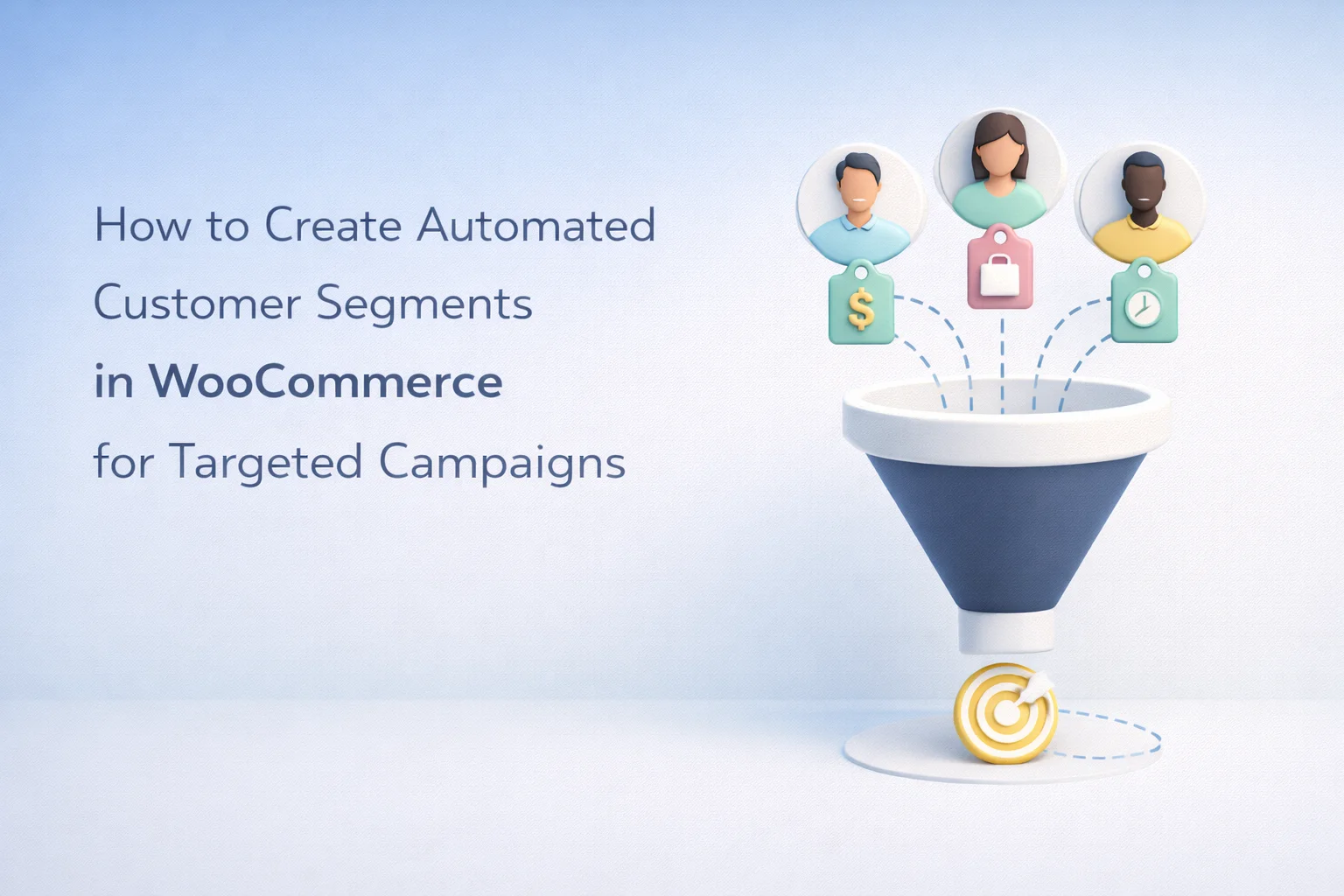
Customer segmentation solves this by grouping people based on what they have actually done in your store: what they bought, how much they spent, how recently they visited, and how they interact with your marketing. The challenge for most WooCommerce store owners is not understanding why segmentation matters. It is building segments that are practical to maintain. A segment that requires manual updates every week is a segment that stops being accurate after the first busy week.
This guide covers how to create dynamic, self-updating customer segments in WooCommerce that automatically move people in and out based on their behavior. We walk through specific segment recipes that are directly useful for targeted campaigns, using WooCommerce automated customer segmentation for targeted email and SMS campaigns. The principles apply to any tool that supports rule-based audience grouping tied to WooCommerce data.
A static list is a fixed group of contacts that you manually curate. You export a spreadsheet, filter it by some criteria, and import those contacts into a tagged group. The moment you create it, the list starts decaying. New customers who fit the criteria do not get added. Existing customers whose behavior changes do not get removed. Within a week, your “high-value customers” list includes someone who requested a refund and excludes three new people who just crossed the spending threshold.
A dynamic segment is a rule. Instead of containing a fixed list of names, it contains a definition: “all customers who have placed at least three orders and spent more than $200 in the last 90 days.” Every time you use the segment, whether for a broadcast, an automation trigger, or a report, the system evaluates the rule against your current WooCommerce data and returns the people who match right now. Customers flow in and out of the segment automatically as their behavior changes. You define the rule once. The segment stays accurate forever.
This distinction is not academic. It is the difference between segmentation that works at small scale but breaks down as your store grows, and segmentation that scales automatically because it is tied to live data rather than frozen snapshots.
The quality of your segments depends entirely on the data available. WooCommerce stores a rich set of customer and order data that can be used for segmentation. Understanding what data points are available helps you design segments that are both meaningful and technically feasible.
Total number of orders, total lifetime spend, average order value, date of first purchase, date of last purchase, specific products purchased, and product categories purchased. These are the most powerful segmentation criteria because they reflect actual buying behavior rather than demographic assumptions. A customer who has placed five orders and spent $800 is demonstrably different from one who placed one order for $15.
Days since last order is one of the most useful segmentation criteria because it directly measures engagement decay. A customer who bought yesterday is in a fundamentally different mindset than one who bought six months ago. Combined with frequency (how many orders in a given period), recency lets you identify active customers, at-risk customers, and dormant customers with precision. This is the foundation of the RFM (Recency, Frequency, Monetary) model that has been used in direct marketing for decades.
Billing country, billing state or region, and customer role (wholesale vs. retail, for example). Geographic segmentation is useful for stores that offer location-specific promotions, different shipping tiers, or need to comply with regional marketing regulations. It is also valuable for timing: a flash sale SMS sent at 3 AM in the recipient’s time zone is worse than no SMS at all.
Rather than talking about segmentation abstractly, here are specific segment definitions that you can create and start using immediately. Each one targets a distinct customer state and supports a different type of campaign.
Rule: Total orders equals 1, and last order is within the past 30 days. These are people who took a chance on your store and are in the critical window where their experience will determine whether they return. This segment feeds a welcome and nurture automation: a thank-you email, a “how to get the most from your purchase” email a few days later, and a second-purchase incentive if they have not returned within 21 days. The messaging is warm, helpful, and relationship-focused rather than promotional.
Rule: Total lifetime spend greater than $500 (adjust this to your store’s economics), and at least 3 orders. These are your most valuable customers. They deserve differentiated treatment: early access to new products, exclusive discounts, personal thank-you messages, and priority support. A VIP segment also makes financial sense for targeting: a 5% discount to retain a $500 customer is a better use of budget than the same discount to acquire a new one.
Rule: Last order more than 90 days ago, and at least 1 completed order. These are people who used to buy from you and stopped. The 90-day threshold is adjustable, and the right number depends on your product’s natural repurchase cycle (a supplement store might use 45 days, a furniture store might use 365 days). This segment feeds a win-back campaign: a “we miss you” email, followed by an escalating incentive if they do not respond. The cost of reactivating a dormant customer is almost always lower than acquiring a new one.
Rule: Purchased from product category X, and has not purchased from category Y. If your store sells running shoes and running accessories, a customer who bought shoes but never bought socks, insoles, or hydration gear is a cross-sell opportunity. Category-based segments let you send targeted product recommendations that make sense based on what the customer has already shown interest in, rather than guessing.
Rule: Abandoned cart value greater than $100, and has not completed purchase. Not every abandoned cart is worth the same recovery effort. A customer who left $300 in their cart warrants a more aggressive recovery sequence than one who left a $12 item. This segment lets you route high-value abandoners into a premium recovery flow with more touchpoints, stronger incentives, and possibly an SMS follow-up, while keeping the standard recovery flow simpler and less expensive for low-value carts.
Segments are only useful if they connect to actions. A segment sitting in your settings without a campaign attached to it is just a filter nobody uses. The two primary ways segments connect to marketing actions are through broadcasts (one-off sends to a specific segment) and through automation triggers (workflows that fire when a customer enters or exits a segment).
For broadcasts, you select a segment when setting up a send. Instead of emailing your entire list about a new product launch, you target the segment that is most likely to care: people who have purchased from the relevant category before, or VIP customers who get early access. The same email, sent to a targeted segment instead of the full list, will have higher open rates, higher click rates, and lower unsubscribe rates because the message is relevant to the people receiving it.
For automations, segments can serve as either triggers or filters. A “customer enters VIP segment” trigger can start a VIP welcome flow. A “customer enters dormant segment” trigger can start a win-back sequence. The dynamic nature of the segments means these automations activate at exactly the right moment: the day a customer’s spending crosses the VIP threshold, or the day their inactivity crosses the dormant threshold.
Segments are only as good as the contact data they draw from. Your contact database is the foundation. It needs to accurately reflect every customer’s purchase history, communication preferences, and current status. If the data is incomplete or outdated, your segments will include the wrong people and exclude the right ones.
A self-hosted marketing plugin that reads directly from your WooCommerce database has an inherent advantage here: the contact data is always synchronized with your actual order data because it is the same database. There is no import/export process, no sync delay, and no risk of the contact list drifting out of alignment with reality. When a customer places an order, the contact record updates immediately, and any segments that depend on order count, spending total, or purchase recency recalculate in real time.
Creating 30 micro-segments for a store with 2,000 customers means some segments will have fewer than 20 people in them. That is too small to draw meaningful conclusions from campaign performance and too granular to maintain distinct messaging for each one. Start with four to six segments that cover the major customer states (new, active, VIP, dormant, category-specific). You can add more as your list grows and your marketing matures.
Creating a VIP segment but then sending them the same promotional emails as everyone else defeats the purpose. Each segment should receive messaging that is tailored to their specific relationship with your store. If you cannot articulate how the messaging will differ for a segment, you probably do not need that segment yet.
Most stores focus their segmentation energy on active customers and forget about the people who stopped buying. Your dormant segment is often your largest untapped revenue source. These people already know your brand, already trusted you enough to buy once, and cost nothing to acquire. A structured win-back campaign targeted at this segment frequently produces the highest ROI of any marketing initiative.
Customer segmentation is not a standalone feature. It is the foundation that makes every other part of your marketing automation more effective. Cart recovery sequences that adjust their intensity based on cart value work because of segmentation. Win-back campaigns that fire at the right moment work because of segmentation. Broadcasts that feel relevant instead of generic work because of segmentation. Without it, you are guessing. With it, you are responding to what your customers are actually doing.
Start with the five segment recipes in this guide. They cover the customer lifecycle from first purchase through VIP status through dormancy and re-engagement. Each one connects directly to a campaign type that generates measurable results. As you see which segments drive the most value, you can refine the rules, add new segments for specific product categories or geographic regions, and build increasingly sophisticated targeting.
Nexu AI Automate Marketing’s dynamic customer segmentation for WooCommerce targeted campaigns handles the mechanics: rule-based segments that evaluate against live WooCommerce data, automatic customer movement between segments as behavior changes, and direct integration with both automations and broadcasts so your segments translate into action without manual list management. You define the rules. The plugin keeps them current. Your campaigns stay relevant.
Dynamic segments based on live WooCommerce data. Automatic customer movement between groups. Direct integration with email, SMS, and automation workflows. $89/year, no per-contact fees.








Saved me so many hours filtering contacts.
Finally figured out how to auto tag VIPs no more manual lists! Saved me hours
I picked up this guide as a gift for my sister she runs a tiny WooCommerce shop and is constantly stressed about marketing. Figured this could help her get her customer lists in order, especially with that auto updating segments feature (she hates manually updating spreadsheets). That said, I'm kinda nervous it might be too technical for her.