
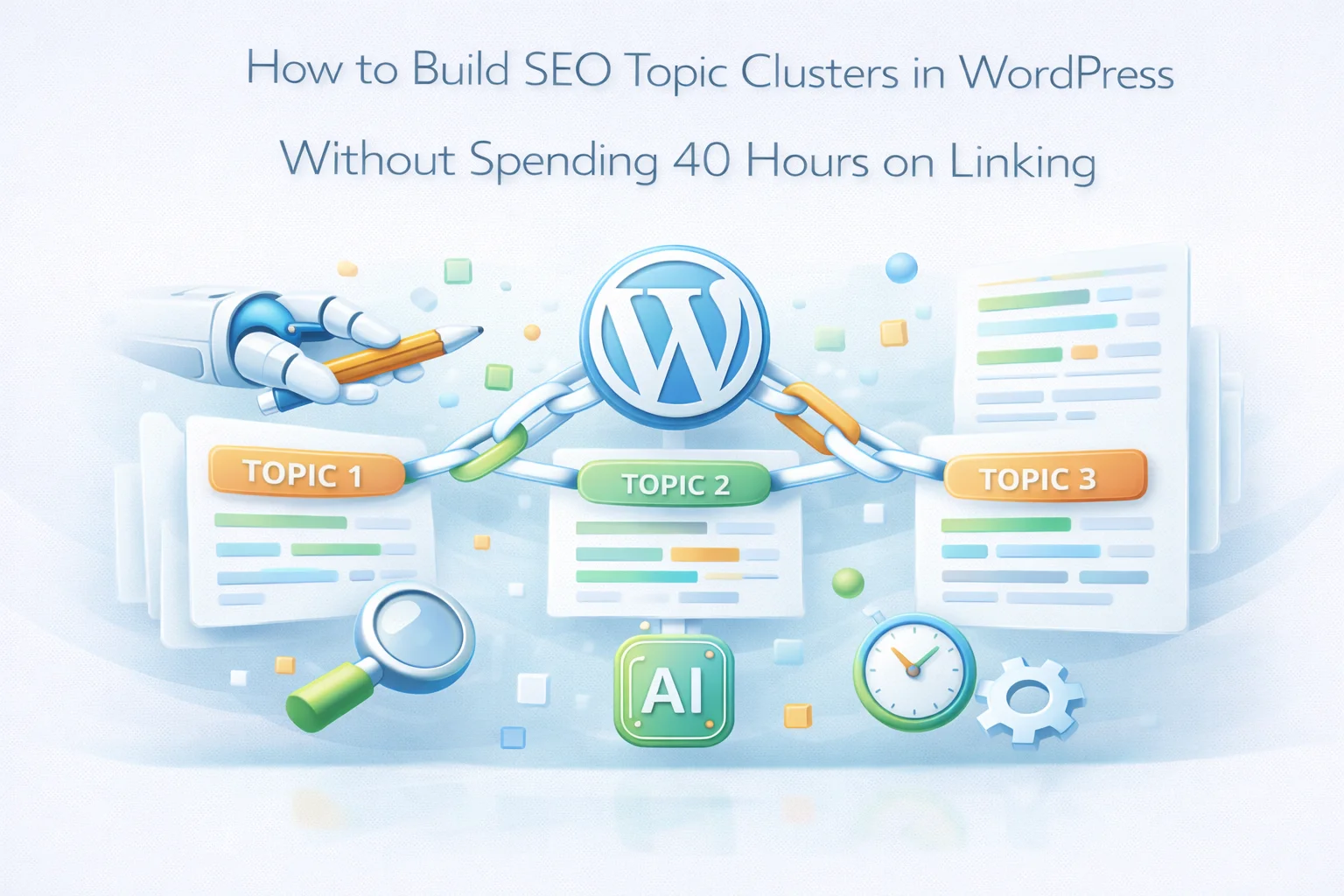
The concept of topic clusters is well understood. You build a pillar page that covers a broad subject comprehensively, surround it with cluster content pages that cover specific subtopics in depth, link everything together through internal links, and the result is a coherent topical architecture that Google rewards with strong rankings across the entire subject area.
The implementation is where most sites stall. Building even a single topic cluster correctly across an existing content archive requires auditing dozens of posts, identifying which belong to which cluster, adding links in multiple directions between related posts, updating older posts with links to newer content, and then maintaining that structure as new content is published. On a site with 200 posts spread across five or six topic areas, the manual work easily exceeds 40 hours before you see a single ranking movement.
This guide takes a different approach. It focuses on the decisions and strategies that produce the largest ranking gains from topic clusters, and on how to use AI-powered internal linking automation to handle the linking architecture so the majority of your time goes into content strategy rather than link insertion. We use Nexu Link Brain for the implementation examples throughout.
Why most topic cluster efforts fail before they start
The most common reason topic cluster strategies fail is the implementation gap. Site owners understand the concept, map out their clusters on paper or in a spreadsheet, identify their pillar pages, and then face the reality of adding the linking structure across a live content archive. The work required is overwhelming, priorities shift, and the clusters exist as a plan rather than as a structure Google can actually read.
The second most common reason is partial implementation. A pillar page exists, some cluster posts link to it, but the reverse links do not exist, cluster posts do not link to each other, and posts published after the initial setup are not connected to the cluster. Google sees fragments rather than coherent architecture. A half-built cluster provides a fraction of the authority benefit of a fully connected one.
Building topic clusters manually across an existing archive is not a reasonable goal for most site owners operating without a dedicated SEO team. The math simply does not work: five clusters of 15 posts each, properly linked bidirectionally with cluster-to-cluster connections, requires roughly 450 individual link insertions across 75 posts. At 15 minutes per post, that is nearly 19 hours of focused linking work before any new content is considered. The solution is not to hire someone to do it manually. It is to use a tool that builds and maintains the linking architecture automatically from your content’s semantic relationships.
Phase 1: Mapping your existing content to topic clusters (under 2 hours)
Before any linking work begins, you need a clear map of your content landscape. This is the strategic work that cannot be automated because it requires your judgment about what your site is actually about and which subject areas you are most committed to ranking for.
Export a complete list of your published posts from WordPress (Posts > All Posts, export to CSV using any standard exporting plugin). Open the export in a spreadsheet and add three columns: Topic Cluster, Content Type (pillar, cluster, or standalone), and Priority (high, medium, low).
Scan your content list and look for natural groupings. A food blog might have: breakfast recipes, meal prep, kitchen equipment, dietary guides, and restaurant reviews. A marketing site might have: content strategy, email marketing, SEO, social media, and analytics. Write down the two to five main subject areas that account for the majority of your content. These will become your cluster territories. Be ruthless: if a topic appears in fewer than five posts, it may not yet justify a full cluster.
Go through your post list and assign each to one of your identified clusters. Some posts will not fit cleanly into any cluster: these are standalone pieces that may need new clusters formed around them eventually, or they may simply be outliers that do not contribute to your current topical authority goals. Do not force them into clusters where they do not belong. A properly assigned cluster of 10 posts is more valuable for topical authority than a bloated cluster of 20 that includes loosely related content.
For each cluster, identify which existing post best serves as the pillar: the comprehensive, authoritative overview that a first-time visitor to your site on this topic would benefit most from reading. This page targets the broadest keyword in the cluster. If no existing post serves this role adequately, flag the cluster as needing a pillar page created. Working with an existing post as the pillar is faster than creating new content, but the pillar page is important enough that creating one from scratch is worth the investment if the existing options are weak.
How to choose pillar pages: the criteria that matter
The pillar page decision is the single most strategically consequential choice in topic cluster building. A weak or misidentified pillar page means the authority accumulation logic fails from the start. Here are the criteria that define an effective pillar page, in order of importance.
The complete linking pattern a topic cluster requires
This is where many topic cluster implementations fail. People create the content and add a few obvious links, but the full linking pattern that makes a cluster work requires more than just linking cluster posts to the pillar. There are four distinct link directions that all need to exist for the cluster architecture to function.
Every cluster post links to the pillar page using relevant, varied anchor text. This is the vote of authority that makes the pillar page accumulate ranking power. Without this, the pillar page cannot serve as the authority hub of the cluster.
The pillar page links out to every major cluster post when it mentions the subtopic that post covers. These links help Googlebot discover the cluster and signal the topical organization of your content to both readers and search engines.
Related cluster posts link to each other when their topics overlap or when one provides context that enhances the other. This creates the web of connections within the cluster that signals comprehensive coverage to Google beyond the hub-and-spoke structure alone.
Every new post that joins the cluster links to the pillar and to relevant existing cluster posts. And existing cluster posts are updated to link back to the new post. This bidirectional integration is the one most sites fail to maintain manually.
Most site owners implement Direction 1 inconsistently and Direction 2 partially. Directions 3 and 4 are almost never maintained manually on any site with more than 50 posts. The result is a cluster that looks like a proper architecture in theory but performs like a scattered collection in practice because the internal link density between cluster members is too low.
Phase 2: Building your first cluster in a single day
With your cluster map completed and your pillar pages identified, you are ready to implement. Start with your highest-priority cluster, the topic area where you have the most content, the best pillar page, and the strongest competitive opportunity. Here is the one-day implementation workflow.
Install and configure Nexu Link Brain if you have not already. Connect your AI provider, run the initial content index across your site, and set your pillar pages using the pillar page priority feature. Mark the pillar page for your first cluster so the AI knows to route authority toward it. Configure the anchor text policy and maximum links per post settings. Run the Link Scanner to map your existing internal links. This setup takes approximately 90 minutes.
Run the Bulk Linker analysis on your full content archive. The AI will process every post against every other post and generate a comprehensive map of relevant connections. For a site with 200 posts, this takes one to three hours to complete in the background. While it runs, focus on reviewing your pillar page content and strengthening it if needed. When analysis completes, you will have a complete set of suggestions across your entire archive, including all four directions of cluster linking.
Filter the suggestion list to focus on your priority cluster first. Review suggestions that involve your pillar page as the target, which covers Direction 1. Review suggestions where the pillar page is the source, covering Direction 2. Then look at cluster-to-cluster suggestions involving the posts you identified in your cluster map. Set a high auto-apply threshold (0.85 or above) and manually review suggestions in the 0.70 to 0.84 range. Apply the batch. Your first cluster should have its core linking architecture in place within a few hours.

The content gap problem: what to do when your clusters are incomplete
A topic cluster that covers 80 percent of the important subtopics in its territory provides most of the topical authority benefit of a complete cluster. A cluster that covers 40 percent does not. During your content audit, you will likely find that some of your clusters have significant gaps: important subtopics that you have never written about.
Identifying these gaps is one of the most valuable outputs of the cluster mapping process. Google evaluates topical authority partly by looking at whether your coverage is comprehensive or cherry-picked. Clusters with obvious gaps, which you can identify by comparing your content list against the main subtopics anyone covering that subject area would be expected to address, signal incomplete coverage.
Take your pillar page keyword and search Google for it. Look at the People Also Ask section and the related searches at the bottom. Each question or related term that you have not addressed in any existing cluster post is a potential content gap. For each gap, ask: is this a significant subtopic that a comprehensive resource on this subject should cover? If yes, add it to your content backlog as a cluster post to create. Filling content gaps in your highest-priority clusters often produces faster ranking improvements than starting entirely new clusters.
When you create new content to fill cluster gaps, the AI linking system integrates those new posts into the existing cluster automatically through auto-suggest. The new post is indexed by the AI, and when you save it, suggestions appear for linking it to the pillar and to relevant cluster members. The cluster grows coherently without requiring manual linking work for each new addition.
Phase 3: Maintaining cluster integrity as you publish
The most common way topic cluster strategies degrade over time is inconsistent maintenance. You build the initial architecture, ranks start to improve, and then you shift your attention to other priorities. New content gets published without being integrated into the cluster, old links rot as pages are deleted or restructured, and the cluster slowly fragments.
Automated maintenance is the solution, not discipline. Configure Nexu Link Brain’s auto-suggest feature to analyze new posts as they are saved and automatically suggest links for the cluster posts they belong to. Set an auto-apply threshold so high-confidence suggestions are applied without requiring your review. Configure the maximum links per post and relevance score minimum to match your quality standards.

With auto-suggest active, every new post you publish is automatically analyzed against your indexed content. The AI identifies which cluster it belongs to based on semantic similarity to your existing cluster content, and surfaces the links that integrate it into the cluster’s four-directional linking architecture. The cluster maintains itself as you publish.
The only manual review needed is a monthly check of the suggestions queue for lower-confidence suggestions that fell below your auto-apply threshold, and a quarterly run of the full Bulk Linker analysis to catch any connections the incremental auto-suggest might have missed as your site grows. The combination reduces your ongoing topic cluster maintenance from an impossible manual task to approximately 30 minutes per month.
Using the visual link graph to verify your cluster architecture
One of the most useful features for topic cluster management is the visual link graph, which gives you an immediate, intuitive view of whether your clusters are actually forming the architecture they are supposed to.

In a healthy topic cluster architecture, the visual graph shows distinct groups of nodes clustered around central hub nodes, which are your pillar pages. The connections within each cluster are dense and interconnected. The pillar node has many lines converging on it from cluster members, and it also has lines leading outward to those members. The cluster members connect to each other as well.
If your graph shows a pillar node with only a few connections, or cluster members that are not connected to each other, those are the linking gaps to address in your next bulk analysis pass. The graph makes the architecture visible in a way that no spreadsheet or report can match, which is why it is so useful as a diagnostic tool during and after cluster building.
Measuring topic cluster performance: what to track and when
Topic cluster results do not appear overnight. The timeline for seeing meaningful ranking improvements depends on your site’s crawl frequency, the competitiveness of your target keywords, and the quality of your content. Understanding what to measure and when prevents premature conclusions about whether the strategy is working.
Check URL Inspection in Search Console for your pillar page and several cluster posts. Verify that Googlebot has recrawled them since you applied the new links. If yes, the new link structure has been processed and Google’s systems are updating their understanding of your content relationships. If no recrawl has occurred on important pages after three weeks, investigate whether your site has a broader crawl frequency issue.
Filter Search Console by your cluster topic keywords and look for impression increases across the cluster’s content. This typically appears before position improvements and signals that Google is beginning to surface your cluster content more broadly. Watch for impression growth on cluster posts that were previously receiving minimal impressions. These are often the posts that benefited most from the new cluster connections.
Average position for your pillar page’s primary keyword and for cluster posts’ individual target keywords. Specifically watch the pillar page, which should move up in rankings as the cluster authority concentrates on it. Watch for the “rising tide” effect: improvements on the pillar page often lift related cluster post rankings simultaneously as Google’s overall topical trust in your site increases.
Topic cluster building is a compounding investment. The first cluster you build provides ranking improvements for that cluster’s subject area. As you build and connect multiple clusters, the overall topical authority of your site increases, which benefits all clusters. Competitors who are not building systematic topic cluster architecture are building a structural SEO disadvantage relative to sites that are, and the gap widens with every passing month.
The AI-powered WordPress content cluster linking plugin makes this investment viable for site owners who cannot dedicate a team to manual linking. It handles the four-directional linking architecture, maintains clusters as new content is published, flags gaps and orphans through its health reporting, and gives you the visual architecture view that tells you whether your clusters are forming correctly. The strategy is sound. The implementation is no longer the barrier it was.
Build topic clusters that rank, not just plans that sit in a spreadsheet
Nexu Link Brain builds and maintains the four-directional linking architecture that makes topic clusters work, concentrates authority on your pillar pages, integrates new content into existing clusters automatically, and visualizes your architecture so you can see it forming in real time.





OMG this saved me so much time!
Hey, does this thing actually stop me from
Just had to share how much this guide helped me with SEO for my blog. topic clusters used to stress me out I mean, manually linking hundreds of posts while also trying to keep my site updated in my limited free time? Felt impossible. But this guide explained it all so clearly. The tip about auditing my existing content and mapping it into clusters in under two hours was a really helpful. Saved me so much time