Next-Level Code. Nexuvibe Style ...
Hrs
Min
Sec

The gettext layer in WordPress is powerful because it is uniform: translators see msgids, locales produce msgstrs, and compiled MO files load at runtime. That uniformity becomes a liability when some msgids must never become fluent French or Persian because fluency would alter a contractual phrase, scramble a SKU that inventory integrations echo verbatim, or rename a third-party service mark your agreement says you cannot adapt. Professional workflows therefore split the problem in two: decide which substrings are immutable, then encode that decision where assists and humans both see it.
Lists fail when they live only in email. A contractor on a deadline will translate everything that looks like English unless the editor itself highlights exceptions. Lists also fail when they are vague: “do not translate brand names” without a table of approved spellings invites inconsistency across locales. The durable approach pairs explicit rows (exact source text or patterns) with automation rules that repeat the same constraint on every batch, including the midnight job you run before a sale.
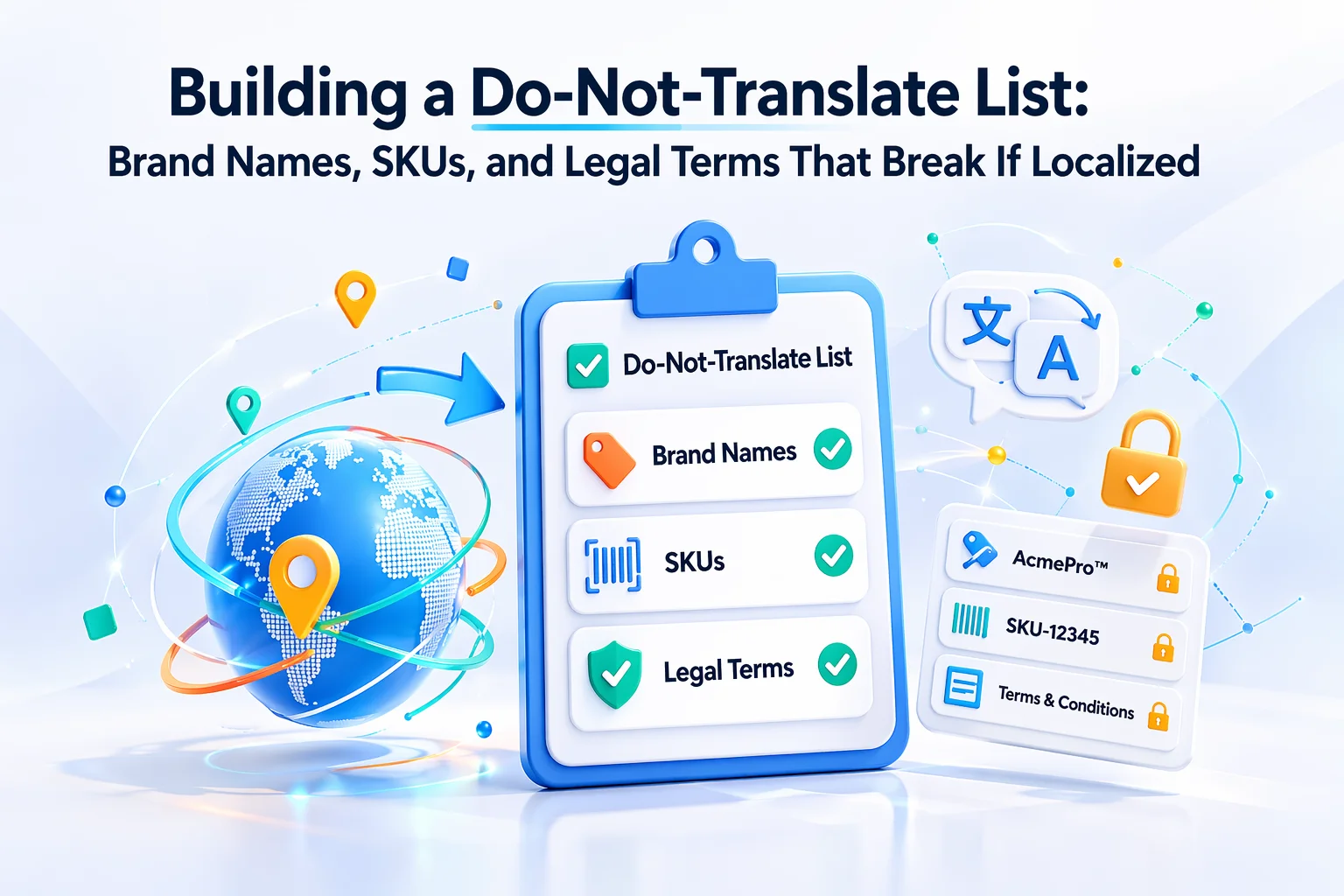
This guide shows how to inventory risky strings in a typical WooCommerce stack, classify them, and operationalize the policy with glossary discipline and prompt text so assists never “helpfully” localize what must stay frozen. Where automation plugs into Loco, Loco AI Auto Translator fixed glossary entries locking brand names and SKUs across WordPress gettext locales gives you a single place to record immutables and reinforce them at generation time.
WordPress wraps user-visible text in translation functions so themes and plugins can ship one code bundle and many MO files. Translators rightly focus on natural language. Yet commerce stacks routinely expose identifiers through the same API because developers wanted them localizable under some configurations or because a label and a key were never decoupled in the first release. The result is msgids that participate in comparisons, URL fragments, API payloads, or legal review cycles that assume an exact ASCII sequence.
Shipping plugins, tax engines, and ERP bridges often map WooCommerce data using string tokens that appear in admin screens. If a translator rewrites a token to read naturally in another language, downstream jobs that still expect the English token fail silently or throw support tickets weeks later.
Privacy notices, subscription terms, and medical or financial disclaimers sometimes arrive from counsel as fixed paragraphs. Localizing them without a second legal pass can invalidate the approval. Even when you intend to localize, the English source may need to remain byte-identical until counsel signs off on each target language.
Visual builders store copy inside serialized structures. Teams sometimes export that copy into gettext for translation. If a string contains a shortcode name, a data attribute, or a JSON fragment, translating it breaks layout or front-end logic. Those literals belong on the do-not-translate list even when they sit inside a longer sentence.
The WordPress internationalization APIs for developers explain how strings enter catalogs; they do not tell you which strings are safe to paraphrase. That classification is operational policy. Your list is the bridge between engineering reality and translator guidance.
Stores that skip the list often discover problems indirectly: a spike in abandoned carts tied to a renamed payment label, a fulfillment queue that no longer matches ERP exports, or a partner audit that flags a mangled trademark in a language you launched last quarter. Each incident costs more than maintaining a dozen glossary rows would have. Treat the first occurrence of any identifier bug as a signal to add a rule, not as a one-off typo to fix by hand.
Start with anything that carries trademark encumbrance or partner branding rules. Payment methods often require exact spellings: the word mark on file with the card network is not yours to localize. The same applies to marketplace names, carrier integrations, and SaaS add-ons that appear in checkout. Your storefront might read more naturally if you translated those labels, but your agreement may forbid adaptation or require a specific glyph styling.
House brands need the same discipline. If your private label uses a coined term, translators may assume it is descriptive and expand it. Flag those terms early, especially when they appear inside longer sentences. A glossary entry that locks “NexuTrail” while allowing the surrounding grammar to localize prevents half-localized product families that confuse repeat buyers.
Watch for nested branding: a string might mention both your store name and a gateway’s word mark. Decide per entity whether each fragment stays in source language or receives a localized equivalent, and document the decision next to the row. Ambiguity here is what causes five locales to handle the same checkout label five different ways, which looks unprofessional even when nothing technically breaks.
When assists run unattended, Nexu WP Loco AI plugin for blocking localization of legal boilerplate and partner marks inside Loco translation batches is most valuable precisely here: the model otherwise optimizes for readability and may substitute a generic noun for a protected mark unless your instructions forbid it.
SKUs and coupon codes are not prose. They are identifiers. Even when WooCommerce displays them in a sentence template, translating the identifier itself breaks redemption flows, reporting cubes, and affiliate attribution tables. The same class includes internal tier names exposed by membership extensions, booking resource IDs surfaced in error messages, and gateway response codes that support teams grep for in logs.
Document whether the entire msgid is frozen or only a substring. Full-string freezes are easiest to enforce in glossary tools. Substring freezes need explicit instructions in your system prompt so assists leave the token untouched while still translating conversational wrappers. Either way, automated gettext assists that respect do-not-translate lists for WooCommerce coupons and internal inventory codes reduce the chance a rushed batch rewrites a token you thought was obviously technical.
Legal text is the highest-stakes category because mistakes are not cosmetic. A cookie banner string might need to match a consent management platform’s requirements in a specific market. A subscription renewal notice might quote statutory language. Medical, alcohol, or age-restricted categories often ship boilerplate that counsel expects to see verbatim until a supervised translation project completes.
Treat each block as a versioned asset. When counsel updates paragraph 3, your gettext row should change once in the source locale, then propagate through a controlled process. Until localized counsel review finishes, mark the entire paragraph as copy-only in every target locale. That is stricter than most marketing copy, but it prevents a well-meaning assist from paraphrasing “may” into “will” or collapsing two sentences that carried distinct legal meaning.
Separate “must stay English” from “must stay identical to source” when your default catalog language is not English. A German primary store might still need an English disclaimer to match a PDF attached to the email workflow. In that case the immutability is about matching an external document, not about the language family. Capturing that rationale beside the row prevents future editors from “helpfully” translating into German because the storefront is German.
For cross-border WooCommerce, the WooCommerce documentation on privacy and payments is a useful sanity check when deciding which checkout disclosures deserve legal review before any assist touches them. It does not replace counsel, but it reminds teams why certain strings cluster around PCI and data retention themes.
Many gettext strings interleave human language with printf placeholders, HTML tags, or inline shortcodes. Translators must reorder clauses for grammar, but they must not corrupt the skeleton. Your do-not-translate list should call out skeleton integrity explicitly: every `%s`, `%d`, `{variable}`, and closing tag must survive unchanged. When a string contains a URL path segment that is not localized on your server, freeze that segment in the glossary or forbid touching it in the prompt.
The GNU gettext manual on plural forms and format strings remains the authoritative reference for why placeholder discipline matters. Teams that skip this training often ship broken plurals in Slavic or Arabic locales because a placeholder moved inside a word boundary an assist assumed was safe to rewrite.
When a single msgid mixes free text and frozen fragments, store the fragments in the glossary and restate in your default system prompt that glossary entries override creative paraphrase. That redundancy catches both human oversight and model drift across providers.
Operationalizing the list means more than a spreadsheet in SharePoint. You need three synchronized layers: the authoritative table (owner, locale scope, effective dates), the machine-readable enforcement (glossary or equivalent), and the narrative instructions that assists read on every job. If any layer disagrees, reviewers waste time arguing about which document wins.
Default prompts should state non-negotiables once: never translate glossary keys, never localize tokens that match SKU regexes you publish internally, never soften legal language. Bundle-specific prompts then add narrower context, such as a membership plugin whose tier names mirror database slugs. That split keeps noise low while still protecting the weird edge cases each extension introduces.
Reviewers should skim the glossary before approving a large MO export, not after customers complain. Make it someone’s recurring task after WooCommerce or major plugin updates, because new admin screens often introduce fresh msgids that repeat old risky patterns under different wording.
If you run multilingual staging sites, compare MO exports between environments after merges. A developer who resolves a conflict in Git might accidentally drop a glossary-backed translation or reintroduce an old MO compiled from an outdated PO. Diffing binary MO files is painful; diffing POs before compile catches human errors early. Tie that check to the same release ticket as the code deploy so it cannot be forgotten when marketing is rushing a campaign live.
Bulk assists are efficient when your list is already solid; they are dangerous when the list is half-built. Watch progress views for domains that historically carried risky strings. If a domain spikes with fresh entries after a vendor update, pause automation until someone classifies the newcomers. The cost of a delayed release is usually smaller than the cost of shipping corrupted identifiers into production MO files.
When something slips through, fix it at the row level, then ask why the list missed it. Often the string was a new synonym for an existing concept; add that synonym explicitly rather than hoping context alone will hold.
Single-string workflows are your safety valve. They let a senior reviewer re-run a row with tighter instructions after you extend the glossary. They also help train newcomers: watching a before-and-after on a tricky msgid teaches placeholder discipline faster than reading policy alone.
Stores sometimes switch translation endpoints for latency, cost, or quality experiments. If each endpoint uses a different implicit style, your immutables are only as stable as the weakest configuration. Export your prompt and glossary assumptions alongside your MO files so staging and production do not diverge silently. Treat prompt exports like infrastructure code: review them, diff them, and tag them with releases.
Agencies benefit from receiving not only the PO files but also the immutability brief: a short PDF or README in the repo root listing categories, examples, and escalation contacts. Without that, external translators will optimize for linguistic elegance and accidentally untangle the very identifiers you protected.
Include in the brief a short “red list” of msgid prefixes or domains that are historically dangerous, such as shipping label plugins or tax report screens. Even experienced vendors appreciate hints that save them from learning your stack’s quirks on your customers’ time. Rotate the brief when you add a major extension; stale guidance erodes trust faster than no guidance.
A mature do-not-translate list is living documentation. It turns ambiguous “everyone knows” rules into rows you can audit, diff, and attach to releases. Pair that list with gettext tooling that repeats your constraints on every assist, and WooCommerce localization becomes predictable instead of a game of whack-a-mole whenever a plugin updates. Revisit the list after rebrands, mergers, and payment-provider swaps because those events churn identifiers fastest.
If you want that enforcement inside Loco without bolting on another spreadsheet workflow, the Loco AI Auto Translator WordPress extension for safer WooCommerce string localization with glossary-backed freezes keeps immutables where translators already work, so policy and execution share one home.








Saved me hours of cleanup after a last minute localization push. the glossary audit view is a lifesaver you can flag SKUs and legal terms before anything goes live
Just wanted to drop a quick note for anyone using visual builders with this. That serialized data tip was a lifesaver after a client's page builder dumped a bunch of product SKUs into the translation queues
Saved my shop from a pricey mistake
Hey fellow devs, this tool just saved me hours of cleanup after a messy bulk localization project. That tip about payment gateway labels hiding vendor codes? Oh man, that's exactly what tanked my last WooCommerce store someone helpfully translated "Stripe (gw_17x9)" into beautiful but broken French. Now I toss those into the "do not translate" list before sending files out