Next-Level Code. Nexuvibe Style ...
Hrs
Min
Sec

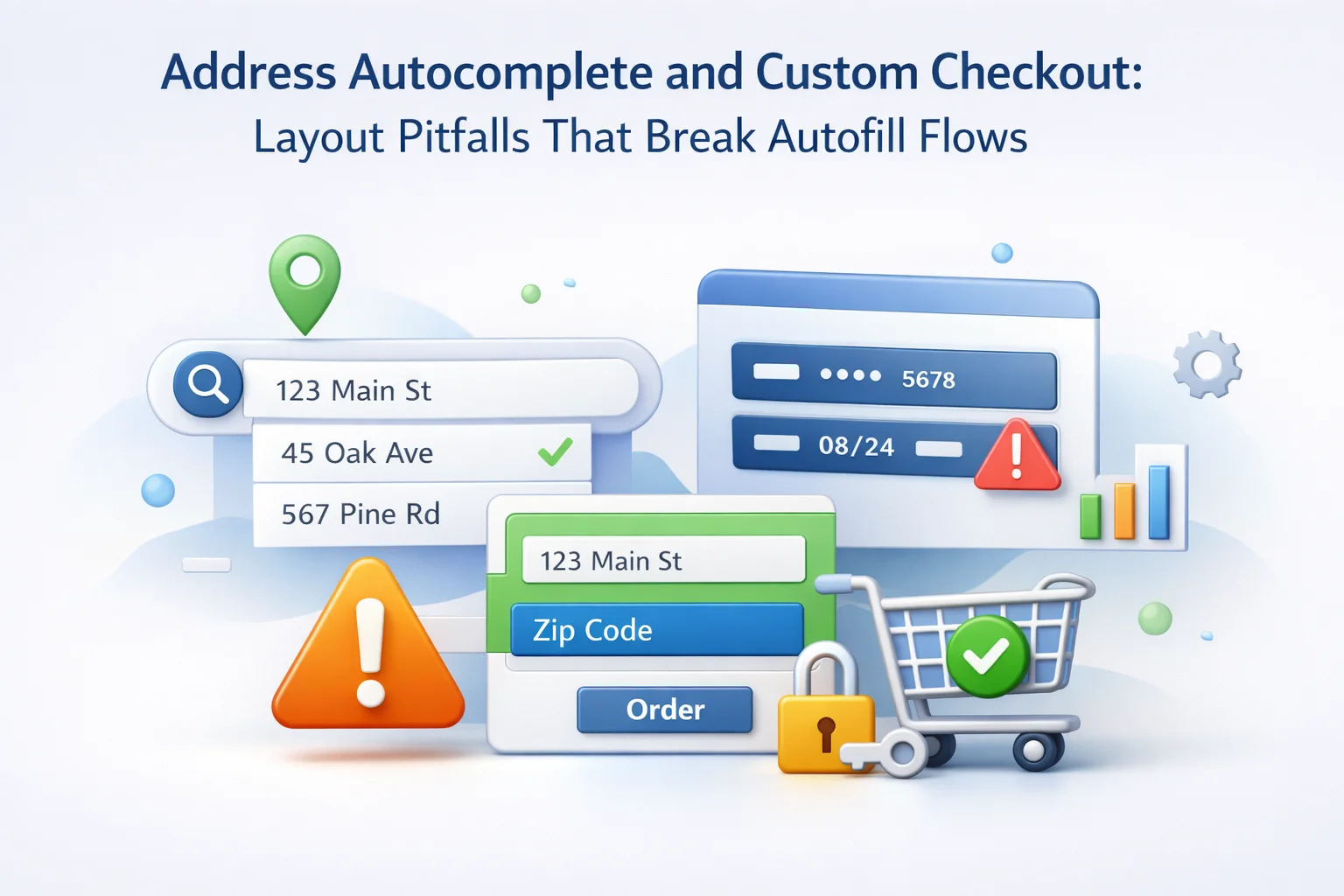
Address capture sits at the intersection of compliance, carrier rating, and trust. A single mis-ordered line can send city into address line two or leave postal codes blank while the UI still looks “fine.” Custom checkout fields amplify risk because every new row competes for attention, DOM structure, and tabindex. The fix is not abandoning customization—it is designing layouts that cooperate with how autofill heuristics scan the page.
This guide separates browser autofill from third-party autocomplete widgets, then walks through sequencing, conditional visibility, Blocks themes, and QA habits that keep suggestions accurate when you add gift recipients, business toggles, or localized labels.
Advanced WooCommerce Checkout Field Editor for autofill-friendly custom checkout layouts helps teams reorder clusters visually, apply conditional logic, scope prompts per product, support Blocks checkout, and move JSON between environments without scattering one-off snippets.
Browser autofill replays what the user already saved locally: legal name variants, street formats, apartment tokens. It is fast, offline-tolerant, and picky about field semantics. Map-powered plugins query remote suggestion lists and often require API keys, dropdown rendering, and debounced keystrokes. They solve partial typing but introduce their own DOM expectations.
Troubleshooting starts by naming which system fails. If Chrome ignores saved profiles, suspect structure and autocomplete hints. If a Places widget fills city but drops unit numbers, suspect component mapping in the integration layer, not WooCommerce core.
Your custom rows should never sit “inside” address inputs visually but outside them in the tab order in ways that steal focus mid-suggestion. That pattern produces half-filled addresses and ghost validation states.
Humans read top-to-bottom; autofill often assumes country and postal code proximity follow regional norms. Randomly inserting marketing questions between street and city because “there was space” fractures both comprehension and machine mapping. Keep address lines contiguous; park optional brand prompts below the cluster or in a later step if your platform allows.
Drag-and-drop checkout field ordering with Advanced WooCommerce Checkout Field Editor is powerful when paired with a written layout spec: billing core, shipping mirror, extensions, consent, then ancillary merchandising.
When shipping defaults to “same as billing,” reveal the shipping cluster only when users uncheck the box. Sudden DOM reflow mid-autofill can cancel suggestion overlays; test that toggle aggressively on Android Chrome.
autocomplete attributes, name keys, and WooCommerce hooks
HTML autocomplete tokens such as street-address, address-line1, and postal-code signal intent to the browser. WooCommerce assigns conventional field keys; custom editors must preserve or consciously remap them when replacing core rows. Renaming billing_city for aesthetic reasons without updating integrations breaks more than autofill—it breaks exports.
Developers extending checkout should read WooCommerce’s tutorial on customising checkout fields using actions and filters alongside editor exports so filters and admin definitions agree on the same keys.
If you must add parallel “care of” lines, label them distinctly but avoid reusing street-level autocomplete tokens on secondary lines; browsers may overwrite the primary street when both claim the same semantics.
Showing business fields only when a buyer toggles “company purchase” reduces clutter. If that toggle mounts new inputs above city after autofill already fired, the browser may not revisit earlier rows. Prefer mounting business prompts after the address cluster or prefetch values into hidden fields only when your validation pipeline truly requires them.
Conditional checkout logic with Advanced WooCommerce Checkout Field Editor works best when rules are documented with autofill test cases: guest, saved profile, international address, PO box rejection, and military APO patterns if you support them.
Avoid flashing fields on cart total updates; AJAX refreshes that re-render fragments of checkout mid-typing are a common source of dropped suggestions.
Gift flows duplicate the hardest data on the form. If recipient shipping mirrors billing by default, keep one autofill path clean. When recipients differ, duplicate the full cluster with clear headings so browsers treat the second group as shipping, not a stray text box beside billing.
Per-product checkout fields with Advanced WooCommerce Checkout Field Editor help when only some SKUs need delivery instructions that must not pollute the billing cluster—keep those rows visually subordinate to the shipping header they modify.
Never reuse the same element IDs for cloned sections; duplicate IDs invalidate documents and confuse assistive tech, which indirectly impacts how reliably overlays anchor to inputs.
Block-based checkout composes columns differently than classic templates. Theme padding can squeeze suggestion dropdowns or clip them behind sticky order summaries. Z-index conflicts are mundane but brutal: users think autocomplete is broken when lists render underneath panels.
WooCommerce Blocks checkout compatibility with Advanced WooCommerce Checkout Field Editor should be validated whenever the theme updates spacing scale or border radius on inputs—those cosmetic tweaks alter hit targets for tap overlays.
Mobile Safari and Chrome differ in how they position suggestion sheets relative to virtual keyboards. QA on real devices, not only desktop emulators.
Postal code regex that assumes US ZIPs will reject valid Canadian or German formats while autofill tries to help. Validate after country selection resolves, not before. If country is a dropdown at the bottom while autofill fills top fields first, you may flash false errors—debounce client messages until the country field stabilizes.
Localized labels are good for humans but should not rename underlying keys. Translating “State” to a regional equivalent is fine; moving the field’s machine name is not.
Teams previewing translations on staging should mirror production WordPress environment settings so HTTPS, geolocation prompts, and cookie policies match what browsers do in the wild.
A/B tests on address layout are high risk. Export field JSON before each deploy; name artifacts with date and hypothesis. Roll back by restoring the file, not by hand-editing production while carts are active.
Checkout field import and export with Advanced WooCommerce Checkout Field Editor keeps staging and production aligned when you fix a bad conditional that hid apartment lines from autofill.
Document paired releases: theme CSS changes that affect dropdown stacking should ship in the same window as checkout field tweaks when possible.
Monitor abandonment on the billing step separately from payment. Segment by device and browser family. A spike confined to mobile Chrome often signals overlay or keyboard issues, not trust problems.
Log client-side validation errors anonymously with field identifiers—not personal data—to see whether postal codes fail before users finish typing. Noisy validation trains shoppers to fight autofill instead of accepting it.
Session replay tools can be blunt instruments; use them under strict privacy review. Often a handful of moderated usability sessions exposes layout traps faster than dashboards.
Enterprise vaults sometimes map “full name” to a single input while your form expects separate first and last fields. If autofill drops the entire string into billing_first_name, validation may pass while labels look wrong downstream. Decide whether to accept a split on blur, offer a dedicated full-name row for certain locales, or document that corporate users should type manually—then test each path.
Middle initials and multi-part surnames reward generous maxlengths on both name fields. Truncation that passes HTML5 checks but fails carrier manifests creates week-delay support tickets that look like autofill bugs.
Avoid disabling paste on address inputs; security theater there blocks password managers from filling structured data legitimately.
Rating engines and fraud screens compare postal codes to street ranges. Autofill helps when suggestions come from authoritative data; free-form overrides can reintroduce typos. If you normalize addresses server-side, echo the normalized result clearly so buyers confirm before payment—not after a redirect surprises them.
PO boxes and parcel lockers need distinct treatment. Autofill may suggest a street point that carriers cannot use; pair map widgets with business rules that flag incompatible combinations early instead of at label print time.
When address verification APIs “correct” user input silently, log discrepancies for analytics. Spikes indicate either bad source data or UI copy that steers shoppers wrong.
Marketing often adds sticky promo bars that overlap checkout on scroll. Autocomplete lists anchor to inputs; if the viewport shifts under a fixed banner, suggestions appear “off-screen.” Fix stacking context at the theme layer rather than hacking per-field offsets that break the next theme release.
Modal upsells that trap focus while address entry is half-complete are conversion killers. Defer interruptions until after the billing spine validates or until payment selection.
Dark-mode themes sometimes lower contrast on suggestion rows; accessibility audits catch that faster than error logs.
Hybrid headless experiments deserve the same autofill checklist: if JavaScript frameworks rehydrate inputs asynchronously, browsers may miss the mount window for suggestions unless fields exist in the first paint with stable attributes.
Finally, rehearse “slow network” profiles: autocomplete widgets that debounce aggressively feel broken on 3G even when desktop broadband hides the issue.
Treat those rehearsals as release gates, not optional polish, whenever checkout JavaScript bundles grow—shipping accuracy depends on disciplined, tested releases.
Give revenue and operations veto rights on changes that touch billing order. Let marketing propose copy tweaks, but require an autofill checklist sign-off before release. Small organizations can use a two-person rule: implementer plus reviewer from a different function.
Quarterly regression tests should include password manager flows, not only native browser autofill, because many buyers on corporate laptops rely on enterprise vaults with stricter heuristics.
Celebrate wins when error rates drop after simplifying a cluster; it builds organizational memory that checkout is infrastructure, not wallpaper.
Custom checkout should extend the storefront’s promise, not sabotage the mechanical steps buyers already know. Preserve a coherent address spine—contiguous, well-labeled, semantically honest—then wrap it with conditional richness that appears in the right order. Test like the browser is another stakeholder because, in practice, it is.
Advanced WooCommerce Checkout Field Editor for WooCommerce merchants tuning address capture combines visual ordering, conditional stacks, per-product targeting, Blocks support, and portable JSON so teams can iterate without fragmenting their codebase.
Pair every layout change with a three-browser autofill smoke test, a Blocks visual check, and an export snapshot. Those habits turn fragile art direction into dependable operations.
When autocomplete widgets and browsers disagree, pick a single source of truth for component mapping and document exceptions for territories where providers return sparse data.
Train support to recognize “autofill dropped line two” tickets; the fix is often a layout nudge, not a lecture about typing more carefully.
Keep apartment and company lines visually adjacent to street inputs so shoppers do not assume autofill “skipped” unit data when it landed in an unexpected row.
If you run marketplace feeds that clone addresses into external systems, verify those pipes after any checkout DOM change—integrations break quietly while the front end still looks polished.
Avoid playful placeholder text that mimics real values; placeholders can confuse both users and heuristics about whether a field is empty.
For high-traffic launches, schedule address experiments outside peak hours and watch server-side validation logs for sudden format skew.
Finally, revisit accessibility: focus rings suppressed by theme CSS make autofill suggestions feel “missing” when they are simply invisible—restore visible focus styles and retest.
Shipping carriers reward complete, normalized addresses; autofill is the cheapest way to improve deliverability before you spend on premium data vendors.
Document known quirks: some browsers ignore autocomplete hints on inputs with certain custom types; stick to text-like inputs for street data unless you have a compelling reason otherwise.
When legal requires extra disclosures, place them where they do not interrupt address entry mid-keystroke—consent belongs near decisions it governs, not inside the billing spine.
Tie analytics events to successful place-selection when using map widgets; low selection rates may indicate network latency or CSS clipping rather than user disinterest.
If you support logged-in customers, ensure profile updates write back to the same keys checkout reads; mismatched profiles make autofill appear flaky when the real issue is stale account data.
Retail partners doing buy-online-pick-up-in-store should suppress irrelevant shipping autofill prompts entirely so parking-lot flows stay brisk.
Above all, treat every custom row as a guest at the table: if it cannot justify its presence during autofill QA, remove it or relocate it until it can.
Clean address UX is cumulative margin: fewer failed deliveries, fewer support touches, and higher completion rates on the step buyers notice most when something goes wrong.
Revisit this article’s checklist after major WooCommerce upgrades; core template tweaks can shift wrapper markup even when your field JSON looks unchanged on paper.
Advanced WooCommerce Checkout Field Editor helps stores customize checkout while preserving coherent address clusters, conditions, Blocks support, and safe JSON promotion.








The advice about keeping address lines together is good, but the execution is pretty disappointing. i added a gift recipient field and the autofill just broke city got shoved to the second line and the zip code disappeared
Hey! quick question if Chrome's autofill stops working, how can I tell if it's the browser or your
This guide nailed why my custom checkout keeps breaking address autofill. i moved our "how did you hear about us?" field between street and city to save space, and suddenly Chrome stopped suggesting addresses. Turns out that little shift fractured the tab order enough to confuse the browser. The tip about testing toggles on Android Chrome was especially helpful I'd only been checking desktop. Still wish there were more visual examples for non developers, but the logic checks out.