Next-Level Code. Nexuvibe Style ...
Hrs
Min
Sec

Choosing the wrong internal linking plugin is a specific kind of SEO mistake that is easy to make and slow to detect. Unlike a broken plugin that causes immediate visible problems, a weak internal linking tool simply fails to produce the ranking improvements you expected. Months later, when your content is still performing below its potential, the plugin is rarely the first thing you examine.
The market for AI internal linking plugins has grown considerably over the past two years, and feature lists have grown with it. Dashboards, graphs, scores, badges, integrations, and UI flourishes have become standard marketing elements regardless of whether the underlying SEO logic is sound. The result is that comparing plugins by features often tells you more about which product has the best marketing team than which one will actually improve your organic traffic.
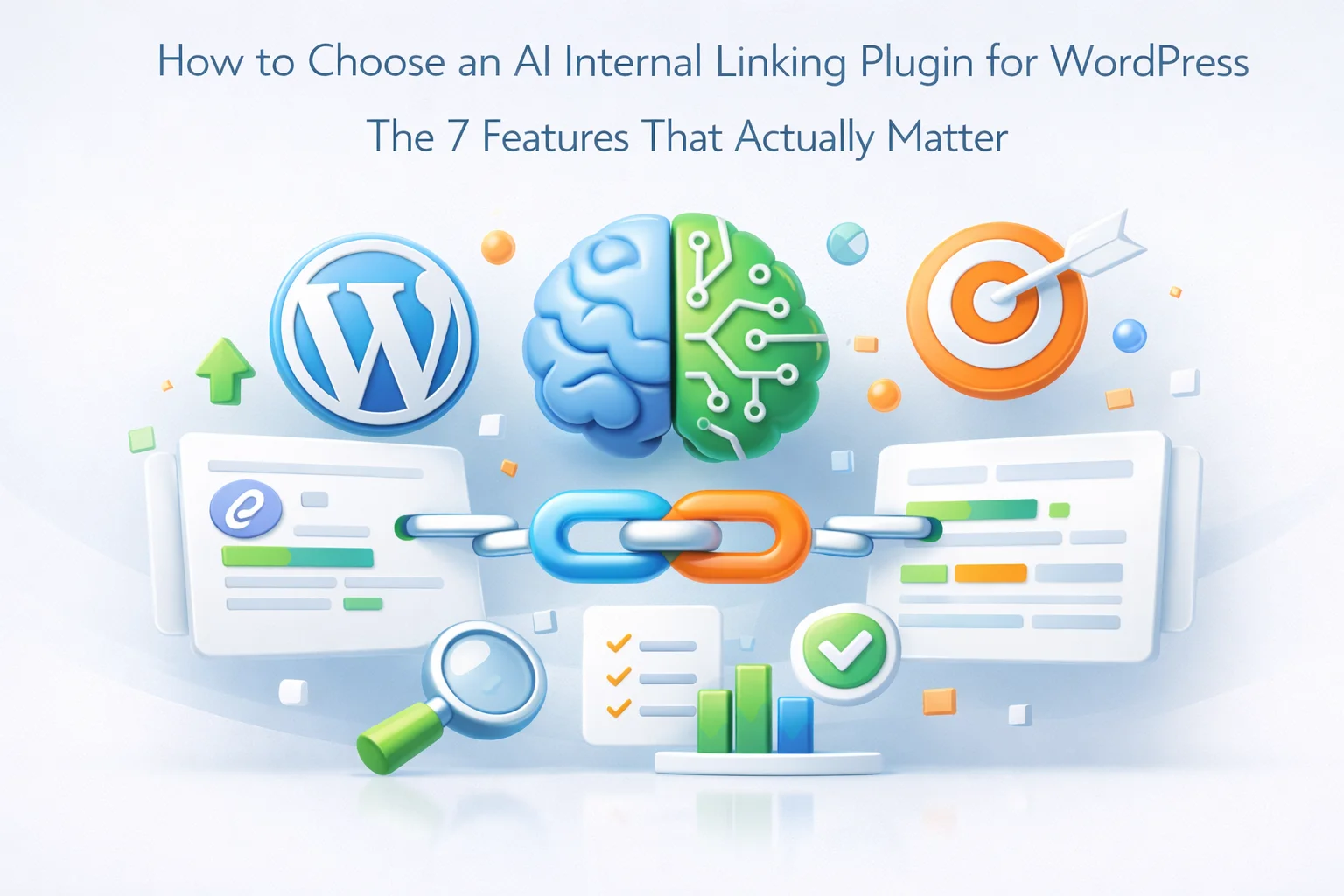
This guide cuts through that by identifying the seven features that have a direct, documented relationship to SEO outcomes. Everything else is secondary. If a plugin excels at all seven, it is worth serious consideration. If it lacks several of them, no amount of aesthetic polish will compensate.
We reference Nexu Link Brain throughout as the benchmark implementation, because it is currently the most complete tool in this category. But the framework here applies to any plugin you are evaluating.
Before getting into the seven features that matter, it is worth understanding why standard feature comparison tables are a poor basis for choosing a linking plugin. The problem is not that those comparisons contain false information. It is that they treat all features as equally relevant to ranking outcomes, which they are not.
A plugin might score highly on a feature comparison because it offers a mobile app, a white-label option, Zapier integration, color-coded link categories, and a built-in tutorial system. None of those features have any effect on whether the links the plugin creates will help your pages rank. They affect workflow convenience and product presentation, not SEO outcomes.
The features that move rankings are narrow and specific. They relate to the quality of the topical connections the plugin identifies, the naturalness of the anchor text it generates, whether it handles your existing link architecture correctly, and whether it can build and maintain a structurally sound site over time at scale. Everything else is a bonus.
The relevance engine is the heart of any internal linking plugin. It is the system that determines which of your pages should link to which other pages. Every other feature depends on this one working correctly. A plugin with a weak relevance engine will create irrelevant links regardless of how good everything else is.
There are two broad approaches to relevance: keyword matching and semantic understanding. Keyword matching links pages when specific phrases appear in the content. Semantic understanding links pages when the AI determines that their topics are genuinely related, regardless of shared vocabulary. The latter produces better links because it operates the way a human editor would: understanding the relationship between ideas rather than scanning for matching strings.
The technical implementation behind genuine semantic relevance is vector embeddings: each piece of content is converted into a high-dimensional numerical representation that captures its meaning. When the plugin finds link targets for a post, it compares these vectors to identify content with similar meaning rather than similar wording.
When evaluating this feature, ask the vendor to show you a suggestion for a post where the link target uses entirely different vocabulary than the source. If the plugin can find a genuinely relevant connection between two posts that share no keywords, the relevance engine is doing real semantic work. If it can only find targets that share obvious keyword phrases, it is doing keyword matching with extra steps.
Anchor text is the visible, clickable text of a link. It is also one of the most important signals Google uses to understand what a linked page is about. The problem with automated internal linking at scale is that without active anchor text management, you will inevitably create the same anchor text repeatedly for the same target pages. Forty posts linking to your product page all using the phrase “best project management software” is a detectable over-optimization pattern.
Anchor text intelligence means the plugin actively manages diversity. It generates varied, contextually appropriate anchor text for each link rather than reusing a single phrase. It tracks how many times each anchor phrase has been used for each target URL across your entire site. It enforces limits to prevent over-repetition. And it blocks generic, SEO-worthless anchors like “click here,” “this article,” or “read more.”
The best implementations also include a low anchor diversity alert: a report that proactively flags pages where incoming links have become too repetitive in their anchor text before it causes ranking suppression. This is a fundamentally different posture from most plugins, which create links without any awareness of the cumulative anchor profile they are building across your site.
Pages with no incoming internal links exist on your site but are structurally invisible to search engines from a link equity perspective. Googlebot may find them through your sitemap, but without internal links pointing to them, they receive no authority flow from your stronger pages. For many established sites, especially those that have been publishing content for years without a systematic linking strategy, orphaned pages represent a significant pool of lost ranking potential.
Basic internal linking plugins handle this poorly because their standard workflow asks: what should this post link out to? That question does not help an orphan page. The orphan needs incoming links, not outgoing ones. A plugin with real orphan recovery capability inverts the question: which existing, high-authority pages on this site should be linking to this orphan?
The quality of the rescue matters as much as whether rescue happens at all. A link from a page that has no authority itself does little for the orphan. The plugin should prioritize high-authority source pages, those with many incoming internal links of their own, when creating rescue connections. This ensures that the orphan receives meaningful link equity, not a token connection that satisfies a metric without improving rankings.
A plugin that creates links without explaining why is asking you to trust a black box. That is a reasonable trade-off only if you have high confidence in the plugin’s quality threshold, which is difficult to establish without being able to examine the reasoning. Editorial transparency means the plugin shows you the logic behind each suggestion: why does it think post A should link to post B, what specific topical connection did it identify, and how confident is it?
This transparency serves two practical purposes. First, it lets you review suggestions intelligently. Knowing that a link was suggested because both posts cover the same sub-topic lets you quickly decide whether the connection makes sense for your readers. Knowing only that the relevance score is 0.87 gives you less information to work with. Second, it builds calibrated trust over time. If you review 50 suggestions with strong reasoning and find 48 of them appropriate, you can confidently raise your auto-apply threshold. Without reasoning, you cannot make that calibration.
The practical test for this feature is simple: open a post in the editor with the plugin active and generate suggestions. Does each suggestion include a plain-language explanation of why the AI recommends that link? Can you see the relevance score as a number rather than a vague category? Can you edit the anchor text before applying? These three things together constitute meaningful editorial transparency.
A plugin that shows only a list of suggested target pages with no reasoning is not giving you the information you need to make editorial judgments. It is asking you to either accept or reject links on the basis of the target page title alone, which is a significantly inferior workflow.
Not all pages on your site are equal from a ranking priority perspective. You have content that is strategically important: your main service pages, your highest-converting product pages, your cornerstone content that you most want to rank for competitive keywords. These pillar pages need a disproportionate share of your site’s internal link equity to perform at their potential.
A plugin without pillar page awareness distributes link suggestions based purely on relevance scores, with no differentiation between a strategically critical page and a minor informational post. If both have similar relevance scores to a given source post, they receive the same treatment. This is technically neutral but strategically suboptimal.
Pillar page priority means you can mark specific pages as strategically important, and the plugin applies a scoring boost to those pages when evaluating suggestion candidates. When two potential link targets have similar topical relevance to a source post, the pillar page wins. Over time and across hundreds of posts, this directional bias compounds. Your pillar pages receive significantly more internal link equity than they would from a purely algorithmic system that has no awareness of your content strategy.
The value of an internal linking plugin scales with your content volume. A tool that helps you link three posts per day manually is useful. A tool that analyzes your entire archive and applies hundreds of well-targeted links in a single session is transformational. But bulk automation on a production WordPress site requires specific safety mechanisms to be usable without unacceptable risk.
The three safety mechanisms that matter most are background processing, configurable thresholds, and per-batch reversibility.
The analysis should run server-side, continuing after you close your browser. This is not just a convenience feature. For large sites, analysis that requires the browser to remain open will time out before completing. Server-side processing also means the operation does not consume browser resources or create a dependency on a stable internet connection for the duration of the analysis.
You should be able to set a numerical confidence threshold above which links are applied automatically, with suggestions below that threshold queued for manual review. This lets you tune the automation to your level of trust in the AI’s judgment. For new installations, set the threshold high and review manually. As you develop confidence in the quality, lower the threshold to increase automation coverage.
Every bulk application must be recorded in a reversible batch history. If you apply 300 links and later realize the threshold was too permissive or that a category of suggestions did not fit your content well, you need to undo that entire batch with one action rather than manually editing hundreds of posts. Without this mechanism, any bulk operation is irreversible in practice, which makes it too risky to use aggressively.
Creating links is only half the job. The other half is knowing whether the structure you are building is healthy and improving over time. A plugin with no measurement capability leaves you operating without feedback. You are making changes to your site’s internal architecture without any way to verify whether those changes are moving in the right direction.
Link health measurement means the plugin tracks and reports on the key structural metrics that determine whether your internal linking is effective: orphan page count, link distribution across your content, average incoming links per page, broken internal links, and anchor text diversity. These numbers tell you whether your site is becoming better connected over time or whether problems are accumulating despite the plugin running.
The health score in Nexu Link Brain synthesizes these metrics into a single percentage with a visual indicator. Green signals a healthy, well-connected site. Yellow means improvement is needed. Red flags critical issues requiring immediate attention. This single number is the difference between proactive site management and reactive firefighting. You see the problem forming before it damages your rankings.
Equally important is the low anchor diversity alert, which specifically flags pages where incoming link anchor text has become repetitive across your site. This is a forward-looking risk indicator: it identifies over-optimization patterns before they trigger ranking suppression, giving you time to take corrective action while the issue is still minor.
For agency users managing client sites, the reporting export function turns this health data into client deliverables. CSV exports of orphan pages, link distribution, and broken links are exactly the kind of concrete, actionable SEO progress documentation that retains clients and demonstrates value. A plugin that can produce this data automatically closes a loop that most agencies spend hours producing manually.
When evaluating any internal linking plugin against this framework, score it on each of the seven features. A plugin that scores well on all seven has the technical foundation to genuinely improve your organic performance. A plugin that scores poorly on even two or three of these core features is missing capabilities that will limit its SEO impact regardless of its other qualities.
Three of the seven features are rated as critical because their absence does not just limit the plugin’s effectiveness, it can actively work against your rankings. A plugin without semantic relevance creates irrelevant links. A plugin without anchor text diversity management creates over-optimization patterns. A plugin without safe bulk automation is too risky to use at scale. The other four features are high-impact additions that move the tool from adequate to excellent.
Nexu Link Brain’s full-featured WordPress internal linking system scores fully on all seven. That is the current standard for what a production-grade AI internal linking plugin should look like. Use this framework to evaluate everything else in the market, and do not settle for a tool that treats critical SEO features as optional.
Semantic AI engine, anchor diversity protection, orphan rescue, editorial transparency, pillar page routing, safe bulk automation, and link health reporting. All seven features, fully implemented, in one plugin.







I was skeptical at first because I've tried other plugins that promised SEO boosts but didn't deliver. This one actually shows you whether your links are working with real data not just guesses. My blog posts started climbing in rankings within weeks, and the 7Link health tool made it so easy to see what was helping. No more flying blind! Worth every penny if you're serious about SEO
Link equity routing actually works
Finally found a guide that doesn't just sell you on features but actually breaks down what really works. The section on anchor text intelligence was a lightbulb moment for me my last plugin went overboard with links, and I'm pretty sure Google just ignored half of them. this one keeps everything natural without trying too hard. And get this, it only took me 20 minutes to set up! No fancy dashboards that look cool but don't actually move the needle on rankings. So refreshing.
Hey everyone, longtime WordPress user here. i picked up this guide hoping to finally get some clear advice on AI linking plugins, but honestly, it just added to the confusion. The section on "seven features that actually matter" seemed promising at first, but the whole thing came off like a sales pitch disguised as helpful content.