Next-Level Code. Nexuvibe Style ...
Hrs
Min
Sec

Here is a scenario that plays out thousands of times a day across WooCommerce stores worldwide. A customer places an order. Something changes — they found a better price, had second thoughts, hit a payment error, or simply ordered the wrong item. The order is cancelled. The store issues a refund back to the original payment method, restocks the product, and the customer leaves. Revenue lost.
That is the standard approach to WooCommerce cancellations — and it is, in almost every case, the most expensive way to handle them. Not because processing refunds is operationally costly, but because it sends the customer’s money back out of your ecosystem entirely. They leave with cash in hand and no particular reason to return. The experience of cancelling and being refunded is completely neutral. There is nothing left to bring them back.
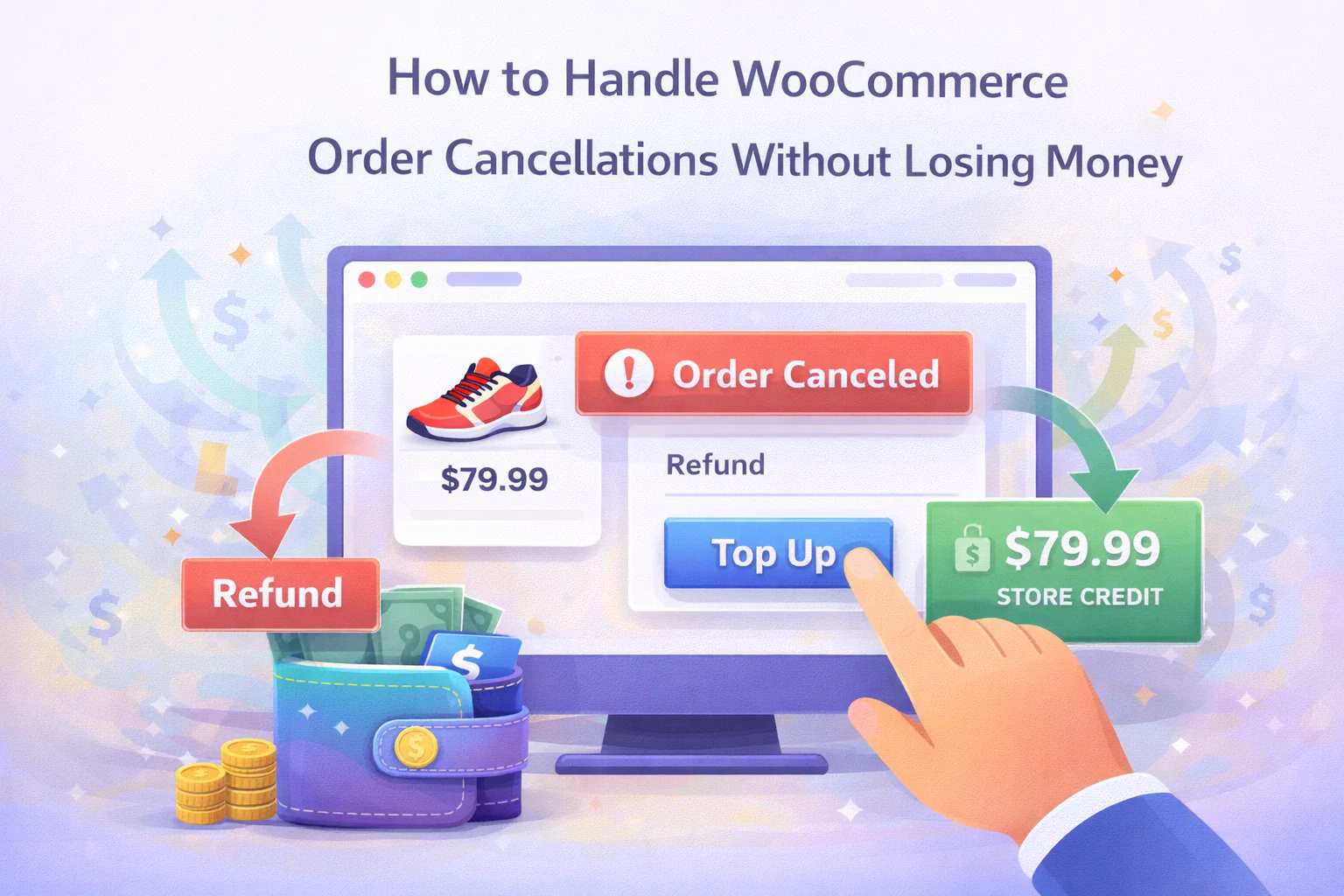
A different approach exists — one that keeps the value of the cancelled order inside your store as credit, rewards the customer for staying in your ecosystem, and turns what would have been a clean exit into the beginning of the next purchase. The mechanism is a store wallet with integrated cashback and a smart cancellation refund policy. This guide explains how it works, why it works, and how to implement it in WooCommerce without adding friction to the experience for your customers.
The distinction between stores that bleed revenue through cancellations and stores that recapture it almost always comes down to one structural decision: where does the refund go?
When a WooCommerce order is cancelled and the refund is processed back to the customer’s original payment method — card, PayPal, bank transfer — three things happen simultaneously. The money leaves your store. The customer has no remaining financial connection to your business. And whatever caused the cancellation remains completely unaddressed.
This matters more than it initially seems. E-commerce research consistently shows that a customer who cancels an order is not necessarily a lost customer — but the outcome depends almost entirely on what happens next. A customer who receives a card refund and hears nothing further has a near-zero probability of re-ordering in the short term. A customer whose refund lands in a store wallet, with a small cashback bonus added on top, has a dormant credit balance that represents a direct financial incentive to return.
The traditional refund-to-card approach eliminates this effect entirely. The moment the refund clears, the customer’s financial connection to your store is zero. The wallet refund approach keeps it alive — and adds to it with a modest cashback bonus that makes the next purchase slightly better value than the original one would have been.
Not all cancellations are the same. The five most common causes each have different recovery profiles — and a wallet-based system addresses several of them simultaneously in ways that a standard refund process simply cannot.
The customer wanted to buy but the payment process failed them. A declined card, a gateway timeout, a session error. The purchase intent is still intact — the barrier was technical, not motivational. These are the highest-recovery cancellations. A wallet credit gives the customer an immediate, frictionless path to re-attempt the order without going through the full payment process again.
The customer saw the product price, committed to buying, and then encountered a shipping cost or delivery window at checkout that did not match their expectations. Their cancellation is not a rejection of the product — it is a rejection of the total. A wallet refund with a small bonus credit shifts the effective price of their next attempt, making the numbers work better on a second try.
The customer placed the order, felt a flash of buyer’s remorse, and cancelled within minutes. This is most common with higher-value purchases and first-time buyers. The cancellation is emotional rather than rational — and recovery rates are often higher than expected, because the doubt frequently passes quickly. A wallet credit that is already sitting in the account gives the customer a concrete reason to act when their confidence returns.
The customer was comparison-shopping and found a lower price elsewhere before completing their order. These are harder to recover directly — but a wallet refund with a cashback bonus narrows the effective price gap. If your product cost $5 more than the competitor and the wallet credit adds $3 back, the gap shrinks to $2. Many customers will decide that the familiarity of your store is worth the difference, especially if they have purchased from you before and have an existing credit balance to preserve.
Wrong size, wrong colour, wrong address, duplicate order. The customer wants to buy from you — they just need to re-order with a correction. This is the most straightforward cancellation type to recover. A wallet refund means the credit is already waiting when they return to re-order: cancel, receive wallet credit, re-order the correct item using that credit, done in minutes without re-entering any payment details.
The mechanics are simpler than they might sound. When a customer cancels an order, instead of issuing a refund to their original payment method, the store credits the refund amount to their store wallet — optionally with a small cashback bonus added. The customer receives the full value of their cancelled order, accessible immediately, to spend on any future purchase. The store retains the revenue in its ecosystem. Both sides are better off than in the standard refund-to-card scenario, provided the customer eventually uses the credit — which a well-structured system with gentle reminders makes highly likely.
In Nexu Smart Wallet for WooCommerce, the entire flow — from the customer-facing cancel button to the wallet credit landing in the account — is handled within the plugin. The customer sees a cancel option on their order, confirms the cancellation, and the refund appears in their wallet within seconds. They receive a notification. The credit is immediately available to use at checkout.
The critical configuration that makes this work is the Cancellation tab in the plugin settings. This is where you define exactly what happens at cancellation: whether the refund goes to the wallet automatically, what cashback bonus (if any) is applied on top of the refund, and whether the customer receives an email notification when the credit lands in their account.
The success of a wallet refund strategy depends almost entirely on how the customer experiences it. If a wallet credit feels like the store withholding their money, the approach backfires — it damages trust, generates support requests, and actively discourages future purchases. If it feels like a genuine benefit, the credit strengthens the relationship and makes a return purchase more likely than it would have been with a card refund.
The difference is almost entirely in transparency and control. A customer who can see their wallet balance clearly, understands exactly how to use it, can top it up voluntarily, check their full transaction history, and request a cash withdrawal if they genuinely want their money back — that customer experiences the wallet as a feature, not a restriction. The wallet is their money. The store has simply provided a convenient place to hold it.
The wallet refund on cancellation is the defensive strategy — keeping revenue inside your ecosystem when orders fall apart. The cashback system is the offensive one: actively rewarding customers for every completed purchase, building an accumulating balance that makes your store incrementally more valuable to them with each transaction.
This matters in the context of cancellations because it changes the customer’s baseline relationship with your store before any cancellation ever happens. A customer who has earned $18 in cashback across previous purchases is substantially less likely to leave after a cancellation than a first-time buyer with no prior credit. Their existing balance represents accumulated value that they would forfeit by not returning — and that loss aversion is a powerful retention mechanism that costs you nothing to maintain once the system is running.
Customers who voluntarily top up their wallet balance are, specifically, the highest-value segment for cancellation recovery. The act of proactively adding funds to a store wallet is a strong signal of purchase intent — these customers, when they do cancel an order, typically re-order within hours rather than days, because they already have money earmarked for this specific store and are motivated to use it.
A wallet system that runs without visibility is a black box. Understanding how effectively it is recovering cancellation revenue — how many cancelled orders result in a re-order, how quickly wallet credits are being used, and how withdrawal request volume compares to total credit outstanding — requires a dashboard that surfaces this data clearly and accessibly.
The configuration decisions you make when setting up the wallet system will determine whether customers experience it as a genuine benefit or a frustrating restriction. A handful of choices matter more than the rest.
A wallet the customer cannot easily find does not influence behaviour. The balance should appear clearly in the My Account area — ideally on the account homepage, not buried in a sub-menu. Nexu Smart Wallet adds wallet cards directly to the account page — balance, top-up, history, withdrawal — making it impossible for the customer to miss their available credit.
A cashback rate of 3–7% on completed orders works well for most stores — high enough to feel meaningful, low enough not to incentivise customers to cancel and re-order purely to capture a bonus. The cancellation bonus, if you add one, should be modest: a small flat amount or a slightly elevated percentage that makes wallet refunds feel generous without becoming a systematic exploit that erodes your margins.
The single most important trust decision in the entire system. A customer who knows they can withdraw their wallet balance whenever they choose will almost never actually request it — but the knowledge that the option exists is what makes the wallet feel safe rather than trapped. Disabling withdrawals to force spending creates exactly the kind of resentment that damages long-term retention and generates chargebacks.
A wallet balance that is awkward to use at checkout is a wallet balance that does not drive purchases. The payment method should appear clearly in checkout, show the available balance, and allow partial payment when the order exceeds the wallet funds. The simpler this is, the faster the credit gets used — which is the whole point of the system.
If your policy is to route cancellation refunds to the wallet by default, customers need to know this before placing their order. State it clearly in your cancellation and refund policy. Customers who understand the policy in advance will find wallet refunds natural and convenient. Those who are surprised by them — expecting a card refund and receiving credit instead — will find them frustrating, even if the value is identical. Disclosure prevents this entirely.
Every cancelled WooCommerce order is a moment that most stores let pass without any real response. The money leaves, the customer leaves, and the only record of the interaction is a line in the cancelled orders report. That is not inevitable — it is a configuration choice, and it is one that can be changed in less than an hour.
A wallet system that routes cancellation refunds to store credit, rewards loyal customers with cashback on every completed purchase, and gives every customer a transparent, trustworthy way to manage and withdraw their balance turns the cancelled order from a dead end into the beginning of the next transaction. The revenue does not leave. It waits — and most of the time, it comes back.
Wallet refunds on cancellation. Cashback rewards on every purchase. Customer top-up and withdrawal. Full admin dashboard with reports, transaction logs, and withdrawal management. Everything your WooCommerce store needs to keep cancellation revenue in your ecosystem — and bring customers back to spend it.







Just had to share how much this guide helped me out. i run a tiny WooCommerce store while juggling school, and the section on handling cancellations was a total lightbulb moment. never thought about how refunds don't have to mean losing a customer forever why just send them off with cash when you could keep them around with store credit instead? That part about neutral refunds actually hurting long term sales really made me rethink my whole approach. Such a really helpful for someone like me still figuring things out!
This saved me a ton on refunds!
Saved my bacon when a card declined mid checkout. Wish I'd known this trick years ago!
Oh man this saved me so much hassle!