Next-Level Code. Nexuvibe Style ...
Hrs
Min
Sec

Page builders store most merchandising copy as structured data tied to posts: sections, columns, widgets, dynamic tags pointing at products or fields. Translating that layer means walking the builder’s integration with your multilingual plugin or export workflow. None of that automatically translates the fee line item your payment gateway injects via __() inside PHP, nor the membership plugin’s account tabs.
Dynamic tags and query loops can surface product fields that remain stored in the database in one language while related gettext around buttons or validation still ships in another. The mismatch is subtle: the shopper reads localized merchandising data beside an English error string and assumes the whole experience is broken. Cross-check both data translation policies and gettext coverage whenever you wire builders tightly to WooCommerce objects.
Loco Translate remains the practical home for those code-born strings: themes, WooCommerce core text domains, and extension packages. The backlog is measured in rows, not in canvas blocks. When stakeholders ask for a launch date, separate estimates for “builder pages” and “gettext coverage” or you will promise a bilingual storefront that still drops English fragments at the worst possible moment—payment. Headless experiments and block-heavy themes do not remove gettext either: many flows still render classic PHP templates for cart fragments, emails, or admin. The builder is a lens on part of the experience, not a substitute for extension localization discipline. For governed gettext assists—batch progress, providers, prompts, and glossaries—compare timelines against Loco AI Auto Translator as a Loco Translate assist suite for WooCommerce-heavy stacks using Elementor or Bricks. Builder translation strategy is still yours; this article focuses on not confusing layers.
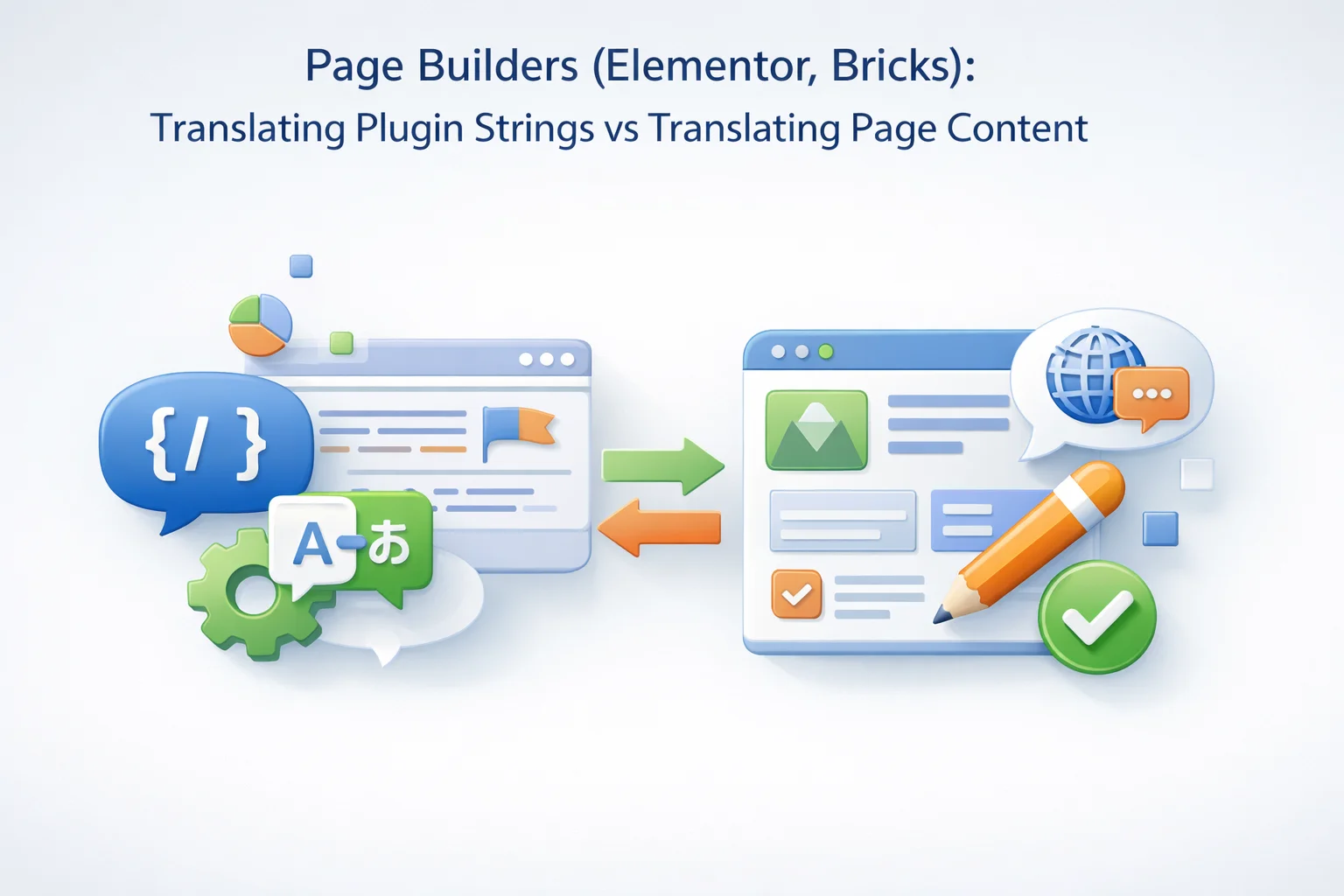
Canvas assets are what your designer drags into place: headlines, body copy inside widgets, button labels typed into panels, form field placeholders configured in UI. They persist as post meta, JSON blobs, or builder-specific storage. gettext domains are what developers wrap in translation functions inside PHP files. They compile into POT/PO/MO and surface in Loco projects by text domain.
The confusion is understandable: both appear as words on the site. Operationally they are different pipelines with different failure modes. Canvas translation breaks when multilingual plugins miss a widget string or when dynamic tags resolve to the wrong language. gettext breaks when placeholders shuffle, plurals misfire, or an update introduces new English without a matching translation row.
WordPress core guidance on how developers should wrap strings remains the authoritative baseline for what belongs in Loco; review WordPress internationalization documentation when training builders’ teams so they stop asking Loco to “find” strings that were never gettext to begin with.
Global widgets and theme builder headers compound ownership questions: a translated header may pull navigation labels from menus (database) while cart mini-cart text still resolves through WooCommerce templates and gettext. Sprint planning should list both workstreams; otherwise localization standups devolve into guessing which screen controls a stubborn English fragment.
Performance-minded teams sometimes disable unused builder features; that is healthy. Just ensure disabled modules are not the ones your multilingual plugin relied on for scanning certain widget strings. Silent configuration drift is a common post-audit surprise when “it worked in staging” six months ago.
SEO titles and schema snippets edited through builder-connected SEO plugins can diverge from the language mix shoppers see in cart gettext. Add metadata checks to multilingual QA so rich results do not advertise one language while checkout speaks another. Treat those checks as part of launch readiness, not an SEO afterthought.
Translated via multilingual plugins, duplicate posts, or builder-specific workflows. Risks: missed meta keys, dynamic tag language, duplicate templates.
Translated in Loco projects by domain. Risks: placeholder damage, update churn, extension overlap, admin vs storefront domains.
Elementor-powered storefronts often pair with WPML, Polylang, or TranslatePress-style workflows to clone or connect language versions of templates. That solves hero sections, feature grids, and promotional banners. It does not automatically open every WooCommerce extension domain in a friendly editor. Your checkout still asks questions rendered from gettext in plugin files.
Popups, forms plugins, and third-party sliders add their own mix: some strings are configurable in the builder UI, others remain in code. When a marketing lead says “translate the popup,” verify whether the text lives in Elementor data or in the form plugin’s gettext before you assign the task to the wrong specialist.
Kit libraries and design system exports travel between sites; gettext does not travel in those JSON bundles. Cloning a polished Elementor kit into a new locale still leaves extension domains untranslated until Loco work catches up. Budget that explicitly when you sell “rapid deployment” packages to franchisees.
Many Elementor-plus-WooCommerce stacks pair with WPML or similar connectors; compatibility notes explain how templates sync per language and where manual steps remain. Review WPML documentation on Elementor compatibility alongside your multilingual plugin’s own release notes, then map gettext gaps into Loco projects explicitly.
Bricks markets performance and a tight builder experience; WooCommerce merchants adopt it for speedy templates and conditional logic. The commerce layer underneath still relies on the same extension ecosystem with the same translation domains. Bricks does not magically inline gateway disclaimers into builder JSON if the plugin authors exposed them via gettext.
Custom elements and dynamic data tags can blur lines: sometimes developers hardcode English in custom elements without wrapping translation functions. That creates “ghost strings” Loco cannot see. Fix upstream in code, not by hammering PO files for text that bypasses i18n entirely.
Coordinate with your Bricks template library strategy: global headers and footers translated in your multilingual workflow must stay consistent with checkout labels translated in Loco. Brand voice diverges when teams work in isolation.
Conditional display logic in Bricks means the same visitor may see different template fragments by role or purchase history; gettext for account-related notices must remain coherent across those paths. QA should script scenarios, not only load the homepage in two languages.
Agency handoffs sometimes omit which Bricks elements wrap third-party shortcodes. Document those integration points; otherwise the next maintainer assumes all visible text is builder-native and wastes hours hunting ghosts in Loco.
WooCommerce continues to straddle classic templates, blocks, and hybrid themes. A builder may control the product page shell while core cart/checkout still emit gettext for totals, taxes, and validation notices. Email templates add another channel: strings rendered outside the page builder preview you stared at for hours.
Use WooCommerce documentation on translating a store to build QA scripts that hit cart quantity errors, coupon failures, and account endpoints—not only single product pages dressed in Elementor or Bricks.
Subscription, membership, and booking plugins multiply domains. Assists that accelerate first-pass fills in Loco buy calendar time here; the builder never sees those rows. Teams that skip gettext QA because “the page looks translated” learn expensive lessons during the first EU sale season.
Teams standardizing on governed bulk gettext assists from Loco AI Auto Translator still owe WooCommerce-specific review for placeholders and legal phrases; the builder’s WYSIWYG confidence does not transfer automatically.
Marketplaces and B2B quote flows often embed gettext in PDFs or downloadable documents rendered server-side. The builder preview will not flag those strings; Loco and extension-specific templates will. Extend QA beyond what marketing sees in the canvas.
Mobile layouts squeeze button labels translated in gettext; desktop-first Elementor mockups hide truncation until real devices appear in support tickets. Allocate time for responsive gettext review, especially on cart steps with gateway badges.
Marketing chooses punchy phrasing in the builder; finance insists on precise words for taxes and fees. Without a shared glossary, gettext passes drift into synonyms that confuse shoppers. A glossary enforced during Loco assists does not replace legal review, but it stops casual rephrasing from multiplying across hundreds of extension strings.
Publish a short “do not translate” list for SKUs, gateway brand names, and compliance phrases. Feed the same list to whoever translates Elementor buttons. Divergence between layers is a brand problem before it is a tooling problem.
Builder panels reward conversational microcopy; gettext for admin notices may need neutral, short labels. Prompts attached to Loco assists document that register so reviewers are not re-explaining tone for every batch. Keep prompts versioned with your runbook; do not let them live exclusively in one operator’s notebook.
Per-domain instructions matter when the same install runs a playful consumer brand on the storefront and a sober B2B portal in another path. gettext does not know your marketing strategy unless you encode it in prompts and glossaries.
Developer comments in source (translator notes) carry intent that builders never see. When assists consume those notes faithfully, reviewers spend less time reversing well-meaning but unsafe paraphrases.
Avoid duplicating contradictory prompts across operators; centralize and version them. Builder teams already suffer from scattered design tokens—do not recreate that chaos on the gettext side.
Elementor and Bricks sites often carry more plugins than minimalist themes. More plugins mean more gettext churn after updates. Routing configuration beside Loco projects helps you respond to vendor outages or quota changes without exporting spreadsheets that go stale overnight.
Staging versus production keys should be non-negotiable. Builder previews tempt stakeholders to “just test” on shared environments; gettext assists should follow the same environment hygiene as payment test modes.
Context switching between builder tabs, PO exports, and browser translation widgets burns hours and invites placeholder mistakes. Assists that surface actions beside the string reduce the temptation to paste into unofficial tools where governance disappears.
Train translators to recognize builder-owned copy versus gettext: a quick heuristic saves days of misrouted tickets. Document the heuristic in onboarding, not only in Slack pins.
Accessibility strings—ARIA labels injected by plugins—often live in gettext. Builder previews may not surface them visually; screen-reader spot checks belong in your definition of done.
Client training should include “where not to type”: discouraging ad hoc English in custom HTML widgets reduces orphan strings that bypass both multilingual workflows and Loco.
Walk the happy path and three unhappy paths: failed coupon, out-of-stock edge, address validation error. Read email receipts in the target language. Open My Account tabs introduced by extensions. Scan admin-only notices if staff speak the locale. Builder screenshots alone do not satisfy this list.
After plugin updates, re-sample high-risk domains before marketing announces a campaign. gettext regressions arrive silently; builders do not flash a warning when a vendor adds English mid-release.
Log defects with domain names and reproduction routes; “French checkout weird” is not actionable. Good tickets accelerate fixes whether you patch gettext, adjust a builder template, or escalate to a vendor.
If you A/B test merchandising copy in the builder, keep gettext stable during experiments unless legal approves fee-language changes. Mixed signals confuse analytics and support alike.
Elementor and Bricks accelerate merchandising creativity; Loco Translate disciplines gettext reality underneath. Assists belong in the gettext lane when volume, update cadence, or glossary enforcement would otherwise swallow your calendar. Pretending the builder replaced Loco is how polished marketing pages coexist with embarrassing English at checkout.
Document the split for every new hire and every agency handoff. When everyone knows which layer they are touching, you spend less time triaging “translation bugs” that were simply misrouted expectations.
Revisit the model when you add another extension cluster or swap builders; gettext cardinality moves independently of how pretty the canvas looks.
Treat builder redesigns as regression triggers: new templates may expose different extension hooks or reorder notices. Schedule gettext smoke tests after major visual releases, not only after WooCommerce bumps.
Finally, align analytics events with language context: UTM-tagged Elementor landing pages may report clean funnels while gettext gaps silently increase checkout abandonment on non-English routes. Correlate conversion drops with recent extension updates, not only with creative changes.
Loco AI Auto Translator as a Loco Translate assist for Elementor- and Bricks-led WooCommerce stores addresses the gettext backlog your page builder never claimed—without duplicating its editorial job.








OMG this saved my checkout!
Hey! finally found a guide that explains why my checkout labels stayed in English even after translating everything
Almost perfect but missed some error strings