Why Your WordPress Site Needs an SEO Plugin
Most websites live or die by search traffic. Yet too many site owners cross their fingers and hope for the best. An
SEO plugin acts like a bridge - translating search engine requirements into clear, actionable steps.No more guesswork. These plugins offer real-time suggestions,
schema markup, and performance tracking. For
WooCommerce stores, tools like
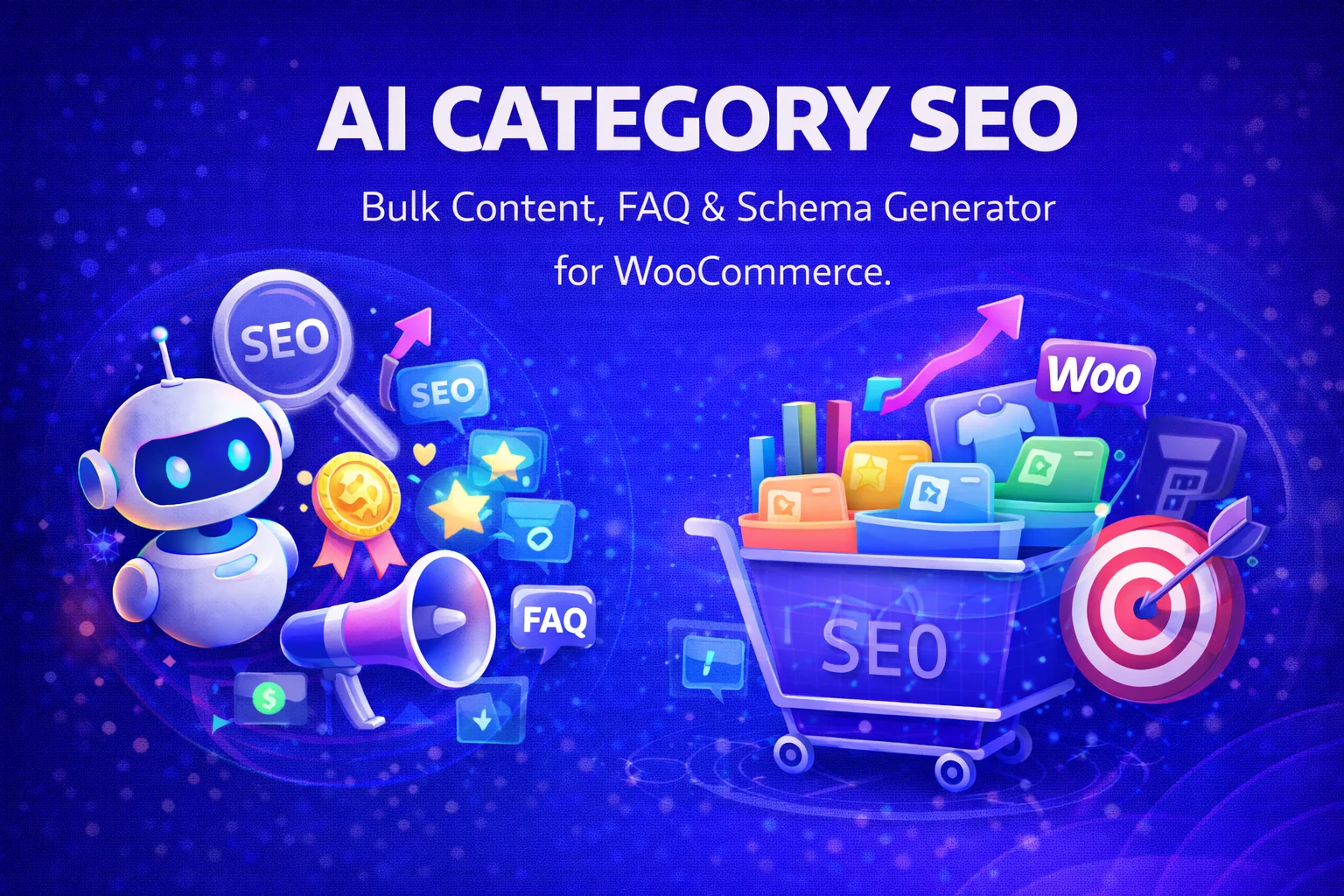
Nexu AI Category SEO take it further. They generate bulk content,
FAQs, and structured data tailored to product pages. That means less manual work and more time to focus on what matters - growing your business.With the right plugin, you can:
- Sharpen on-page SEO with
keyword analysis and readability checks
- Automate
meta titles, descriptions, and image alt text
- Boost search visibility with
schema markup and rich snippets
- Track rankings and measure progress over time
Key Features to Look for in an SEO Plugin
Not all
SEO plugins are built the same. The best ones balance ease of use with powerful features that tackle both technical and content optimization. Here's what to prioritize:
- On-Page SEO Tools - Plugins should analyze your content in real time, offering improvements for keywords, headings, and internal linking. Some even use AI to refine your copy for better engagement.
- Schema Markup and Rich Snippets - Structured data helps search engines understand your content, leading to enhanced listings with star ratings, prices, or event details. Plugins that automate schema save hours of manual coding.
- Bulk Editing Capabilities - For sites with hundreds of pages, bulk editing is a lifesaver. Nexu AI Category SEO lets you update meta descriptions, FAQs, and schema across entire categories at once.
- XML Sitemaps and Indexing Control - Your plugin should generate XML sitemaps and let you exclude low-value pages from search results. This keeps your crawl budget focused on what matters.
- Integration with Other Tools - The best plugins play well with others. Check for compatibility with WooCommerce, Elementor, or Google Search Console for a smoother workflow.
How SEO Plugins Save Time and Improve Results
Manual SEO eats up time - especially for large websites.
SEO plugins cut through the noise by automating repetitive tasks and delivering data-driven insights.Instead of writing meta descriptions for every product page, a plugin can generate them based on your content or product attributes. For
WooCommerce store owners, plugins like
Nexu AI Category SEO take it further. They create FAQ sections, generate schema markup, and produce category descriptions in bulk - all designed to improve rankings and user experience.Automation ensures consistency across your site while freeing up time to focus on strategy. Another perk? Performance tracking. Many plugins integrate with
Google Analytics and
Search Console, giving you a centralized dashboard to monitor traffic, rankings, and click-through rates. This data helps you spot what's working and where to adjust.
SEO Plugins for Different Types of Websites
The right
SEO plugin depends on your site's goals. Here's how different websites can benefit:
- Blogs and Content Sites - Look for plugins with readability analysis, internal linking suggestions, and content scoring. These features help you craft posts that rank well and keep readers hooked.
- E-Commerce Stores - Prioritize plugins with WooCommerce integration, bulk editing tools, and product schema. Nexu AI Category SEO is ideal for stores needing automated content generation and FAQs to boost product page rankings.
- Business Websites - Focus on plugins that support local SEO, service schema, and Google My Business integration. This helps attract nearby customers and improves local search visibility.
- Membership and Learning Sites - Choose plugins that optimize course pages, member profiles, and gated content. Some offer specific schema types for educational content, enhancing search listings.
Common SEO Mistakes Plugins Help You Avoid
Even seasoned marketers slip up. Here are some common SEO pitfalls - and how plugins can help you dodge them:
- Duplicate or Missing Meta Descriptions - Plugins flag pages with duplicate meta descriptions or missing tags, ensuring every page has a unique, compelling snippet in search results.
- Poor Keyword Optimization - Without guidance, it's easy to overstuff or underuse keywords. SEO plugins analyze density and suggest natural placements for better rankings.
- Broken Links and Redirects - Some plugins monitor your site for broken links and help set up 301 redirects, preserving link equity and improving user experience.
- Slow Page Speed - While not all plugins address speed directly, many integrate with performance tools to highlight issues like unoptimized images or render-blocking scripts.
- Missing Schema Markup - Structured data is often overlooked, yet it's key for rich snippets. Plugins automate schema generation, making it easy to implement without coding.
How to Get the Most Out of Your SEO Plugin
Installing an
SEO plugin is just the start. To squeeze the most value out of it, follow these best practices:
- Regularly Update Your Plugin - Developers roll out updates to improve features and compatibility. Keeping your plugin updated ensures you're always using the latest tools.
- Customize Default Settings - Most plugins come with generic configurations. Take time to tweak settings for meta templates, sitemaps, and social sharing to match your site's needs.
- Use the Plugin's Analytics - Don't just set it and forget it. Review the plugin's analytics regularly to track progress and spot opportunities for improvement.
- Combine with Other SEO Strategies - An SEO plugin is a tool, not a silver bullet. Pair it with quality content, backlink building, and technical optimizations for the best results.
- Leverage AI Features - Plugins like Nexu AI Category SEO use AI to generate content, FAQs, and schema. These features cut down on manual work while boosting SEO performance.
Future-Proofing Your SEO with the Right Plugin
Search engine algorithms never stand still - and neither should your SEO strategy. The best
SEO plugins stay ahead of the curve by incorporating AI-driven content generation, voice search optimization, and advanced schema types.For example,
Nexu AI Category SEO helps
WooCommerce stores future-proof their SEO by automating content creation and schema markup. This keeps product pages competitive as search engines prioritize rich, structured data.When choosing a plugin, look for one with regular updates and a clear development roadmap. That way, your site stays optimized for both today's and tomorrow's search engine requirements.