
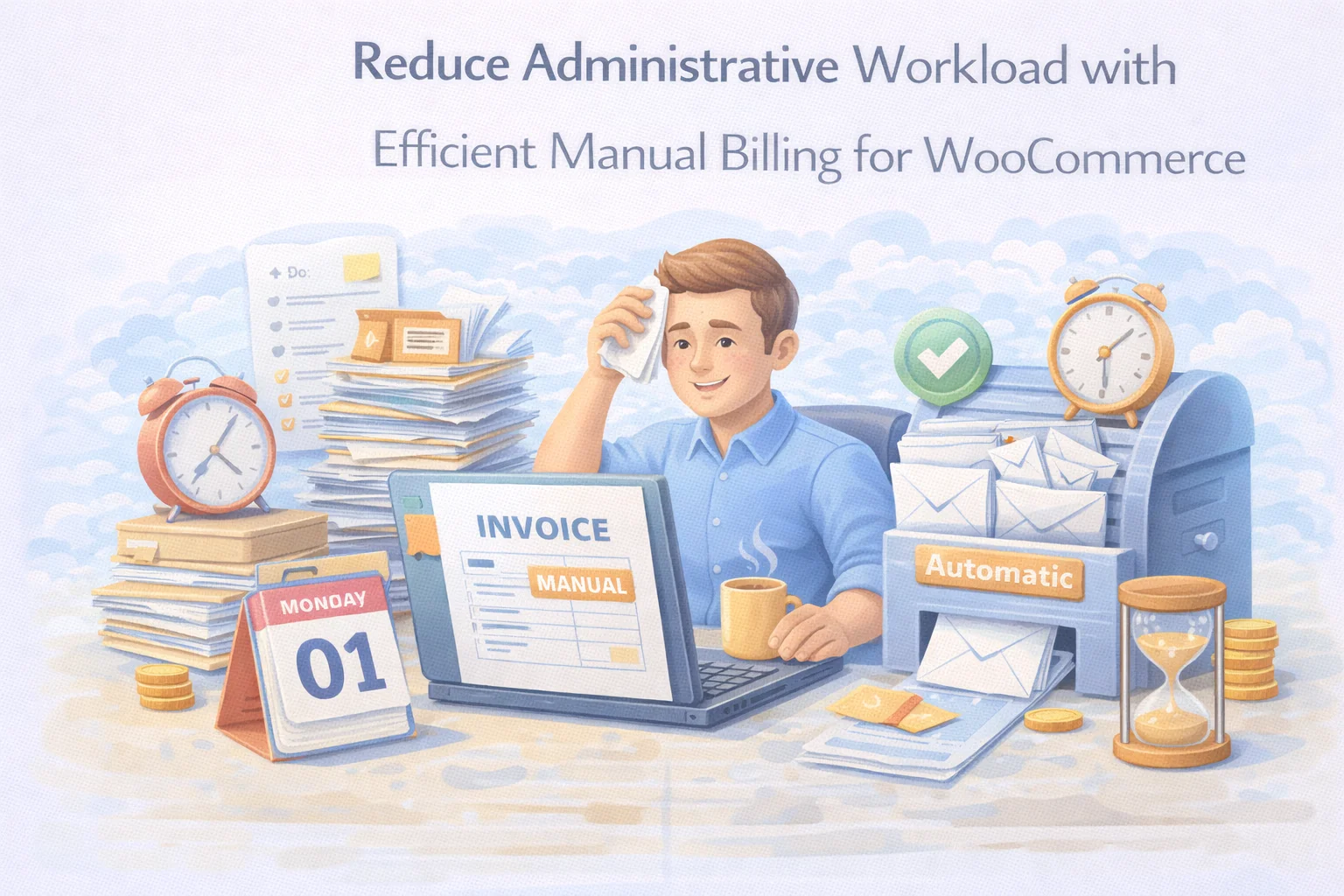
Administrative overhead is one of the most underestimated costs in small and medium business operations. It doesn’t show up as a line item in your accounts. It doesn’t trigger an alert when it crosses a threshold. It just quietly absorbs hours — hours that belong to you, your team, or both — in tasks that produce no business value beyond maintaining the basic plumbing of transactions that should run themselves.
Billing administration is one of the largest contributors to this overhead for WooCommerce stores that handle manual or B2B transactions. Creating invoices manually in external tools, chasing payments through email, reconciling stock counts that don’t match because manual sales weren’t recorded, looking up which clients have outstanding balances, re-sending payment details that were buried in an email thread three weeks ago — all of this is time that adds up to something significant at the end of a month.
This guide is about eliminating that overhead systematically. Not by cutting corners on invoicing quality or client communication — but by building a billing workflow that handles the repetitive, mechanical parts of the process automatically, leaving your time for the parts that actually require human judgment. We cover this through the lens of the WooCommerce admin billing plugin that reduces manual workload, which was designed with operational efficiency as a core objective alongside invoicing capability.
Where billing admin time actually goes
Before addressing the solution, it’s worth being specific about the problem. Administrative billing overhead isn’t one large task — it’s a collection of smaller tasks that each seem minor in isolation but collectively consume a significant portion of the working week for anyone managing manual transactions alongside a WooCommerce store.
Opening an external tool, entering client details from memory or another system, building line items, calculating totals, exporting to PDF, attaching to an email. For a single invoice: 10 to 20 minutes. For ten invoices per week: 100 to 200 minutes. Every week.
Checking which invoices are unpaid, writing follow-up emails, resending payment details, answering “can you send the invoice again?” requests. This is often the highest-friction admin task — it involves client communication and the awkwardness of chasing money.
Manually adjusting WooCommerce stock levels after manual sales, cross-checking physical counts against reported inventory, investigating discrepancies. For stores mixing checkout and manual sales, this reconciliation is a recurring task with no self-correcting mechanism.
Searching through email threads, external spreadsheets, or invoicing software to answer: “Did they pay?” “What’s the outstanding balance?” “When did we send that invoice?” Every lookup is a context-switch that interrupts productive work.
Entering the same client information into multiple systems — WooCommerce order, external invoice tool, accounting software, CRM. Every duplicate entry is not just time spent but an opportunity for error and the downstream admin cost of correcting those errors.
“Can you resend the invoice?” “What’s my current balance?” “I can’t find where to pay.” Inbound queries from clients who don’t have clear visibility into their billing status. Each one is a small interruption, but across a week of active accounts, they add up.
If you handle 15 manual billing transactions per week across these six overhead categories, a conservative estimate puts the total admin time at 4 to 6 hours per week. That’s 200 to 300 hours per year — the equivalent of five to seven full working weeks — spent on tasks that a well-configured billing system should be handling automatically. The cost is not just time: it’s the opportunity cost of what that time could have been used for instead.
Five overhead sources a proper billing plugin eliminates
Every time you leave WooCommerce to create an invoice in an external tool, you’re paying a switching cost — not just the time to open the tool, but the cognitive overhead of context-switching and the risk of data-entry errors from copying information between systems. A billing plugin built into WooCommerce means invoice creation happens in the same interface where you manage your store, your products, and your customers. Client details pre-populate from your WooCommerce account records. Products are searchable from your existing catalog. The switching cost drops to zero.
Without an integrated billing plugin, every manual sale requires a separate manual stock adjustment in WooCommerce to keep inventory accurate. Miss one — which happens when you’re busy, when you delegate, or when a payment is delayed — and your stock data starts to drift. A billing plugin that hooks into WooCommerce’s inventory system on payment confirmation eliminates this entirely. Stock updates automatically. No manual step required. No drift accumulates.
When billing records live in email threads, external invoicing tools, and WooCommerce orders simultaneously, answering “which invoices are outstanding?” requires checking all three. A dedicated invoice management panel inside WooCommerce consolidates all billing records in one place. Payment status, invoice amounts, client assignments, and outstanding balances are visible at a glance — no switching, no searching, no aggregating from multiple sources.
These queries arrive because clients don’t have a reliable place to find their own billing records. When clients have access to a My Account area that shows all their invoices, payment history, and outstanding balances — with a payment button always available — the “please resend” email drops significantly. The client can answer their own question in thirty seconds. You receive fewer interruptions. Both outcomes require zero effort from your team once the system is configured.
Staged payments — deposits followed by balance payments — create a bookkeeping overhead when managed manually. Which clients have paid their deposit? What balance is outstanding? When is it due? Tracking this across spreadsheets and email threads is both time-consuming and error-prone. A billing system with built-in partial payment support records both stages against a single invoice record. The outstanding balance is always visible without any manual calculation or lookup.
One panel, the full billing workflow
The efficiency case for a WooCommerce-native billing plugin rests on a simple principle: the fewer systems you move between to complete a billing task, the less overhead that task carries. Here is what the complete billing workflow looks like when it operates from a single panel inside WordPress.

The client My Account experience reduces your inbound volume
A significant portion of billing admin isn’t outbound work — it’s responding to inbound queries from clients who need information about their invoices. Reducing that inbound volume is one of the highest-leverage efficiency improvements available, because it doesn’t require you to do anything faster. It requires clients to be able to answer their own questions without contacting you at all.


When a client logs into their WooCommerce My Account area, they can see every invoice associated with their account: what was invoiced, what was paid, what remains outstanding, and the payment button for any unpaid amount. They don’t need to email you to ask for a copy. They don’t need to ask what their balance is. The information is there, accurate, and always current.
On the admin side, the same information is available at a glance through the invoice management panel. If a client does contact you with a billing question, the answer is two clicks away — not buried in an email thread from six weeks ago. The WooCommerce manual billing plugin with client account portal and admin dashboard gives both sides the visibility they need without adding any ongoing effort to maintain it.
Building a billing process that scales
The most important efficiency question for a growing business isn’t “how do I handle the billing workload I have now?” — it’s “what happens to this workload as the business grows?” A billing process built on workarounds and external tools scales badly. Every new account added, every increase in transaction volume, brings a proportional increase in admin time.
A billing process built on a proper integrated system scales well. The time to create invoice number 100 is roughly the same as the time to create invoice number 10. The invoice management panel that works for 20 active accounts works for 200. The inventory integration that handles 5 manual sales per week handles 50 without requiring any additional configuration or manual steps.
This is what scaling without proportional overhead growth looks like in practice. The admin investment to configure a proper billing plugin is a one-time cost. The efficiency savings it delivers are ongoing and compound with every transaction. A business handling 50 manual invoices per month with a proper system in place is not working five times harder than one handling 10 — the process is the same, the tools are the same, and the output is equally professional regardless of volume.
If your current billing process relies on any combination of external invoicing tools, manual stock adjustments, scattered payment records, or email-based status tracking, the efficiency gap between that system and a proper integrated solution is larger than it appears from the inside — precisely because the individual tasks seem manageable. The compounding is what makes it significant. The WooCommerce billing efficiency plugin for streamlined manual invoicing operations is the system that replaces those scattered workflows with something that runs cleanly, scales quietly, and gives you your time back.
Cut billing admin overhead — and keep cutting it as your business grows
One panel inside WooCommerce. Invoice creation in minutes. Automatic stock updates on payment. Client self-service billing portal. Complete invoice history without searching. A billing process built to scale.






I was really hoping this would fix my manual billing issues, but honestly, it's just added more work. the guide makes it sound like inventory updates on its own, but I've had to go in and fix stock levels three times this week because it didn't sync right.
Hey, I bought this for my gym's online store thinking it'd save me time, but honestly? The constant back and forth between WooCommerce and my old invoicing tool is worse than just doing it manually
Got this for manual B2B billing since my WooCommerce store handles both checkout and phone orders. the price was fair, and it definitely saves me from re entering customer info across different systems. I still have to double check inventory when payments are delayed, but that's more about my workflow than the plugin itself. overall, it works as advertised, though it's not a miracle worker.
Finally. No more stock drift.