Next-Level Code. Nexuvibe Style ...
Hrs
Min
Sec

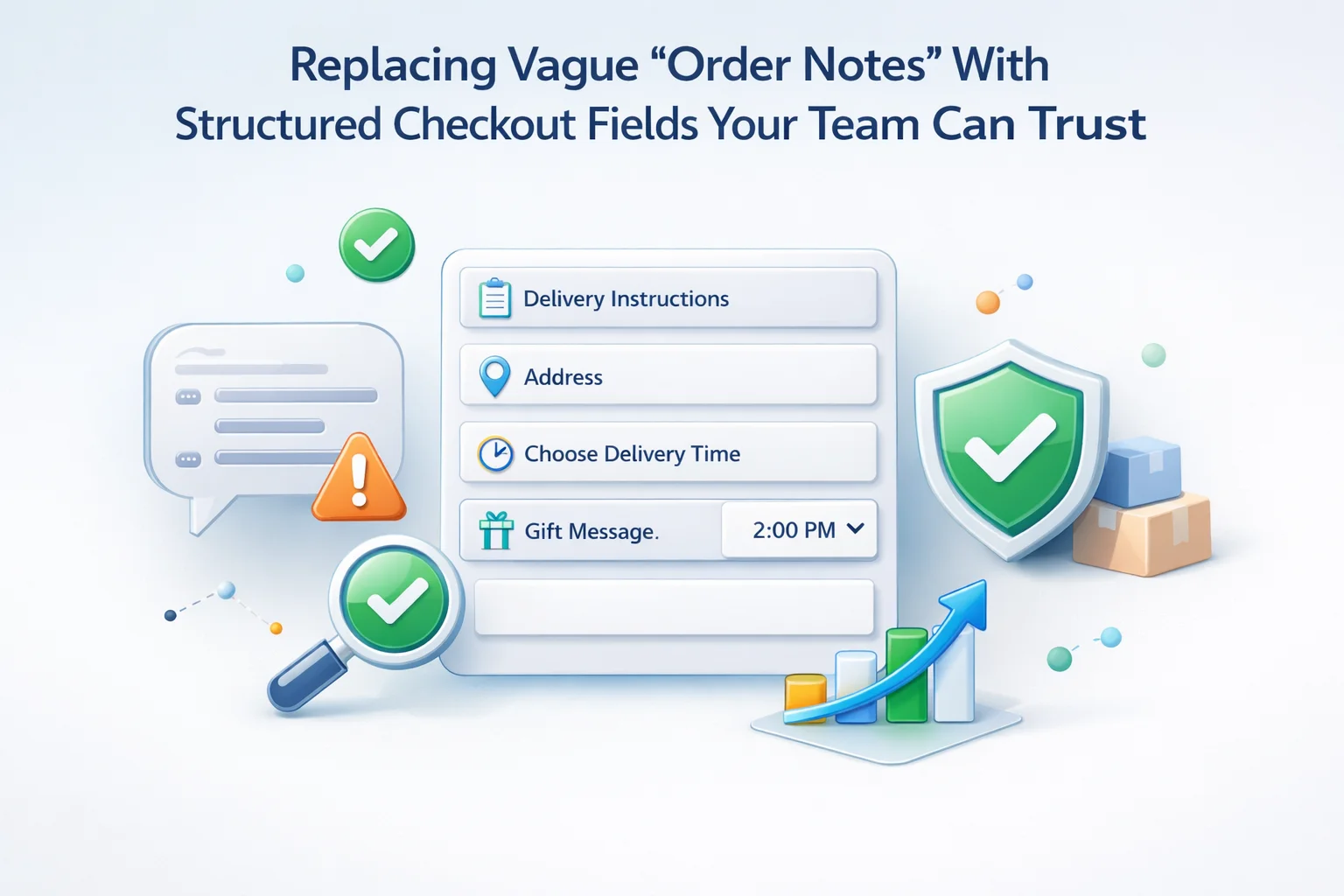
Free-text notes were designed for courtesy messages, not for operational truth. A buyer who types “leave at side door” on line one and “actually call me” on line three creates ambiguity that ERP exports and courier APIs cannot parse. Structured checkout collects one fact per field, applies maxlength and pattern rules, and surfaces the same keys in admin, email templates, and packing slips so nobody retypes the story.
This article explains how to retire the vague notes box without alienating shoppers: schema design, conditional visibility, per-product exceptions, Blocks-safe layouts, and JSON promotion between staging and production. The goal is trustworthy data at the moment of purchase, not a support ticket ten minutes later.
Structured WooCommerce checkout fields instead of order notes ship with drag-and-drop ordering, conditional stacks, per-product targeting, WooCommerce Blocks support, and import-export for field definitions.
Order notes conflate incompatible intents: gift sentiment, delivery constraints, invoice requests, and product questions share one bucket. Support agents Ctrl+F through paragraphs; pickers highlight fragments on printed slips; automation rules that expect booleans never fire because the shopper wrote “yes please” instead of selecting an option.
Structured fields do not eliminate nuance. They channel nuance into bounded channels. A “delivery preference” radio with enumerated values feeds courier APIs; a separate “building access notes” textarea with a 120-character cap still allows human detail without inviting five hundred words about parking karma.
Start from fulfillment tickets, not from marketing wishlists. Interview pickers about the last twenty ambiguous notes; their pain points become your required fields. Give each field a stable machine-friendly name for CSV and webhook consumers even if the shopper-facing label is warm and short.
Prefer radios and selects when the warehouse only acts on a closed set of outcomes. Use short text inputs for gate codes and buzzer numbers; reserve longer textareas for directions that truly need sentences. Apply maxlength everywhere a printer or label has a physical limit.
Replace WooCommerce order notes with custom checkout fields so editors can iterate labels and helper text without redeploying theme snippets on every tweak.
Developers extending native checkout should keep structural keys predictable by following WooCommerce’s tutorial on customising checkout fields using actions and filters alongside editor-managed custom rows.
Local pickup should not ask for loading-dock hours. Digital-only carts should not show “safe place” prompts. Conditions prevent shoppers from inventing irrelevant fiction just because a box exists. They also shrink mobile scroll, which directly protects conversion on phones where the old notes textarea often sat past the fold.
Pair geographic rules with honesty: if you hide international delivery questions for domestic lanes, say so in FAQ rather than leaving buyers guessing whether the store supports their scenario.
Conditional checkout fields for delivery instructions versus order notes let merchants mirror carrier capabilities instead of pretending one paragraph covers every lane.
Furniture may need elevator dimensions while consumables need batch numbers for recalls. A global notes box forces everyone to interpret relevance; scoped prompts ask only the buyers who actually purchased the special-case SKU.
Keep prompts visually subordinate to core billing and shipping so they read as extensions, not detours. If multiple per-product questions appear, order them by fulfillment impact: access constraints before aesthetic preferences.
Per-product checkout prompts for SKU-specific instructions reduce “why am I seeing this?” friction compared with one giant notes field.
Block checkout introduces different spacing rhythms than classic shortcode templates. Structured clusters that looked balanced in a legacy theme may stack awkwardly under wide payment panels. Regression-test after theme updates; a few lines of global CSS can shrink textarea height and restore thumb reachability on small screens.
WooCommerce Blocks checkout compatibility with Advanced WooCommerce Checkout Field Editor should be verified alongside express payment buttons, which sometimes reserve horizontal space aggressively.
Staging environments should mirror production WordPress configuration for caching and HTTPS so field visibility matches what shoppers experience live.
Structured data only earns trust if every downstream artifact prints the same labels support sees on the phone. Map fields into transactional emails with concise headings; avoid dumping raw meta keys on customers. For internal-only fields, suppress them from customer-facing templates while keeping them visible in admin.
Webhooks and sheet exports should treat empty structured fields as nulls, not as strings reading “N/A” typed by shoppers who thought they were being helpful.
Field schemas are configuration, not prose. Treat exports like infrastructure artifacts: name files with dates, store checksums, and document who approved the merge. When a launch adds too many required rows, rollback should be a import away, not a midnight theme revert.
WooCommerce checkout field JSON import export for staging workflows keeps agencies from retyping identical stacks across client sites.
Historical orders retain old blobs; analytics on past quarters still need those strings. Keep read-only access in admin or BI tools while new orders flow through structured columns. Optionally run one-time scripts to tag orders whose notes matched common phrases, but accept that perfect retroactive structure is rarely worth the engineering cost.
Train support to reference new field names in macros; mixed vocabulary during transition confuses both staff and shoppers.
Publish an internal glossary mapping old note patterns to new fields so seasonal hires do not reinvent terminology.
Business buyers often need PO numbers, cost centers, or approver emails alongside delivery detail. When those facts share a textarea with “please rush,” accounts payable must parse paragraphs like archaeologists. Dedicated inputs with validation for alphanumeric PO formats prevent finance from rejecting orders that were technically payable but unreadably formatted.
Expose B2B-only rows with role or customer-segment predicates so retail guests never see corporate jargon. If guest checkout must remain simple, capture minimal identifiers and route complex procurement through account reps rather than forcing a novel into checkout.
Align field order with how AR reads PDFs: identifiers near the top of the operational cluster reduce eye travel during month-end reconciliation.
Subscription renewals sometimes re-use addresses but should not silently clone one-time delivery instructions meant for a holiday rush. Decide whether structured fields apply only to the parent order, to every renewal, or require reconfirmation on interval changes. Document that policy beside the fields so subscribers know why a gate code they entered last spring did not auto-attach to winter.
Mixed carts that combine subscription lines with one-time gifts need headings that separate recurring logistics from celebratory add-ons; otherwise warehouses ship ribbon on every recurring coffee refill.
Stage at least five realistic carts: domestic standard, international express, local pickup, digital-only, and a heavy SKU with per-product prompts. Complete payment in test mode for each path, then open the resulting order in admin, reprint emails, and verify webhook payloads if integrations consume them.
Toggle every conditional predicate twice with coupons applied and removed; percentage discounts that change shipping eligibility are classic triggers for fields flickering off mid-session.
Keyboard-test focus order from the first new structured input through payment; trapping tab cycles inside a cluster reads as broken even when mouse users succeed.
Smoke-test digital wallets and buy-now-pay-later buttons; some flows cache an older field set until the checkout session refreshes, which masks stale validation until production traffic hits.
Finally, print packing slips at label resolution; microcopy that looks elegant on Retina screens may truncate on thermal printers if maxlength was ignored.
Structured fields make it obvious which inputs collect phone numbers, apartment numbers, or medical-adjacent dietary notes. That clarity helps privacy reviews: you can justify retention per key instead of arguing about an unstructured blob that might contain anything. Mark fields that should never appear on customer-facing receipts even if they are useful internally.
Shoppers sometimes paste passwords, bank fragments, or other people’s data into notes because the UI invited a story. Narrow inputs with explicit purpose reduce accidental oversharing; when you still need a long text area, add helper copy that discourages credentials and links.
Align deletion policies with legal holds: if finance must retain PO references for seven years, store them as structured columns with known lifetimes rather than as sentences mixed with casual asides.
Before launch, baseline average handle time for tickets tagged delivery or address ambiguity. After structured fields stabilize, the same cohort should shrink if shoppers are answering the right questions up front. Pair qualitative picker feedback with quantitative error rates on failed deliveries.
Track checkout abandonment on steps where new required fields appear; spikes often mean copy failed to explain why a question matters, not that shoppers object to structure itself.
Review monthly exports for empty-but-required anomalies; they signal predicates that misfire for edge carts or themes that hide labels visually while still marking inputs required in the DOM.
Every structured question should survive a blunt test: would a courier with thirty seconds at the curb act on this fact? If not, move it to post-purchase onboarding or a customer portal. Asking for “quiet delivery” means little if your carrier’s contract forbids silent drops; asking for a precise buzzer code means everything when the building has twelve identical panels.
When services differ by lane, encode those differences in helper text tied to shipping method selection, not in a generic notes field that tries to override contractual limits. Operations leaders should review copy quarterly against carrier updates; a prompt that made sense in January may mislead in November.
If you offer premium white-glove delivery as a fee, surface fee acknowledgment beside the structured access questions so buyers connect price with the labor they are requesting.
Document fallback behavior when a carrier API rejects an address mid-checkout: structured fields should either clear safely or preserve entries with a visible warning, not vanish silently while the shopper assumes the warehouse received their instructions.
Run one final “edit order” rehearsal in admin: if staff append instructions after checkout, confirm those edits propagate to the same structured keys pickers read, so post-purchase heroics do not fork the truth across systems.
Shoppers are not opposed to giving useful detail; they oppose unclear homework. Structured checkout tells them exactly what you need, validates it immediately, and carries it faithfully to the people who pack the box. Replacing vague order notes is less about deleting warmth than about ensuring warmth does not erase the gate code.
A trustworthy WooCommerce checkout field editor for operations-heavy teams combines editor-friendly control with the guardrails developers expect, so the checkout page stops being a suggestion box and becomes part of your fulfillment system.
Instrument support volume before and after launch; drops in “what did the customer mean?” tickets are the real ROI, not the absence of a textarea.
Rehearse edge carts: mixed digital and physical lines, subscription renewals, and express wallets. Structured fields should survive those paths without duplicate prompts or missing totals.
Celebrate quick wins with warehouse partners when pick accuracy improves; they become advocates for the next iteration of your schema.
When catalog breadth grows, audit per-product rules quarterly; silent SKU changes are how optional fields creep back into irrelevance.
If marketplace channels partially bypass your checkout, document which structured facts still need manual entry on those orders to avoid false confidence in exports.
Finally, keep one narrowly scoped courtesy message field if brand voice demands it, but fence it away from operations so sentiment never masquerades as delivery law.
Accessibility reviews should include screen-reader announcements for newly revealed conditional clusters; silent DOM changes feel like bugs to assistive tech users.
Pair field launches with courier cutoff calendars; asking for delivery windows you cannot honor erodes trust faster than omitting the question.
Document who owns label copy versus validation rules; turf wars produce contradictory helper text that confuses both shoppers and testers.
Archive screenshots of each schema version alongside JSON exports so audits in two years remain intelligible.
Stress-test multilingual shops if you localize labels; validation messages must stay aligned with the language of the field, not a mix of tongues.
Great checkout feels calm because every question has a job; structured fields are how you hire the right questions and retire the vague ones that only slow everyone down.
Advanced WooCommerce Checkout Field Editor helps teams replace vague notes with fields that validate, route, and export cleanly.








Took a little setup, but the conditional fields are a really helpful no more "N/A" clutter in our
Hey! The dropdowns and masked inputs cut our support calls way down no more guessing games
I grabbed this plugin to streamline our checkout flow, but the JSON sync between staging and production has been a real pain. every update seems to mess with the field mappings either they break or duplicate and our warehouse ends up missing critical order details. For something meant to cut down on confusion, it's just creating more work, especially when we're dealing with urgent medical supplies. Might have to switch back to manual notes until this gets sorted out