Next-Level Code. Nexuvibe Style ...
Hrs
Min
Sec

Building a multi-site membership business on WordPress means confronting a problem that gets worse the more successful you become. When you launch a second community — a sister forum, a regional hub, a content-gated learning area, a niche sub-community for a premium tier — you do not just double the number of sites you manage. You multiply the number of places where a member’s access level can be wrong. A Gold member who appears as Basic on the sister site. A cancelled member who still has full access on the community forum because the cancellation only reached the payment site. A member who was upgraded to a higher tier but whose new permissions have not propagated everywhere.
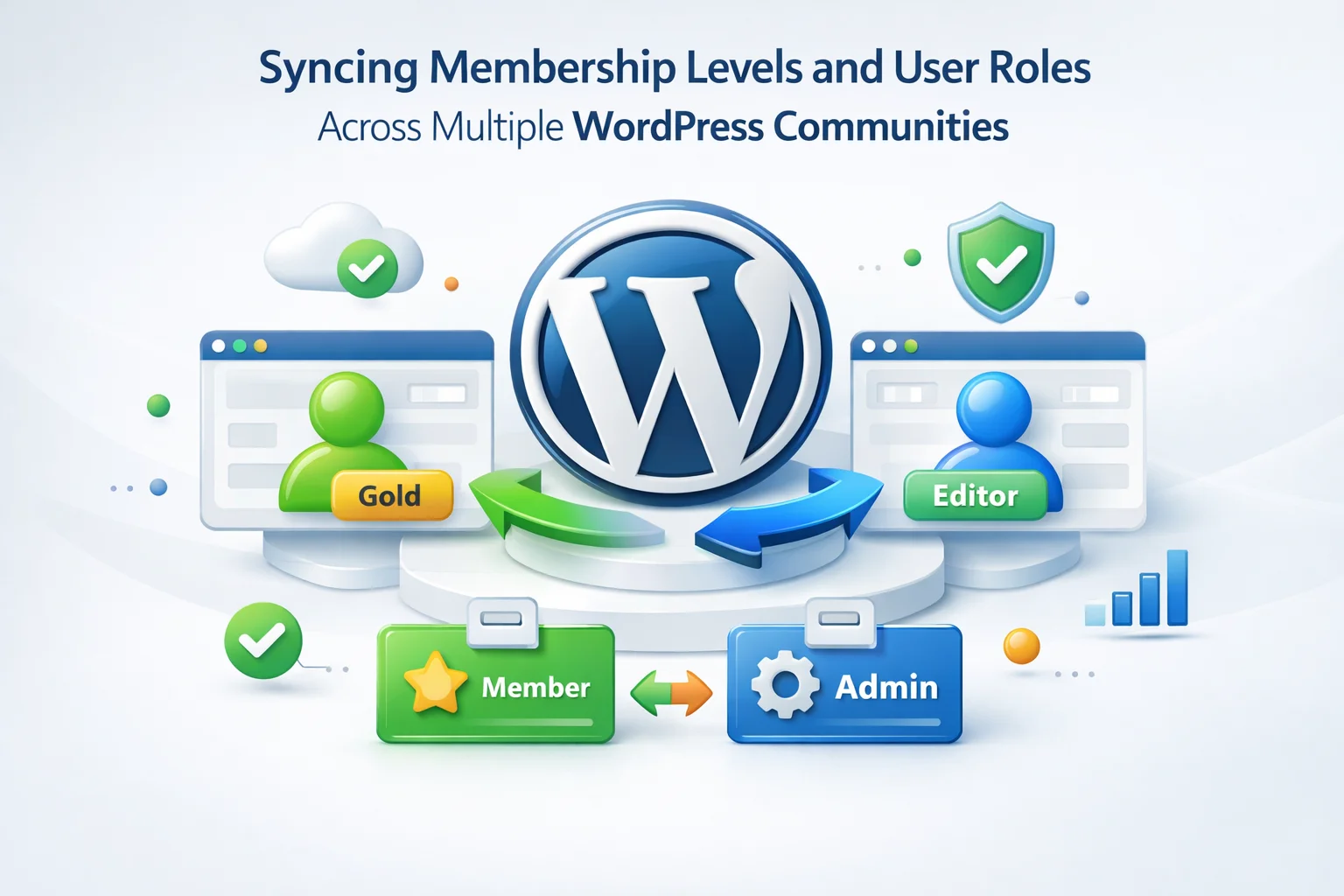
Membership and role sync across WordPress communities is a specific category of the multi-site user sync problem with unique requirements. Standard user sync handles profile data — names, emails, password hashes. Membership sync must handle something more complex: access rights that are tied to payment state, subscription schedules, and tier hierarchies that may be represented differently across different sites and different plugins. A member whose role on the payment site is gold_subscriber may need to appear as premium_member on the community site and advanced_student on the LMS. The sync system must understand and respect these distinctions.
This guide covers the full architecture of membership and role synchronization across WordPress community networks. It addresses the membership plugin landscape, the access control models that different plugins use, how role mapping bridges different tier systems, the lifecycle events that require immediate propagation, and how a WordPress multi-community membership role sync plugin manages all of this without custom code.
We cover MemberPress, Paid Memberships Pro (PMPro), and Restrict Content Pro specifically because they are the most widely deployed WordPress membership plugins. The architectural principles apply to other platforms, but the specific meta keys and role names differ.
To sync membership levels correctly across WordPress sites, you need to understand how different membership plugins represent access in the database. This knowledge is what separates a sync configuration that actually preserves access rights from one that creates the appearance of sync while leaving the underlying access controls broken.
WordPress access control is built on a role-and-capability system. A user has one primary role, and that role carries a set of capabilities. Membership plugins extend this system in different ways depending on their architecture. Understanding which approach your plugin uses determines what needs to be synced and how.
MemberPress primarily uses WordPress roles to control access. When a user subscribes to a membership level, MemberPress adds a custom role to their account — typically a role named after the membership level, like mepr_gold_member or a role registered by the specific membership. Content restriction rules reference these roles to determine access. When a membership lapses, MemberPress removes the role and may revert the user to the subscriber role.
Paid Memberships Pro (PMPro) stores membership level information primarily in custom database tables (wp_pmpro_memberships_users, wp_pmpro_membership_levels) rather than exclusively through WordPress roles. A user’s membership level ID and status are stored in these tables. The WordPress role may remain subscriber regardless of membership tier — access control is evaluated by PMPro checking its own tables, not by WordPress capability checks.
Restrict Content Pro (RCP) uses a combination of user meta and custom post types to manage membership levels. Key user meta fields include rcp_status (the member’s status: active, expired, cancelled) and rcp_level (the level ID they are subscribed to). RCP also modifies the user’s WordPress role based on membership status in some configurations. Access restrictions are evaluated against both the WordPress role and the RCP-specific meta.
rcp_status, rcp_level, rcp_expiration_date). If only the WordPress role is synced, the receiving site’s RCP installation will not recognize the member’s level and may present them with incorrect access.WooCommerce Memberships stores membership data in a custom post type (wc_user_membership posts) rather than user meta. Each membership is a post associated with a user. The plan, status, start date, and end date are stored as post meta on this custom post type. Access rules are evaluated against the membership post’s status and plan. The WordPress user role may not reflect the membership tier directly.
Multi-community WordPress membership businesses are structured in distinct ways depending on how their communities relate to each other. The architecture determines what data flows in what direction and what role mapping is required.
The core configuration challenge in multi-community membership sync is role translation. Your payment site, your community sites, and any LMS or content site in your network may use different role names for equivalent access tiers. A user who is gold_subscriber on the payment site may need to be premium_member on the main community site and advanced_student on the LMS and vip_forum_user on the discussion platform. The sync system must understand that these four role names all represent the same tier — and that when a user’s status changes on the payment site, the correct corresponding role must be applied or removed on each site independently.
Role mapping configuration is done per connection — meaning for each pair of master site and sub-site, you define an independent role translation table. The same master role can map to different sub-site roles on different sub-sites. This per-site independence is essential for the tiered ecosystem and multi-brand architectures described above, where a single master-site role maps to different role names across different community installations.
The “do-not-sync” entries in the table above are as important as the role assignments. A Basic subscriber who should not have LMS access should not have an account created on the LMS site at all — or should arrive with only the default subscriber role that grants no LMS-specific access. The do-not-sync configuration prevents the sync system from creating accounts on sites that a member’s tier does not authorize access to.
Membership status is not static. The access rights a member holds change throughout their lifecycle as a subscriber, and each change must reach all connected community sites quickly. Some of these changes are benign if delayed — an upgrade that takes a few minutes to propagate is an inconvenience. Others are business-critical if delayed — a cancellation that takes a day to propagate means a cancelled member accesses paid content they are no longer entitled to.
Within seconds
A new member pays and expects access immediately. Their account must be created on all relevant community sites with the correct tier role before they click “Go to Community.” Any delay here is experienced as a broken purchase and is the primary trigger for new-member refund requests.
Within minutes
A member upgrades from Silver to Gold. They expect to see new content and new community spaces immediately. If the Gold community site still shows them as Silver, they contact support asking why their upgrade “did not work.” The upgrade event must propagate to all relevant community sites — including granting access to sites their previous tier did not include.
Critical — immediate
A member downgrades from Gold to Basic. They should immediately lose access to Gold-only community spaces. A delayed downgrade propagation means a Basic-paying member accesses Gold content, which is both a revenue leak and a fairness issue for full-price Gold members. Downgrade events must be treated as the highest-priority sync event category.
Critical — immediate
A member cancels their subscription. Depending on your business model, access may end immediately or at the end of the current billing period. Either way, the access state change must propagate to all community sites at the correct moment. A cancelled member who retains access because the cancellation only reached the payment site is a compliance issue, not just a billing one — they are accessing content without a valid entitlement.
Within minutes
A subscription renews. If the renewal happens at midnight and the member tries to access the community at 7 AM, their role on all community sites must already reflect the renewed status. This is typically a passive confirmation — the role was already assigned and continues unchanged — but if a temporary access suspension was applied for a failed payment that was subsequently resolved, the renewal must re-activate access across all sites.
Business policy dependent
A recurring payment fails. Many membership businesses allow a grace period — typically 3 to 7 days — during which the member retains access while the payment is retried. During this grace period, community access should remain active. If the grace period expires and the payment is not resolved, access revocation must propagate immediately across all community sites. The sync configuration must respect this grace period logic rather than revoking access at the moment of payment failure.
Role desync across a membership community network is not just a user experience problem. In its more serious forms, it is a security and access control problem. Understanding the specific security risks helps prioritize the role events that require the most urgent propagation.
A cancelled member retains a Gold role on community sites that were not updated when the cancellation was processed. They access premium content, download gated resources, and participate in premium spaces they are no longer entitled to. This is the most common form of role desync and the most direct revenue and compliance impact.
A community moderator or volunteer who held an elevated role on one community site is removed from that role on the master site. If the role removal does not propagate to all connected sites, they retain elevated permissions on community sites where they were never supposed to have them in the first place. In a multi-site network, role permissions from one site should never create permissions on another site through careless sync configuration.
In a bidirectionally-configured sync (which should not be used for most membership networks but sometimes appears by misconfiguration), a user who gains an elevated role on a sub-site — through a site-specific promotion or a misconfigured plugin — can have that elevated role synced back to the master site and all other connected sub-sites. A community moderator role on Site B becoming an editor role network-wide is a real consequence of bidirectional sync without role exclusions properly configured.
Role sync ensures members have the correct access level on all community sites. SSO ensures they do not have to log in repeatedly as they move between those sites. In a well-configured multi-community membership network, both work together: the user authenticates once on the master site or the main community hub, and their session extends to all connected communities through token-based SSO.
For community businesses, SSO has particular value because community engagement depends on low friction. A member who wants to check the forum, then watch a course, then join a live session should not encounter a login screen at any transition. Each authentication barrier is a disengagement opportunity — a moment where a member might decide not to make the effort and disengage from the activity they were about to participate in. High-engagement communities systematically remove these barriers; low-engagement communities often have them embedded in the architecture without realizing it.
The following checklist covers every configuration decision specific to membership role sync. It is ordered to ensure that each step creates the conditions the next one requires.
Membership role sync is the highest-stakes dimension of WordPress multi-community user management. It determines who can access what, when, and whether your content restrictions are actually enforced across your entire network. Getting it wrong has direct revenue, compliance, and community integrity consequences. Getting it right — and keeping it right through the lifecycle events that continuously change member access states — is the foundation of a multi-community membership business that scales without its access controls breaking down.
Nexu User Sync’s WordPress membership role synchronization across multi-community networks provides the per-site role mapping, one-way direction enforcement, lifecycle event propagation, background queue, and event logging that membership businesses need to keep access rights accurate and consistent across every community site in their network — without custom development and without the manual audit cycles that grow unsustainable as the member base scales.
Nexu User Sync keeps membership tiers consistent across all your WordPress community sites — with per-site role mapping, immediate lifecycle event propagation, one-way authority enforcement, and SSO for frictionless member navigation.








Just wanted to share my experience getting this set up for my network of design forums. The role mapping feature is seriously solid being able to assign different role names across sites (like "gold_subscriber" on the main site and "premium_member" on the forum) without any custom code has saved me a ton of time. I did run into a little hiccup when one of my sites had a slightly different membership plugin setup, and the sync just quietly failed until I went back to double check the role configurations
The idea is great, but it really struggles when you're mixing different membership plugins. i've got two sites one uses PMPro, the other runs MemberPress and the role mapping is all over the place. The instructions act like every plugin names things the same way, but "Gold" in one system doesn't just magically match "Premium" in another
Didn't sync cancellations like it promised. still had access for days.