WooCommerce B2B Problem-Solving Guide
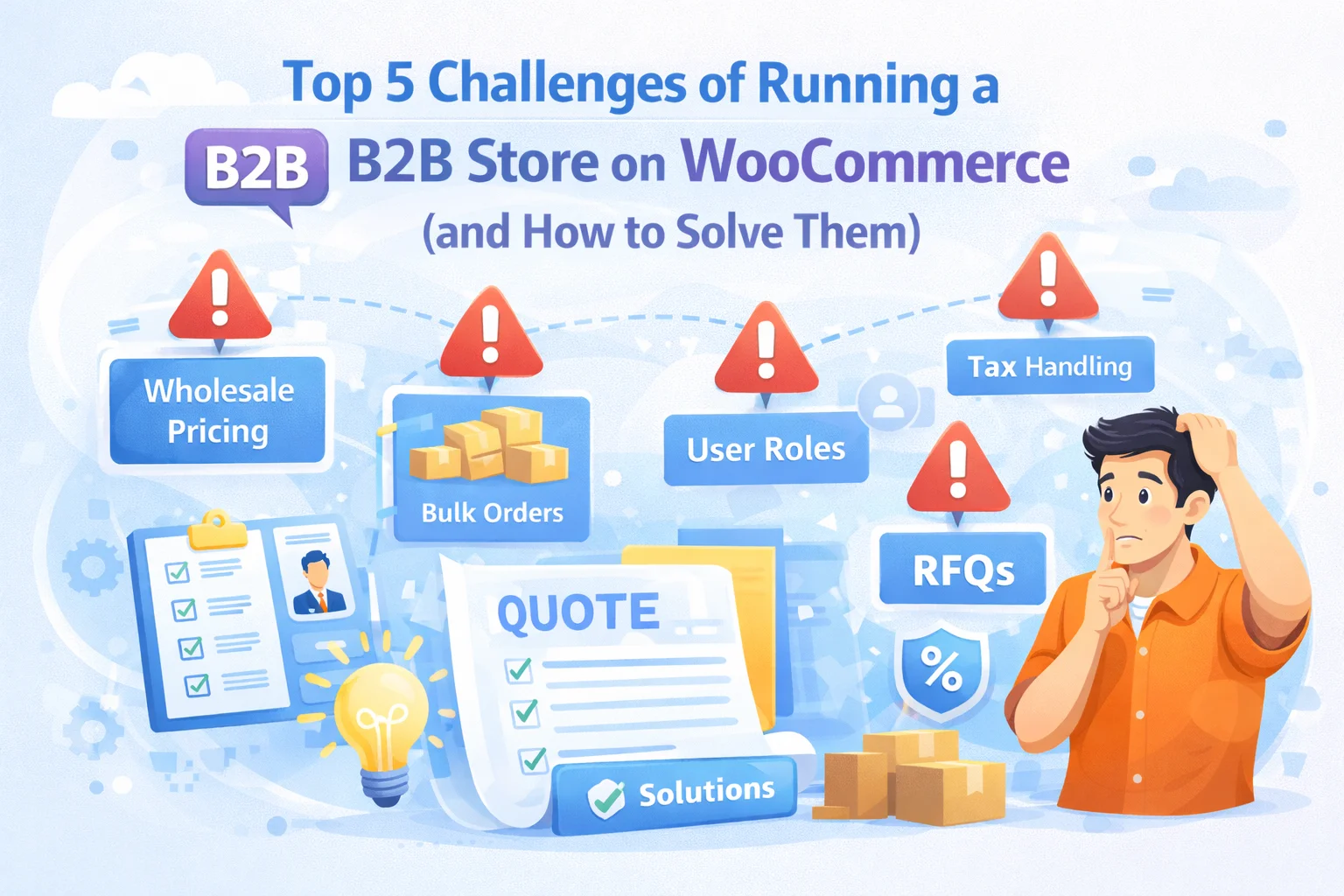
Top 5 Challenges of Running a B2B Store
on WooCommerce — and How to Solve Them
WooCommerce is powerful enough to run a serious wholesale operation — but only if you know exactly where its defaults fall short and what to do about each one. This is a direct, experience-backed guide to the five challenges that cause the most trouble for B2B store owners.
14 min read
Updated 2026
B2B Troubleshooting & Solutions
Running a B2B wholesale store on WooCommerce is entirely achievable. Thousands of businesses do it successfully, handling everything from small trade accounts to six-figure wholesale operations through a WooCommerce installation. But the path between “installed WooCommerce” and “running a professional B2B store” is not a straight line, and the obstacles that slow businesses down are remarkably consistent. The same challenges appear again and again, often in the same sequence, and they are all solvable — if you know what you are dealing with.
This guide is for WooCommerce store owners who are already trying to run a wholesale operation and are running into real friction. Not hypothetical friction — the specific, practical problems that create support tickets, customer complaints, configuration dead-ends, and the creeping sense that you’ve built something that almost works but not quite. We cover the five challenges that come up most consistently, why each one happens, and what the correct solution looks like.
Throughout this guide we reference B2B Wholesale Solution for WooCommerce by NEXU WP where it provides the most direct solution to each challenge. We also reference external tools and resources where relevant to give you the most complete picture of what solving each problem actually requires.
The five challenges covered
1Every buyer sees the same price — and wholesale buyers are getting your retail rate.
2Your wholesale buyers can’t register themselves — or they can, and there’s no approval gate.
3Payment at checkout fails for large orders — card limits, buyer refusal, no bank transfer option.
4Retail customers see wholesale prices, restricted products, or B2B-specific catalog items.
5Multiple plugins covering different wholesale features are conflicting, breaking, or producing inconsistent results.
A note before we start: each of these challenges is described as a pattern, not an individual edge case. If you recognize your situation in any of them, that’s not an accident — these are the consistent failure modes of WooCommerce B2B setups, and they have well-understood causes and solutions. Knowing you’re dealing with a known problem is genuinely useful: it means the solution exists and has been figured out by people before you.
1
Every buyer sees the same price
Wholesale buyers are being charged retail rates — or your retail customers can see your trade pricing
Why this happens: WooCommerce has one price per product. The regular price field applies universally — to every visitor, regardless of whether they’re a retail customer, a wholesale buyer, or a distributor. There is no native concept of role-aware pricing. When wholesale businesses set up their store, they often realize this gap only when a wholesale buyer contacts them asking why they’re being charged the same as a retail customer, or when a retail customer notices and demands the trade rate.
The solution
You need a wholesale plugin that adds role-aware pricing fields to the product editor. When you configure a wholesale price for a specific role on a product, any logged-in user with that role sees that price instead of the standard WooCommerce price. Retail customers, who carry no wholesale role, continue to see the regular price. The key requirements are: the pricing substitution must be automatic on login, must apply across all product pages and the cart, and must not be visible to users without the appropriate role.
Per-role pricing fields in the product editor — set different prices for each wholesale role so each buyer type sees exactly the correct rate.
The WooCommerce role-based wholesale pricing plugin by NEXU WP adds this pricing layer directly inside the standard product editor. The Prices tab shows a field for each wholesale role you’ve created. Set the price once per product per role, and the substitution works automatically for every buyer with that role on every product page, cart, and checkout screen.
2
No controlled wholesale registration process
Either buyers can’t self-register, or any visitor can give themselves wholesale access with no verification
Why this happens: Wholesale businesses often start by manually assigning roles to known buyers. This works for two or three accounts. When the wholesale program grows, the manual process becomes the bottleneck — new buyers email to ask for access, some get it, others get lost in the inbox, and there’s no systematic record of who has been approved and on what basis. The other failure mode is using an open registration form that grants wholesale access automatically without any verification — letting anyone who fills in a form access your trade pricing.
The solution
A dedicated wholesale registration form with a manual approval queue solves both problems simultaneously. Buyers apply through a form that collects their business information. Applications sit in a review queue until you approve or reject them. Approval assigns the appropriate wholesale role. The entire process is documented — who applied, when, what information they provided, and what decision was made. Wholesale access is never automatic: it is always the result of a deliberate decision by your team.
According to Digital Commerce 360’s B2B e-commerce research, the overwhelming majority of B2B buyers expect a formal account application process before accessing trade pricing. An open self-registration that grants immediate wholesale access actually undermines the perceived value of your wholesale program — it signals that being a “wholesale buyer” requires nothing, which devalues the relationship entirely.
3
Checkout fails for large wholesale orders
Card limits, buyer reluctance to use credit cards, or no bank transfer option at checkout
Why this happens: WooCommerce’s default payment gateway set — Stripe, PayPal, credit card processors — is designed for consumer transactions. Individual purchases of $20, $200, sometimes $2,000. These gateways have per-transaction limits, transaction fees that become significant on large amounts, and a fundamental assumption that payment happens instantly at the point of purchase. B2B wholesale orders routinely exceed card limits, involve buyers who operate on purchase order and invoice cycles rather than instant payment, and require payment methods that are not standard in consumer e-commerce.
The solution
A dedicated bank deposit payment gateway specifically designed for wholesale orders. When a buyer selects this option at checkout, the order is placed and confirmed with an “On Hold” status — signalling to both parties that the order exists but fulfillment is pending payment. The buyer completes their bank transfer offline and uploads the receipt directly to the order page. You confirm the payment and update the order status to processing. No card limits, no instant payment requirement, no third-party processor taking a percentage of a $20,000 order.
For businesses that also need invoice-based payment — net 30, net 60 terms — dedicated WooCommerce invoice and payment terms plugins can layer on top of the order-hold workflow to automate invoice generation and payment reminders. But for most wholesale operations, the bank deposit gateway with receipt upload is the complete solution for the checkout failure problem.
4
Retail customers see wholesale content
Trade prices, restricted products, or B2B catalog sections are visible to anyone who browses your store
Why this happens: This challenge usually emerges when a store owner configures wholesale pricing but doesn’t configure retail restrictions alongside it. The wholesale price is set, it shows up for wholesale buyers — but it also shows up for retail customers who happen to be logged in, or is visible in catalog listings to anyone browsing. Sometimes it is even indexed by Google, making the wholesale pricing publicly discoverable. The pricing layer and the visibility layer are separate configurations, and configuring one without the other creates gaps.
The solution
Retail restrictions, configured at the product level, define what non-wholesale visitors see when they encounter a product that has wholesale configuration. Options range from showing the product with a “login for pricing” message (keeping the product discoverable while hiding the price) to hiding the product entirely from non-wholesale accounts. The retail restrictions sit alongside the pricing configuration in the product editor and need to be set for every product where wholesale content should be protected from public view.
Retail restrictions panel
One practical addition for stores concerned about search engine indexing of wholesale pricing: check that products with wholesale-only visibility are configured with appropriate meta settings. Wholesale-restricted products that should not appear in public search should be set to noindex through your SEO plugin — Yoast SEO or Rank Math both allow per-product noindex settings. This is a supplementary step to the visibility restriction, not a replacement for it.
5
Multiple B2B plugins conflicting with each other
Different plugins for roles, pricing, registration, and payment are producing inconsistent results and breaking on updates
Why this happens: Store owners who discover WooCommerce’s B2B limitations one at a time tend to add plugins one at a time in response to each discovered gap. A plugin for role management. A separate plugin for wholesale pricing. Another for minimum order quantities. A fourth for the registration form. Each plugin was designed independently, operates on its own data model, and has no awareness of the others. When WooCommerce updates, one or more of these plugins may break. When they interact on the same product page, pricing logic can conflict and produce incorrect results.
The solution
Replace the patchwork stack with a single plugin that covers all the core B2B requirements — roles, registration, approval workflow, per-role pricing, volume discounts, retail restrictions, purchase rules, and bank deposit payment — in one coherent system. Not because having one plugin is a principle in itself, but because a system designed as a unit has consistent data models, predictable behavior, and a single maintenance and update cadence. When WooCommerce updates, you have one vendor to contact, one compatibility fix to wait for, not five.
One settings panel for the complete B2B system — not five separate admin menus from five separate plugins.
The consolidation step — auditing your current B2B plugin stack, identifying the core features you’re actually using from each, and replacing them with a single comprehensive plugin — does involve migration work. But the maintenance debt of a conflicting multi-plugin stack accumulates indefinitely. Every WooCommerce update is a potential breakage event. The migration cost is a one-time investment; the maintenance cost of not migrating is ongoing.
What all five challenges have in common
Looking across these five challenges, a pattern emerges. None of them are caused by WooCommerce being the wrong platform for B2B. They are all caused by gaps between what WooCommerce does by default and what a professional wholesale operation requires — gaps that are consistently present in WooCommerce’s default configuration and consistently solvable with the right extension layer.
The store owner who recognizes all five challenges is typically at the point where they have assembled a partial solution to each one and are dealing with the compounding friction of those partial solutions interacting. The path forward is the same in each case: identify the gap clearly, understand what the correct solution requires, and implement it properly rather than adding another workaround on top of an existing one.
1All buyers see the same price
No role-based pricing layer
2No controlled registration
No managed approval workflow
3Checkout fails for large orders
No B2B payment method
4Retail sees wholesale content
No visibility restrictions
5Plugins conflicting
Patchwork plugin architecture
The table above maps each challenge to its root cause. What is notable is that every root cause is a missing system component, not a WooCommerce limitation that cannot be overcome. WooCommerce can support role-based pricing. It can support controlled registration workflows. It supports order-hold payment flows natively. It supports visibility restrictions through role-aware plugin logic. The platform is capable — what it lacks by default is the B2B configuration layer that activates that capability.
B2B Wholesale Solution for WooCommerce — the single-plugin solution to all five B2B challenges addresses each root cause in the table above: role-based pricing, a controlled registration and approval workflow, a bank deposit gateway with receipt upload, retail restrictions at the product level, and a single coherent codebase that eliminates the inter-plugin conflict problem by design.
All 5 Challenges · One Plugin · No Patchwork Required
Stop patching WooCommerce B2B one plugin at a time — solve the whole thing properly
Role-based pricing, controlled registration, bank deposit payments, retail restrictions, and a coherent single-plugin architecture — every root cause in this guide, addressed by one system built specifically for WooCommerce B2B.

B2B Wholesale Solution by NEXU WP
WooCommerce Plugin · All-in-One B2B System · Solves All 5 Core Challenges
Get B2B Wholesale Solution








Hey, finally some clear answers!
Snagged this guide during the flash sale, and it's actually got some really useful insights. the approval queue section is spot on just wish it worked a little smoother once you're managing more than a few accounts.
Just grabbed this guide after hitting a wall with wholesale pricing on my WooCommerce store. the tip about the dedicated registration form with manual approval was a lifesaver no more retail customers accidentally seeing wholesale rates or vice versa. still, saved me hours of headaches!
Purchased this guide as a gift for my nephew who's launching a wholesale side business. The content is thorough and addresses real pain points, but I was disappointed to see retail customers still view wholesale pricing unless manually restricted. for a guide focused on B2B solutions, that seems like a critical oversight that should've been clarified upfront