Next-Level Code. Nexuvibe Style ...
Hrs
Min
Sec

“Is my data safe?” is the wrong question without defining data. gettext rows can contain product names, error text, admin labels, and occasional accidental secrets pasted by developers. Anything your assist sends to a provider is, by definition, a copy that left your perimeter. The goal is to know which copies, when, and under which controls.
This is not a verdict on any single vendor. It is a checklist: identify payload, transport, authentication, retention, and logging. If your organization cannot trace those five elements for a plugin, you are not ready to promise zero third-party exposure—you are hoping.
Multisite operators should answer the checklist per site or per network policy. A string that is harmless on a marketing blog may be sensitive on a wholesale portal that embeds contract clauses in gettext because a developer reused the wrong abstraction.
Loco AI Auto Translator for WordPress gettext assists with configurable providers keys and prompts in Loco Translate still follows the same physics: outbound requests carry text; your policy decides what text may go.
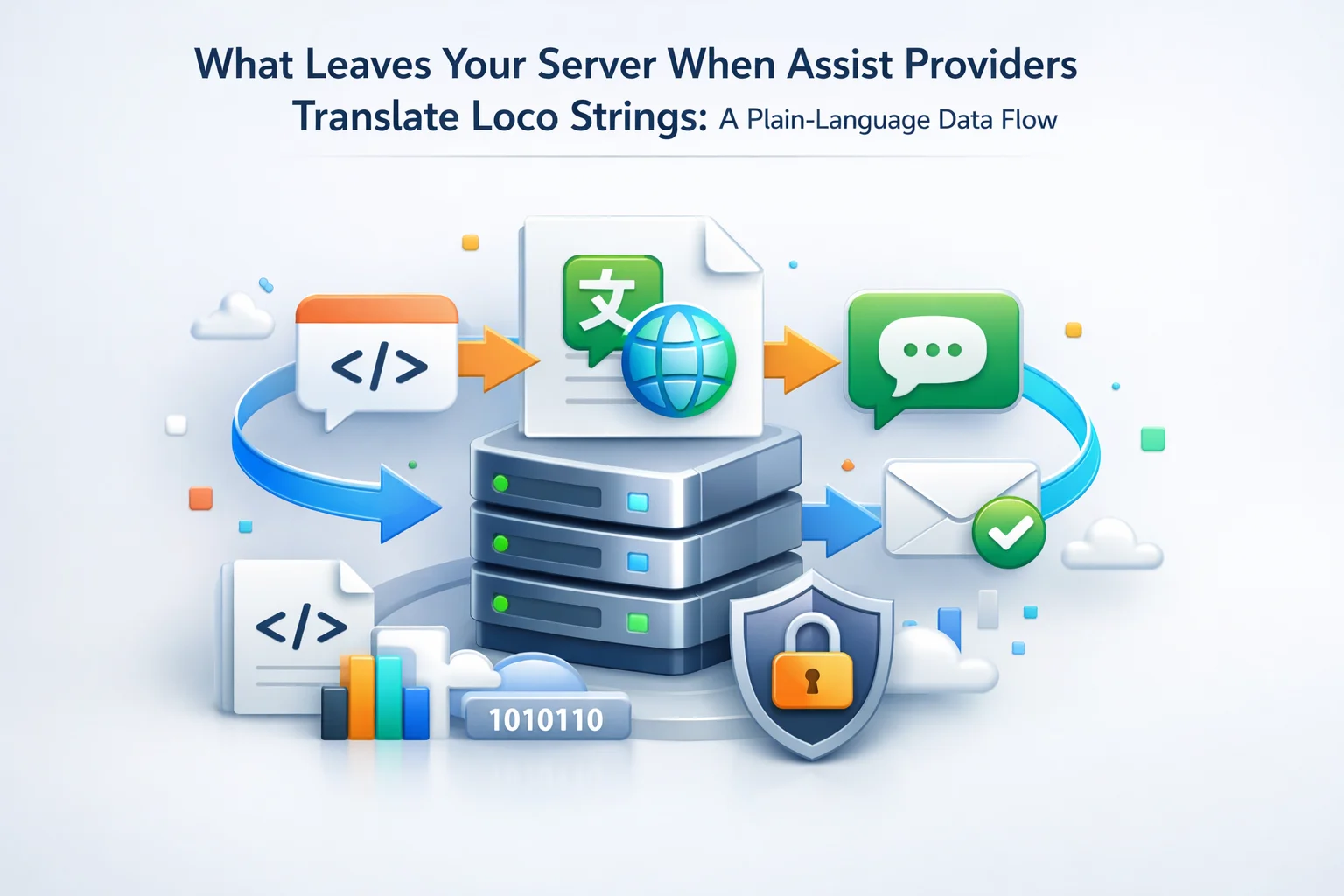
WordPress runs on your server (or your host’s). When an assist fires, PHP builds a request, opens TLS to a remote host, and transmits a body. That is identical in shape to calling a payment gateway—different purpose, same network pattern. Security reviews should treat assists as integrations, not as “local editing.”
Your risk model therefore needs three layers: what the plugin sends by design, what administrators attach via settings, and what gettext accidentally contains because developers reused strings for secrets (an anti-pattern, but real in the wild).
WordPress documentation on hardening and security frames the broader perimeter; this article zooms into the narrow channel between wp-admin and a translation endpoint.
Agencies should add assists to client data maps alongside email SMTP, analytics pixels, and backup destinations. If a client’s security questionnaire asks for “all third parties that may process store content,” gettext assists qualify unless your contract narrowly excludes operational strings.
Inbound traffic from shoppers is not symmetric with outbound assist traffic. A CDN can cache product images for the world while translation requests originate from your origin and carry different compliance implications. Do not reuse the CDN threat model verbatim.
At minimum, a provider needs the string you want translated (often the msgid or English source), the desired target language, and sometimes gettext context to disambiguate duplicates. Plural forms may travel as separate rows or as structured pairs depending on the integration.
If your assist sends the existing msgstr draft as reference, that draft becomes part of the payload too. Reviewers should assume “everything highlighted in Loco” can theoretically leave, not only the left column.
Plural and gendered languages may require sending multiple forms in one request or issuing sequential calls. Each pattern changes total bytes and duration, which matters for rate limits and forensic timelines after an incident.
WooCommerce’s translation overview helps stakeholders distinguish theme strings from extension strings; that distinction guides which domains you assist first when scoping risk.
WordPress’s internationalization handbook explains placeholders; assists must receive those tokens intact, which sometimes means the provider sees not only words but also markup snippets embedded in msgids.
Medical, financial, and child-directed brands should run legal review on representative msgid samples before enabling assists, not after a thousand rows are already processed. gettext is not a structured database; it is a text bag that mirrors whatever developers typed.
If your assist batches multiple strings per request to save round trips, a single imprudent inclusion raises the blast radius. Prefer smaller batches for sensitive domains even when throughput suffers slightly.
Document whether responses are streamed or returned whole. Streaming changes how long connections stay open and what intermediaries might buffer. Operations teams notice that difference during firewall timeouts even when translators do not.
Integrations often attach benign metadata so providers can debug rate limits: plugin version, PHP version band, or a hashed site identifier. None of that is “customer PII” by itself, yet it can correlate requests over time. Procurement should read the privacy policy for how long correlation tokens persist and whether they tie to billing accounts.
If metadata includes a public site URL, remember that URL may expose brand, country TLD, or staging hostnames you did not intend to broadcast. Use staging subdomains deliberately and scrub obvious secrets from hostnames.
User-agent strings and library versions can fingerprint your stack. That is rarely secret, yet it helps attackers prioritize exploits. Keep plugins updated for reasons beyond gettext; assists do not create that exposure, but they ride the same HTTP stack.
If your host terminates TLS at a load balancer, assist traffic may still be plaintext inside a private network segment. Your compliance officer cares about both hops: internet edge and internal east-west paths.
API keys authenticate your server to a provider. They should live in wp-config constants, environment variables, or restricted settings screens—not in PO files. If a developer pasted a key into a translatable string for convenience, that string can leave on the next assist. Run periodic greps for high-entropy strings in PO exports.
Rotate keys after contractor engagements end. Assists make exfiltration easier not because they are malicious, but because they automate copying text you selected.
OAuth and scoped tokens beat long-lived secrets when providers support them. Narrow scopes limit blast radius if a wp-admin session is compromised and someone abuses an assist button.
Never embed bearer tokens in screenshots you share with translators. Redact aggressively; assume screenshots become attachments in email threads outside your control.
Custom prompts help brand voice and placeholder discipline. They also travel with requests. Paste only instructions you would show opposing counsel: no confidential roadmap, no customer names, no unreleased campaign copy unless counsel approves.
Version prompts like code. When marketing updates tone guidelines, snapshot the prompt text in your change log so incident reviews know which instructions were active.
Negative instructions matter as much as positive ones: “do not translate brand names,” “do not expand abbreviations for medical SKUs,” “preserve legal capitalization.” Those constraints travel too; write them assuming opposing counsel will read them someday.
If prompts reference internal ticket numbers or repo branches, strip them. Operational metadata in prompts is still outbound prose.
Modern assists should use TLS 1.2 or better with certificate validation. If your compliance program requires data residency, verify which region hosts terminate connections—not only where the company is incorporated.
Subprocessors matter for GDPR and similar regimes. Your DPA with a client may forbid certain countries; a translation provider’s chain becomes your chain the moment strings leave your VPS.
Corporate VPNs and split tunnels affect which path assist traffic takes. Security teams should verify that developer laptops do not route sensitive wp-admin sessions through untrusted proxies while assists run.
Data residency promises should name regions at the API hostname level, not only at corporate headquarters. A EU-facing store may still hit a default global endpoint unless you configure regional routing deliberately.
Disaster recovery drills should include credential rotation for assist providers. If you fail over to a secondary region, keys and allowlists must still match what the provider expects.
Ask vendors for data processing agreement excerpts covering retention, permitted secondary uses, subprocessors, and breach notification timelines—not marketing PDFs alone.
Your WordPress debug log, reverse proxy, or host WAF may record URLs, payload sizes, or errors when assists fail. That is still evidence of what you attempted to send. Turn verbose logging off in production unless engineers actively triage incidents.
SIEM pipelines that ingest HTTP access logs may classify assist endpoints as “unknown SaaS.” Label them explicitly so threat hunters do not waste cycles on benign translation spikes during launch weeks.
Providers may log prompts for abuse prevention. Clarify whether logs are ephemeral or retained for ongoing quality and safety programs. If retention is long, adjust what you paste into prompts accordingly.
Your hosting invoice may include optional WAF rule packs that log request bodies on errors. Those bodies can contain assist payloads if failures happen mid-request. Tune verbosity before you chase a false sense of safety from TLS alone.
Client browsers never see provider responses directly in typical assist flows; administrators do inside Loco. That UI boundary matters for explaining scope to non-technical stakeholders: shoppers are not the data subject of assist calls, operators are.
Run first assists against staging copies with anonymized catalogs when possible. If you must use production, scope domains: translate theme chrome before you touch order-admin strings that reference live SKUs.
Restrict who may launch bulk assists. Junior roles can proofread; only senior roles should approve wide batches on domains that might contain operational details.
Create a preflight checklist for new stores: export a sample PO, redact obvious secrets, review with legal, then enable assists. Skipping the export review is how “we thought it was only labels” turns into accidental disclosure of supplier codes.
Pair assists with change control: plugin updates that add admin strings should trigger a short gettext diff ticket. High-velocity teams often translate once and forget until a compliance audit asks what left the network in Q3.
Scheduled bulk jobs during quiet hours still produce outbound traffic that security tools monitor. Tell your NOC which maintenance windows include translation batches so alerts stay meaningful.
GNU gettext’s concepts overview helps auditors understand why developer comments and contexts exist—those fields are not “optional fluff” for compliance reviews.
Incident response playbooks should list assist providers alongside payment processors. If credentials leak, you must know which strings might have been in flight during the exposure window—not theoretically, but from export diffs and access logs.
Backup restores resurrect old MO files and sometimes old API keys. After a restore, rotate keys and re-verify assist settings before operators resume bulk work. Restores are high-risk moments because teams rush to recover revenue.
Vendor lock-in is an operational concern too: if you must switch providers quickly, ensure your prompts and glossary exports are portable. Dependency on a proprietary prompt format without export is a business continuity gap dressed as convenience.
Assist-driven translation is manageable risk when you map payloads, authenticate narrowly, govern prompts, and align contracts with subprocessors. Panic comes from opacity, not from HTTPS itself.
Treat assists like payroll exports: name an owner, publish a short internal FAQ for sales and support, and rehearse answers before anyone promises “fully private localization.” Precision prevents legal exposure more than fearmongering does.
Loco AI Auto Translator as the Loco Translate assist suite with provider routing prompts bulk controls and WordPress-native settings fits into that map when teams document the same facts they would document for any outbound integration.
Answer “what leaves the server” with diagrams and vendor pages, not hand-waving. Owners who can explain the data path earn client trust; owners who cannot should pause assists until they can.
Revisit the map quarterly: new assist features, new provider regions, and new WooCommerce admin surfaces all change answers. A data-flow document that ages silently is worse than none because it trains organizations to trust expired facts.
When in doubt, disclose generically in client contracts: translation workflows may transmit source strings to configured third-party endpoints under your control. Specificity beats silence; silence invites assumptions that everything stayed on-server when it did not.
Staging and QA hosts deserve the same checklist as production. Teams often clone databases “to test translations,” then run assists against gettext rows that still read like live catalog copy, internal SKU patterns, or partner codes. The environment name in wp-config does not change what leaves the perimeter—only your discipline does. If staging must stay sterile, block assist keys there or use synthetic catalogs that never mirror regulated fields.
Agencies managing white-label stores should decide who signs subprocessors: the merchant, the studio, or both. When assist credentials live in the agency’s vault but strings belong to the merchant’s customers, contracts need a single sentence everyone agrees on about outbound translation traffic. Ambiguity surfaces late, usually during an enterprise security questionnaire that asks for diagrams your project manager has never seen.
Finally, teach finance to read assist invoices the way they read freight bills: line items for tokens, regions, and premium models should map to internal cost centers. When nobody reconciles usage spikes to actual release trains, operations assume translation is “cheap” until a budget owner asks why March resembled a small hosting bill.








Finally a vendor that actually spells out what leaves the server during Loco assists.
Finally, a no BS breakdown of what actually leaves your server during translations
Wish this was made clearer from the start.
This guide left me with more questions than answers.