Next-Level Code. Nexuvibe Style ...
Hrs
Min
Sec

There is a moment that happens in most growing WordPress agencies. You are managing a handful of client sites, each with its own hosting account, its own media library, and its own storage pressure. You research solutions and arrive at WP Offload Media. It is the established option, the one with the most documentation and the most recommendations. You license it, configure it with Amazon S3, and move on.
Two years later, you are managing fifteen client sites. You have fifteen S3 buckets, fifteen AWS IAM configurations, fifteen plugin licenses if you went with per-site pricing, or you are on a multi-site plan that costs significantly more than you initially anticipated. Each month, your aggregate AWS bill includes fifteen sets of storage charges, fifteen sets of request fees, and egress that scales with whichever clients had a good traffic month. The infrastructure that felt like a professional choice is starting to feel like overhead.
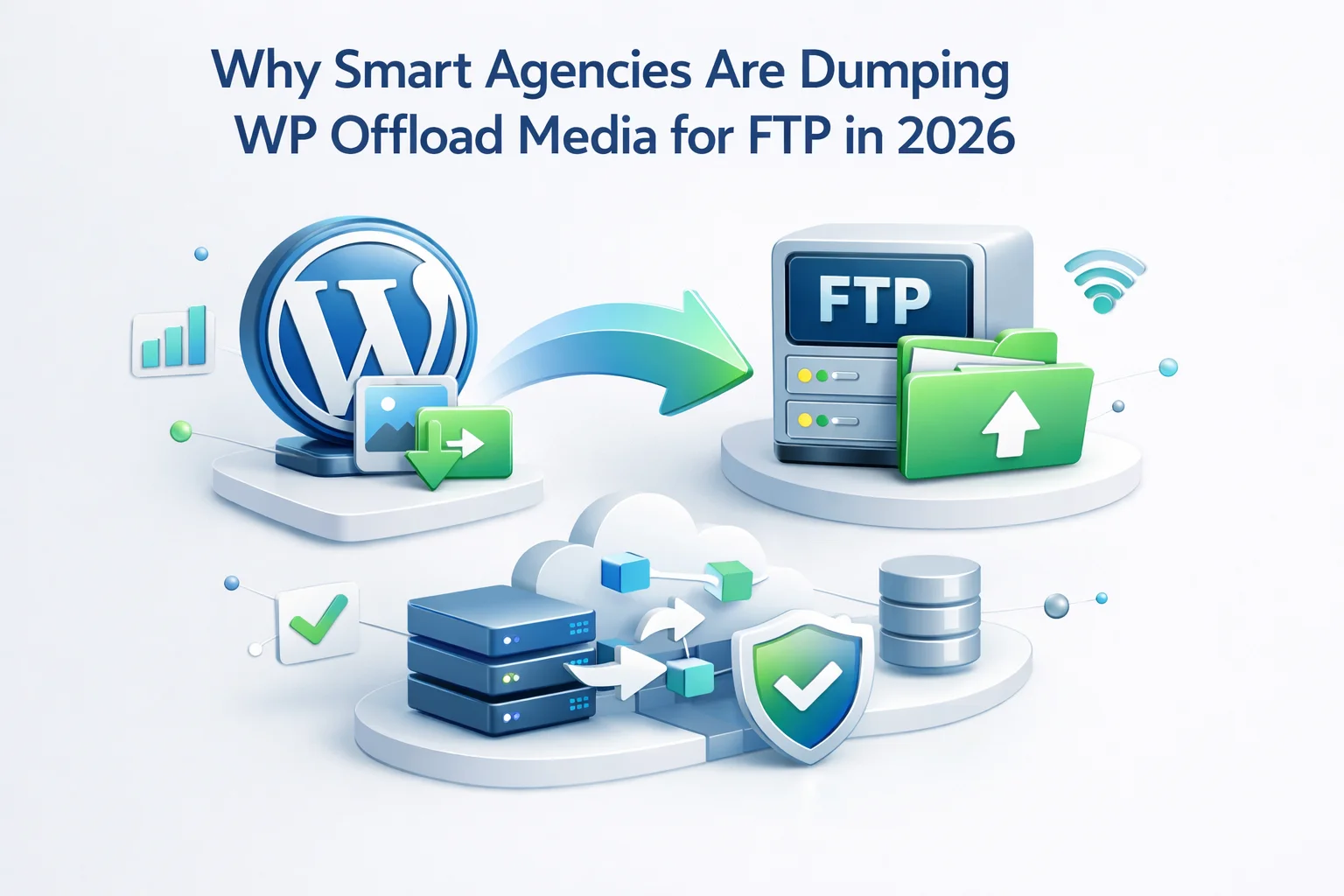
This is the point where agencies start looking at the problem differently. Not as a per-site question, but as a workflow question. And that reframing is why FTP-based media offloading is gaining serious traction in the agency space in 2026, not because it is newer or flashier, but because it solves the agency-scale problem in a way that S3-based workflows were never designed to.
WP Offload Media is a well-built plugin with a strong feature set and a long track record. This comparison is not about whether it is a good product. It is about whether the cost structure makes sense for agencies managing multiple client sites at scale, and whether the underlying infrastructure choice of S3 as the default destination is still the right one in 2026.
WP Offload Media’s pricing as of 2026 is structured around site licenses. The Developer plan covers unlimited sites and costs $299 per year. That is the plan that makes sense for agencies, and it is a reasonable price for a quality plugin. But it is $299 per year on top of the underlying S3 infrastructure costs, which are separate, variable, and scale with every client site you add and every visitor each of those sites receives.
Cost is visible and measurable. The more insidious problem with managing S3 across a portfolio of client sites is the operational overhead that never appears in any invoice.
Each client’s S3 bucket should have its own IAM user with scoped permissions. Setting this up correctly once is a 20-minute task. Doing it across fifteen or twenty clients, keeping track of which credentials belong to which client, rotating keys when needed, and auditing permissions periodically is an ongoing operational task that consumes real time. Every new client adds another credential set to manage.
Using a single AWS account for all client buckets simplifies billing but creates security and isolation concerns. Using separate AWS accounts per client maintains clean separation but multiplies the management overhead. Neither approach is clean at scale. You are either managing one complex account or many simple ones, and both options come with tradeoffs that an agency billing structure does not cleanly accommodate.
When a client leaves your agency or moves their site elsewhere, their media is in your S3 bucket under your AWS account. Handing that off cleanly means either migrating the bucket to their own AWS account (a technical process most clients cannot handle themselves) or copying tens of gigabytes of files to a new destination and updating all the URLs. What should be a clean handover becomes a multi-hour infrastructure project.
AWS bills arrive as one invoice covering all usage across your account. Splitting that cost by client requires tagging resources correctly from the start and using AWS Cost Explorer to generate per-client breakdowns. Most agencies do not have this set up correctly, which means either absorbing the infrastructure cost into retainer pricing or estimating allocations that do not reflect actual usage.
The core insight behind the FTP approach for agencies is that a single storage server can serve as the destination for multiple client sites simultaneously. Each client’s media library lives in its own subdirectory on the server. Each client site’s WordPress installation connects to the same FTP host, uses the same or separate credentials, and writes to its own path. The CDN serves each client’s files from subdirectory-specific URLs.
One server. One monthly fee. Any number of client sites. The cost does not multiply per client. It scales only when you need more storage capacity, which happens on a gradual and predictable timeline. For an agency managing ten to twenty sites, a $8 to $15 per month storage server covers the entire portfolio’s media storage needs at a cost that is dramatically lower than the aggregate S3 billing for the same clients.
The math is stark. Ten client sites with S3 and WP Offload Media cost roughly $600 per year in infrastructure, as calculated above. The same ten sites on a shared FTP server cost $96 to $180 per year in storage, plus CDN delivery costs that are typically lower than S3 egress at comparable traffic levels. The annual saving for a ten-site agency is often $300 to $400. For a twenty-site agency, it is considerably more.
For an individual site owner, output-based URL rewriting versus database rewriting is a preference. For an agency, it is a risk management decision that affects every client relationship you have.
When you rewrite URLs in a client’s database, you create a dependency between their WordPress database and the storage infrastructure you set up. If a client leaves your agency, their site breaks unless you either migrate them to a new storage solution and reverse the database rewrites, or they maintain the same storage configuration indefinitely. That is a technical debt that affects your client relationships long after the contract ends.
Output-based rewriting, which is what a well-built FTP media plugin uses, leaves the database completely untouched. The original upload paths are preserved in the database. The plugin rewrites on render. If a client moves to a new agency, they disable the plugin and their site continues to load images from wherever those images are physically stored. The database is clean. There is no reverse migration needed. The infrastructure decision is reversible without affecting the client’s content.
One of the most practical differences between the S3 and FTP approaches shows up in the onboarding experience for new client sites. Here is what each approach looks like when you bring a new client into your agency workflow.
Log into your FTP server and create a directory named after the client, for example /clients/clientname/. This takes under a minute. No account creation, no permissions system to configure, no API key to generate. The path exists and is accessible with your standard FTP credentials.
Install WP FTP Media on the client’s site. Enter the FTP host, username, password, and set the remote root path to /clients/clientname/. Test the connection to confirm write access. Set the CDN base URL to point at the client’s subdirectory through your CDN. This configuration takes five to ten minutes and follows the exact same pattern for every client.
Use the sync screen to transfer the client’s existing media library to the FTP server. Browser-mode sync with parallel transfers handles large libraries efficiently. The progress view keeps the process visible so you can confirm the transfer completed successfully before enabling local file deletion.
Verify a few pages load correctly with images served from the CDN URL, then enable automatic upload for new media. From this point forward, every new image the client uploads goes to the FTP server automatically. The client’s hosting server stops accumulating media files permanently.
The same four steps work identically for every client. There is no new AWS account, no IAM policy to write, no bucket policy to configure. The workflow is a repeatable process that takes the same amount of time for client number twenty as it did for client number one. That consistency is operationally valuable in a way that is difficult to put a number on but easy to feel when you are doing it.
One of the practical bottlenecks in agency media offloading is the time required to move large existing libraries. A client who has been running their WooCommerce store for three years might have 40,000 files in their uploads directory. Transferring those one at a time is slow and ties up the person running the transfer.
Browser-mode parallel transfers change this significantly. Instead of uploading one file at a time, the sync process opens multiple simultaneous connections to the FTP server and uploads several files at once. For a library of 40,000 small-to-medium files, this can reduce total transfer time from several hours to 30 to 60 minutes, depending on connection speed and server response time. That time difference matters when you are onboarding multiple clients in the same week.
It is worth being clear that this is not an argument that WP Offload Media is a bad product. It is a well-maintained plugin with a strong feature set, excellent documentation, and a long track record of reliability. For agencies that are deeply embedded in the AWS ecosystem, have clients with complex requirements that benefit from S3’s advanced features, or are already using WP Offload Media successfully without significant cost or operational friction, changing the approach is not necessary.
The argument here is a structural one. If your agency is primarily serving small to mid-size businesses and WooCommerce stores, managing ten to thirty WordPress sites, and looking for a media offloading workflow that minimizes per-client overhead, the FTP approach solves the same underlying problem at a lower cost with less operational complexity. The question to ask is not which plugin is better in the abstract, but which approach fits your agency’s actual portfolio and growth trajectory.
In 2026, with dedicated FTP storage available at commodity prices and WordPress FTP plugins offering the same output-based rewriting and CDN delivery that made WP Offload Media valuable, the case for defaulting to S3 as the media storage infrastructure for agency client work is weaker than it has ever been. The mature choice is the one that matches your scale and your clients’ needs, not the one with the most brand recognition in the WordPress ecosystem.
WP FTP Media gives agencies a repeatable, per-client media offload workflow on shared FTP infrastructure, with output-based URL rewriting that keeps every client’s database clean and their site fully portable.







Hey, switched from WP Offload for a few of my sites. the $16.
Switched to this after years of using WP Offload Media, and honestly, it's such a relief not having to deal with per site S3 buckets anymore. setup was super straightforward just license it, point it to our FTP, and no more AWS IAM headaches
Hey, the pricing works for small teams!