Next-Level Code. Nexuvibe Style ...
Hrs
Min
Sec

Selling to businesses on WooCommerce is a fundamentally different operation than selling to consumers. Business buyers arrive at checkout not just as individuals making a personal purchase, but as representatives of a company with legal, financial, and logistical requirements that a standard checkout form was never designed to accommodate. They need to record the purchase against a company account. They need a VAT number on the invoice. They may require a purchase order reference number for their accounting system. They expect the process to feel professional because they are conducting business, not browsing.
The default WooCommerce checkout was built for the broadest possible consumer base. It collects a name, a billing address, and payment details. For consumer stores, this is often exactly right. For B2B and wholesale WooCommerce stores, this default form creates a gap between what the checkout collects and what the business relationship actually requires. That gap shows up as post-order emails asking for information that should have been collected at checkout, invoices that get rejected by accounts payable departments, and a checkout experience that feels inadequate for professional buyers.
This guide covers the ten custom checkout fields that close this gap. Each one is grounded in a genuine B2B operational need, and each one can be added without code using a proper WooCommerce checkout field editor built for B2B and wholesale stores. We explain not just what each field is, but why it matters and how to configure it correctly.
Business purchasing is not a spontaneous act. Most B2B orders involve multiple stakeholders, internal approval processes, and accounting requirements that have to be met before a purchase can be made. When a business buyer reaches your checkout page, they often need to record specific data for their own systems: a purchase order number for their accounts payable team, a cost center code for internal allocation, a VAT registration number for the invoice they will need to reclaim tax. If your checkout cannot capture this data, the transaction either fails or creates a follow-up support burden that erodes the efficiency of the sale.
Beyond the operational requirements, there is a trust signal at work. A checkout form that speaks the language of business — that asks for a company name prominently, that offers a VAT field, that has a purchase order reference line — communicates to the business buyer that your store was built to serve them. A consumer checkout form communicates the opposite, even if your products and pricing are exactly right.
The fields below are organized from most commonly needed to more specialized. Not every B2B store needs all ten. But every store that serves business buyers should evaluate each one against its specific customer base and operational workflow.
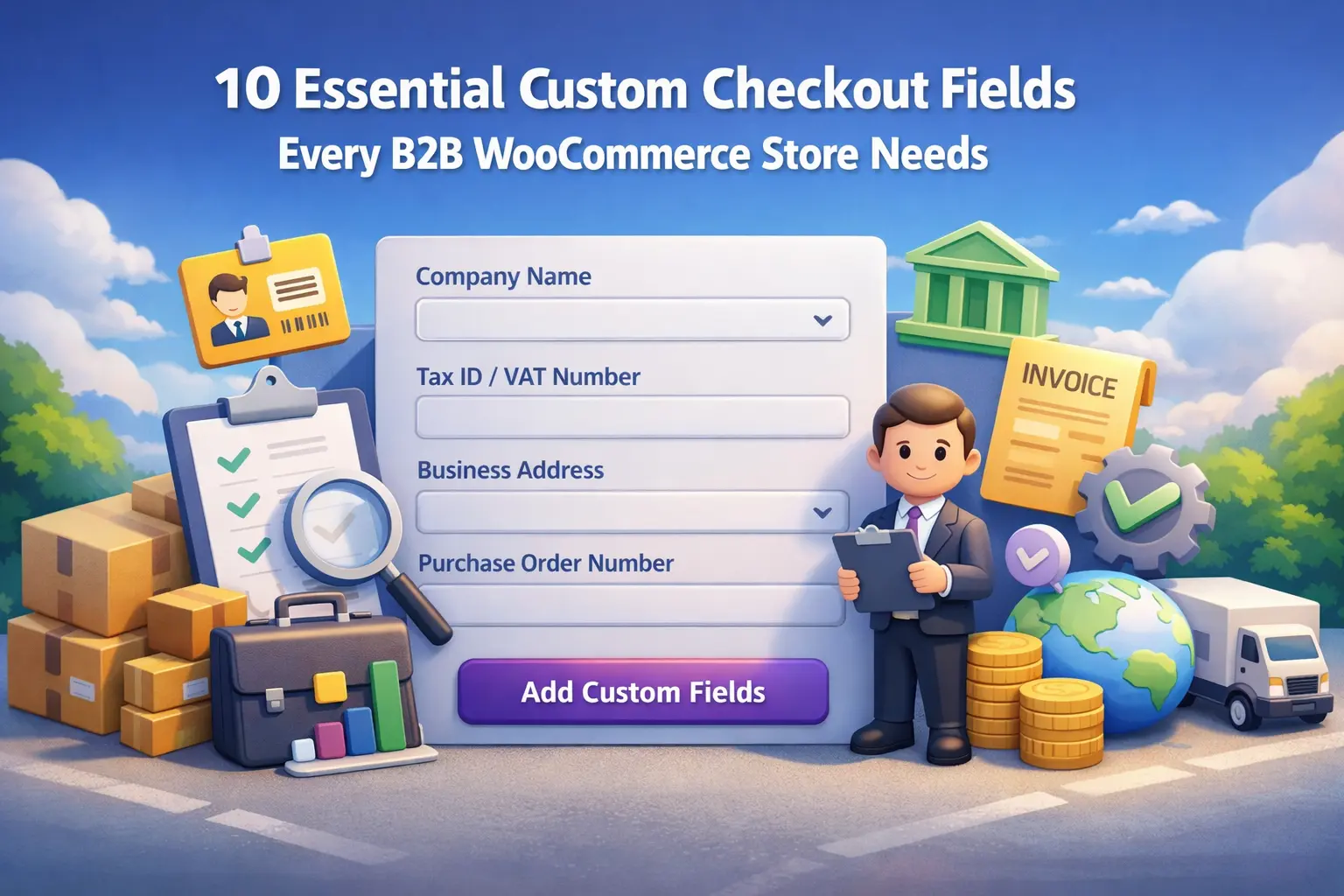
WooCommerce includes a company name field by default, but it is optional and buried under the billing address section with no visual prominence. For a B2B store, company name should be a required field displayed prominently near the top of the form. This is not just a data collection point — it signals to the buyer that they are in the right place. Make it required, position it after first and last name, and use it as the primary label in your order management system.
This is the field that B2B buyers ask about more than any other when they find it missing from a checkout. In the EU, a valid VAT number allows businesses to make zero-rated intra-community purchases. In many other jurisdictions, having the buyer’s tax registration number on the invoice is a legal requirement for the seller. If your business customers cannot get an invoice with their tax ID on it, you will lose orders to competitors who can accommodate this. The field itself is straightforward — a text field with optional validation to match the format of your primary market’s tax ID structure.
Many business buyers, particularly in larger organizations, cannot make a purchase without a Purchase Order number. The PO number is a reference code generated by their internal procurement system that links the purchase to an approved budget and authorizes payment. Without a PO field on your checkout, buyers in this situation will either not complete the purchase or will contact you separately to provide the number — creating a manual process that scales poorly. Adding a PO reference field is a small change that unlocks access to procurement-driven customers who otherwise cannot buy from you at all.
In many businesses, the person who places an order is not the person who handles payment. A procurement manager might initiate the purchase, but the invoice goes to an accounts payable department that has a different contact person and possibly a different email address. If your invoice communications go only to the person who placed the order, they often go to the wrong inbox. A separate billing contact name and billing email field captures this split and ensures your invoices reach the right department, which means you get paid faster.
Knowing what industry your customers operate in is valuable for multiple reasons. For stores that sell products with different pricing tiers, compliance requirements, or usage restrictions by industry, capturing this at checkout allows automatic routing to the right fulfillment process. For stores focused on wholesale, industry data enables meaningful segmentation in your CRM and email marketing. A select dropdown with a defined list of options is more useful than a freeform text field here — you get structured, comparable data rather than a hundred variations of the same answer.
In many markets, particularly in Europe, the company registration number (the number a company is registered with under company law, distinct from its tax ID) is required on commercial invoices. In the UK this is the Companies House number, in Germany the Handelsregisternummer, in France the SIRET number. For stores doing significant cross-border B2B trade, or operating in markets where this is a legal requirement, this field prevents invoice rejections and accounts payable disputes downstream.
Business buyers often have specific receiving windows. A retailer restocking inventory needs the delivery to arrive before a product launch. A manufacturer ordering components needs them to align with a production schedule. A business ordering for a conference or event has a hard deadline. Without a preferred delivery date field, none of this context reaches your fulfillment team at the moment of purchase, leading to either missed expectations or support tickets asking for information that should have been collected up front. A date picker field that constrains available dates to your realistic lead times manages expectations while capturing the data you need.
For stores that offer different pricing structures, credit terms, or account management levels based on company size, capturing this data at checkout allows automatic qualification without a manual sales process. A company with 500 employees buying the same products as a sole trader is likely a fundamentally different customer relationship. Knowing this from the first order allows you to route them appropriately: into a key accounts workflow, a dedicated sales contact, or a higher-tier pricing structure. A simple select field with bands like “1-10”, “11-50”, “51-250”, “250+” is enough to make this segmentation useful.
Business delivery addresses are often more complex than residential ones. A warehouse may have specific receiving hours, require a forklift for pallet deliveries, need a booking reference for the dock, or only accept deliveries via a particular entrance. A standard delivery notes field is too generic for this; it gives no structure to the information and often gets ignored in processing. A dedicated “Warehouse and delivery access instructions” textarea with placeholder text that prompts for the relevant details captures this information in a way that actually reaches the logistics team.
Many manufacturers and wholesale suppliers have distinct pricing or terms for customers who will resell their products versus those who will use them internally. A simple checkbox that allows the buyer to confirm “I am purchasing for resale” (with an optional resale license number field appearing conditionally) creates a clean record of the buyer’s declared intent. This matters for tax compliance in some jurisdictions, for protecting minimum advertised price agreements, and for routing orders to the correct pricing tier without manual verification for every order.
The fields described above represent a significant upgrade over a default WooCommerce checkout, but implementing them traditionally would require custom PHP, regular compatibility maintenance, and either developer time or technical expertise most store owners do not have. The right tool handles all of this through a visual interface that any store owner can use.
What you need is a field editor that supports all the field types described in this guide (text, select, date picker, checkbox, textarea, number), gives you full control over field placement and order, lets you set required and optional states per field, and supports conditional logic so fields only appear when relevant. You should also be able to export and import your field configuration — useful if you manage multiple stores or need to migrate settings during a rebuild.
Building a checkout form that genuinely serves B2B buyers is not a cosmetic change. It affects how professional your store appears to business buyers, how smoothly orders flow through your fulfillment process, and whether your invoices pass accounts payable review without a follow-up conversation. Each field in this list was chosen because it solves a real operational problem that B2B transactions create — not because it is interesting to collect.
Start with the fields most relevant to your specific customer base and fulfillment workflow. Add conditional logic to keep the form clean for buyers who do not need the full B2B field set. The WooCommerce checkout field manager with advanced conditional logic for B2B stores makes this entire setup achievable through a visual interface, without developer dependencies or ongoing maintenance burden.
Advanced WooCommerce Checkout Field Editor gives you every field type, full conditional logic, drag-and-drop ordering, and per-product field assignment — everything a B2B WooCommerce store needs to capture the right data from the right buyers.








This saved me so many hours!
Hey everyone! I run a mid sized consulting firm and just added custom checkout fields to our WooCommerce store. I was so not looking forward to hiring a developer or messing with code myself, but this guide made it way easier than expected.
Saved my holidays with that PO field!