Next-Level Code. Nexuvibe Style ...
Hrs
Min
Sec

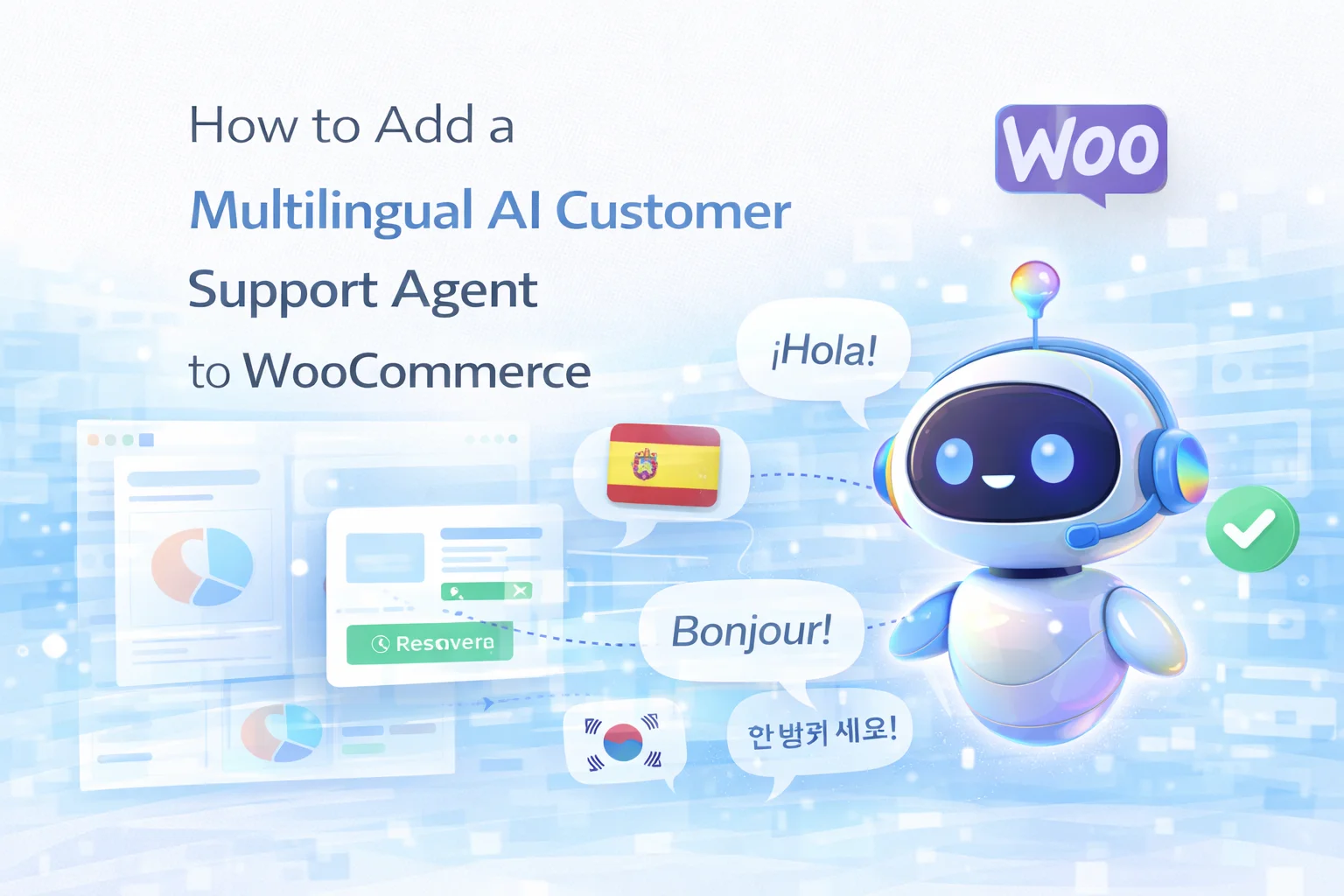
Running a WooCommerce store that sells internationally creates a support problem that grows with your success. A customer in Germany asks about your return policy in German. A buyer in Brazil wants to know about shipping timelines in Portuguese. Someone in Japan has a question about product specifications in Japanese. If your support team operates in English — or in any single language — every one of these messages either goes unanswered for hours, gets a reply they may not fully understand, or requires a paid translation layer between you and your customer.
The traditional solutions are expensive: multilingual support staff, outsourced translation services, or running separate storefronts for each market with dedicated support teams. None of these options scale affordably for small and mid-sized WooCommerce stores. They work for enterprises with regional offices and headcount. They do not work for a ten-person operation selling globally.
The AI-based solution is different in kind, not just in cost. A large language model does not need your content translated into every language you want to support. It reads your English product descriptions, your English returns policy, your English shipping page — and answers questions about that content in whatever language the customer is writing in. The translation happens inside the model, automatically, in real time.
This guide covers exactly how to set this up on WooCommerce using a WooCommerce AI support plugin that indexes your store content automatically and responds to customers in any language without additional configuration — no WPML required for the chatbot itself, no separate translation plugins, no manual setup per language.
The cost of multilingual customer support is not just the translation itself. It is the entire support workflow that becomes more complex when multiple languages are involved. A ticket arrives in French. Your support agent cannot read it. It gets forwarded to someone who can, or to a translation tool, then back to the agent, then a reply gets written in English and translated back to French, then sent. What should take two minutes takes forty. And that is when things work. When the translation tool gets an idiom wrong, or when the customer’s phrasing is unusual, the friction compounds.
AI changes this because modern large language models are natively multilingual — not through translation layers, but through training data that spans dozens of languages simultaneously. When a customer writes a question in Italian, the model does not translate it to English, retrieve an answer, and translate back. It processes the Italian query directly, retrieves the relevant content from your indexed knowledge base, and generates a response in Italian from scratch. The result is fluent, natural, idiomatic — not machine-translated.
The practical implication is significant: your content stays in one language. You write your product descriptions, your returns policy, and your FAQ in English (or whichever language is your primary). The AI reads that content, and your customers get answers in their own language — without you creating or maintaining multilingual versions of anything.
The short answer is: any language the underlying model was trained on — which for GPT-4o, Claude 3.5, and Gemini 1.5 covers the vast majority of languages your international WooCommerce customers are likely to write in. Here is a practical breakdown of capability tiers:
Fluent, idiomatic, indistinguishable from native writing. Handles complex queries, product nuance, and policy explanations without degradation.
Clear and accurate for standard support queries. Occasional phrasing that reads slightly formal but remains fully correct and helpful.
Understandable and helpful for basic questions. May occasionally default to a related major language or produce slightly unnatural phrasing for complex requests.
Understanding the mechanics helps you configure the system correctly and set realistic expectations for your customers. Here is what happens from the moment a customer types a question to the moment they receive an answer.
A visitor types their question in German: “Wie lange dauert die Lieferung nach Österreich?” (How long does delivery to Austria take?). The widget receives the input exactly as written — no language detection step is needed.
The RAG pipeline converts the German query into a semantic vector and searches your indexed store content for the most relevant chunks — in this case, your shipping page. The retrieval works across language boundaries: the German query successfully finds English-language content about Austrian shipping.
The language model receives the German question, the retrieved English shipping content, and your system prompt. It generates a fluent German response: “Die Lieferung nach Österreich dauert in der Regel 3–5 Werktage mit DHL. Expressversand ist gegen Aufpreis verfügbar.” — accurate, natural, drawn from your actual shipping policy.
If the customer follows up — still in German, now in English, or even switching mid-conversation — the model handles it. Conversation history is maintained per session, so context carries forward regardless of language switches. The customer never has to think about which language the bot “speaks”.
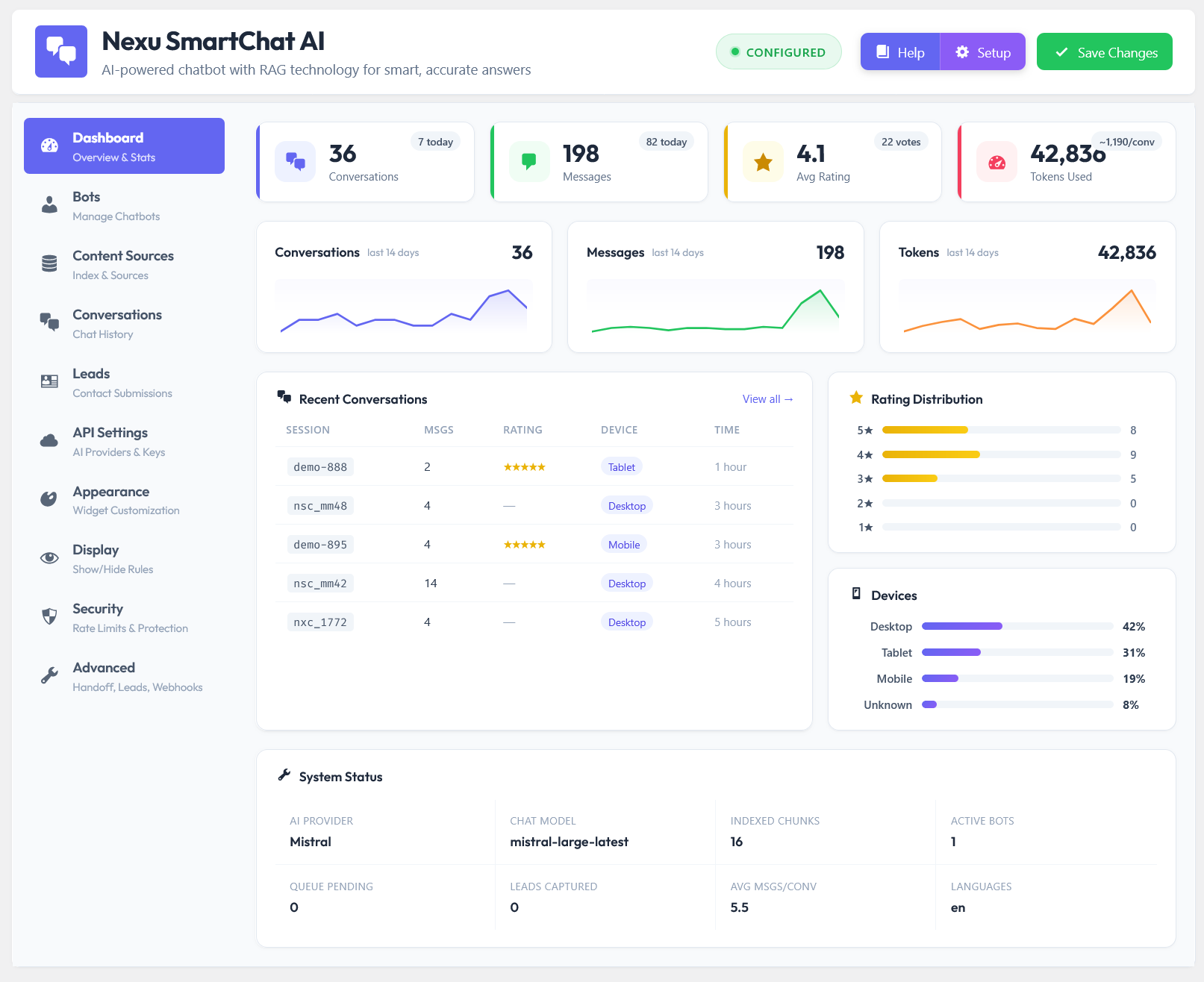
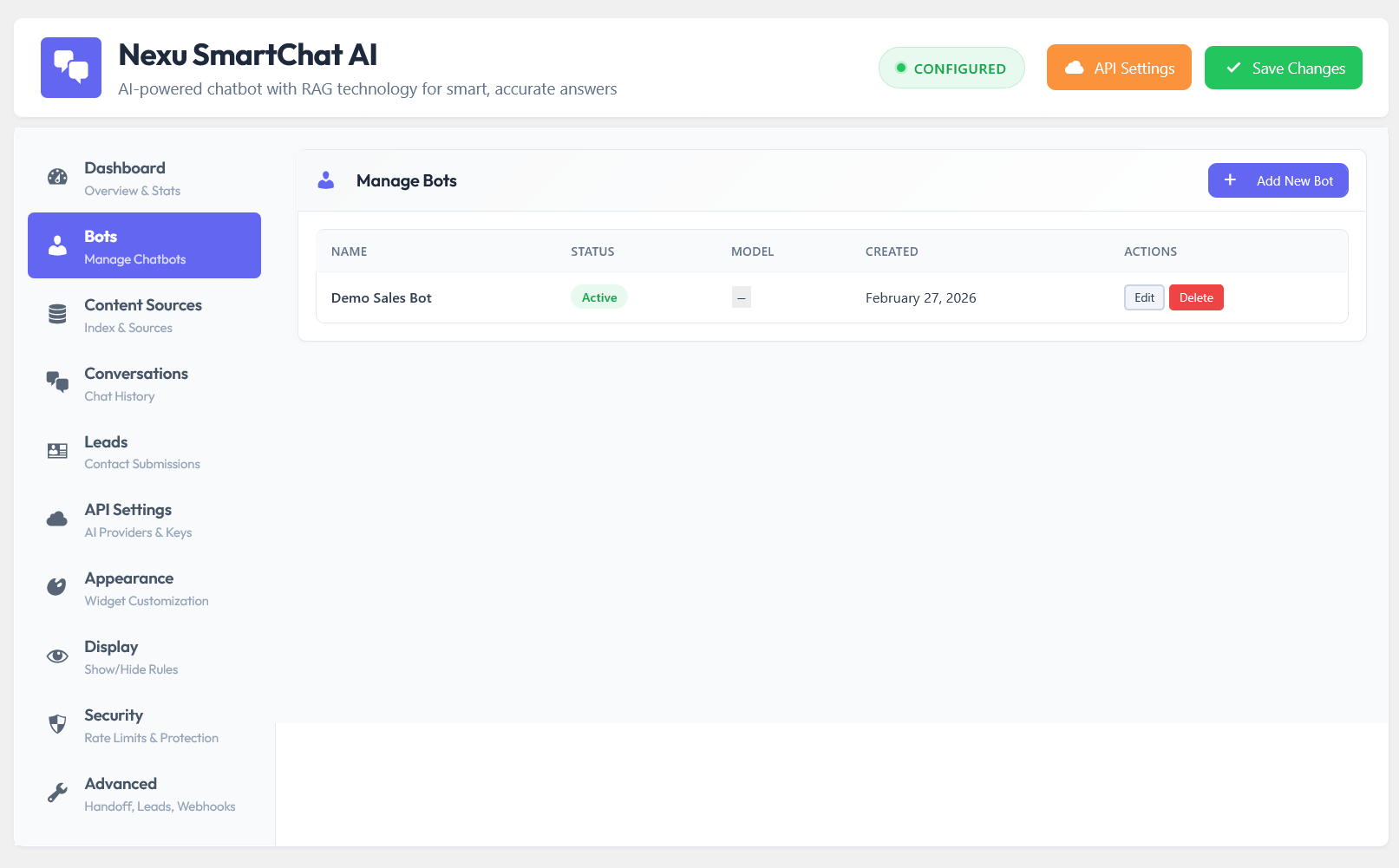
Nexu SmartChat Assistant Plugin with Auto-Indexing & RAG does not require any special multilingual configuration. The setup is identical to a single-language installation — the multilingual capability comes from the model itself. Here is the complete process.
Install SmartChat, activate, and add your OpenAI or Claude API key in the API Settings panel. For multilingual stores, GPT-4o mini is the recommended starting point — it handles all Tier 1 languages with excellent quality at a low per-conversation cost. Claude Haiku is a strong alternative if your primary markets include languages where Claude’s training data is particularly strong.
Go to the Page Indexing tab and enable your WooCommerce products, shipping page, returns page, FAQ, and any other support content. You do not need translated versions of these pages for the chatbot — the model reads the source language and responds in the customer’s language. However, if you do have translated pages (via WPML or Polylang), index those too — it gives the model higher-quality source material for those specific languages.
The system prompt is the single most important configuration for multilingual support. One instruction makes the difference between a bot that always replies in English and one that matches the customer’s language. Add this line explicitly:
This explicit instruction overrides the model’s tendency to default to English. Combined with the retrieved content context, responses will be accurate in both language and facts.
Before going live, open the chat widget and ask your ten most common support questions in each of your key market languages. Ask about shipping, returns, a specific product, payment methods. Review the answers for accuracy and naturalness — not just translation correctness. Use the Conversations tab to review these test transcripts. If any answer is missing critical information, it means that content is not indexed — add or expand the relevant page, re-index, and test again.
Yes — and the combination is better than either approach alone. If you are already running WPML or Polylang and have translated versions of your key pages, SmartChat can index those translated pages alongside the original. This gives the model native-language source material to draw from for your primary markets, rather than translating from English at response-generation time.
Source content in English, AI responds in customer’s language. Works for all languages the model supports. No translation plugin required for the chatbot to function correctly.
Index both source and translated pages. The model retrieves the translated version for matching-language queries, giving higher precision for your key markets without touching how the chatbot behaves for other languages.
The important distinction: WPML translates your site’s visible content — pages, product descriptions, navigation. SmartChat’s multilingual capability is separate and works independently. You do not need to run WPML to serve customers in 30 languages via the chatbot. If you are already running WPML for SEO or UX reasons, the chatbot benefits from the additional content — but it is not a dependency.
| Approach | Multilingual staff | Translation service | AI chatbot (SmartChat) |
|---|---|---|---|
| Languages supported | 2–4 (limited by hires) | Varies by provider | 50+ simultaneously |
| Monthly cost | $2,000–$8,000+ | $200–$2,000+ | $3–15 API costs |
| Response time | Hours (business hours only) | Hours to days | Under 3 seconds, 24/7 |
| Setup complexity | High (hiring, training) | Medium (workflow integration) | Low — under 1 hour |
| Content maintenance | Manual updates required | Manual re-translation on changes | Auto-indexed on every save |
| Scales with store growth | Cost scales linearly | Cost scales with volume | Near-zero marginal cost |
API cost estimate based on GPT-4o mini at average 800 tokens per conversation, 500 multilingual conversations per month. Staff costs based on freelance multilingual support rates. Translation service costs based on per-word rates for ongoing support correspondence.
Multilingual customer support used to require multilingual staff. That is no longer the case for the information-retrieval portion of support — the questions about your products, your policies, your shipping options. An AI assistant that reads your WooCommerce content and responds in any language is not a workaround or a compromise. It is a genuinely better customer experience than a delayed human response translated through a third-party tool.
Your content stays in one language. Your support scales to every language your customers write in. A WooCommerce AI support agent with native RAG indexing and automatic multilingual response is the practical implementation of that — installed in under an hour, live in every language from day one.
Native WordPress RAG pipeline. Auto-indexes your WooCommerce products and store pages. Answers customer questions in any language — no translation plugins needed, no multilingual staff required, no extra configuration per language. From $89 one-time — no subscription, no per-seat fees.





Hey! handles German support questions without extra hires
Finally got this set up for my small WooCommerce store and wow, what a weight off my shoulders.
Finally, a support tool that doesn't make me hire a whole team. Perfect for my small shop.
Saved me so much stress