Safe WordPress Translation
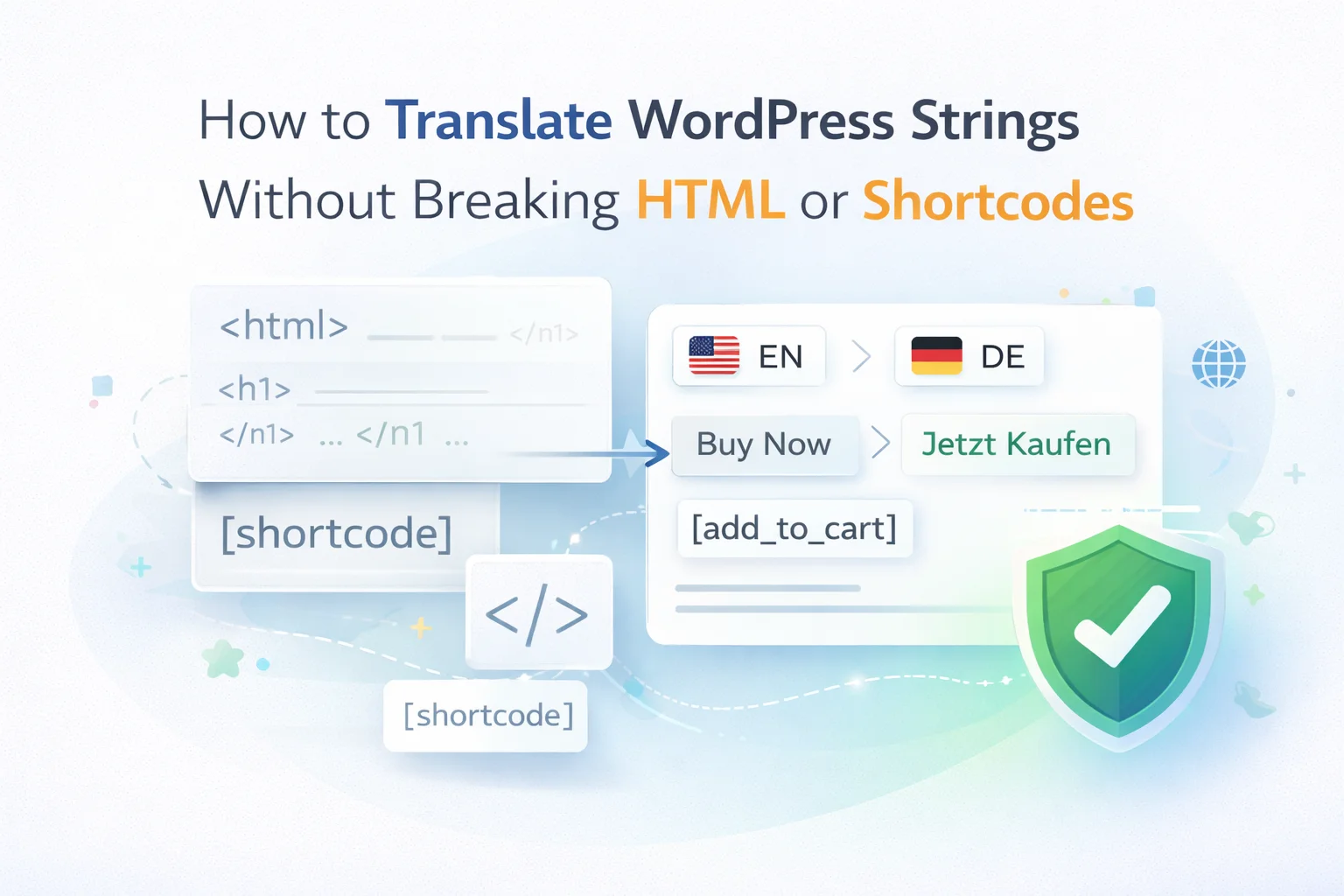
How to Translate WordPress Strings
Without Breaking HTML
or Shortcodes
Every WordPress developer has hit it at least once — the page that renders broken after a translation session. Here is why it happens, and how it permanently stops happening.
12 min read
2026
For WordPress Developers
It is Friday afternoon. You have just finished translating a WooCommerce plugin into German. Three hundred strings, done. You reload the order confirmation page to check — and there it is: a button that says %S hat %D Artikel bestellt instead of a person’s name and a number. Raw PHP specifiers, completely unprocessed, visible to every customer.
This is the single most common failure mode in WordPress translation work. It is not caused by a bad AI model or a weak prompt. It is caused by sending WordPress strings directly to a translation tool without first protecting the code embedded inside them — and it is entirely preventable.
The anatomy of a WordPress translation string
Before diagnosing what breaks, you need to understand what a WordPress translation string actually contains. Most developers think of translation strings as simple text. They are not. They are runtime-processed fragments that often carry active code which WordPress executes when building a page — code that must survive the translation process completely unchanged.
That code falls into four categories. Each one has a different syntax. Each one breaks in a different way when a translation tool processes it naively.
Printf Placeholders
%s %d %f
%1$s %2$d
%05.2f
Replaced at runtime by PHP’s sprintf(). Changing case or syntax produces a PHP warning or empty output.
HTML Tags
<strong> </strong>
<a href=’%s’>
<em> <br> <span>
Tag names and attribute names are HTML keywords, not English words. Translating them produces invalid markup that browsers cannot render.
Shortcodes
[contact_form]
[button link=’%s’]
[/checkout_block]
WordPress looks up shortcodes by their exact registered name. Translating any part of the name produces a literal text output — the shortcode simply stops working.
Template Variables
{{ name }}
#{ order_id }
%(count)s
Framework-specific syntax used in page builders and custom plugins. A tool that only protects %s will translate these freely.
A single string can contain multiple types simultaneously — a common case in WooCommerce order strings and plugin notifications.
Four failure modes — and what users actually see
Knowing that strings contain code is one thing. Understanding how each failure mode manifests in production is what makes the problem viscerally clear. These are real failure patterns — the kind that show up in browser previews and support tickets.
Placeholder case mutation
Source (English)
“Hello %s, you have %d messages”
Broken translation (German)
“Hallo %S, Sie haben %D Nachrichten”
What the user sees: The literal text Hallo %S, Sie haben %D Nachrichten — PHP’s sprintf() does not recognize uppercase specifiers, so the substitution silently fails and the raw format string is displayed.
HTML attribute translation
Source (English)
“See <a href=’%s’ target=’_blank’>details</a>”
Broken translation (French)
“Voir <un href=’%s’ cible=’_vide’>détails</un>”
What the user sees: The text “Voir détails” with no link whatsoever — <un> is not an HTML element, so the browser renders it as plain text. The link is gone.
Shortcode name translation
Source (English)
“Complete purchase [checkout_button]”
Broken translation (Spanish)
“Completar compra [botón_pago]”
What the user sees: The literal text [botón_pago] printed on the page — no button, no checkout, just a broken shortcode string where the payment action should be.
Numbered placeholder reordering
Source (English)
“%1$s replied to %2$s’s comment”
Broken translation (Arabic)
“%1$s رد على تعليق %2$s” (numbers wrong for word order)
What the user sees: The names displayed in reverse — “User B replied to User A’s comment” when the reverse occurred. A subtle but real accuracy failure in notification text, especially damaging in community and social plugins.

Loco AI Auto Translator adds AI translation buttons directly inside Loco Translate — placeholder protection runs automatically on every string.
The systematic solution: extract, translate, restore
A reliable fix for broken WordPress translation strings does not come from writing a better prompt. It comes from a pre-processing step that removes all code from the string before it reaches the AI, and a post-processing step that restores it afterward. This is exactly the approach taken by Loco AI Auto Translator.
The mechanism is straightforward in principle and thorough in execution. Here is the exact sequence that runs on every string, every time, with every AI provider.
The protection pipeline — runs on every translation call
1
Code Extraction
All code patterns scanned and replaced with neutral markers. %s → [[PH_1]]
2
AI Translation
Clean string sent to AI. Only human text is processed — markers pass through untouched.
3
Code Restoration
Every marker replaced with its original code, at the grammatically correct position for the target language.
Recovery Fallback
Near-match detection handles edge cases where a model slightly modifies a marker — restoration still succeeds.
Live example: WooCommerce order string with 3 placeholders + HTML + shortcode
Original string
“Hi %1$s, your <strong>%2$d item(s)</strong> shipped. <a href=’%3$s’>Track order</a> or [get_support].”
Sent to AI (after extraction)
“Hi [[PH_1]], your [[T_1]][[PH_2]] item(s)[[T_2]] shipped. [[T_3]]Track order[[T_4]] or [[SC_1]].”
AI returns (German, markers intact)
“Hallo [[PH_1]], Ihre [[T_1]][[PH_2]] Artikel[[T_2]] wurden versandt. [[T_3]]Bestellung verfolgen[[T_4]] oder [[SC_1]].”
Final result (after restoration)
“Hallo %1$s, Ihre <strong>%2$d Artikel</strong> wurden versandt. <a href=’%3$s’>Bestellung verfolgen</a> oder [get_support].”

Real-time progress view during bulk translation — source and safe translated strings visible together, every string processed through the protection pipeline.
Configuring additional safeguards in the settings
Placeholder protection runs automatically — there is nothing to turn on. But Loco AI Auto Translator provides two additional tools that complement the core protection and give you control over quality in string-specific scenarios: the prompt editor and the glossary.

Custom prompt editor
Add context-specific instructions — plugin category, tone, audience — that help the AI produce better human-readable text around the protected code elements.

Glossary
Define terms that must never be translated (brand names, product names, technical terms) and terms that must always use a specific translation — a second layer of string protection beyond code elements.
Together these cover both dimensions of translation safety: the code embedded in strings (handled automatically by the protection pipeline) and the human-readable text around it (guided by your prompt and glossary configuration). A WordPress translation session using both produces output that is safe to apply directly and requires minimal manual review.
If you already have broken translations — how to fix them
If you are working with existing .po files that were translated before a safe pipeline was in place, there are two practical options depending on how widespread the damage is.
Isolated broken strings
Use the single-string translation button inside the Loco Translate editor. Find the broken string, click the AI button next to it, and Loco AI Auto Translator re-processes it through the full protection pipeline. No bulk session needed — targeted repair, one string at a time.
Widespread damage across the file
Clear the existing translations in Loco Translate and run a fresh bulk session with the translate-all mode. The entire file gets processed from scratch through the protection pipeline. Faster than manually auditing and fixing dozens of broken strings — and produces a consistent, clean result throughout.
Frequently asked questions
Does the protection work with all AI providers, or only specific ones?
The extraction and restoration runs entirely within the plugin — before any API call is made and after the response returns. The AI provider never receives the original code, only the sanitized string with neutral markers. This means the protection is identical regardless of whether you are using OpenAI, DeepL, Google Translate, Anthropic Claude, or Google Gemini. Provider choice affects translation quality, not code safety.
My plugin uses a custom placeholder syntax the plugin might not recognize. What then?
The built-in pattern recognition covers the vast majority of placeholder formats used in the WordPress ecosystem. For genuinely unusual custom syntaxes, the custom prompt editor gives you a direct fallback — instruct the AI explicitly to treat a specific pattern as untranslatable. This adds a model-level instruction on top of the plugin-level extraction. For any remaining edge cases, the single-string translation button lets you verify results individually before applying them to the full file.
Is the protection affected by bulk mode or turbo mode batch sizes?
No. Whether you are translating strings one by one, in standard batches, or in parallel batches using turbo mode, the protection pipeline applies to every individual string. Batch assembly and dispatch happen after per-string extraction. Restoration happens after per-string responses return. The batch size affects only speed — it does not change the safety behaviour for any individual string in the batch.
Can I verify that placeholders survived correctly before I save the translations?
Yes — this is one of the main reasons the real-time progress view exists. During a bulk session, you can scroll through the results as they arrive and compare source strings and translated strings side by side. Nothing is written to your .po file until you choose to apply. You can review, flag specific strings for re-translation using the single-string button, and then apply only when you are satisfied with the results.
Does this work with third-party
Loco Translate file types — themes, plugins, child themes?
Yes. Loco AI Auto Translator works with any .po file that Loco Translate can open — that includes WordPress core strings, plugin files, theme files, child theme overrides, and custom translation files. The protection mechanism is applied at the string level, independent of the source. As long as Loco Translate can open the file, the AI translation and code protection features are available for it.
Broken placeholders and corrupted shortcodes are entirely avoidable. They exist in WordPress translation files because someone sent a raw string to a translation tool that had no mechanism for separating the code from the text. The solution is not to be more careful when pasting strings — it is to use a tool that makes the problem architecturally impossible.
Loco AI Auto Translator makes the problem architecturally impossible. The code never reaches the AI. It cannot be broken by the AI. It is restored after the AI is done. Every translation session, every string, every provider, every time.
Automatic Code Protection on Every Translation
Loco AI Auto Translator — safe WordPress plugin and theme localization that never breaks your code
Placeholder and shortcode protection built in. Works with OpenAI, Claude, Gemini, DeepL and more. Bulk translation, turbo mode, custom prompts, glossary. Site-based licence starting at $29/year.
HTML safe
Shortcode safe
Placeholder safe
Get Loco AI Auto Translator






PHP placeholders in strings are such a pain they just show up as text if you forget to
Man, I've wasted hours cleaning up busted pages after running translations through tools that just destroy the HTML and shortcodes like they're nothing. tried this method last week on a client's multilingual WooCommerce site German, Spanish, and French and not a single broken button or messed up placeholder. The way it protects the %s, %d, and even nested shortcodes before translating? that's the kind of "why didn't I think of this sooner" fix you don't see every day. No more reloads where half the page looks like a coding disaster.
This saved me hours of debugging after translating a client's WooCommerce store. I've lost count of how many times I've seen raw %s or %d placeholders leak into live pages because a translation tool treated them like text. The way this guide breaks down exactly which placeholders need protection and why is something I wish I'd had years ago. No more last minute panics before a launch. just clean, functional translations every time. Finally, someone explained the why behind the fix, not just the steps.
Finally nailed 300 strings