Next-Level Code. Nexuvibe Style ...
Hrs
Min
Sec

There is a window of opportunity in every checkout session that most WooCommerce store owners never exploit. It opens the moment a shopper begins typing their email address into the checkout form. It closes the moment they leave your site. What happens in that window — whether you capture that email or not — is the single most important variable in your abandoned cart recovery capability.
Live email capture and exit-intent are two distinct mechanisms that work together to maximize the percentage of abandoning shoppers you can actually reach. They are often discussed as if they are the same thing, or as if one replaces the other. They do not. Each one targets a different moment in the abandonment journey, and understanding the difference between them — and how to deploy both correctly — is what separates a WooCommerce store with a meaningful recovery rate from one that is simply watching revenue walk out the door.
This guide covers both mechanisms in depth: what they are, how they work technically, when to use each one, and how to configure them for maximum effectiveness on a WooCommerce store. We cover this in the context of WooCommerce live checkout email capture with exit-intent recovery, but the principles are universal to the WooCommerce cart recovery challenge.
By the end of this guide, you will understand not just what these tools are, but the precise logic behind when and why each one works — and more importantly, why implementing them together produces results that neither achieves alone.
Live email capture — sometimes called real-time email capture or field-level tracking — is the process of recording a shopper’s email address the moment they type it into the checkout form, before they have submitted the form or completed the order. The email is not taken from a completed transaction. It is taken from an in-progress one, at the earliest possible moment that the shopper has provided their contact information.
To understand why this matters, consider the sequence of events in a typical WooCommerce checkout abandonment. A shopper lands on your checkout page. They begin filling in their details. At some point — maybe after seeing the shipping cost, maybe after getting a phone call, maybe simply after losing interest — they close the tab or navigate away. Without live capture, none of those partially-filled details are recorded. The shopper is gone with no trace.
With live capture, the moment the shopper types their email address and moves to the next field — or even after a brief pause — that email is recorded and associated with their current cart. If they abandon seconds later, you have what you need to reach them. The order was never placed, but the recovery opportunity was preserved.
There are several other ways to collect email addresses from WooCommerce shoppers — newsletter signups, account creation prompts, post-purchase opt-ins — but none of them serve the cart recovery use case the way live checkout capture does. The reason is context. When someone is on the checkout page filling in their details, they are at the highest level of purchase intent they will ever reach on your store. They have found a product they want, added it to their cart, and started the process of buying it.
A newsletter signup captures an email from someone who is interested in your brand but has made no purchase commitment. A checkout field capture records an email from someone who was literally in the process of buying. The behavioral signal attached to that email is incomparably stronger, which is why cart recovery emails sent to checkout-captured addresses consistently outperform any other type of recovery or re-engagement email in open rate, click rate, and conversion.
Account creation prompts only work for shoppers willing to register. That is often a minority of your traffic, particularly on stores where guest checkout is prominently offered. Live capture works for anyone who types an email address into the checkout form — guest or registered user — regardless of whether they have or intend to create an account. It is the only mechanism that reliably captures contact information from the guest segment of your audience.
Unlike a popup or a form, live capture happens without any visible action on the page. The shopper fills in their email as they normally would. Nothing appears, nothing blocks their progress, nothing asks them to opt in to anything additional. This matters because interruptions at checkout — anything that pulls the shopper’s attention away from completing the form — increase abandonment rates. Live capture adds zero friction to the checkout experience while dramatically expanding your recovery reach.
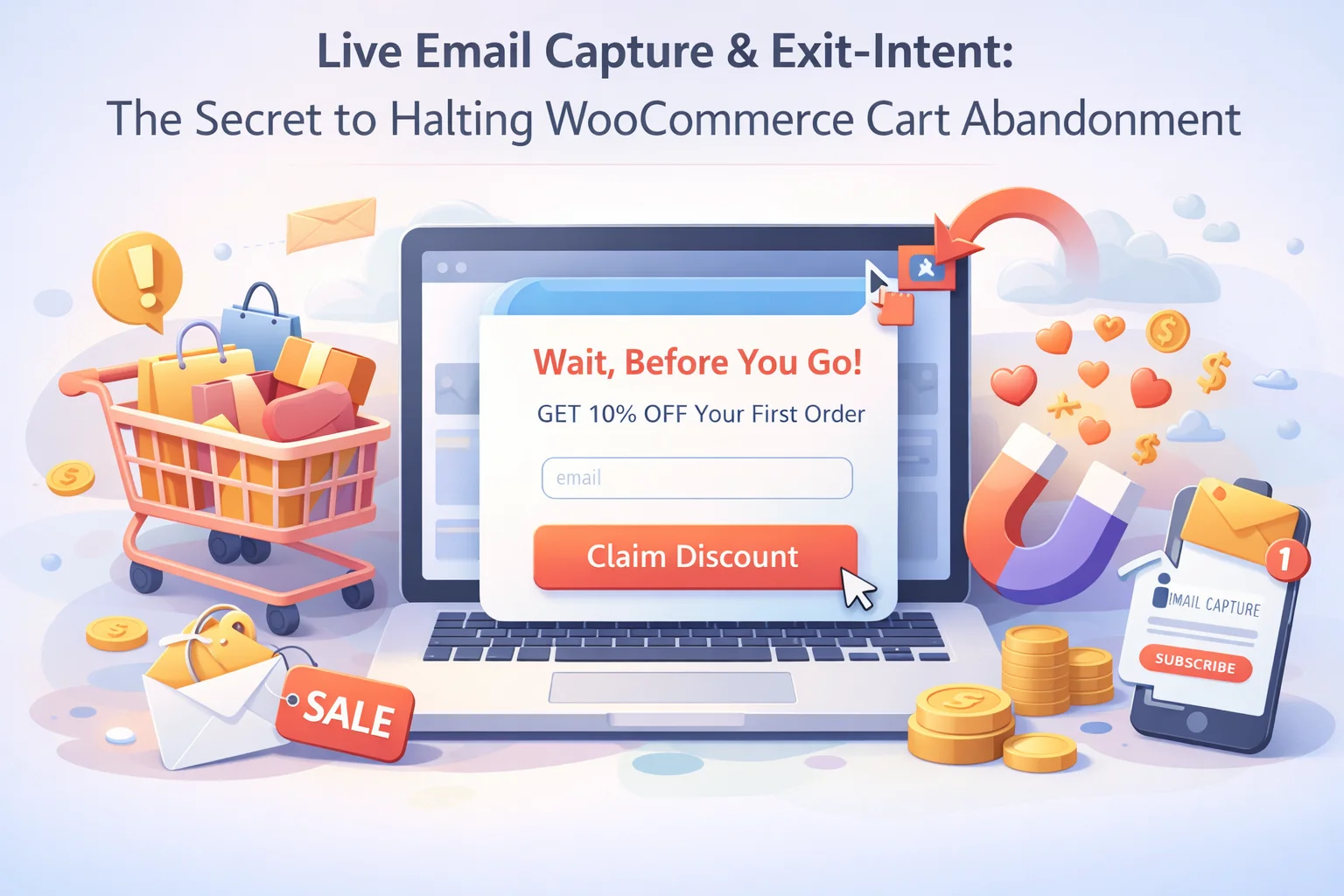
Exit-intent technology detects when a user is about to leave a page — typically by tracking rapid cursor movement toward the top of the browser window, which is the behavioral signal that someone is about to click away or close the tab. When this signal is detected, a trigger fires and an overlay or popup appears, attempting to capture the user’s attention before they leave.
Exit-intent has a mixed reputation in e-commerce, and the reputation is mixed for good reason. When done poorly, it is one of the most irritating experiences a shopper can have on a website. A popup that blocks the entire screen the moment you move your cursor toward the browser address bar, demanding your email in exchange for a discount you did not ask for, is a reliable way to confirm a visitor’s decision to leave and ensure they never come back.
When done well, exit-intent serves a genuinely useful function. It is the last-ditch opportunity to address whatever concern caused the shopper to consider leaving — and for a meaningful percentage of people, that concern is something simple and addressable: a question about shipping, uncertainty about returns, a price hesitation. An exit-intent message that speaks to those concerns, rather than just demanding an email address, can turn an abandonment into a completed order without needing a recovery email at all.
The content of an exit-intent message determines whether it converts or annoys. Most bad exit-intent experiences share a common flaw: they are entirely about the store’s need to capture the lead, not the shopper’s need at that moment. A popup that says “Don’t miss out! Sign up for our newsletter for 10% off!” is completely disconnected from the reality of a shopper who was actively trying to buy something and stopped for a specific reason.
The top reasons shoppers abandon WooCommerce checkouts are shipping cost surprises, uncertainty about the return policy, and lack of trust signals. An exit-intent message on the checkout page that briefly addresses all three — “Free returns within 30 days. Shipping is $X. We protect your payment with SSL encryption.” — is far more useful and converting than a generic discount prompt. You are solving the problem that caused the hesitation, not just throwing a coupon at it.
If your exit-intent strategy includes a discount, do not offer a vague “save on your next order.” Offer a specific, time-limited discount on the exact cart they are about to leave: “Get 8% off the items in your cart if you complete checkout in the next 20 minutes.” Specificity increases perceived value and urgency. Vagueness reduces both. And keep the discount modest enough that you are not creating a habit of intentional abandonment to trigger the popup.
Exit-intent popups that use manipulative close copy like “No thanks, I prefer to pay full price” or “I don’t want to save money” are deeply counterproductive. They generate resentment, not conversion. A simple, clear “No thanks” or “Continue to checkout” link with no passive-aggressive copy is both more ethical and more effective. Shoppers who feel respected are more likely to return than shoppers who feel manipulated.
For shoppers who have not yet reached the email field on the checkout form, an exit-intent popup that includes a simple email capture field is a genuine recovery mechanism. It should be positioned as helpful: “Save your cart — enter your email and we will send you a link to come back when you are ready.” This framing turns the popup from a sales pressure tactic into a practical service. It also captures the email you need to send the recovery sequence.
The reason live capture and exit-intent are most powerful when used together is that they cover different stages and different types of abandonment. Live capture addresses shoppers who reach the email field but leave before completing the order. Exit-intent addresses shoppers who show leaving signals before reaching the email field at all. Together, they cover the full spectrum of checkout abandonment scenarios.
Think of it as two safety nets positioned at different heights. The live capture net is at checkout field level — it catches everyone who typed their email and then left. The exit-intent net is positioned earlier, catching people who showed abandonment signals before ever reaching the email field. A shopper can only be caught by one net, because if live capture already recorded their email, there is no need for the exit-intent to request it again.
Getting the configuration right is what separates a capture system that reaches 30–40% of abandoning shoppers from one that reaches 80–90% of them. The configuration decisions that matter most are: which pages exit-intent fires on, what the delay is before it can fire, whether it is suppressed after live capture has succeeded, and how the captured data flows into your recovery sequence.
Exit-intent should only fire after a shopper has been on the page long enough to have genuine engagement. A minimum of 30 seconds on the cart page and 60 seconds on the checkout page is a sensible baseline. This prevents the popup from appearing to someone who just bounced in from an ad and immediately left — that person was never going to convert regardless of the popup.
If the checkout email field capture has already recorded a shopper’s email, showing them an exit-intent popup that asks for their email is redundant and slightly alarming to the shopper. A properly configured system flags that live capture has succeeded and suppresses the exit-intent popup for that session. The two mechanisms should be aware of each other, not operating independently.
Traditional exit-intent based on cursor movement does not work on mobile devices because there is no cursor. On mobile, alternative signals can be used — scroll velocity, back-button behavior, or app-switching patterns — but the reliability is much lower. For mobile traffic, live checkout capture remains the primary mechanism and exit-intent should either be disabled or replaced with a time-delayed value message rather than a departure-triggered popup.
A shopper who closes your exit-intent popup without converting and then returns to the cart page should not see the popup again immediately. A 24-hour cooldown between exit-intent displays for the same visitor prevents the popup from becoming a persistent nuisance for returning shoppers who have already made their decision about it. Respecting that decision is better for long-term store reputation than squeezing one more popup impression out of each session.
The metric that tells you whether your capture configuration is effective is the email capture rate: the percentage of abandoning shoppers for whom you successfully record an email address before they leave. This number is the ceiling of your recovery rate — you cannot recover a shopper you have no way to contact. A store with a 15% capture rate cannot have a recovery rate higher than 15% of its total abandoners, regardless of how good the emails are.
A well-configured combined system — live checkout capture plus targeted exit-intent on cart and checkout pages — should capture emails from 40–60% of abandoning shoppers on a typical WooCommerce store. Stores with highly optimized checkout flows and warm traffic can push this to 70%+. If your capture rate is below 20%, the problem is almost always in the capture configuration rather than the recovery email content, and that is where optimization effort should be focused first.
The secondary metric to track is the exit-intent conversion rate: what percentage of shoppers who see the popup either complete the purchase immediately or provide their email for recovery. If this number is below 3–4%, the popup content itself needs revision. If the popup is showing to too many non-abandoning shoppers, tighten the targeting. These two metrics together tell you everything you need to know about whether your capture layer is performing or needs attention. WooCommerce checkout abandonment capture and analytics tools make both visible from a single dashboard so you are never optimizing blind.
Nexu Abandoned Cart Recovery combines real-time checkout email capture with intelligent exit-intent targeting — so you reach abandoning shoppers at every stage, before and after they leave.








Thought this would grab emails early but it just keeps throwing up popups. doesn't even work
Saved my butt twice this week.
Finally got emails before they bounced!
I bought this hoping to capture emails before shoppers bail, but it's just another exit intent popup. The whole point was live capture during checkout not after they're already gone. Wasted time configuring it for nothing.
Finally got this working and wow caught three emails in the first hour from people who almost checked