Next-Level Code. Nexuvibe Style ...
Hrs
Min
Sec

Gravity Forms is one of the most capable form plugins for WordPress. But when your use case requires more than one-way data collection — when users need to return to their submissions, manage their profiles, or access a frontend dashboard — the core plugin hits its limits. That’s where the add-on market comes in. And that’s also where the marketing language gets murky.
“Frontend editing” and “user management” are phrases that appear in a lot of plugin descriptions with varying degrees of accuracy. Some plugins offer genuine frontend editing that updates existing entries. Others offer pre-population that creates duplicate entries. Some offer user dashboards that are little more than styled admin views. The differences matter enormously in practice.
This guide cuts through the noise. We evaluate the realistic options for adding frontend editing and user management to a Gravity Forms setup, explain honestly what each approach does and doesn’t do, and give you a clear recommendation based on what the majority of people searching this topic actually need to build.
Building a custom solution using Gravity Forms’ PHP API gives you complete control over the implementation. A skilled WordPress developer can query entries, build a frontend interface, handle authentication, and implement proper entry updates using GFAPI::update_entry(). The result can be exactly what you need — but it’s a substantial development investment. Plan for 30 to 60 hours of initial build time and ongoing developer involvement every time Gravity Forms updates its API or you need to change the functionality. Best for: organizations with in-house developers and genuinely unique requirements that no plugin can address.
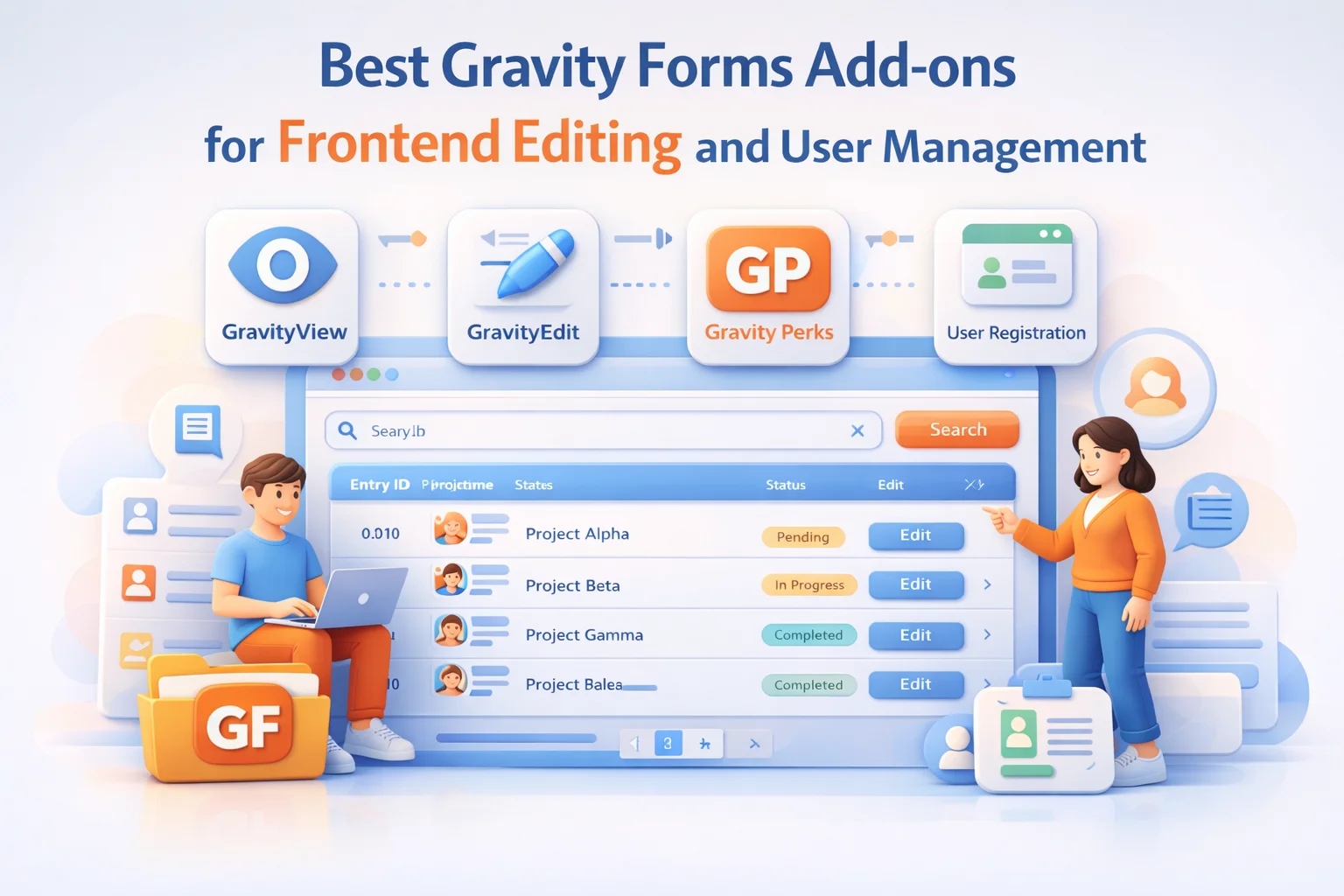
The official Gravity Forms User Registration Add-on lets you create or update WordPress user accounts from form submissions. It’s genuinely useful for its intended purpose: automatically creating user accounts when someone submits a registration form and mapping form fields to WordPress user meta. But it doesn’t create a frontend portal, it doesn’t give users a way to view or edit their form entries, and it doesn’t provide a directory. It solves the “create a user account from a form submission” problem, not the “let users manage their form entries” problem. Many people install this expecting frontend editing and discover it doesn’t provide that.
GravityView is the most established purpose-built solution for displaying Gravity Forms entries on the frontend. It’s been in the market for many years, has a large user base, and genuinely works — entry edits update the original entry, access control is properly implemented, and there are multiple layout options including table, list, and map views. The trade-offs are cost and complexity. GravityView is priced at the premium end of the market, and getting the full feature set (editing, multiple layouts, advanced filtering) requires purchasing additional extensions on top of the base plugin. For teams with budget and complex requirements, it’s a credible option. For smaller sites or teams that want a straightforward setup without a stack of add-ons, the overhead may not be worth it.
Nexu Portal is purpose-built for the exact use case this comparison addresses: giving Gravity Forms users a proper frontend interface for managing their own submissions. The plugin covers the full stack — per-user submission list, frontend editing that properly updates original entries, field-level access control, a searchable user directory, and individual profile pages — in a single plugin that doesn’t require a stack of add-ons to become functional. The no-code configuration makes it accessible to site owners who aren’t developers. The pricing is straightforward and doesn’t require separate purchases to unlock core features. For the majority of people reading this comparison, Nexu Portal is the right choice.
The right choice depends on your resources and requirements. Here’s the honest breakdown:
You have in-house WordPress developers, your requirements are genuinely unique in ways no plugin addresses, and you have the budget for ongoing maintenance. Custom code is the most flexible path but requires a real ongoing investment of developer time.
You need highly complex view types (maps, calendar views, very advanced layouts), your budget is flexible, and you’re comfortable managing a stack of related add-ons. GravityView is powerful but reaches its value proposition best in complex enterprise or heavily customized environments.
You want users to be able to edit their own entries from the frontend, you want a searchable member directory, you want to set this up without custom code, and you want a solution that doesn’t require purchasing multiple add-ons to work. That’s the majority of people reading this comparison. Nexu Portal — the all-in-one Gravity Forms frontend portal and user directory plugin delivers the complete solution in a single purchase without the enterprise-level complexity of alternatives.
Frontend editing, user directory, individual profiles, access control, and a no-code setup — everything you need to give your Gravity Forms users a proper frontend experience, in a single plugin.






We needed a way for our members to find each other without giving them backend access, and this add on totally delivered. Setting up the directory was pretty straightforward once we followed the guide in the settings no developer required, which was a huge relief since we were on a tight schedule. the filtering works great, though we did have to adjust the default search fields a bit to fit our member categories. if you're not super tech savvy but need a solid member directory without custom coding, this is a great solution.
Finally, no hidden costs for basic features!
So I grabbed this thinking I'd get actual frontend editing like the description promised. instead, I ended up with this awkward system that just copies entries instead of updating them. my users can't even edit their own submissions they just make duplicates. spent way too much time testing before I figured out this wasn't what I was looking for