Next-Level Code. Nexuvibe Style ...
Hrs
Min
Sec

If you run an agency, consultancy, or any service business that operates on contracts, you know the friction of the contracting process. A potential client expresses interest. You have a discovery call. You send a proposal. They agree. Now you need to create a contract. You open your template, fill in their name, their company, the project scope, the agreed start date, the payment terms. You check it twice, save it as a PDF, attach it to an email, and send it. The whole process takes twenty to forty minutes, and most of that time is pure data entry from information the client already gave you.
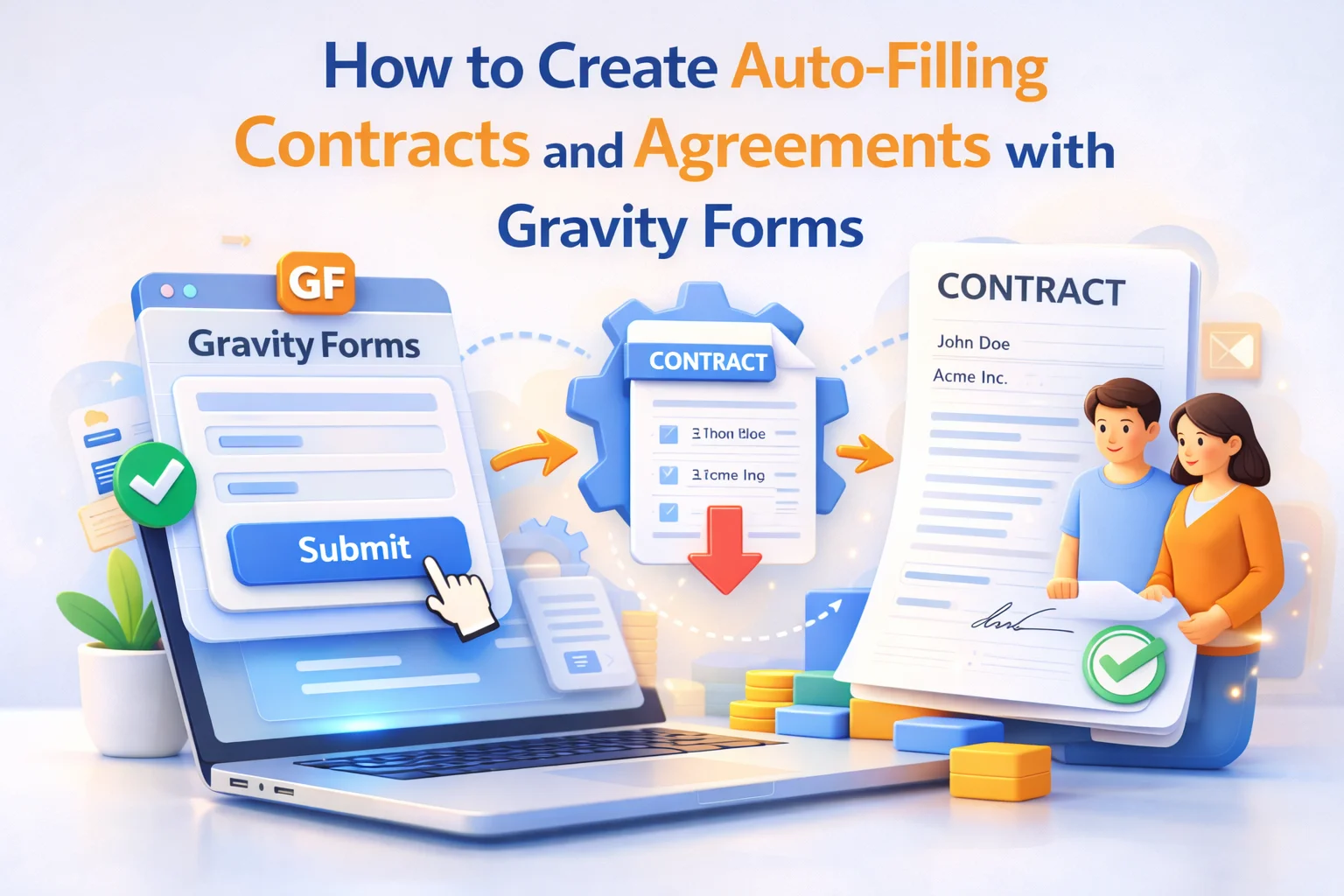
There is a better way. When you use Gravity Forms as the intake mechanism for new project requests, every piece of information the client provides can be pulled directly into a contract template automatically. The contract is generated the moment they submit the form, populated with their exact data, and delivered to their inbox without you lifting a finger.
This guide shows you how to build that workflow from start to finish using Nexu PDF Generator’s auto-filling contract workflow for Gravity Forms. By the end, you will have a contract automation that works for any service agreement, retainer, or project engagement your business handles.
A quick note before we start: this guide covers the technical implementation of contract generation. It does not constitute legal advice. The content and enforceability of your contracts depend on your specific jurisdiction and circumstances. For legal questions about your contracts, consult a qualified lawyer.
The obvious benefit of automating contract generation is the time saving. But the less obvious benefit is what it does to the client experience at a critical moment: the point where a prospect decides to become a paying client.
When a client says “yes” to working with you and then waits two days to receive a contract, that waiting period introduces doubt. They start second-guessing the decision. They compare you to other options. The momentum of the “yes” dissipates. When a contract arrives within seconds of them submitting the intake form, that momentum is maintained. The professional efficiency signals that you have done this before, that you run a real operation, and that working with you will be organized and reliable.
There is also the accuracy argument. A contract created manually from a template, under time pressure, by someone who has done it fifty times, will occasionally have an error. Wrong client name. Stale project description from a previous contract. Wrong date. These errors create friction, require back-and-forth to correct, and subtly undermine confidence. An automatically generated contract pulls from the client’s own form submission, so the data is exactly what they provided and nothing else.
The foundation of this workflow is a Gravity Form that collects all the information needed to populate a complete contract. This form serves two purposes simultaneously: it is the client intake mechanism and the data source for the contract template.
Gravity Forms’ add-on ecosystem gives you a wide range of field types to work with. For a contract intake form, the fields you design will depend on what your specific contracts require. Here are the categories of information most contracts need, organized by how they typically appear in the final document.
Full legal name, company name (if applicable), registered address, email address, and phone number. These appear in the contract’s opening parties section and need to be accurate and complete. Use separate fields for each component rather than a single address field so the data maps cleanly to different positions in the template.
Project title, description of services, specific deliverables, what is explicitly excluded, and any dependencies or client responsibilities. Use Gravity Forms’ paragraph text fields for open-ended scope descriptions, and checkbox or multi-select fields for predefined deliverable options that apply to your service packages. The scope section of the contract is where most disputes originate, so capturing this clearly at intake prevents ambiguity later.
Project start date, expected completion date, key milestone dates if applicable, and the notice period required for termination or scope changes. Gravity Forms’ date picker fields work well here and produce consistent date formatting that maps cleanly to the contract template.
Total project fee, payment schedule (upfront deposit percentage, milestone payments, final payment), due dates for each payment, and late payment terms. Gravity Forms’ pricing fields handle the financial calculations, and the formatted values map directly to the contract’s payment section.
The Gravity Forms Signature add-on adds a digital signature field to your form. The client draws their signature using a mouse or touchscreen before submitting. That signature image is stored as part of the entry and can be embedded directly into the generated PDF contract.
This is one of the most powerful aspects of the contract automation workflow. The client is not just filling out a form and receiving a contract later. They are signing the contract as part of the same action. The entire process from reading the terms to signing to receiving the countersigned document can happen in a single session.
A practical note on placement: the signature field in the form should appear after the client has had the opportunity to review the key terms. One approach is to display the contract terms directly on the form page above the signature field, using Gravity Forms’ HTML fields to show the static contract language inline. The client reads the terms, draws their signature, and submits. Another approach is to send the contract terms in a separate pre-submission step and use the form purely for the acknowledgment and signature capture.
The right approach depends on how complex your contracts are and how your intake flow works. Simple service agreements can often be presented and signed in a single form. Complex multi-clause contracts may work better as a two-step process where the client reviews a PDF proposal first and then signs through a separate shorter form.
With your form collecting the right data and a signature field in place, the next step is building the contract template that will receive and display that data. This is where you write the actual contract language and place the dynamic merge tags that pull client-specific data from the form submission.
In Nexu PDF Generator, you create the template inside the feed settings. The template editor is a content writing environment where you compose the body of the contract as you would write any document, and then insert field merge tags at the positions where dynamic data should appear. The plugin surfaces your form’s fields as insertable tags so you pick from a list rather than typing IDs manually.
A typical service contract template structured for this system looks like this: the opening parties section uses merge tags for the client’s legal name, company, and address alongside your static business information. The recitals section uses a merge tag for the project title. The scope of work section combines your static language with merge tags for the specific deliverables and timeline fields. The payment section uses pricing field merge tags for the fee, deposit amount, and payment dates. The signature block at the end includes the signature field merge tag which renders the client’s actual drawn signature.
Static content, meaning the standard legal language that is the same on every contract, is typed directly into the template. Dynamic content, meaning information that changes per client, is placed using merge tags. The distinction is important: you are not trying to make everything dynamic. Most of the contract language is fixed. Only the client-specific data needs to come from the form.
Once the feed is configured and the template is built, the delivery settings determine where the generated contract PDF goes after each submission. There are two primary channels to configure.
The confirmation page that Gravity Forms shows after submission can include a download link for the generated contract PDF using a merge tag. Simultaneously, the PDF can be attached to the notification email that goes to the client’s email address. The client receives the signed contract immediately via both channels, giving them a permanent record of what they agreed to and when.
A separate Gravity Forms notification goes to your admin or legal email with the contract attached. This is your copy of the signed agreement. Additionally, the generated PDF is accessible directly from the entry detail view in the WordPress admin, so any team member with the right permissions can pull up a specific client’s contract without hunting through email folders. The PDF button appears on every entry in the entries list for one-click access.
Walking through the full client journey makes the practical value of this workflow concrete. Here is what happens from the client’s perspective once the system is set up.
You send a new client a link to your project intake form. They open it and fill in their details: full name, company, project description, chosen service package, preferred start date, and any special requirements. Near the bottom of the form, above the submit button, there is a signature field. They draw their signature. They click Submit.
The confirmation page loads and shows a message: “Thank you. Your project agreement is ready.” Below the message is a download button for the contract PDF. They click it, open the PDF, and see a complete professional contract: their name in the parties section, their project description in the scope section, the agreed fee and payment schedule, and their own signature in the signature block, all formatted as a real legal document with your branding.
Within the same minute, the same PDF arrives in their inbox as an attachment to a confirmation email. They have their copy. You have yours. The contract is done.
Contract automation with Gravity Forms is not limited to one type of business. Here are the specific use cases where this workflow produces the most significant operational improvement.
Agencies typically handle multiple new client onboardings per month and use standardized service agreements with variable project-specific sections. Automating the contract generation eliminates the bottleneck of the contracts person and means new projects can start faster. The form can also capture the client’s technical requirements and content assets checklist alongside the contract agreement, making the intake process comprehensive.
For solo consultants, the time spent on administrative contract creation is time not spent on billable work. A consultant who handles ten new client engagements per year and spends thirty minutes on each contract manually is spending five hours on work this system handles automatically. The professional impression also matters: a consultant who delivers a complete contract within minutes of a discovery call signals a level of operational maturity that larger competitors may not always match.
Property management companies, real estate agencies, and short-term rental operators deal with high volumes of standardized agreements: tenancy agreements, property management contracts, rental terms and conditions. The auto-filling contract workflow handles the volume efficiently and ensures every agreement captures the property-specific details, rental amounts, and tenant information accurately from the intake form.
Coaches, tutors, and training companies often operate on service agreements that define the scope of coaching, the number of sessions, cancellation policies, and payment schedules. When a client books a coaching package through a Gravity Form, the intake data flows directly into a coaching agreement that is signed and delivered automatically, making the enrollment experience seamless.
Electronic signatures are legally recognized in most jurisdictions under laws like the EU’s eIDAS regulation, the US Electronic Signatures in Global and National Commerce Act (ESIGN), and equivalent legislation in most other countries. However, some document types (wills, certain real estate transactions, notarized documents) may require wet signatures. Verify that electronic signatures are valid for your specific contract type and jurisdiction before relying on this workflow for legally critical agreements.
Contract data, which includes personal details, financial terms, and signatures, is sensitive. Restrict access to the Gravity Forms entries to only the team members who need it. Use role-based permissions in WordPress to limit who can view entries and download PDFs. Ensure your hosting environment uses encrypted connections and secure storage for all form data.
Submit multiple test entries using different scenarios: long project descriptions, different service package selections, edge-case name formats, and varied date inputs. Check that every merge tag populates correctly, that conditional clauses appear or hide as intended, and that the signature renders properly in the PDF. A contract with a wrong date or a blank where a client name should be is worse than no automation at all.
Configure your WordPress site to send notification emails through a proper SMTP service rather than PHP mail. Services like SendGrid, Mailgun, or Postmark paired with an SMTP plugin ensure that email delivery is reliable and that PDF attachments do not get blocked by spam filters. A signed contract that never arrives in the client’s inbox is a support problem waiting to happen.
Nexu PDF Generator connects your Gravity Forms intake data to a fully populated contract template, captures the client’s electronic signature, and delivers the signed PDF to both parties automatically the moment the form is submitted.








The idea of auto generating contracts from Gravity Forms submissions is pretty smart, and honestly, it should save a ton of time compared to manually typing everything in. I set this up for my consulting work, and yeah, the PDF part works it pulls client info right into the template like it's supposed to. But "set it and forget it"? Not quite. You still end up wondering if every field actually mapped right, especially when deals get complicated or have conditional terms.
Set this up last month for my HVAC side gig, and honestly, it's been a really helpful. Clients fill out the online form, and just like that, their contract hits their inbox before I've even finished my first coffee. no more wasting half an hour retyping everything from their intake sheet by hand. the only snag was lining up the PDF fields with the form entries perfectly I should've double checked my template first. But even with that little hiccup, it's still way better than the old print sign scan email routine
Okay, I'll admit I was skeptical at first. As a therapist who sometimes runs workshops on the side, the idea of automating contracts sounded too good to be true. but after setting this up with Gravity Forms and Nexu's PDF tool, I'm totally sold. The best part?