Next-Level Code. Nexuvibe Style ...
Hrs
Min
Sec

Ask any experienced wholesale operator what single pricing feature drives the most meaningful increase in average order value and the answer is almost always the same: tiered pricing. Not a blanket discount, not a coupon code, not a seasonal promotion. Tiered pricing — the structured system where the per-unit price decreases as quantity increases — is what changes a buyer’s calculation from “how much do I need right now” to “how much do I need to hit the next price break.”
That shift in buyer behavior is worth real money. A wholesale customer who routinely orders 40 units and sees a price break at 50 will frequently order the extra 10, not because they need them immediately, but because the math makes sense. Multiply that across hundreds of orders and the revenue impact of well-configured tiered pricing is substantial — not as a one-time promotional lift, but as a structural change in order economics.
WooCommerce does not include tiered pricing out of the box. This guide explains exactly what tiered pricing is, why the standard WooCommerce pricing model doesn’t accommodate it, how to configure it properly using WooCommerce tiered pricing and volume discount configuration tools, and the commercial principles behind setting tiers that actually drive behavior rather than just document your pricing structure.
These three terms get used interchangeably in WooCommerce discussions, but they describe distinct mechanisms — and a professional wholesale store needs all three working together, not just one of them. Before configuring anything, it’s worth being clear about what each one does.
Tiered pricing means different types of buyers pay different base prices for the same product. Your Gold distributor pays $8.50 per unit. Your Silver reseller pays $9.20. Your Bronze buyer pays $10.00. These prices are determined by the buyer’s assigned wholesale role, not by how many units they order. Tiered pricing is about who is buying.
Volume pricing means the per-unit price decreases as the quantity ordered increases. Ordering 1–9 units: $10.00 each. Ordering 10–49 units: $8.50 each. Ordering 50 or more: $7.00 each. The same buyer pays different rates depending on their order size. Volume pricing is about how many are being bought.
Role-based pricing is the mechanism that connects the buyer’s account to the appropriate price. When a logged-in user with the “Gold Wholesale” role views a product, they see the Gold price. A Silver user sees the Silver price. A retail customer sees the regular price. Role-based pricing is the infrastructure layer that makes tiered and volume pricing role-aware rather than universal.
WooCommerce gives you a regular price, a sale price, and the ability to create coupon codes. That’s it. The regular price is a single number that every visitor to the product page sees. The sale price is another single number that applies universally when active. Coupons can apply percentage or flat discounts to orders, but they apply the same way regardless of who uses them.
None of these mechanisms know who is looking at the product. They cannot show a different price to a Gold buyer versus a Silver buyer versus a retail customer. They cannot reduce the per-unit price automatically when the cart reaches 50 units. They cannot display a formatted discount table showing buyers what they’ll save by ordering more. WooCommerce’s pricing model was designed for one price, one product, one customer type — and that model does not accommodate the multi-dimensional pricing that wholesale requires.
According to WooCommerce’s official developer documentation, the core price fields are intentionally minimal, with advanced pricing scenarios explicitly delegated to extensions. This is the gap that wholesale pricing plugins fill — and the reason that configuring tiered pricing for WooCommerce requires a plugin rather than a native settings change.
The following walkthrough uses B2B Wholesale Solution for WooCommerce by NEXU WP as the implementation environment, because it handles both role-based pricing and tiered volume pricing in the same interface, within the standard WooCommerce product editor. The principles apply regardless of which plugin you’re using.
Before you configure pricing, your wholesale roles need to exist. Navigate to the plugin’s Wholesale Roles panel and create the buyer tiers your business uses — Gold Distributor, Silver Reseller, Bronze Retailer, or whatever naming convention reflects your trade structure. Each role will appear as a pricing option in the product editor. Without the roles, there is nothing for the pricing system to reference.
In the product editor, you’ll find a Wholesale tab added by the plugin. Inside it, the Prices tab shows a pricing field for each wholesale role you’ve created. Enter the per-unit wholesale price for each role. This is the baseline price for that role, independent of quantity — what a buyer in that tier pays when they order any amount that doesn’t qualify for a volume break.
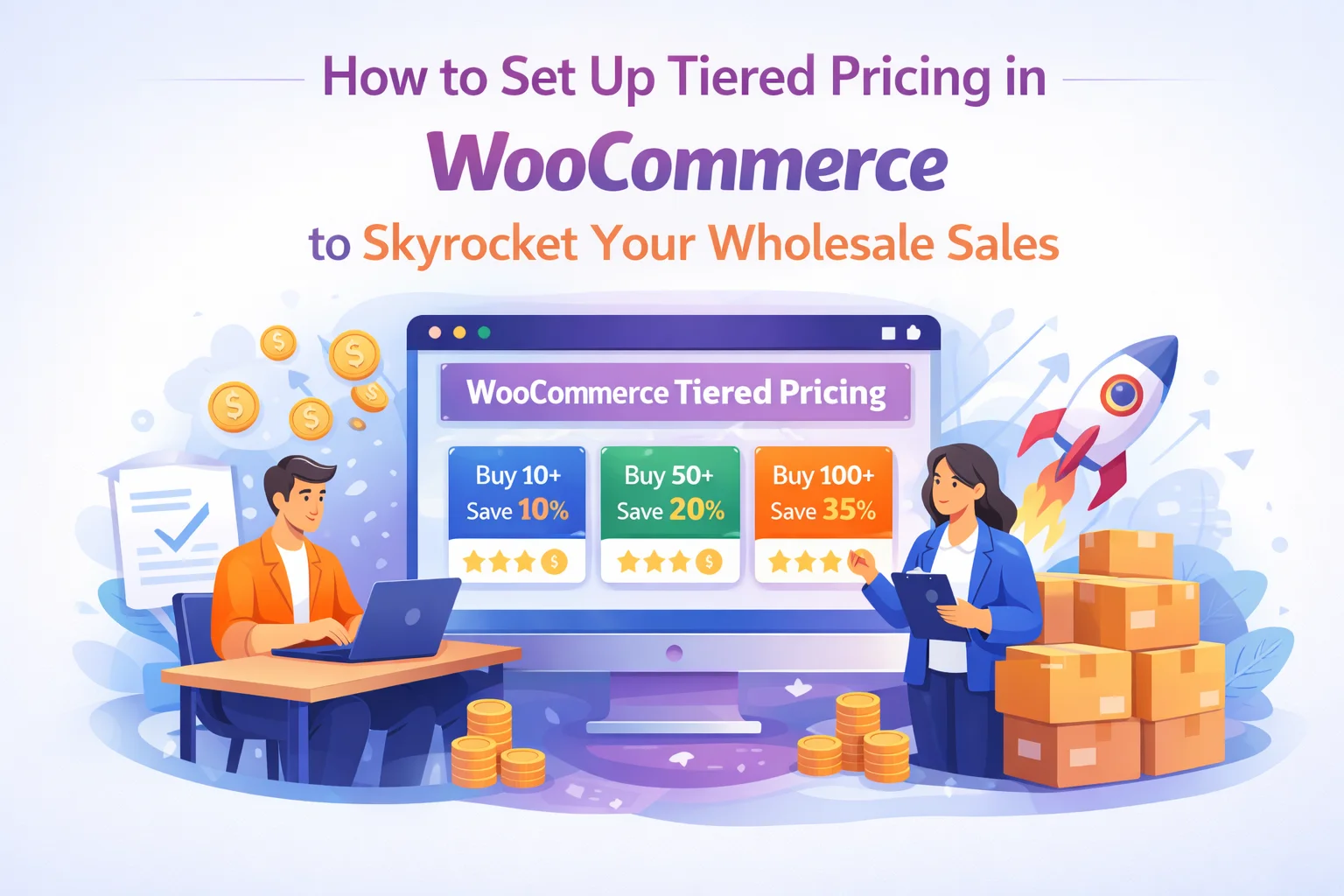
The Tiered Pricing tab is where you configure the quantity-based breaks. For each tier, you set a minimum quantity threshold and the per-unit price that applies when the buyer’s cart reaches or exceeds that quantity. You can add multiple breaks — for example, 10 units at $8.50, 25 units at $7.80, 50 units at $6.90, 100 units at $6.20. These breaks can be configured per wholesale role so that a Gold buyer’s volume breaks start from a lower base than a Silver buyer’s.
The pricing tiers you’ve configured need to be visible to the buyer on the product page. In the plugin’s Display settings, you control whether the volume discount table appears, where it sits relative to the add-to-cart button, and how it’s formatted. The default table format — showing quantity ranges in one column and the corresponding unit price in another — is the most effective for driving buyer behaviour because it makes the decision calculus explicit: order 10 more units and save this much per unit.
Before making your tiered pricing live, log in as a test account with each wholesale role assigned and verify the product page behavior: does the correct base price display for that role? Does the volume discount table show? Does the price update correctly in the cart when you increase quantity past each threshold? Testing from the buyer’s perspective is the only reliable way to confirm that the configuration works as intended across every role and quantity combination.
Configuring tiered pricing technically is straightforward once you have the right plugin. The harder problem — and the one that determines whether your tiered pricing actually changes buyer behavior — is setting the tier thresholds and discount levels correctly. This is a commercial decision, not a technical one, and getting it wrong is common.
Look at your order history. If most wholesale buyers order between 15 and 25 units, a volume break at 30 units is reachable and creates a genuine incentive to increase the order. A break at 100 units for buyers who typically order 20 is too distant to influence behavior. The sweet spot is a threshold that requires a meaningful but not unrealistic increase from the buyer’s current pattern — close enough to feel achievable, far enough to be worth the discount.
A 1% reduction for ordering 10 more units will not change anyone’s buying decision. A 8–12% reduction for crossing a volume threshold is enough to generate the mental calculation that drives larger orders. Research on volume pricing in B2B contexts — including analysis published by Harvard Business Review on B2B pricing strategy — consistently shows that buyers need to perceive a meaningful saving, not just a nominal one, for pricing tiers to change their order behavior.
More tiers are not better. A volume discount table with eight rows creates cognitive overhead rather than a clear incentive. Three or four tiers — covering your typical buyer’s range from minimum to maximum likely order size — is enough to communicate the structure clearly and keep the decision simple. The buyer should be able to read the table in five seconds and immediately understand what they need to order to reach the next price level.
Each volume break represents a margin reduction. Before configuring a pricing tier, build the unit economics: at this volume, what does the order cost you to fulfill? What does it cost to store and pick? At what quantity does the operational saving from a larger order justify the per-unit price reduction? Tiered pricing that is configured without this analysis often results in large orders that are less profitable than smaller ones — the opposite of the intended outcome.
The pricing tiers you configure in the product editor only generate revenue if the buyer knows they exist and understands them quickly. This is where many wholesale store setups fall short: the tiered pricing is correctly configured on the backend, but the display on the product page is inadequate — buried below the fold, formatted in a way that requires effort to parse, or simply not enabled at all.
The volume discount table should sit prominently on the product page, above the add-to-cart button if possible, in a format that makes the quantity-to-price relationship immediately clear. When a buyer has to search for the pricing information, or calculate it themselves from ambiguous text, you’ve introduced friction into the moment they’re deciding whether to increase their order size. That friction costs you the upsize.
Tiered pricing configuration is not technically complex, but there are consistent patterns of mistakes that undermine its commercial effectiveness. Here are the most common ones and how to avoid them.
Volume breaks that apply to everyone — retail customers included — destroy your pricing strategy. Tiered pricing should only be visible and applicable to verified wholesale buyers. This requires your wholesale role infrastructure to be in place before you configure pricing. If everyone can access the volume discount, you’ve effectively discounted your retail prices without any commercial justification.
Volume breaks at 10, 50, 100, and 500 units look clean on paper, but if your typical buyer orders 35 units, none of those thresholds creates an actionable incentive. Use your actual order data to set thresholds, not arbitrary round numbers. A break at 40 units for buyers who average 35 will generate meaningful uplift. A break at 50 for the same buyers is too distant.
Tiered pricing that is only visible at checkout — when the order quantity is already set — cannot influence the buying decision. The discount table must be on the product page, before the buyer commits to a quantity, to have any effect on order size. Check your display settings and verify that the table renders correctly for logged-in wholesale users on every product where tiered pricing is active.
High-margin products can support more aggressive volume discounts than low-margin ones. Applying a blanket tiered pricing structure across your entire catalog without considering the underlying margins of individual products risks discounting your most profitable lines more than is commercially justified. Configure tiered pricing per product, with tier levels that reflect each product’s actual margin profile.
Tiered pricing works best when paired with minimum order quantities. Minimum quantities set the floor — the smallest order a wholesale buyer can place for a given product. Tiered pricing sets the incentive structure above that floor. Together, they define the economic envelope of your wholesale offering: this is the minimum you’ll accept, and this is how the price improves as the order grows.
The combination also sends a commercial signal to buyers: this is a professional wholesale arrangement with defined terms, not an open discount available to anyone who orders enough. Minimum quantities communicate that you understand wholesale economics and have structured your pricing accordingly. That professionalism is part of what earns and retains serious trade buyers — people who deal with suppliers regularly and immediately recognize when a wholesale operation is properly set up.
Both features are handled within the product editor in the WooCommerce wholesale pricing and order rules plugin by NEXU WP — the Tiered Pricing tab for volume breaks and the Rules tab for minimum quantities. Configuring both for each wholesale product gives you the complete pricing architecture: a floor, a baseline, and an incentive structure that rewards volume without compromising margin.
B2B Wholesale Solution for WooCommerce handles per-role pricing, tiered volume breaks, buyer-facing discount tables, and minimum order quantities — all configured in the standard product editor without separate tools or spreadsheets.








Does the $8.50 distributor rate cover every tier?
I picked up this guide hoping it'd help me set up tiered pricing for my WooCommerce store, but I'm a little stuck
Will this work with my current customer roles