Next-Level Code. Nexuvibe Style ...
Hrs
Min
Sec

Imagine you close a deal over the phone. The customer knows what they want, you know the price, and everyone is ready to move. What happens next in most WooCommerce stores? You tell the customer to go to your website, find the product, add it to their cart, apply a discount code if there is one, fill out the checkout form, and pay. That is five steps where there should be one.
Or worse — the product isn’t in your catalog at all. You’re billing for a custom service, a negotiated bundle, or a one-off order that doesn’t exist as a purchasable item. In that case, the standard WooCommerce storefront can’t help you at all, and you’re left looking for workarounds that introduce friction, create confusion, and slow down payment collection.
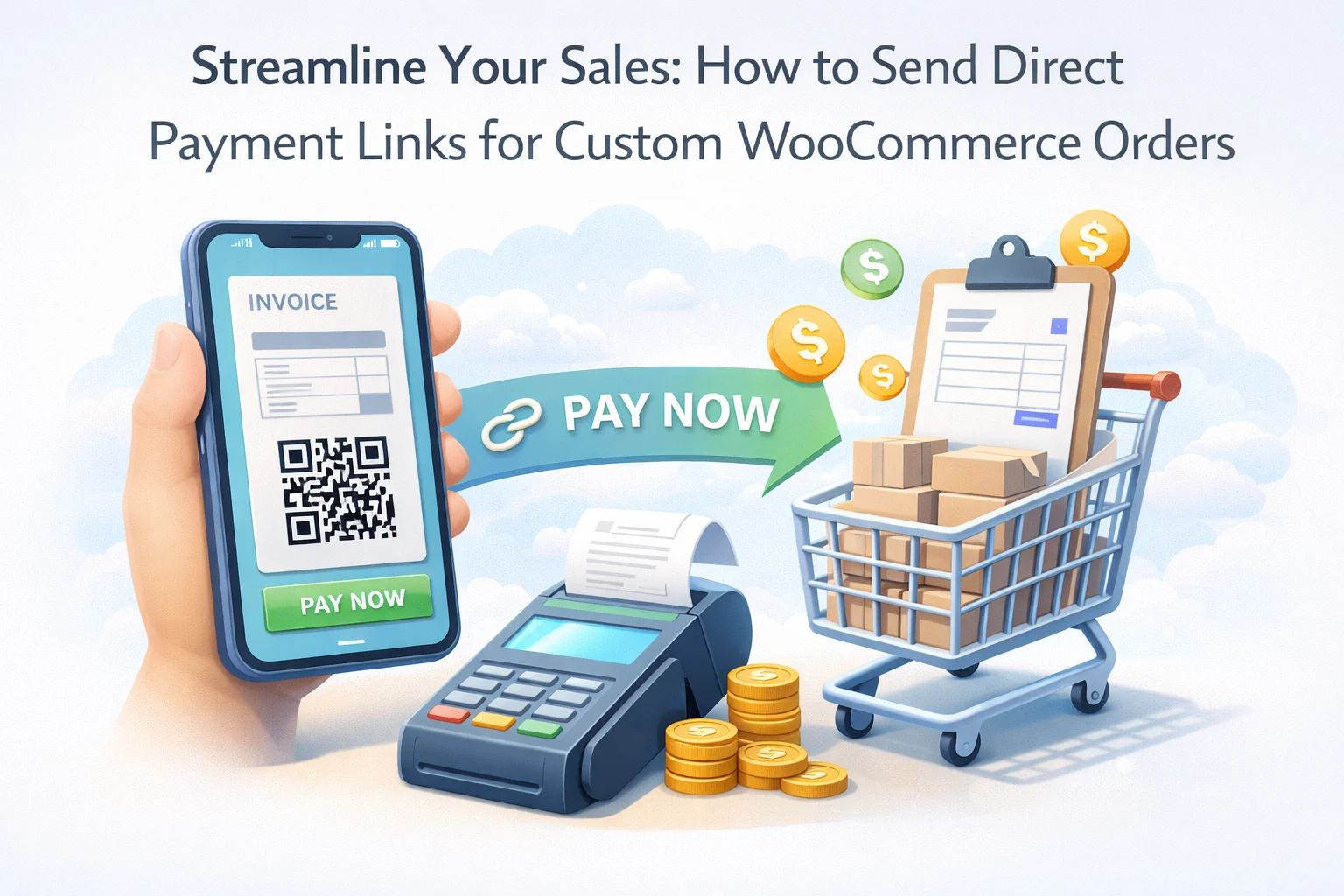
The solution is a direct payment link: a unique URL you generate from the admin panel that takes your customer immediately to a payment page for a specific invoice — no cart, no catalog browsing, no account login required. It’s the simplest possible path from “deal agreed” to “payment received,” and it’s something WooCommerce does not provide natively for custom or manually created orders.
This guide explains exactly how direct payment links work, why they matter so much for custom order billing, and how to implement them properly in WooCommerce using the WooCommerce direct payment link and custom invoicing plugin.
A direct payment link is a unique, order-specific URL that you generate from the admin panel and send to your customer. When the customer clicks it, they land directly on a WooCommerce checkout page that is pre-populated with the exact items, quantities, and pricing from their specific invoice. No searching, no adding to cart, no entering details they’ve already given you. They choose a payment method and pay.
The link is unique to a single invoice. It can only be used once successfully — once payment is made, the link resolves the order as paid and becomes inactive. It doesn’t require the customer to have a WooCommerce account, and it doesn’t expose any other part of your store or any other customer’s orders. It’s a clean, secure, single-purpose payment mechanism.
From the customer’s perspective, a payment link feels like an effortless checkout. From your perspective, it’s the bridge between creating an invoice in your admin panel and getting paid for it — without any of the friction that normally exists in that gap.
Every extra step between agreeing to a sale and collecting payment is a place where that payment can fail to arrive. Not because the customer changed their mind — but because they got confused, got busy, forgot, couldn’t find the product, couldn’t figure out how to apply the right pricing, or simply moved on to something else. Payment friction is a silent revenue killer in B2B and custom order contexts, and it almost never gets measured properly because the failure mode is abandonment, not a visible error.
When a customer has to hunt through your store to find how to pay an invoice you discussed verbally, payment gets delayed by hours or days. For B2B clients with tight cash flow requirements on your end, this delay compounds quickly across multiple accounts. A payment link resolves this immediately — click, pay, done, that day.
Every “where do I pay?” email or phone call after you send an invoice is a failure of the payment process. It consumes your time, your customer’s time, and — if it happens enough — starts to reflect on your professionalism. A direct payment link eliminates this category of support inquiry almost entirely.
For clients who aren’t particularly tech-savvy or who are accustomed to receiving proper invoices (common in B2B), being told to “log into the website and find your pending order” is a genuinely poor experience. Some of these customers will simply not do it — particularly if the payment amount is large enough that their instinct is to proceed carefully rather than to navigate an unfamiliar interface.
When customers have to navigate your store themselves to pay a custom order, there’s real risk of them adding the wrong product, the wrong quantity, or missing a custom price that was negotiated. With a direct payment link tied to a specific invoice, the price and items are locked in at the moment you create the invoice. What was agreed is what gets charged — no discrepancies, no awkward corrections afterward.
WooCommerce is designed around the assumption that the buyer initiates the purchase. The entire architecture — product pages, cart, checkout — is built for that flow. When the seller needs to initiate the payment request, WooCommerce has no real mechanism for it.
You can create an order from the admin panel and set it to “pending payment” — but there is no built-in way to generate a shareable payment link from that order and send it to the customer in a way that doesn’t require them to log into their account first. That account requirement alone is enough to break the flow for most custom order scenarios: new customers won’t have an account, occasional clients won’t remember their login, and B2B buyers may simply expect to pay from a standalone invoice rather than through your website’s account system.
Solving this requires a dedicated plugin that extends WooCommerce’s order system with a proper admin-initiated billing workflow — one where payment link generation is a first-class feature, not an afterthought. The WooCommerce custom invoice plugin with direct payment link generation fills exactly this gap.
Here is exactly how the process works from invoice creation to sending the payment link. The whole workflow — from opening the plugin to having a link ready to send — takes about two minutes for a typical custom order.
Navigate to the Invoices section in your WordPress admin and open the new invoice creation screen. This is a purpose-built interface separate from WooCommerce’s standard order creation — it’s organized around billing rather than fulfillment, which means the fields and workflow are designed for the admin-to-client billing scenario rather than for managing a shipped order.
Assign the invoice to an existing WooCommerce customer or enter the client’s details directly. Add the products or custom line items being billed, configure quantities and pricing, and set any applicable fees or discounts. For custom orders, this is where you enter the exact pricing that was negotiated — it doesn’t need to match any price in your catalog.
In the settings tab, configure the invoice due date, any payment notes you want the customer to see, and — if this is a partial payment — the deposit amount to be collected now versus the remaining balance. These details appear on the invoice document the customer receives and make the payment expectations completely transparent.
Once the invoice is saved, the system generates the direct payment link automatically. It appears in the invoice record and can be copied to your clipboard in a single click. At this point, the invoice exists in your system and the link is ready — all that remains is sending it to your client.
Send the invoice directly from the admin panel, which emails the client a professional invoice document with the payment link embedded. Or copy the link and send it through whatever channel your client prefers — WhatsApp, Telegram, SMS, a Slack message, a direct email you write yourself. The payment link works in any context. It doesn’t have to be inside a formal invoice email to function.
One of the most practically valuable aspects of a direct payment link is that it’s channel-agnostic. It’s a URL — you can put it anywhere. This matters more than it might initially seem, because your clients don’t all communicate the same way.
The standard channel for professional invoicing. The plugin sends a formatted invoice email automatically, with the payment link embedded as a clear call-to-action button. Best for formal B2B relationships where there’s a paper trail expectation.
For clients you communicate with through messaging apps, copy the link and paste it directly into the conversation. A short message — “Here’s the payment link for your order: [link]” — is often all it takes. The link opens a fully functional payment page in their mobile browser.
When you send a formal quote or proposal document, include the payment link for the deposit or initial payment inline. It moves the client from reading the proposal to initiating payment without any additional steps or separate communications.
You can create the invoice while the customer is on the phone, generate the link, and send it to their email or phone before you hang up. They receive it instantly and can pay while they’re still in that motivated, just-agreed-to-the-deal mindset. This is when payment rates are highest.
Understanding the client-side experience is important because it’s what actually drives payment conversion. Here’s exactly what happens from the customer’s perspective:
The entire experience from click to payment confirmation can take under sixty seconds for a customer who’s ready to pay. That’s the standard you should be holding your billing process to — and it’s not achievable without a properly implemented payment link system.
Behind the scenes, paying a manually created invoice through a direct payment link triggers the same processes that a standard WooCommerce checkout completion does. This is an important point because it means your custom orders are properly integrated into your WooCommerce ecosystem — they don’t exist in a separate system that requires manual reconciliation.
For invoices containing catalog products, stock levels are decremented as soon as payment is confirmed — exactly as they would be for a checkout-initiated order. No manual adjustment required.
The paid invoice becomes a completed WooCommerce order with a full transaction record — order number, customer details, items, amount, payment method, and timestamp. It appears in your standard WooCommerce orders list alongside all other orders.
If the customer has a WooCommerce account, the paid order appears in their My Account order history. The invoice status in the plugin also updates to reflect the payment, and the payment link becomes inactive.
Standard WooCommerce order confirmation emails go out to the customer. You receive admin notification of the payment. Everything works through WooCommerce’s existing notification system — no separate setup required.
For high-value custom orders, the combination of direct payment links and partial payment support is genuinely powerful. You can create a single invoice for the total project value, configure a deposit amount, generate a payment link for that deposit, and send it while the client is still engaged after agreeing to the project. The deposit link takes them to a checkout page that collects exactly the deposit amount — not the full total, not an ambiguous amount. When it’s time to collect the balance, you send a second link.
This staged approach — made possible by the WooCommerce invoice plugin with partial payment and direct billing link support — removes the awkwardness from staged billing entirely. Both parties know exactly what was paid and what remains. There’s no chasing, no reconciliation, no confusion about payment history. The invoice record carries the full picture from start to final payment.
Of all the features in a professional WooCommerce invoicing plugin, the direct payment link is probably the one that makes the most immediate, measurable difference to how quickly you get paid. It costs you nothing to send — it’s just a URL. But for your customer, it removes every barrier between receiving an invoice and completing payment.
The businesses that use this approach consistently describe the same outcomes: faster payment, fewer follow-up conversations about how to pay, and a more professional impression in the eyes of their clients. None of those outcomes require any change in your pricing, your products, or your customer relationships. They just require a better payment collection process.
That’s what a properly implemented WooCommerce direct payment link workflow gives you — and it’s available today with the right plugin in place.
Build custom invoices from your WooCommerce admin, generate a direct payment link in one click, and send it through any channel. Supports catalog products, custom line items, partial payments, and automatic inventory sync.








I was excited to try this for custom orders, but the setup was far more complicated than expected. My developer had to step in, and even then, we ran into issues with links not generating properly for off catalog items. For a small business, this added unnecessary stress and delays when I just needed a quick solution. not ideal when time is money.
Hey guys, this was way more complicated than it needed to be. Five steps just to pay? Really?
Hey, just used this for a bulk gear order for my team. the unique invoice link made it stupid easy no cart mess, no "wait which discount code?" drama. sent it over text, they paid in 30 seconds. Had to dig for that part. Still worth it though.
As a taxi driver with a side hustle, this has saved me so much time