Next-Level Code. Nexuvibe Style ...
Hrs
Min
Sec

Cart abandonment is not a mystery. It is a pattern that every WooCommerce store owner recognizes: a shopper adds items, begins checkout, and leaves. According to the Baymard Institute, the average documented online cart abandonment rate sits near 70%. That means roughly seven out of every ten shopping sessions that reach the cart stage end without a purchase.
The reasons behind abandonment are well studied: unexpected shipping costs, complicated checkout flows, comparison shopping, or simply distraction. But what matters for store owners is not the diagnosis alone. What matters is having a practical mechanism to intervene at the moment when a visitor is about to leave, and giving them a clear, simple reason to stay.
That is where smart discount popups come in. Not the aggressive, full-screen overlays that visitors have learned to dismiss reflexively. Rather, well-timed, well-targeted notifications that present a genuine incentive at the exact point in the shopping journey where it can change the outcome.
This article walks through the practical approach to reducing cart abandonment in WooCommerce using discount popups that respect the shopping experience. We will cover the psychology behind why popups work when they are done right, the specific configurations that matter, and how to set up campaigns that recover revenue without creating the kind of popup fatigue that drives visitors away permanently.
The typical approach to cart abandonment popups is to throw a 10% discount at every visitor the moment they move their cursor toward the browser’s close button. This approach has two fundamental problems. First, it trains visitors to expect a discount every time they shop, which erodes your margins over time. Second, it is the same approach that every other store uses, which means visitors have become completely desensitized to it.
The popups that actually work share three characteristics: they appear at the right moment, they carry a message that feels relevant to the visitor’s specific situation, and they do not interrupt the browsing experience so aggressively that the visitor’s primary emotion becomes annoyance rather than interest.
This is not a small nuance. The difference between a popup that recovers 3% of abandoned carts and one that recovers 12% is almost entirely about execution quality, not discount size. A 5% discount shown with precise timing and clean design will outperform a 20% discount thrown at everyone indiscriminately.
Showing a popup the second someone arrives at your site tells them you are desperate. Showing it after they have spent time browsing and added items to their cart tells them you value their specific interest. The behavioral context of when the popup appears completely changes how the message is received.
A visitor who has spent five minutes comparing two specific products does not want a generic “Don’t leave! Here’s 10% off everything!” message. They want something that acknowledges their specific interest. Targeting rules that match the popup message to the visitor’s browsing context make the difference between an offer that feels helpful and one that feels like noise.
Full-screen overlays, flashing countdown timers, and dark patterns that hide the close button might generate clicks, but they do not generate trust. Visitors who feel manipulated are less likely to return. A notification that appears cleanly, delivers its message clearly, and can be dismissed easily actually converts better because it respects the visitor’s autonomy.
Effective cart abandonment recovery is fundamentally a timing problem. The visitor has already shown purchase intent by adding items to the cart. Your job is to intervene at the right moment with the right message. There are three timing triggers that have consistently proven effective in WooCommerce stores.
Exit-intent technology detects when a visitor is about to leave the page, typically by tracking cursor movement toward the browser’s navigation bar or close button. This is the most commonly used trigger for cart recovery because it catches the visitor at the precise moment of departure. The key is to only activate this trigger for visitors who have items in their cart, not for every visitor who tries to leave. An exit-intent discount popup for WooCommerce stores configured this way will only fire when it has the best chance of making a difference.
When a visitor sits on the cart or checkout page without taking action for 30 to 60 seconds, that hesitation is a signal. They are thinking about whether to complete the purchase. A gentle notification at this point, offering free shipping, a small discount, or simply reminding them of a limited-time offer, can tip the balance. This trigger works because it addresses hesitation in real time rather than after the visitor has already left.
Visitors who scroll through product details, read descriptions, and examine images have strong purchase intent even if they have not added anything to the cart yet. A well-placed notification after significant scroll depth, perhaps offering a discount code for their first purchase, can preemptively reduce abandonment by giving the visitor an additional reason to act before they leave the page.
The design of your popup matters as much as its timing. A popup that blends with your store’s visual language and delivers its message without visual aggression will always outperform one that screams for attention. The goal is to look like a helpful notification from the store itself, not an advertisement from a third party.
Notice how the notification in the example above does not take over the entire screen. It appears as a contained element within the page, with a clear message, a visible discount code, and a natural close option. The visitor can engage with it or dismiss it without feeling trapped. That design philosophy is what separates effective cart recovery from popup harassment.
For stores that prefer an even cleaner approach, a text-only notification can work just as well. When the offer itself is strong enough, you do not need an image to support it. A clean text notification with a visible coupon code and a single line of persuasive copy can be remarkably effective.
The text in your popup is doing all the persuasion work. It needs to accomplish three things in under four seconds of reading time: acknowledge the visitor’s situation, present the incentive, and make the next action obvious.
Here are specific message patterns that work well for cart abandonment scenarios in WooCommerce stores:
Focus on welcome discounts. First-time visitors do not have a relationship with your store yet, so a welcome incentive reduces the perceived risk of buying from an unfamiliar seller. Something straightforward like “Your first order ships with 15% off” is more trustworthy than an aggressive “BUY NOW OR MISS OUT” message.
Unexpected shipping costs are the number one reason for cart abandonment globally. If your margins allow it, a free shipping threshold popup can be extremely effective. “You’re $12 away from free shipping” is a message that creates a positive action path instead of a pressure tactic.
When you are running a genuine time-limited sale, stating the deadline clearly is more effective than fake urgency. “This offer ends Sunday at midnight” is believable. “Only 2 left at this price!” when the visitor can see you have 500 in stock is not. Authenticity in your promotional messaging builds long-term trust.
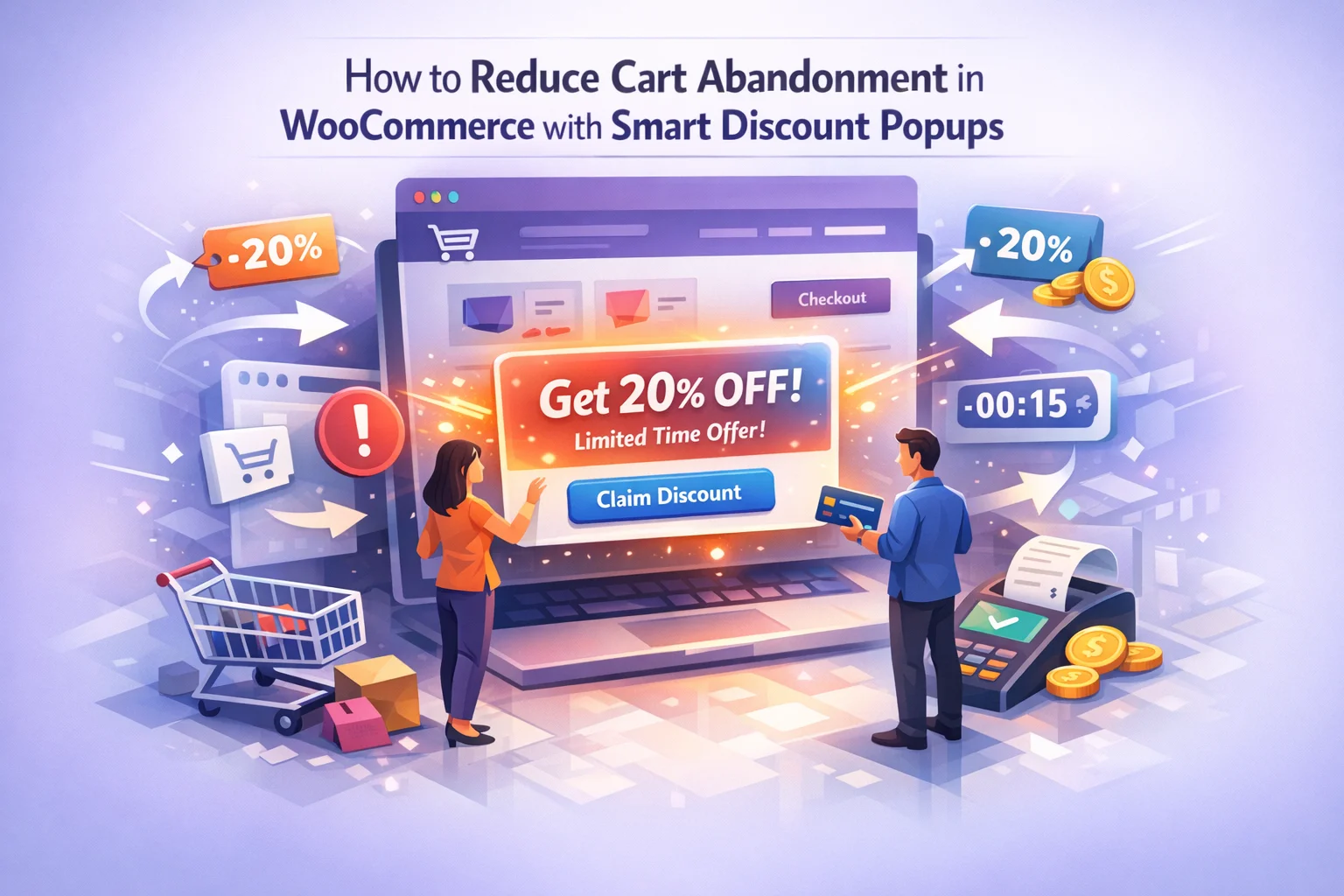
The difference between a popup that converts and one that annoys comes down to targeting precision. A smart WooCommerce discount popup with scheduling and audience targeting allows you to define exactly who sees each campaign, on which pages, and under what conditions.
For cart abandonment specifically, the most important targeting rules are page-based: you want your recovery popups to appear on cart and checkout pages, not on your homepage or blog. You also want frequency controls so that a visitor who dismisses the popup once does not see it again during the same session. Showing the same popup repeatedly to someone who has already said no is a fast way to lose that customer permanently.
The timing tab is where you configure how often a popup can appear and the delay before it triggers. For exit-intent recovery on cart pages, a reasonable approach is to set a minimum of 15 seconds on page before the exit-intent listener activates. This prevents the popup from firing on visitors who accidentally navigated to the cart page or who are just checking their cart total before continuing to shop.
Setting up a cart recovery campaign does not need to be complicated. The entire process follows a logical sequence: define the campaign, write the content, set the styling, configure targeting, and adjust timing. Here is what each step looks like in practice.
The content tab is where you write the actual message the visitor will see. Keep it short. One headline, one supporting line, and the coupon code. If you cannot explain the offer in two sentences, the message is too complicated and visitors will not read it in the 3 to 4 seconds they will give it.
Styling should match your store’s existing design language. The notification should look like it belongs on your site, not like an external ad unit that has been injected into the page. Matching your brand colors, using consistent typography, and keeping the notification size proportionate to the page layout all contribute to making the popup feel trustworthy rather than intrusive.
The real value of a cart recovery popup strategy is not in the first campaign you launch. It is in the refinement loop that follows. After your campaign has been running for a week, you should be able to answer three questions: How many visitors saw the popup? How many engaged with it? And how many of those engagements led to completed purchases?
If the engagement rate is low, the timing or targeting is off. If the engagement rate is high but the conversion rate from engagement to purchase is low, the offer itself needs adjustment. If both are reasonable, your task is incremental improvement: slightly better copy, slightly more precise targeting, slightly adjusted timing.
This iterative approach is how stores move from a generic “10% off everything” popup to a segmented campaign system where different visitor types see different offers at different stages of their shopping journey. It is also why having a WooCommerce popup manager with campaign scheduling and visitor targeting matters more than having a tool that just shows a popup.
The stores that get the best results from discount popups are not the ones that launch one campaign and forget about it. They are the ones that treat cart recovery as an ongoing operational discipline: launching campaigns, measuring results, adjusting based on data, and continuously refining their approach.
Cart abandonment will never reach zero. That is not a realistic goal. But reducing it from 70% to 60% represents a massive revenue increase for most WooCommerce stores. Smart discount popups, configured with the right timing, targeting, and message, are one of the most direct and measurable tools available for achieving that reduction.
The tools and configurations discussed in this guide are available in the WooCommerce Deal and Notification Popups Manager plugin. Start with one focused cart recovery campaign, measure its impact over two weeks, and refine from there. The compounding effect of consistent small improvements in cart recovery is one of the highest-return investments a WooCommerce store can make.
Smart timing, clean design, and precise targeting. Show discount notifications that feel helpful instead of aggressive, and turn abandoning visitors into paying customers.







Wanted to share my experience with this discount popup thing. I run a small medical supply store on WooCommerce, and yeah, it definitely helps recover some abandoned carts but there's a catch. If you use it too often, customers start gaming the system. I've seen people just sit on their cart waiting for the discount to pop up before they'll even hit checkout. that's not exactly ideal for profits down the road. that said, when you use it strategically like only for first time visitors or bigger orders it's actually pretty useful
I didn't expect a blog post to actually give me actionable steps, but this one did. The part about avoiding those annoying full screen popups was a relief I've lost count of how many times I've bounced from a site because of those. Instead, it focuses on subtle, well timed discounts that don't feel pushy.
Hey guys, grabbed this for my cousin's shop.