Next-Level Code. Nexuvibe Style ...
Hrs
Min
Sec

Holiday sales windows are defined by tight timing: Black Friday starts at midnight, Cyber Monday has a specific 24-hour window, Christmas promotions need to end before shipping cutoff dates, and New Year sales should begin immediately after. Every one of these transitions is a potential manual task that can go wrong if someone forgets to activate a campaign, fails to deactivate one that should have expired, or publishes the wrong offer at the wrong time.
Campaign scheduling eliminates this operational risk. You build your campaigns in advance, set start and end dates, and the system handles activation and deactivation automatically. This is not just a convenience feature. For stores running multiple simultaneous promotions across different product categories during a busy holiday period, automated scheduling is the difference between a controlled campaign calendar and a stressful improvisation exercise.
This guide walks through how to set up scheduled promotional popups in WooCommerce for holiday sales, including how to plan your campaign calendar, configure scheduling rules, and avoid the common timing mistakes that can cost you sales during your most profitable periods.
Before touching any plugin settings, map out your entire holiday season on a timeline. Identify each promotion, its start and end date, the discount offered, and which products or categories it applies to. This planning phase prevents the most common holiday popup mistake: overlapping campaigns that confuse visitors with contradictory offers.
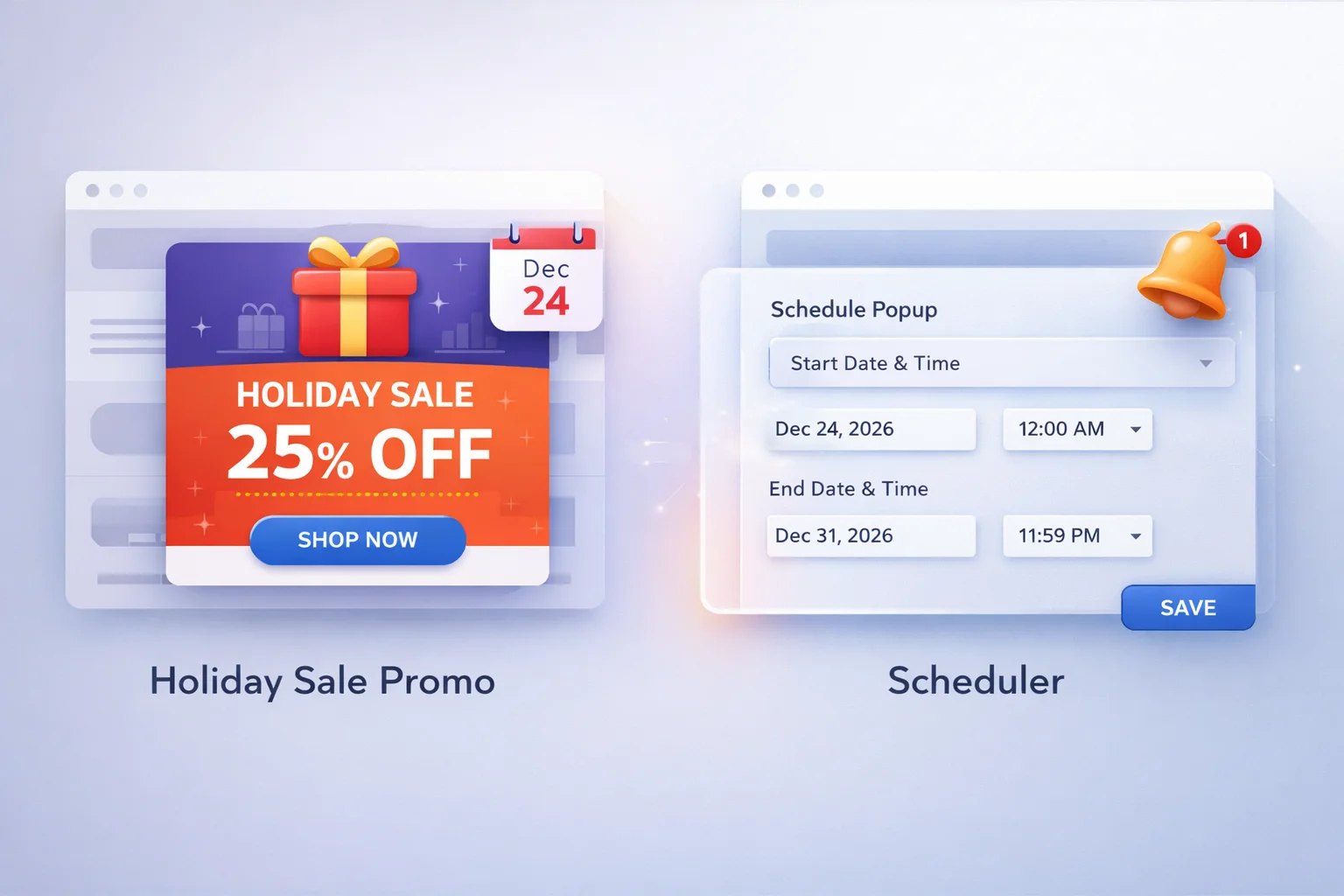
The scheduling workflow starts in the timing settings of your campaign. A WooCommerce promotional popup plugin with built-in campaign scheduling lets you set exact start and end dates for each notification. Set the start date to when you want the promotion to go live and the end date to when it should automatically stop displaying.
The critical detail is timezone handling. Make sure your scheduling uses the timezone your customers are in, not your server’s timezone. A Black Friday campaign that starts at midnight EST but your server runs on UTC will launch five hours early for some visitors. Verify the timezone setting in your WordPress general settings before configuring scheduled campaigns.
Holiday popup content should feel seasonal without being generic. “Holiday Sale! Big Discounts!” is what every store says. Your message should be specific: the exact discount percentage, the exact coupon code, and the exact deadline. Specificity is what makes a holiday popup feel like a real offer rather than seasonal decoration.
During holiday periods, your traffic mix changes. You get more gift shoppers, more first-time visitors, and more comparison shoppers who are checking multiple stores. Your targeting rules should reflect this different audience composition. Consider creating separate campaigns for returning customers (who may respond better to loyalty-based messaging) and new visitors (who need a stronger initial incentive to choose your store over competitors).
Before the holiday rush begins, run through this preparation checklist:
Two weeks before: Build all holiday campaigns with correct scheduling dates. Test each one in draft mode to verify content, styling, and targeting. Create all WooCommerce coupon codes that the campaigns will reference.
One week before: Review the campaign calendar for any date overlaps. Ensure that no two campaigns with conflicting messages are scheduled to appear simultaneously. Verify timezone settings.
Day of launch: Verify the first campaign activated on time by visiting your store. Check the popup appears correctly on desktop and mobile. Confirm the coupon code works at checkout.
After the holiday: Review each campaign’s performance. Note which offers, formats, and timing configurations generated the most coupon redemptions. Document these insights for next year’s planning.
Holiday campaign scheduling transforms your busiest sales period from a stressful manual operation into a pre-planned, automated process. The WooCommerce deal notification plugin with automated campaign scheduling and expiration handles the timing logistics so you can focus on fulfillment and customer service during the busiest shopping days of the year.
Pre-schedule Black Friday, Cyber Monday, Christmas, and New Year campaigns with exact start and end dates. No manual activation needed.







The timezone settings tripped me up at first my popups were launching based on my local time, not my customers'. Had to dig into the docs to fix it. Works fine now, but that should be clearer upfront.
Finally a plugin that gets timezones right no more late night panic
Finally got our holiday popups on autopilot. Saved my team from another 3 AM Black Friday panic