
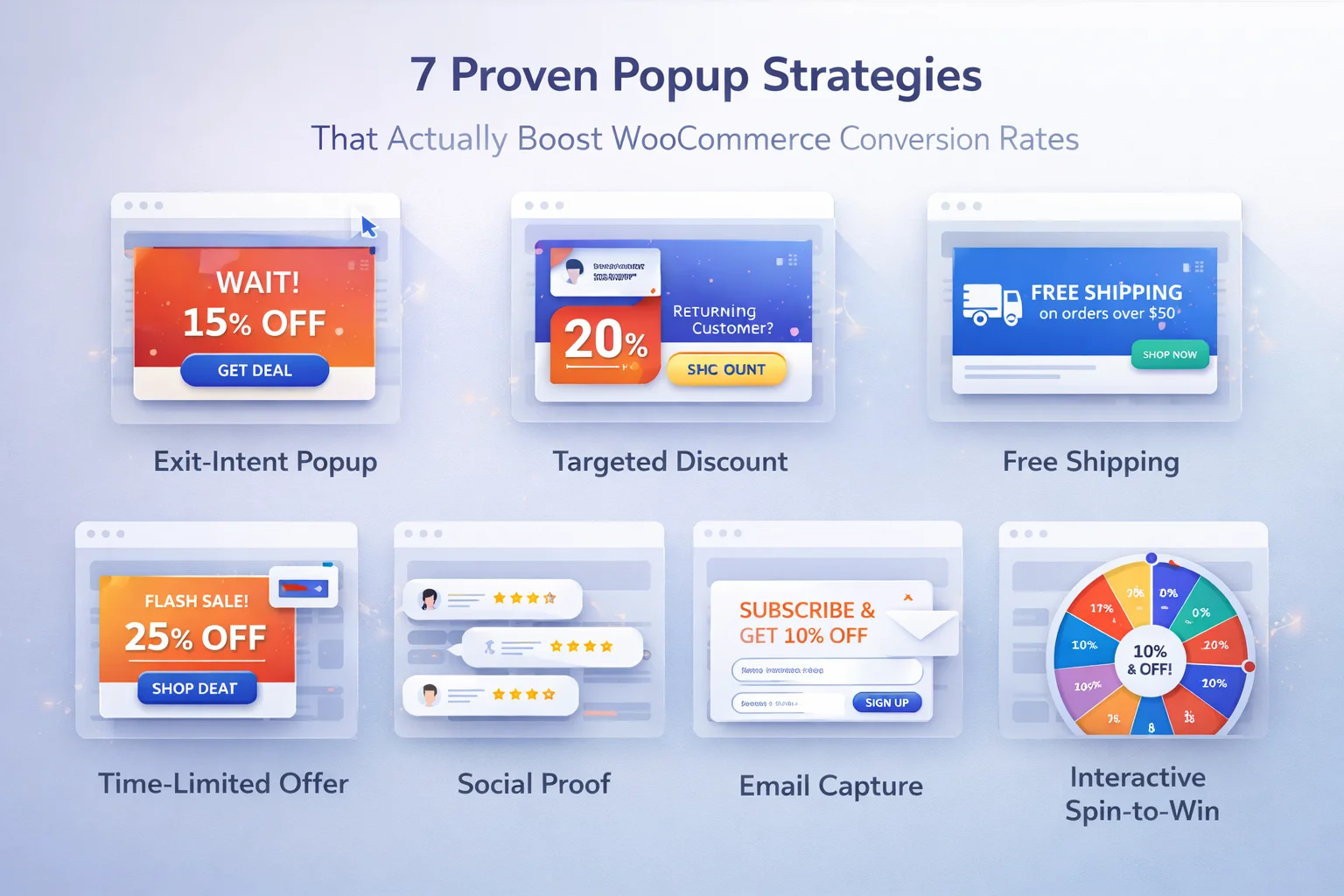
The gap between a popup that annoys and one that converts is not about technology. It is about strategy. The same popup tool can produce wildly different results depending on how it is configured, when it triggers, who it targets, and what message it delivers. The seven strategies below represent the approaches that consistently produce measurable conversion improvements in WooCommerce stores across different niches and traffic levels.
Each strategy includes the specific configuration approach, the visitor segment it works best for, and the key metric to track so you know whether it is working in your specific store context.
Target only cart and checkout pages with an exit-intent trigger. Offer a specific discount (not “up to X%”, but an exact number). Include the coupon code directly in the notification so the visitor can copy it immediately. This is the highest-converting single popup strategy for most WooCommerce stores because it targets the highest-intent visitors at the moment of maximum decision pressure. Track coupon redemption rate as your primary metric.
Show a welcome discount popup to visitors who have never been to your store before, triggered after 15 to 20 seconds of browsing (enough time to show genuine interest). The discount should be meaningful for a first purchase (10 to 15%) and the message should explicitly acknowledge that this is their first visit. “Welcome! Your first order ships with 15% off.” Target new visitors only and set a session frequency cap of once. Track first-time customer acquisition cost against this discount.
Use a persistent notification bar across your store that reminds visitors of your free shipping threshold. This works because unexpected shipping costs are the top reason for cart abandonment. The message stays visible throughout the shopping session, encouraging visitors to add more items to reach the threshold. Track average order value changes after implementing this notification.
Instead of showing the same discount across your entire store, create targeted campaigns for specific product categories. A visitor browsing running shoes should see a discount relevant to athletic footwear, not a generic store-wide coupon. Use page-level targeting to match popup content to the category the visitor is actively browsing. This requires a WooCommerce popup plugin with granular page-level targeting for category-specific promotions but the conversion improvement from relevance typically justifies the additional campaign management effort.
When a visitor sits on the checkout page for more than 45 seconds without completing their purchase, they are hesitating. A subtle notification at this point with a small incentive or a reassurance message (money-back guarantee reminder, secure payment confirmation, or a modest additional discount) can push them past the decision point. Set this to trigger only on the checkout page, only after a delay, and only once per session.
Run a genuinely time-limited promotion (24 to 48 hours) with a popup that communicates the real deadline. This works because the scarcity is authentic, not manufactured. Schedule the campaign to start and end automatically at specific times. The popup should state the exact end time. After the deadline passes, the campaign disappears automatically with no manual intervention required.
Visitors who return to your store within a few days of their first visit have strong purchase intent but needed time to decide. A returning visitor popup with a slightly different or improved offer (“Still thinking about it? Here’s an extra 5% off”) acknowledges their journey and gives them a specific reason to convert this time. Target logged-in returning visitors or use cookie-based detection for guests. This strategy works particularly well for higher-priced products where the decision cycle is naturally longer.

Implementing these strategies in practice
Do not try to implement all seven strategies simultaneously. Start with the one that addresses your biggest conversion gap. If cart abandonment is your primary problem, start with strategy one (exit-intent cart saver). If you are getting traffic but not enough first-time purchases, start with strategy two (welcome offer). Each strategy should be implemented, measured for at least two weeks, and evaluated before moving to the next one.
All seven strategies can be implemented with a single WooCommerce popup manager with targeting, scheduling, and multiple notification styles. The plugin handles the targeting, timing, and display logic. Your job is choosing the right strategy, writing the right message, and measuring the right metric for each campaign.
The compound effect of running three or four well-tuned popup strategies simultaneously, each targeting a different visitor segment at a different point in the purchase journey, is significantly greater than running one generic popup for everyone. That strategic layering is how the best WooCommerce stores use popups to drive sustainable conversion improvements.
Every strategy in this guide works with one plugin
Exit-intent recovery, welcome offers, category targeting, checkout hesitation, flash sales, and returning visitor re-engagement. All from a single WooCommerce campaign manager.





The free shipping threshold bar works way better than I thought it would. I've noticed way fewer abandoned carts since adding it customers really like seeing that info upfront before they even hit checkout.
The AOV tracking after setting up the exit intent notifications was the real eye opener. we ran it for three weeks during our spring clearance, and the numbers don't lie average order values climbed by 12% compared to the same period last year.
Got the exit popup working in 10 mins and already made my first sale with the code