Next-Level Code. Nexuvibe Style ...
Hrs
Min
Sec

When a WordPress deployment reaches enterprise scale, the conversation about media storage stops being about cost and starts being about control. Security teams ask different questions than developers do. They want to know who has access, how access is logged, how credentials are managed, what happens when an employee leaves, and how the storage layer fits into the organization’s existing security framework. The answers to those questions often determine which storage approach gets approved, and the outcome is not always what the development team expected.
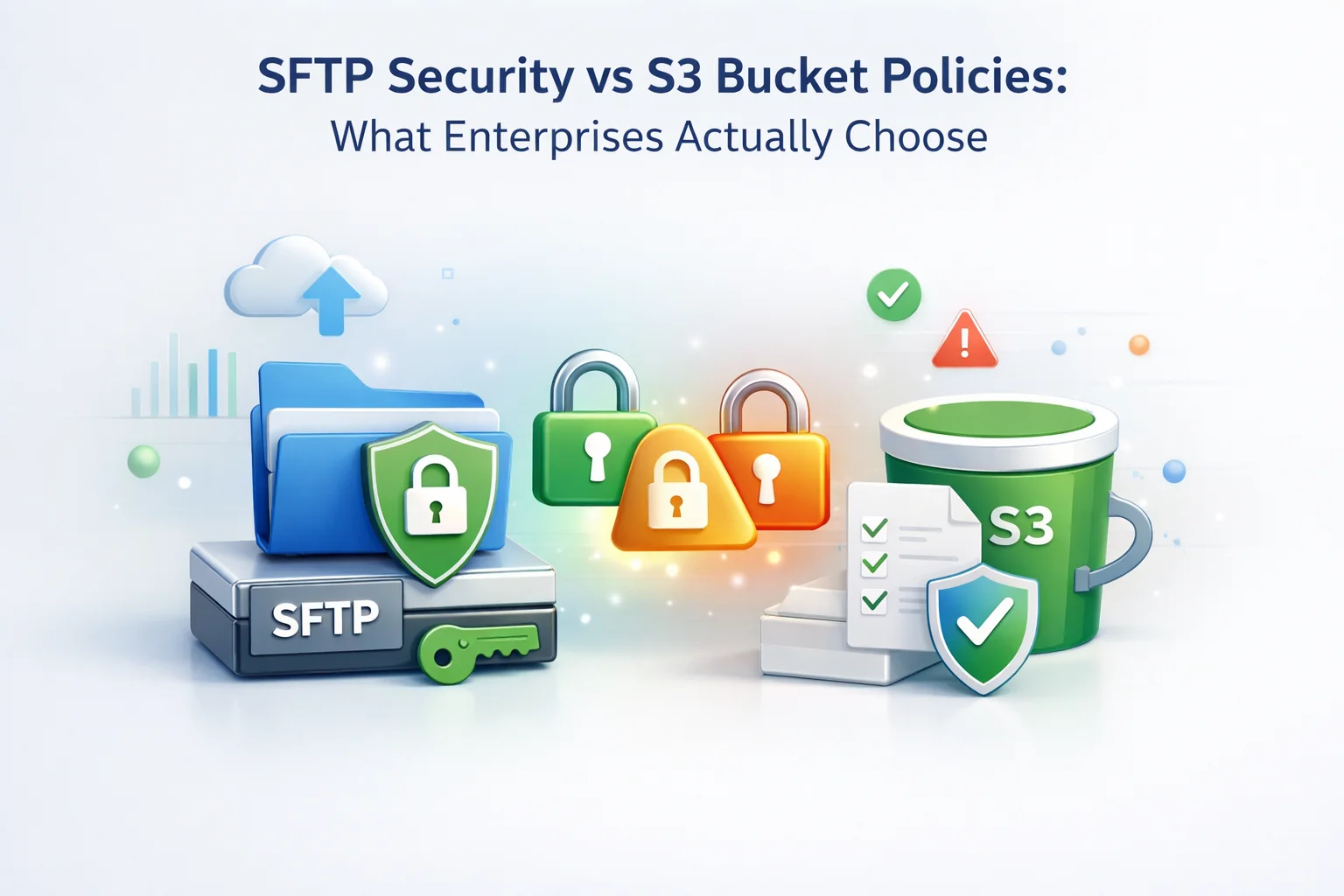
S3 bucket policies are powerful, flexible, and deeply integrated with AWS’s identity management infrastructure. SFTP is a mature, widely understood protocol with a straightforward security model that most enterprise security teams already know how to audit. Both are legitimate choices for securing WordPress media storage at enterprise scale. They are not equivalent, and understanding how they differ is what allows you to make an informed decision rather than defaulting to whichever one your team is most familiar with.
This guide compares the two security models honestly, covers the specific scenarios where each one has a genuine advantage, and explains why some enterprise environments end up choosing SFTP not as a fallback but as a deliberate security decision. We cover this in the context of WordPress media storage specifically, where the security requirements are real but the complexity of the solution should be proportionate to the actual risk.
S3 bucket policies are JSON documents attached to an S3 bucket that define who can access the bucket, what actions they can perform, and under what conditions. They work within AWS’s Identity and Access Management (IAM) framework, which means they can reference IAM users, roles, groups, and even other AWS services as principals.
A correctly configured S3 bucket policy for WordPress media storage would typically allow public read access to objects (so visitors can load images) while restricting write access to a specific IAM user or role that the WordPress plugin authenticates as. It might also restrict access to specific IP ranges, enforce HTTPS-only access, require specific encryption configurations, and log all access to AWS CloudTrail for audit purposes.
For WordPress media storage specifically, the security model requires careful thought about what “public” means. Product images and blog post images need to be publicly accessible to any visitor. But the bucket that stores them should only accept write operations from authenticated WordPress application users. Getting this right requires understanding the difference between bucket-level policies and object-level ACLs, how public access block settings interact with bucket policies, and how CORS configuration affects browser-based uploads. This is manageable but represents a genuine configuration complexity that creates ongoing maintenance overhead.
SFTP, the SSH File Transfer Protocol, secures file transfers through SSH encryption. Every connection is encrypted in transit using SSH keys or password authentication over an encrypted channel. The server authenticates clients either through password credentials or, preferably, SSH key pairs where the private key never leaves the client system and the public key is registered on the server.
The SFTP security model is simpler than S3 bucket policies in a meaningful way: the access control is filesystem-based. A user authenticates to the server and has access to the directories they have been granted permissions on, nothing else. There are no JSON policy documents, no IAM roles to configure, and no interaction between the access control system and a broader cloud identity management framework. The server access log records every connection, every file transfer, and every authentication event in standard Unix log format that security teams have been reading for decades.
All data in transit is encrypted via SSH. Credentials are protected by the SSH handshake and never transmitted in plaintext. Authentication can be enforced via SSH key pairs, which are significantly stronger than password authentication and resistant to brute force attacks. Server-side access logs provide a complete audit trail of every connection and file operation. Directory-level permissions prevent a compromised credential from accessing directories it was not explicitly granted access to.
Files at rest on the SFTP server are not encrypted by default unless filesystem-level encryption is configured separately. SFTP does not provide the fine-grained conditional access policies that S3 bucket policies support, such as restricting access by IP range at the protocol level. And SFTP does not integrate natively with enterprise identity management systems like AWS SSO or Azure Active Directory without additional tooling, which matters in larger organizations where centralized identity management is a compliance requirement.
Being balanced requires being honest about where S3 is genuinely the stronger choice. For WordPress media storage, there are specific scenarios where S3 bucket policies provide security capabilities that SFTP simply cannot match.
Organizations operating under HIPAA, PCI DSS, or SOC 2 Type II frameworks often require documented, auditable encryption at rest for data storage. AWS S3 server-side encryption (SSE-S3 or SSE-KMS) satisfies these requirements with built-in documentation and compliance artifacts. Configuring equivalent encryption at rest on an SFTP server requires additional steps and generates less standardized compliance documentation. For regulated industries, S3 is frequently the easier path through a compliance audit.
When dozens of developers, contractors, and automated systems need varying levels of access to media storage, IAM role-based access control scales elegantly. Granting a new contractor read-only access to specific bucket prefixes without affecting other users is a policy change. On an SFTP server, managing the same granularity of access across many users requires more manual configuration and is harder to audit systematically. S3 wins on access management at large team scale.
Organizations running their entire infrastructure on AWS, including EC2, RDS, Lambda, and CloudFront, gain meaningful operational benefits from having media storage in S3. Cross-service integrations work natively. CloudTrail provides unified audit logging across all AWS resources. AWS Config can monitor bucket policy changes automatically. If you are already deeply embedded in the AWS ecosystem, staying there for media storage reduces operational complexity rather than adding to it.
For the majority of enterprise WordPress deployments, the security requirements for media storage are more modest than the regulated industry scenarios described above. Most WordPress sites, even large enterprise ones, store product images, blog content, downloadable PDFs, and marketing assets. This data is valuable but does not require the same security posture as healthcare records or payment card data.
A security team that is not deeply familiar with AWS IAM can audit an SFTP configuration confidently using standard Linux security knowledge. SSH key management, directory permissions, and server access logs are concepts that every security professional understands. Reviewing an S3 bucket policy for a team without AWS experience requires either expensive external expertise or accepting that the review is less thorough than it should be. For organizations where AWS expertise is limited, SFTP’s simpler security model is genuinely more secure in practice because it is more likely to be configured and audited correctly.
Many enterprise organizations run hybrid infrastructure where some workloads are on-premises and others are in the cloud. For these environments, placing WordPress media storage in AWS creates a cloud dependency where none previously existed, with associated data governance, cost governance, and egress considerations. An SFTP server running on existing on-premises infrastructure keeps media storage within the existing security perimeter, which is often the preferred choice from a data governance perspective.
Organizations subject to GDPR data residency requirements or other data sovereignty regulations sometimes face constraints on which cloud regions data can be stored in. While AWS has regions in most major jurisdictions, approved cloud vendor lists and data processing agreements add complexity to S3 adoption. An SFTP server hosted within an approved data center in the required jurisdiction can be a simpler path to compliance than negotiating AWS DPAs and configuring region-locked buckets.
Having worked through the technical comparison, it is worth grounding the discussion in what a practical enterprise security audit of WordPress media storage actually examines. Security auditors are not assessing theoretical capabilities. They are verifying that specific controls are in place and that those controls are configured correctly and documented.
Auditors want to see that storage credentials are stored securely (encrypted, not in plaintext config files), that there is a documented process for credential rotation, and that access is revoked promptly when staff leave. WP FTP Media stores SFTP credentials encrypted in the WordPress database. The credential rotation process is straightforward: update the credentials on the SFTP server, update them in the plugin settings, test, done. For S3, equivalent rigor requires IAM key rotation policies and documentation that the rotation actually happened.
Both S3 with CloudTrail and SFTP with server logging satisfy the requirement for an access audit trail. The difference is format and tooling. CloudTrail logs are structured JSON that integrates with AWS security monitoring services. SFTP logs are standard syslog format that integrates with any SIEM. Neither has a universal advantage. The right choice depends on what logging infrastructure the organization already has.
Many enterprise security policies require that storage systems only accept connections from known IP addresses or network ranges. S3 bucket policies support IP-based conditions natively. SFTP servers achieve the same result through firewall rules or TCP wrappers, which is operationally familiar to most infrastructure teams. Both approaches satisfy the requirement. SFTP’s approach is arguably more transparent to audit since firewall rules are easy to inspect and document.
Auditors verify that the storage credentials used by the WordPress application have only the permissions needed for their function: write new files, read existing files, and delete files when local cleanup is enabled. Nothing else. For S3, this means a scoped IAM policy. For SFTP, this means a user account with access to the media upload directory only. Both approaches can satisfy least privilege. SFTP’s filesystem-level model is often easier to verify because the permissions are visible with a single command.
The pattern in enterprise WordPress deployments follows the overall infrastructure strategy of the organization more than any specific technical comparison between security models. Organizations that run their infrastructure on AWS choose S3. Organizations with on-premises infrastructure or those subject to data sovereignty requirements frequently choose SFTP. Organizations with limited cloud expertise often choose SFTP because their security teams can audit it without external help.
What is notable is that SFTP is chosen deliberately in many cases, not as a fallback but as the considered choice after evaluating both options. The simplicity of the security model, the universality of SSH knowledge across security teams, the absence of cloud vendor dependency, and the ease of integration with existing infrastructure all make SFTP a legitimate and sometimes superior choice for enterprise WordPress media storage, even when the organization has AWS accounts available.
The WordPress plugin layer matters significantly in enterprise contexts. A plugin that handles SFTP credentials properly by encrypting them at rest, that supports SSH key authentication in addition to password authentication, and that provides clear connection status monitoring is what separates a production-ready SFTP implementation from a quick setup that would fail a security audit.
The honest conclusion of this comparison is that neither SFTP nor S3 bucket policies is universally superior for WordPress media storage security. S3 wins in regulated industries, large teams with dynamic access requirements, and deep AWS ecosystem environments. SFTP wins in organizations with limited AWS expertise, hybrid or on-premises infrastructure, data sovereignty constraints, and security teams that value auditable simplicity over policy flexibility.
What both approaches require is thoughtful implementation. The security model you choose is only as strong as the care taken in configuring it, documenting it, and maintaining it over time. A well-configured SFTP setup with proper key management and access controls is meaningfully more secure than a carelessly configured S3 bucket with overly permissive policies. The choice of protocol matters less than the quality of the implementation, and WP FTP Media’s secure SFTP WordPress integration is built to provide the implementation quality that enterprise deployments require.
WP FTP Media connects WordPress to SFTP storage with encrypted credential management, SSH-secured transfers, CDN delivery, and the operational transparency that enterprise security teams need to audit and approve the configuration.







Finally got SFTP set up right and wow, the permission controls are exactly what our security team wanted.
Okay so I've got this setup running and the permissions are working great people only see what they're supposed to. But here's what I'm not totally clear on: when you've got multiple teams accessing stuff, how do the S3 bucket policies actually handle it if someone's role changes or they leave?
Audit logs are thorough but require manual parsing
This guide saved me weeks of back and forth with our security team.