Next-Level Code. Nexuvibe Style ...
Hrs
Min
Sec

Let’s have a real business conversation. If you manage a growing WordPress site—whether it is a WooCommerce store, a bustling magazine, or an agency portfolio—your media library is a ticking time bomb. High-resolution images, videos, and daily uploads quickly turn a fast server into a sluggish, bloated liability. Backups start taking hours, migrations become a nightmare, and suddenly, you are forced to upgrade your hosting plan just for disk space.
You already know that you need to offload your media. If you don’t, you’ll eventually need to figure out how to fix disk space full in WordPress without upgrading your hosting plan. But the real question in 2026 isn’t if you should offload, but where. AWS S3? Google Cloud? Or a Private FTP server? As a business owner, you need predictability, not just popular buzzwords.
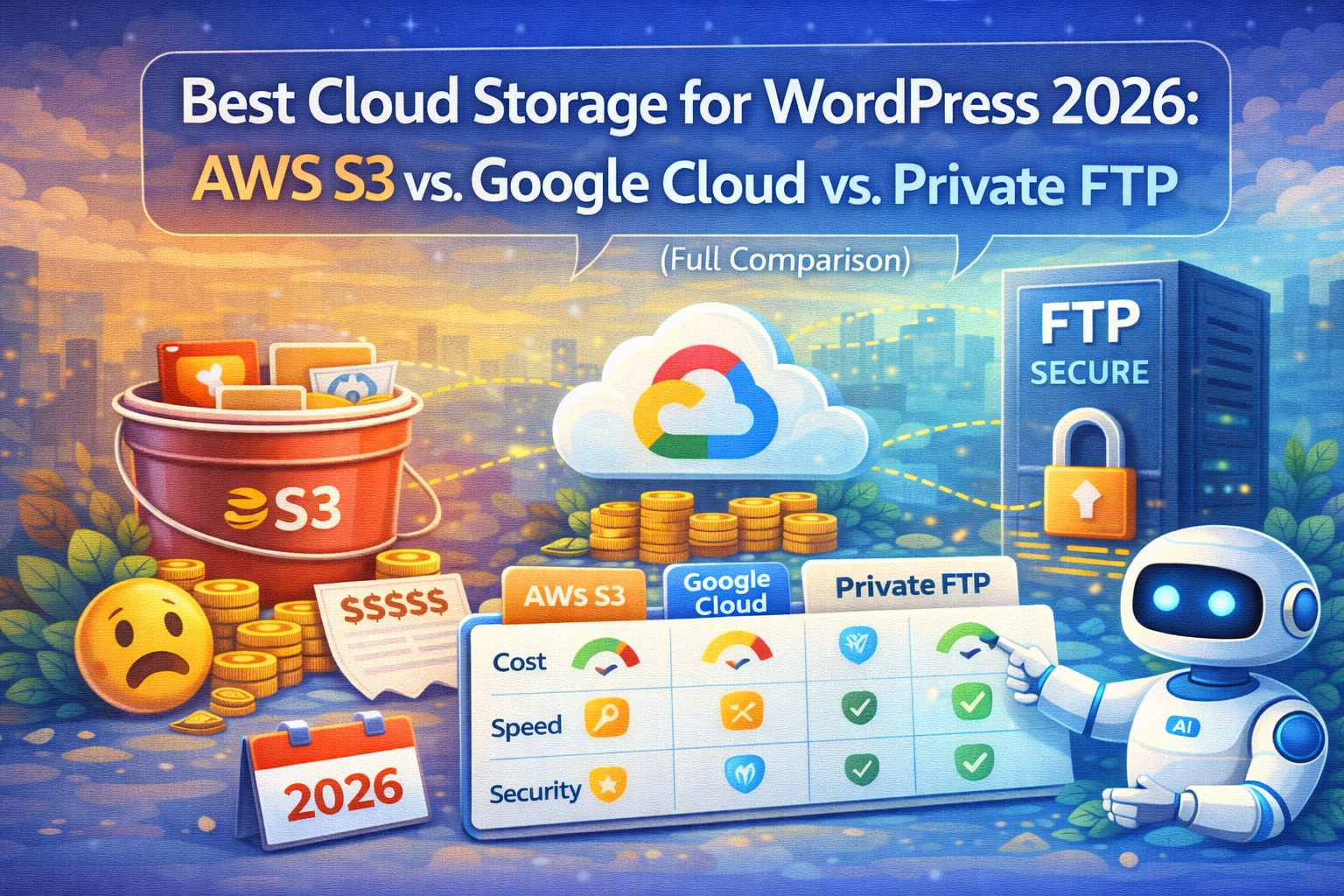
Discover why smart businesses are moving away from complex cloud grids to predictable infrastructure using WP FTP Media.
When you Google “how to offload WordPress media,” the first results almost unanimously point to AWS S3 or Google Cloud. Why? Because they are massive, reliable corporations. But here is what the developer blogs don’t tell you: you are an independent business, not an enterprise data center.
Using enterprise architecture for a WordPress media library introduces a massive layer of complexity, security risks (if configured incorrectly), and worst of all, hidden costs that scale aggressively as your traffic grows.
AWS S3 is famous for costing pennies per gigabyte of storage. That is the hook. You move 50GB of images and your monthly storage bill is less than a cup of coffee. But storage is not where Amazon makes its money—data transfer is.
Every time a visitor lands on your site and loads an image, data is pulled out of your S3 bucket. This is called an “Egress Fee.” If a post goes viral, or if you have an image-heavy WooCommerce store with thousands of daily visitors, your bill can skyrocket overnight. You are essentially punished for getting traffic.
Must Read: Before you sign up for Amazon, look at our detailed breakdown of why S3 egress fees are killing your profit margins. It is a mathematical reality check.
Google Cloud Storage (GCS) operates on a very similar model to AWS. It’s wildly powerful and powers some of the biggest apps on earth. However, the interface is aggressively developer-focused.
For a WordPress admin, setting up service accounts, managing JSON keys, and configuring bucket permissions just to host JPG files feels like using a sledgehammer to open a peanut. And much like AWS, the pricing is complicated. You pay for storage, network egress, and even the number of API operations (Class A/B operations). A sudden spike in traffic or an aggressive web crawler can result in a surprising invoice at the end of the month.
In 2026, the trend among savvy site owners is shifting back to ownership and predictability. Renting a high-storage VPS (Virtual Private Server) from providers like Hetzner, DigitalOcean, or Vultr costs a fixed, flat rate. We are talking about $5 to $10 a month for hundreds of Gigabytes of SSD storage and often unlimited or massive (10TB+) bandwidth.
By using a simple FTP/SFTP connection, you own the infrastructure. There are no API operation fees. There are no sudden $300 bills because a blog post went viral. You get pure, unadulterated storage that behaves exactly how you expect it to. If you want to understand the architecture behind this, read about the zero-bloat WordPress strategy: offloading media to SFTP securely.
A Private FTP server is brilliant, but manually moving files is not. You need a system that automatically catches uploaded images, transfers them securely to your remote server, and then serves them to your visitors flawlessly. That is exactly why we built WP FTP Media.
The definitive solution for syncing WordPress to private cloud infrastructure. Clean dashboard, safe rewrites, no database risks.
Discover the Plugin
Replace enterprise complexity with a clean, WordPress-native workflow.
Most offload plugins permanently rewrite your database URLs. If you ever uninstall the plugin, your site breaks. WP FTP Media uses a dynamic output rewrite. Your database stays pure, but visitors see the fast CDN URLs. Total peace of mind.
A heavy media library slows down your TTFB (Time to First Byte). By serving files remotely through a CDN integration, you instantly improve your speed scores. See exactly how in our guide: Is your media killing Core Web Vitals?
Do you manage multiple stores or blogs that share similar assets? Stop uploading the same images over and over. WP FTP Media allows you to elegantly sync one media library across multiple WordPress sites via FTP. Save space and admin time.
Moving a massive library can feel like a black box. Our plugin provides a gorgeous, transparent admin UI that shows you exactly what is scanning, what is uploading, and any errors that occur. You never have to guess if it’s working.
The internet is full of technical advice built for Silicon Valley startups. But you are running a real business. You need fixed costs, fast load times, and a system you can actually understand without hiring a cloud engineer. By pairing an affordable private FTP server with WP FTP Media, you get enterprise-level performance and total data ownership, at a fraction of the cost of Amazon or Google.
Stop paying for traffic you already earned.





Setting up Google Cloud for my site backups was pretty straightforward. The speed boost is definitely noticeable, but I still get lost in their pricing tables. Wish they'd simplify it like a flat rate security contract or something
Hey, this breakdown was the first honest take I've seen on cloud storage costs. most guides just push AWS or Google without mentioning how egress fees add up like getting nickel and dimed every time someone loads an image.
Hey everyone! A friend recommended this, and wow it saved me from a major headache. my site was crawling with all the client photos and docs I upload daily
Hey folks, retired Army here. This breakdown finally put numbers to what I've suspected for years cloud storage isn't just a tech decision, it's a math problem.