
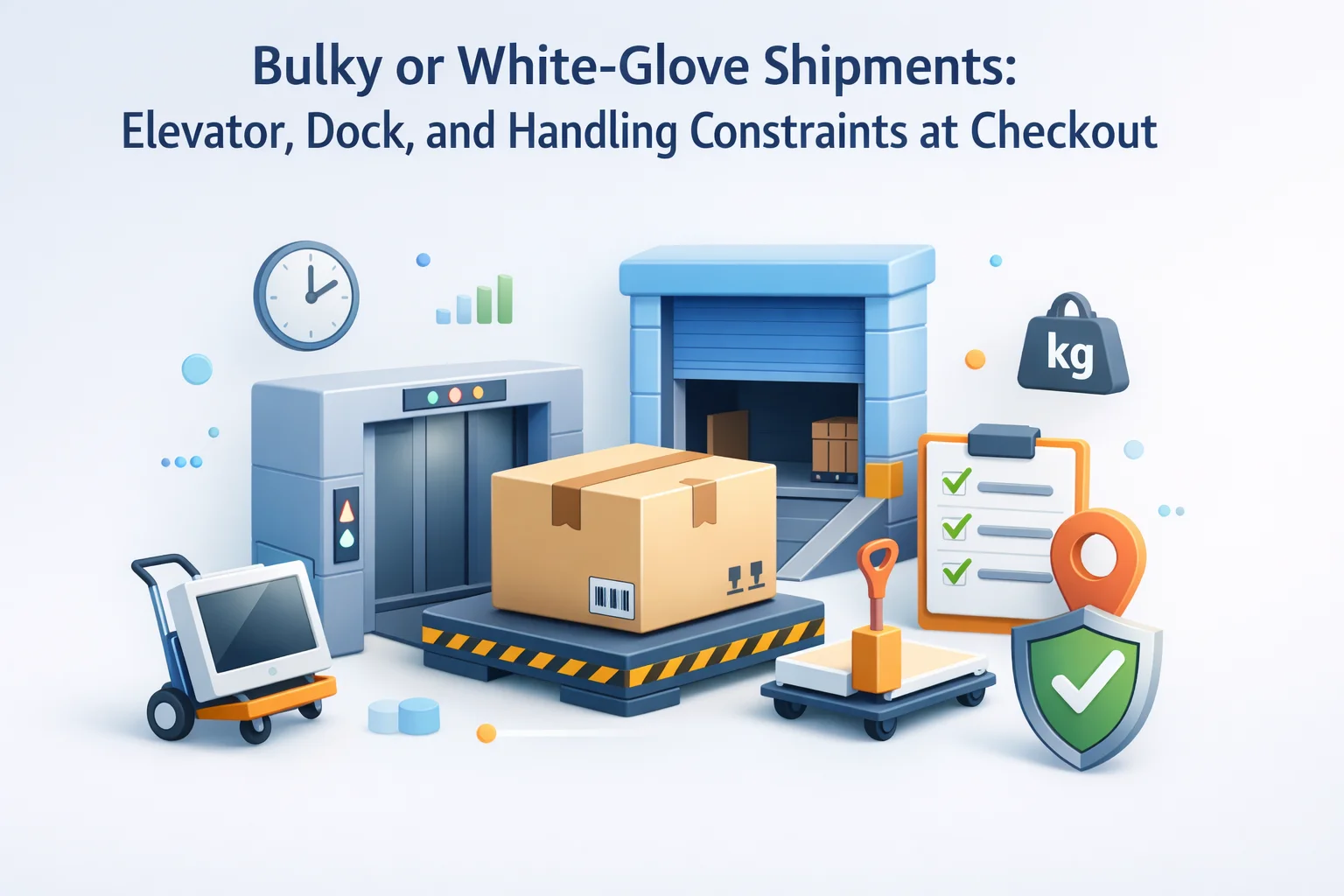
Most WooCommerce stores ship a mix of cartons and pallets. The storefront happily sells both, yet the checkout form often pretends every destination is a suburban porch. Buyers who need a loading dock code, a certificate of insurance on file, or confirmation that a sofa can clear a tight stairwell are forced to improvise in a single textarea. Operations then decodes intent line by line while the TMS clock runs.
Clean logistics capture is not about adding noise for apparel shoppers. It is about conditional depth: prompts that appear when the cart crosses weight thresholds, when certain SKUs flag white-glove service, or when the customer selects residential delivery instead of will-call pickup. The goal is to front-load facts carriers actually use so you reduce re-delivery fees and protect margin on heavy goods.
Advanced WooCommerce Checkout Field Editor for freight-friendly checkout layouts gives merchants drag-and-drop control, conditional stacks, per-product nuance, Blocks compatibility, and JSON portability so handling policies evolve without brittle theme snippets.
Why unstructured order notes fail heavy shipments
Free-text instructions scatter across formats. One buyer writes novellas; another assumes you remember last year’s dock rules. ERP and TMS integrations rarely parse sentiment; they need predictable keys. When “call before” lacks a phone window, dispatchers guess. When “needs liftgate” hides inside a paragraph, rating engines miss it and invoices inflate.
Structured prompts train customers where each fact belongs. Dropdowns for service level, short text for gate codes, checkboxes for threshold versus room-of-choice reduce ambiguity without feeling like a government form—if you show them only when relevant.
Operations should own the vocabulary. Marketing can polish labels, but fulfillment defines allowed values so analytics later align with carrier billing codes.
Each prompt must answer a question dispatchers ask weekly. If nobody references it on a label, delete it. If finance disputes accessorials because the data was missing, promote it to required when freight SKUs appear.
Elevators, stairs, and clearances: asking without alarming shoppers
Vertical logistics breaks more deliveries than horizontal miles. A sectional cannot pivot on a landing if the rail height was never captured. Ask for doorway width, stair flights, and elevator dimensions with sane maxlength so mobile buyers do not abandon. Pair numeric fields with unit hints: inches versus centimeters should follow the market you serve.
Use progressive disclosure: first confirm floor level, then reveal follow-ups only if the answer implies stairs or a freight elevator reservation. Dependent checkout questions with Advanced WooCommerce Checkout Field Editor keep the form short until context demands detail.
Photography uploads belong in product onboarding, not checkout—unless you sell bespoke millwork where site photos materially change crating. Default to text constraints to protect page weight.

Dock hours, appointments, and liftgate economics
Commercial receivers live by appointment calendars. Residential buyers may lack docks entirely, which triggers liftgate fees and longer unload windows. Separate fields for “receiver type,” “dock high only,” and “appointment required” let rate shoppers choose honestly.
Time windows deserve structured formats—dropdowns for morning versus afternoon often beat free-text “before noon-ish.” If you must collect free-text exceptions, cap length to what your broker’s API accepts.
Document surcharges in helper text with plain language. Surprises at delivery erode repeat purchases more than transparent fees at checkout.
White-glove tiers: threshold, room-of-choice, debris removal
“White glove” means different things to different carriers. Map your checkout labels to internal SKUs for service levels. If unpack and debris removal is optional, expose it as an upsell with a checkbox that flows to billing and work orders.
When assembly is bundled, capture tool access, parking rules, and COI upload links in your operations portal—not necessarily at checkout—unless missing data blocks scheduling.
Mixed carts containing accessories should not force premium handling on small add-ons. Per-product checkout fields with Advanced WooCommerce Checkout Field Editor anchor heavy-line prompts to the SKUs that triggered freight class changes.

Conditional logic patterns that respect mixed catalogs
Start from cart predicates: total weight, shipping class, product category, or tagged “freight” attribute. Layer geography when coastal metros have stricter appointment norms. Avoid showing dock fields to apartment units unless the buyer self-identifies commercial delivery.
Local pickup should collapse freight prompts entirely and optionally collect forklift assistance flags at pickup time through a different flow. Parity matters: do not train buyers to ignore fields because they flip wildly between methods.
Conditional checkout stacks with Advanced WooCommerce Checkout Field Editor let ops iterate rules without redeploying PHP snippets each time a carrier changes cutoff times.

WooCommerce Blocks, stacking, and mobile yard tests
Block-based checkout reflows when themes inject padding or grid templates differ from classic. Heavy field clusters need QA on mid-tier Android widths because keyboards cover half the screen and shipping accordions collapse context.
Test with real copy, not lorem ipsum: long gate codes and hyphenated dock names reveal wrapping bugs early. Verify focus order for accessibility; screen-reader users still buy commercial fixtures.
For WooCommerce checkout architecture, pair editor exports with WooCommerce’s guide to customising checkout fields so meta keys remain stable when core templates update.

Handoff to carriers, 3PLs, and customer success
Decide which fields mirror to WMS, which stay in CRM for account managers, and which are purely for carrier remarks. Duplicate sensitive identifiers carefully; some partners want masked gate codes in public labels but full strings in secure portals.
Email confirmations should repeat handling choices near the delivery address, not buried beneath marketing modules. Support macros should link to the same field glossary your checkout uses so agents speak the customer’s language.
Teams rehearsing incidents should document rollback paths in environment configuration playbooks so staging previews of transactional emails stay realistic.
JSON promotion: shipping seasons and carrier switches
Peak construction season and holiday gifting produce different failure modes. Export field JSON before each change; attach hashes to tickets. When you switch brokers, remap remark fields rather than renaming keys customers already integrated.
Franchise or multi-site operators can share a baseline JSON with localized copy overrides. Lock corporate-mandated safety questions; allow branches to tune appointment copy.
Rollback should be a file restore, not improvisation under load.
Rural routes, long driveways, and pavement weight limits
Oversized deliveries on gravel lanes or steep grades sometimes require smaller shuttle trucks. A checkbox acknowledging “unpaved final segment” or “narrow private road” prompts dispatch to plan transfers before the truck arrives instead of after it is stuck.
Long driveways affect unload time. Capture approximate distance or turnaround feasibility when your carrier bills by appointment length. Keep questions respectful—rural customers already know their property better than your copywriter does.
Weight limits on bridges or HOA roads rarely belong in consumer checkout, but commercial jobsites with posted limits do. Offer a short text field gated to B2B roles or tagged project SKUs.
Certificates of insurance, high-value cargo, and access control
Corporate receivers often require COI naming additional insured parties. Collect contact emails for facilities teams in structured fields rather than burying them inside narrative instructions. Link to upload portals when files are mandatory.
High-value SKUs may need signature release waivers or photo documentation. Separate legal acknowledgements from operational notes so compliance can audit consents independently from driver remarks.
Gated communities and high-rises with freight elevators on reservation should capture guard desk phone numbers with maxlength tuned to your integration. If a field is optional for low-rise houses, mark it required only when the address type indicates controlled access.
Returns, damage claims, and photo policies for bulky goods
White-glove delivery often includes inspection moments that should be reflected in checkout copy. When customers agree to note packaging damage before signing, capture that acknowledgement explicitly. It reduces disputes later when carriers compare timestamps.
Returns on assembled items are operationally expensive. If your policy restricts remorse returns on installed goods, surface concise language near handling fields so buyers understand service levels are not reversible decor decisions.
Support teams should map common claim scenarios back to missing checkout data. Patterns reveal whether you need a new dropdown or simply clearer helper text beside an existing gate code field.
Training installers, drivers, and storefront staff on the same glossary
When checkout labels say “room of choice,” warehouse tablets should use the same term in pick lists. Divergent vocabulary creates double entry and misrouted crews. Publish a one-page glossary tied to field keys for onboarding seasonal staff.
Drivers appreciate terse, repeatable phrases on BOL footers. Long essays typed by customers may need trimming before API submission; document any truncation rules so CS can explain them honestly.
Retail associates placing orders on behalf of walk-in buyers should see the same conditional prompts e-commerce shoppers see, or you will split your data model between channels.
Governance: who may edit freight prompts
Give logistics veto rights on required flags that affect dispatch. Let merchandising polish tone but not silently add mandatory elevator measurements to every cart. Publish a lightweight RACI so weekend launches do not bypass safety review.
Quarterly reviews should compare accessorial invoice data against missing-field reports. If charges spike after a copy tweak, rollback the helper text—not the entire integration.
Celebrate reductions in re-delivery attempts; they are lagging indicators that your checkout asked the right questions early.
Instrumentation: turning checkout answers into operational metrics
Track completion rates for freight-class carts separately from apparel. A dip after adding elevator questions is not necessarily bad if accessorial invoices fall simultaneously. Pair quantitative funnel data with qualitative driver notes weekly.
Tag support tickets with the meta keys they lacked so product teams can prioritize new fields versus better validation messages. Patterns beat hunches when leadership debates checkout length.
Benchmark carriers on on-time performance split by whether buyers completed structured handling prompts. Gaps highlight training opportunities on your side or theirs.
Publish internal dashboards that show the top five missing fields on failed deliveries; visibility keeps checkout investments funded when margins tighten.
Seasonality matters: snow and ice change liftgate feasibility; heat waves affect crew pacing. Swap helper text or required flags when your operations team publishes weather contingencies, and record those changes beside JSON exports for traceability.
When experimenting with new carriers, run parallel capture for a month—keep legacy remark fields alive while testing structured replacements so you can compare dispute rates with statistical confidence before cutting over.
Accessibility and plain language are force multipliers: jargon-heavy freight terms confuse first-time buyers and inflate support calls. Test copy with people outside logistics; if they hesitate, simplify the label while keeping the meta key precise for integrations.
Small wording wins compound: clearer elevator prompts reduce failed deliveries, fewer failed deliveries reduce refunds, and calmer inboxes let your team focus on true exceptions instead of daily firefighting.
Synthesis: treat handling data as part of the product
Bulky and white-glove delivery is co-designed with the physical item. Checkout should reflect that partnership: precise when freight is in play, invisible when it is not. Structured fields reduce phone tag, align expectations with carrier contracts, and protect margin on the heaviest lines in your catalog.
Invest once in conditional architecture and disciplined exports; repay in fewer failed appointments, cleaner handoffs to 3PL partners, and buyers who trust your brand to respect the complexity of their space.
Advanced WooCommerce Checkout Field Editor for WooCommerce stores shipping oversized goods combines visual field layout, conditional logic, per-product targeting, Blocks support, and JSON portability so operations teams can iterate safely as carriers and service levels change.
Keep a visible changelog for freight-related field updates, rehearse mobile flows after each theme release, and measure completion rates separately for freight-class carts so improvements do not drown in small-parcel averages.
When new SKUs introduce non-standard crating, add pilot orders with operations CC’d before exposing prompts to all traffic; pilots reveal maxlength and validation gaps without risking peak conversion.
Pair analytics with qualitative driver feedback: if couriers report the same misunderstanding weekly, the fix is usually label clarity—not another paragraph in order notes.
Document cross-border nuances where liftgate defaults differ; international buyers may interpret “ground floor” differently than US multifamily norms.
Reserve textarea prompts for exceptions, not baseline requirements; structured inputs feed automation, narratives feed humans.
If marketplace channels clone your catalog, ensure mirrored listings either inherit handling metadata or clearly state alternate fulfillment paths to avoid contradictory promises.
Retrofit legacy orders by teaching support to append standardized meta when customers call; migrate patterns back into checkout rules so history stops repeating.
Weather and holiday blackouts belong in carrier-facing systems, but surfacing simple “closed Monday” hints at checkout prevents futile appointment attempts.
Tie finance approval on free white-glove promotions to explicit checkbox capture so margin reviews trace to orders, not anecdotes.
Finally, rehearse disaster scenarios—total loss of custom fields after a bad deploy—and verify your JSON backups restore in minutes, not hours.
Shipping oversized goods will always be harder than shipping tees; the checkout experience should acknowledge that reality with calm, structured questions instead of hoping a single comment box carries the load.
Ship heavy with clearer checkout data
Advanced WooCommerce Checkout Field Editor helps stores capture elevator, dock, and handling constraints with validation, logic, and safe JSON promotion.






Got this for my studio gear shipments the conditional fields are pretty smart, but setting up the weight
Ugh, had to refund two orders this week because customers swore there were "no stairs" turns out they
interesting read on the bulky shipment constraints. I run a farm equipment store and ship a lot of palletized goods