
WP Offload Media vs. WP FTP Media: Why S3 Egress Fees are Killing Your Profit
Stop bleeding money on hidden cloud bandwidth costs. Discover the flat-rate storage strategy smart agencies use to maximize margins and achieve true zero-bloat scaling.
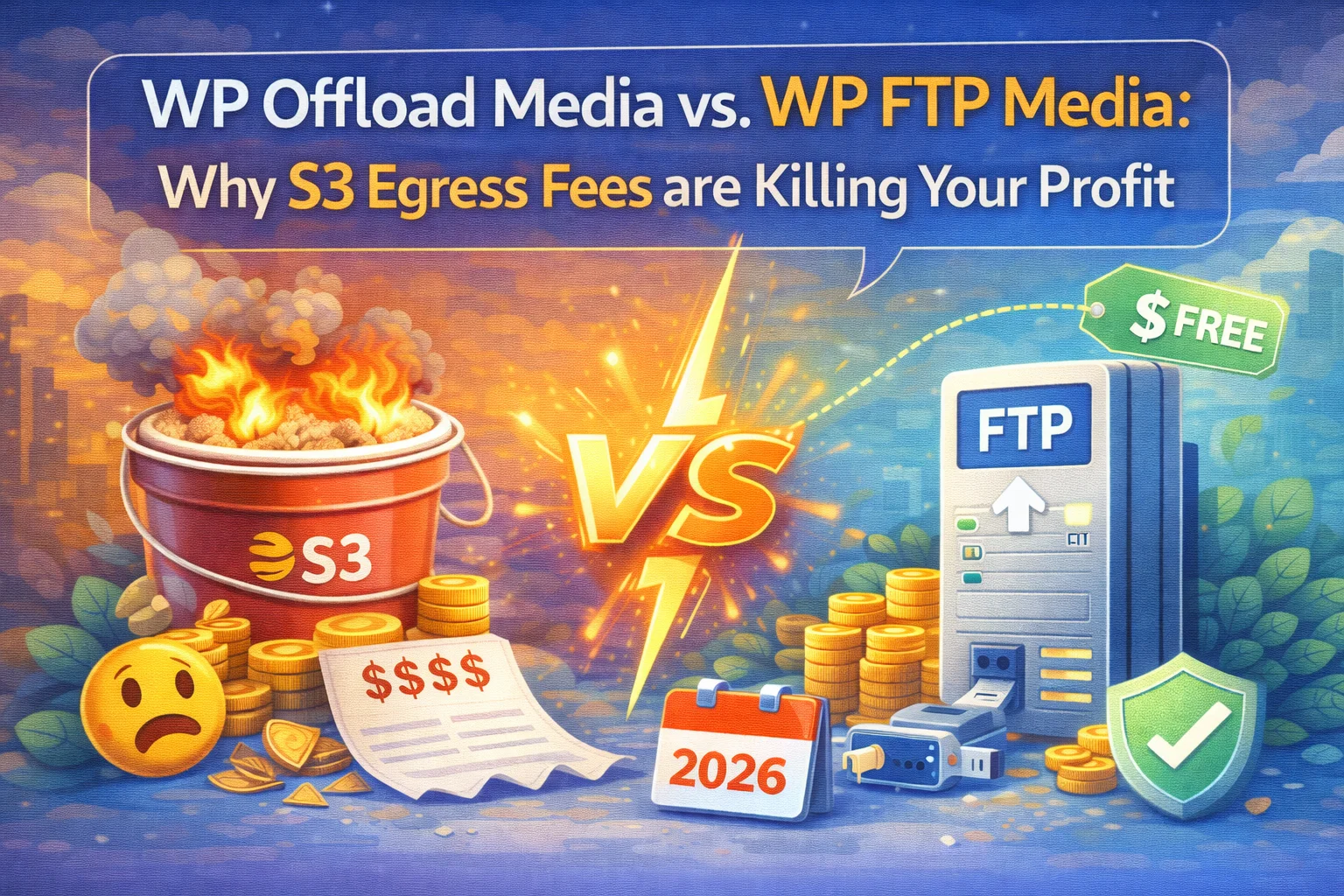
It usually starts with a brilliant, forward-thinking idea: “Let’s move our heavy WordPress images to Amazon S3. Storage is practically free at $0.02 per gigabyte!” You install a plugin like WP Offload Media, sync your media library, and pat yourself on the back for optimizing your main web server. But then, the first of the month arrives. You open your AWS invoice, and your jaw drops. You aren’t paying $2. You’re paying $150, or maybe even $500.
Welcome to the trap that thousands of WordPress users fall into every year. What most webmasters fail to realize is that cloud providers do not make their billions on storing your data; they make it on Egress Fees—the cost of bandwidth charged every single time a user views an image on your website. The more traffic you get, the harder you are punished financially. It is time to rethink your architecture with the Nexu FTP Media Plugin.
The Anatomy of Cloud Billing (Why S3 Hurts)
Let’s break down the math from a sales and operations perspective. Why does scaling a successful business suddenly become a financial nightmare on AWS, Google Cloud, or DigitalOcean Spaces? The devil is entirely in the details of “Data Transfer Out”.
1. Data Transfer Out (Egress Fees)
While storing 100GB might legitimately cost $2 a month, AWS charges roughly $0.09 per GB of data transferred out to the internet. If you run a high-traffic WooCommerce store, a photography portfolio, or a viral news site, you might easily push 2TB of images a month to your visitors. That is $180/month just in bandwidth fees. You are actively being penalized for your own success. The more traffic you drive, the thinner your profit margin becomes.
2. GET and PUT Request Fees
Every single time WordPress requests an image to display on a page, it counts as an API call (a GET request). Got a category page with 40 thumbnails? That is 40 GET requests per visitor. When you are generating thumbnails during an upload, that’s multiple PUT requests. Millions of requests add up quickly on your monthly invoice, creating a totally unpredictable, fluctuating expense model that makes CFOs and agency owners nervous.
3. The Vendor Lock-In Reality
Many S3 offload plugins hardcode the S3 URLs directly into your WordPress database. If you ever decide AWS is too expensive and you want to leave, you have to run risky database search-and-replace queries, re-download all your media, and reconstruct your library. They make it cheap to enter, but expensive and painful to leave.
The “Dumb Storage” Revolution
If Amazon S3 is the wrong answer for 95% of WordPress sites, what is the right answer? The answer lies in reverting back to basics: predictable, flat-rate infrastructure.
Embracing Flat-Rate Servers
Smart agencies have figured out a brilliant loophole. Instead of using complex, hyper-scalable, micro-billing S3 buckets for simple image hosting, they rent basic VPS or Storage Servers from providers like Hetzner, Contabo, or OVH.
The Result: You can get a massive 1TB server with 20TB to 32TB of included bandwidth for around $5 to $7 a month. It is a flat rate. Whether you get 1,000 visitors or 1,000,000 visitors, your storage bill remains exactly $5. No surprises. No invoice shock.
WP Offload Media vs. Nexu FTP Media
Let’s compare the traditional AWS route against the modern FTP strategy point by point.
Amazon S3 (Traditional Offload)
- Unpredictable Pricing: Costs rise linearly. Every viral post is a financial liability.
- Complex Setup: Requires IAM users, bucket policies, CORS configs, and API key management. One mistake breaks your images.
- Database Alteration: Often rewrites your database natively, making it a nightmare to migrate away.
- Proprietary Ecosystem: You are locked into the AWS/Google/Azure specific protocols and tools.
Nexu WP FTP Media
- Flat-Rate Pricing: Pay your cheap host $5/mo, no matter how much traffic you get. Unlimited bandwidth potential.
- Universal Compatibility: Works with ANY hosting provider on earth that supports standard FTP or SFTP.
- Database Safe: Uses “On-the-Fly” dynamic URL rewriting. Your database stays 100% clean and untouched.
- Instant Setup: Enter host, user, pass. Done in 30 seconds. No API keys required.
How Simple is the Switch?
Abandoning S3 for an FTP solution sounds technical, but we built WP FTP Media to be a completely seamless, visual experience right inside your WordPress dashboard. You don’t need a DevOps engineer to set this up.

Connect Securely via SFTP
Rent a cheap storage server. Inside our plugin, just enter your Host IP, Username, and Password. Use port 22 for fully encrypted SFTP transfers. No complicated JSON IAM policies or bucket permissions required. It takes 15 seconds to connect.
Background Synchronization
Already have 10,000 images on your local server or S3? Use the built-in Sync tab to securely move all existing media files to your new, cheap FTP storage. It runs quietly in the background without crashing your server.
Point to your CDN (Zero Egress)
Simply enter your Cloudflare, BunnyCDN, or custom CDN URL in the plugin’s rewriting settings. The plugin will instantly rewrite image source codes on the frontend. Your users get lightning-fast global image delivery, and you pay absolutely zero egress fees.
Frequently Asked Questions
Is FTP as secure as AWS S3?
Yes, absolutely. By using SFTP (SSH File Transfer Protocol) through Port 22, every single byte of data transferred between your WordPress site and your storage server is heavily encrypted. It is the industry standard for secure data transfer.
Will this break my Elementor or Divi builder?
No. Because Nexu WP FTP Media uses dynamic output rewriting on the frontend, your database retains the original local URLs. This ensures 100% compatibility with all page builders, themes, and SEO plugins like Yoast or RankMath.
Do I need technical skills to migrate from S3?
Not at all. You can use WP Offload Media’s “download” feature to bring images back to your server, and then use our plugin’s 1-click sync to push them to your new FTP storage. You are in complete control of your files at all times.
Ready to Cut Your Cloud Bill by 80%?
Every gigabyte you serve through AWS S3 is eating into your hard-earned profit margins. Take control of your infrastructure. Use any cheap, flat-rate storage server and let Nexu FTP Media handle the complex offloading and rewriting automatically.
100% Risk-Free. Trusted by Top Agencies.





Finally switched from S3 to this after that lovely $300 surprise AWS bill last month. No more stressing every time my site gets a traffic spike. should've made the jump way earlier
Finally no more AWS bill shock! switched to this and my costs are actually predictable now.
Hey y'all, no surprises on my bill!