
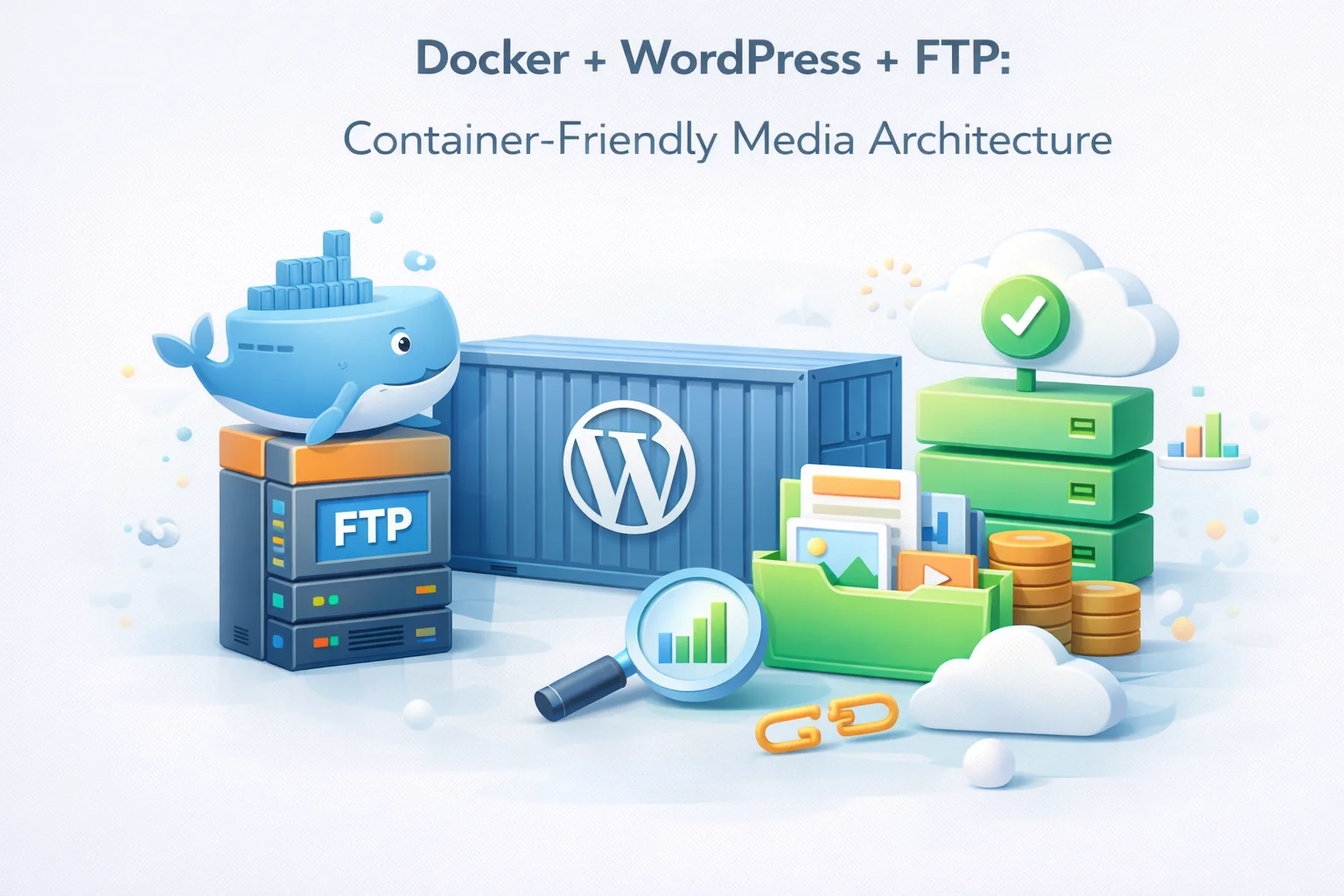
Containerizing WordPress with Docker is increasingly common for development teams that want reproducible environments, consistent deployment pipelines, and infrastructure-as-code for their WordPress applications. The appeal is real: define your entire WordPress stack in a docker-compose.yml, spin up identical environments anywhere, and deploy with confidence that what runs in CI runs in production.
The media problem surfaces immediately. Docker containers are ephemeral by design. When a container is rebuilt, its filesystem is reset to the image state. WordPress’s wp-content/uploads directory lives inside the container filesystem by default. Without special handling, every container rebuild wipes the media library. This is the most fundamental conflict between Docker’s design philosophy and WordPress’s storage model.
The conventional solution is Docker volumes: mount wp-content/uploads as a persistent volume that survives container rebuilds. This works at small scale but creates its own set of problems for teams that want truly portable, stateless WordPress containers. FTP offloading offers a cleaner architectural solution that aligns with container best practices more completely than volumes alone, making the WordPress container itself genuinely stateless.
Why WordPress media and Docker containers conflict by design
Docker’s core design principle is that containers should be ephemeral and immutable. An ideal Docker container runs from an image, does its work, and can be destroyed and recreated from the same image at any point without loss of intended state. The image defines the application. Persistent state lives outside the container in volumes, databases, or external services.
WordPress was designed before containerization was a consideration. Its architecture assumes persistent filesystem access for uploads, cache files, and certain plugin data. The database handles content. The filesystem handles files. This two-tier architecture predates the clean separation that containers encourage.
When you rebuild a WordPress Docker image — to update a plugin, apply a security patch, or change PHP configuration — the new container starts from a clean image. Any files written to wp-content/uploads after the image was built are gone. For a production site with an active media library, this is catastrophic without additional state management.
Running two or more WordPress container replicas behind a load balancer for horizontal scaling is architecturally desirable for high-traffic sites. But if each container has its own wp-content/uploads volume, uploads made to one container are invisible to the others. A visitor uploads a profile image on replica A. When their next request routes to replica B, the image is not there. Shared filesystem solutions (NFS, shared volumes) add complexity and introduce their own failure modes.
One of Docker’s key advantages is that a container image is fully portable — the same image runs identically on your laptop, your CI server, and your production host. When WordPress media lives in a volume, this portability is partially lost. Moving the deployment requires also moving the volume contents. The database is portable (dump and restore). The media volume is an additional artifact that must be managed separately.
The volume approach and where it falls short
The standard solution for WordPress media persistence in Docker is mounting wp-content/uploads as a Docker volume. This survives container rebuilds and is sufficient for single-container deployments.
wordpress:
image: wordpress:latest
volumes:
– wp_uploads:/var/www/html/wp-content/uploads
environment:
WORDPRESS_DB_HOST: db
…
volumes:
wp_uploads: {}
This approach works for single-container single-host deployments. It fails to address the horizontal scaling problem and still leaves media as an artifact that must be managed and migrated separately from the application. For teams using Docker Swarm, Kubernetes, or any multi-node orchestration, the volume approach requires additional infrastructure (NFS mounts, persistent volume claims with ReadWriteMany access mode) that adds complexity.
If WordPress media lives on an external FTP server rather than in a container volume, the volume management problem disappears entirely. The container has no persistent state related to media. Rebuilding the container does not affect media. Running 10 container replicas does not create inconsistency. Moving the deployment to a new host requires only the database — media stays exactly where it is on the FTP server, accessible via CDN from anywhere.
The FTP offload architecture for Docker WordPress
With FTP offloading, the WordPress container becomes genuinely stateless with respect to media. Here is what the architecture looks like and how each component contributes to the solution.
The docker-compose.yml for FTP-offloaded WordPress
The key difference in the docker-compose.yml for FTP-offloaded WordPress versus the standard volume approach is the absence of an uploads volume and the addition of FTP and CDN configuration via environment variables. WP FTP Media reads its configuration from WordPress options stored in the database, so no special container-level configuration is required beyond ensuring the plugin is installed in the image.
services:
wordpress:
image: your-org/wordpress-ftp:latest
# No uploads volume needed
volumes:
– wp_config:/var/www/html/wp-content/uploads/.temp
# Only temp dir for upload processing before FTP transfer
environment:
WORDPRESS_DB_HOST: db:3306
WORDPRESS_DB_NAME: ${DB_NAME}
WORDPRESS_DB_USER: ${DB_USER}
WORDPRESS_DB_PASSWORD: ${DB_PASSWORD}
# WP FTP Media settings via wp-config.php constants
WP_FTP_HOST: ${FTP_HOST}
WP_FTP_USER: ${FTP_USER}
WP_FTP_PASS: ${FTP_PASS}
WP_CDN_URL: ${CDN_BASE_URL}
deploy:
replicas: 3
# Scale freely — no shared filesystem required
db:
image: mysql:8.0
volumes:
– db_data:/var/lib/mysql
environment:
MYSQL_DATABASE: ${DB_NAME}
MYSQL_USER: ${DB_USER}
MYSQL_PASSWORD: ${DB_PASSWORD}
volumes:
db_data: {}
wp_config: {}
# No wp_uploads volume — FTP handles persistence
WordPress requires a writable uploads directory to process file uploads before WP FTP Media transfers them to the FTP server. A small temporary volume for this processing step is still needed. However, this volume contains only files in transit — typically kilobytes to a few megabytes at any moment — not the permanent media library. It can be on ephemeral storage if upload processing is fast enough, or on a small persistent volume. The key point is that this volume does not grow with the media library because files are deleted after FTP transfer.
Horizontal scaling: why FTP makes it actually work
The horizontal scaling benefit of FTP offloading in a containerized WordPress deployment is the feature that developers working at scale care about most. Without external media storage, running multiple WordPress replicas behind a load balancer requires a shared filesystem between all containers — a complex infrastructure requirement that is difficult to implement reliably.
With FTP offloading, horizontal scaling becomes trivially simple. Each replica connects to the same FTP server via SFTP for uploads. Each replica uses the same CDN URL for image delivery. Image availability is determined by whether the file exists on the FTP server, not by which replica handled the upload request. A file uploaded through replica 1 is immediately available through replicas 2 and 3 because all three serve it from the same CDN origin.

CI/CD pipeline integration with FTP offload
FTP offloading significantly simplifies the CI/CD pipeline for a containerized WordPress deployment. Without FTP offloading, a deployment pipeline must handle the media volume as a stateful artifact: copying volumes between environments, managing volume snapshots, or implementing rsync steps to keep media synchronized. With FTP offloading, the media library is external to the pipeline entirely.
The CI/CD pipeline builds the WordPress Docker image (containing core, themes, and plugins), pushes it to a container registry, and deploys the new image to the container orchestrator. That is the entire deployment. No media volume management, no rsync steps, no media migration. The new container connects to the same FTP server and CDN as the previous version and all media is immediately available.
A common CI requirement is testing against realistic data including production media. With FTP offloading, the CI environment simply points to the production CDN URL (read-only access is sufficient for most tests). The test environment renders all production images correctly from CDN without any media volume copying. This eliminates one of the most time-consuming steps in setting up realistic CI test environments for WordPress.
Rolling back a WordPress container deployment typically requires ensuring media state is consistent with the previous version’s expectations. With external FTP storage, rollback is simply deploying the previous container image. The FTP media library is untouched by the rollback. Media uploaded between the failed deployment and the rollback remains available on the FTP server and continues to be served from CDN after rollback.
According to Docker’s official documentation on storage volumes, the recommended approach for data that must persist beyond container lifetime and be shared across containers is to use external storage services rather than container volumes. The documentation specifically notes that external storage is the appropriate pattern for data that must be accessible from multiple containers simultaneously — which is precisely the WordPress media use case in a horizontally scaled deployment. FTP offloading implements this recommendation for WordPress media specifically.
WP FTP Media’s container-ready WordPress media externalization plugin provides the SFTP connection and CDN URL rewriting that makes the FTP offload architecture work within a Docker WordPress deployment, enabling stateless containers, frictionless horizontal scaling, and simplified CI/CD pipelines for teams that have adopted containerization for their WordPress infrastructure.

Docker WordPress that actually scales. Stateless containers, external media, zero volume conflicts.
WP FTP Media externalizes WordPress media to FTP storage, making WordPress containers genuinely stateless and enabling horizontal scaling without shared filesystem infrastructure — aligning WordPress with Docker best practices for persistent data management.





The price was great, but the temporary container setup caused some major headaches. Lost two uploads before figuring out volumes alone aren't enough for production use. really wish that had been clearer from the start
Okay, so I've been running a WordPress site in Docker for a few months now, and this guide finally helped me make sense of the media storage mess. The volumes part seemed straightforward at first just mount wp content/uploads to a persistent volume, right?
Good for single containers, tricky for multi container
Quick question about how you handle volumes in multi container setups. We're running WordPress split across three containers (web, app, and db) and using volumes for uploads. It works okay with a single container, but we're running into sync issues when media gets uploaded through different instances files end up all over the place