Next-Level Code. Nexuvibe Style ...
Hrs
Min
Sec

Most WordPress site owners have an analytics problem, but it is not the problem they think it is. The problem is not a lack of data. Between Google Analytics, server logs, and WordPress plugins, there is more traffic data available than any individual can reasonably process. The real problem is interpretation. Looking at a dashboard full of charts and numbers and knowing what to do about them requires analytical skills that most content creators, shop owners, and bloggers have never been trained in.
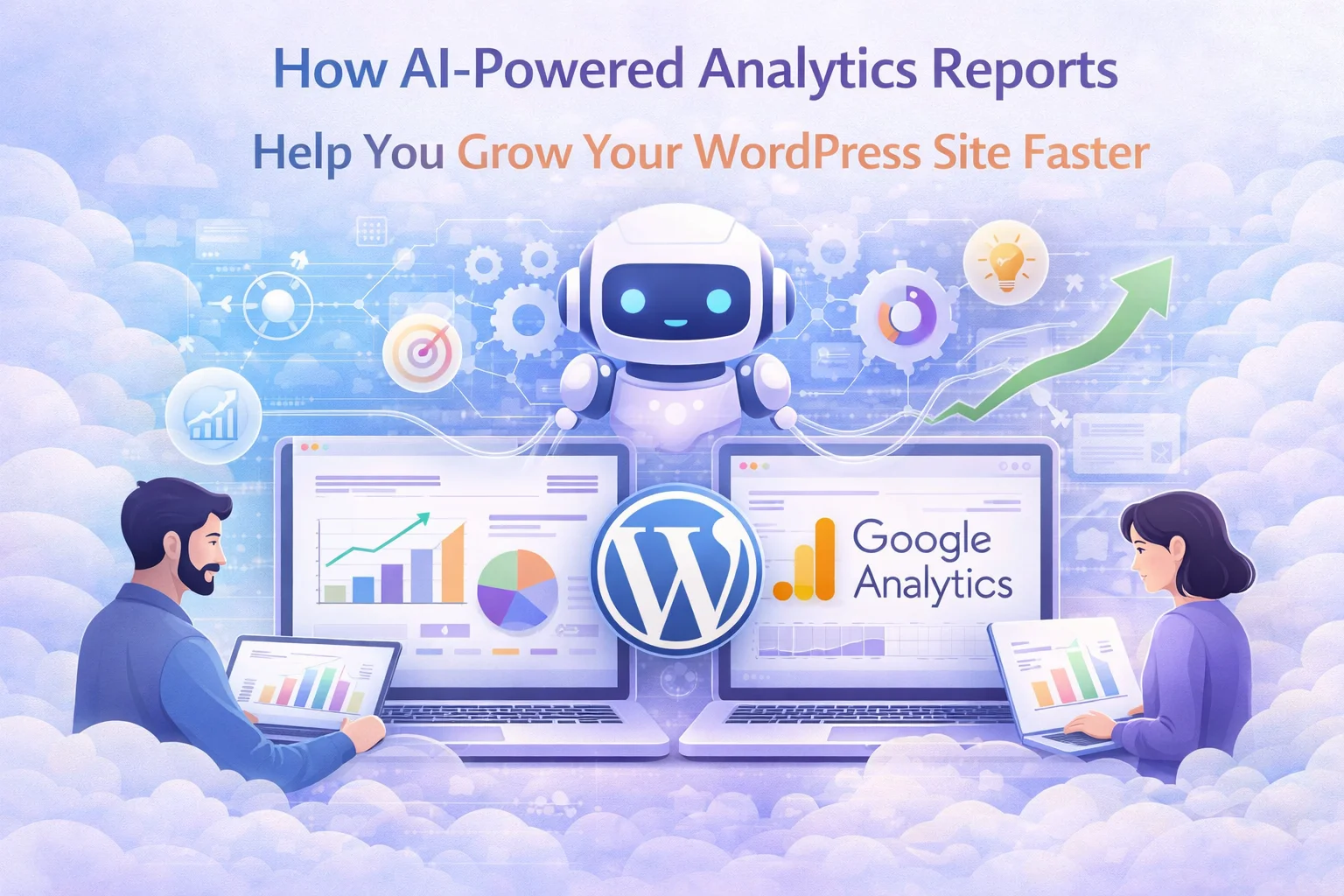
This is the gap that AI-powered analytics reports fill. Instead of showing you raw data and leaving you to figure out what it means, an AI analytics module reads your traffic data, identifies patterns and anomalies, and generates a professional report with specific recommendations written in plain language. It is the difference between being handed a spreadsheet and being handed a strategy memo.
This article explains how AI analytics reporting works in practice, what kind of insights it actually produces, and whether it delivers enough value to justify the investment. We will use the AI reporting module in NEXU Real-Time AI Analytics with automated growth reports for WordPress as the reference implementation, since it is currently the only WordPress analytics plugin with integrated AI reporting.
An AI analytics report is not a summary of your dashboard. It is an analysis that identifies the most significant patterns in your data and translates them into business recommendations. Here is what a typical AI-generated report covers when analyzing a week of WordPress traffic data:
The report starts with a performance summary: overall traffic trends compared to the previous period, whether your site is growing or declining, and the rate of change. This is context-setting information that helps you understand the big picture before diving into specifics.
Then it identifies content opportunities: pages that are gaining organic traffic and deserve more internal linking or content expansion, pages that have high traffic but high bounce rates (suggesting a mismatch between what visitors expect and what they find), and pages that are declining in traffic and may need updating.
It analyzes traffic source performance: which channels are driving the most engaged visitors (not just the most visitors), whether your social media efforts are translating into real engagement, and which referral sources deserve more attention.
It provides geographic and technical insights: whether your traffic is shifting toward new geographic markets (which might warrant localized content), whether mobile traffic is growing faster than desktop (suggesting mobile optimization priority), and whether specific browsers or devices show higher bounce rates (indicating compatibility issues).
The most practical feature of AI analytics reporting is scheduling. Instead of remembering to check your dashboard every week, you configure the AI module to generate and email a report on a schedule: daily, weekly, or monthly. Each report analyzes the relevant time period and arrives in your inbox with a complete analysis and recommendations.
For most WordPress site owners, a weekly report is the right cadence. It captures enough data to identify meaningful patterns without the noise of daily fluctuations. Monthly reports work well for strategic reviews and client reporting. Daily reports are useful during campaign launches or periods of rapid change when you need tighter feedback loops.
One feature that deserves specific mention is native language report generation. If English is not your primary business language, reading analytics reports in English adds a cognitive burden that slows down decision-making. The AI module can generate reports in your chosen language, delivering professional analysis in the language you think and work in.
This is not machine translation of an English report. The AI generates the analysis natively in your selected language, which produces more natural, idiomatic text than a translated version would. For agencies serving international clients, this means you can deliver professional analytics reports in each client’s language without additional translation work.
The honest answer is: it depends on what you do with the recommendations. AI analytics reports are only valuable if you act on them. If you read the report and implement even one recommendation per week, the compounding effect over months is significant. If you read the reports but change nothing, the investment is wasted.
The cost is modest. The AI feature requires an API key from your preferred AI provider (OpenAI, Anthropic Claude, etc.), and each report generation costs a few cents in API usage. Even with daily reports, the annual cost of AI report generation is typically under $20 for most sites. Compare this to hiring a freelance analyst to review your data and write recommendations: the AI report costs pennies per analysis that would otherwise cost hundreds of dollars per engagement.
For WordPress site owners who know they should be paying more attention to their analytics but do not have the time or expertise to interpret raw data, NEXU AI-powered WordPress analytics with automated growth insights and native language reports bridges the gap between data collection and data-driven action. It does not replace human judgment, but it provides the analysis that human judgment needs to work with.
Automated AI reports. Scheduled delivery. Native language analysis. Actionable growth recommendations. The analytics insight your WordPress site needs.







Finally, clear growth steps without the guesswork.
Hey, the monthly reports actually save me time
Finally, reports I don't have to translate!
Hey, is that "modest cost" per month or