Next-Level Code. Nexuvibe Style ...
Hrs
Min
Sec

Discount codes are one of the most effective tools in ecommerce marketing. A well-timed coupon can close an abandoned cart, win back a dormant customer, reward a loyal buyer, or push a hesitant shopper over the purchase line. But the way most WooCommerce stores handle coupons in their marketing is fundamentally broken. They create a static code like WELCOME10 or COMEBACK15, use it in their automated emails, and within a few weeks that code appears on RetailMeNot, Honey, and every coupon aggregator site on the internet. Suddenly, every customer in every checkout session is applying a discount that was meant for a specific recovery scenario.
The result is margin erosion disguised as marketing effectiveness. Your cart recovery email “worked” because someone used the code, but five other customers who would have paid full price also found the same code and applied it at checkout. The net effect on revenue is often negative once you account for the discount given to people who did not need it.
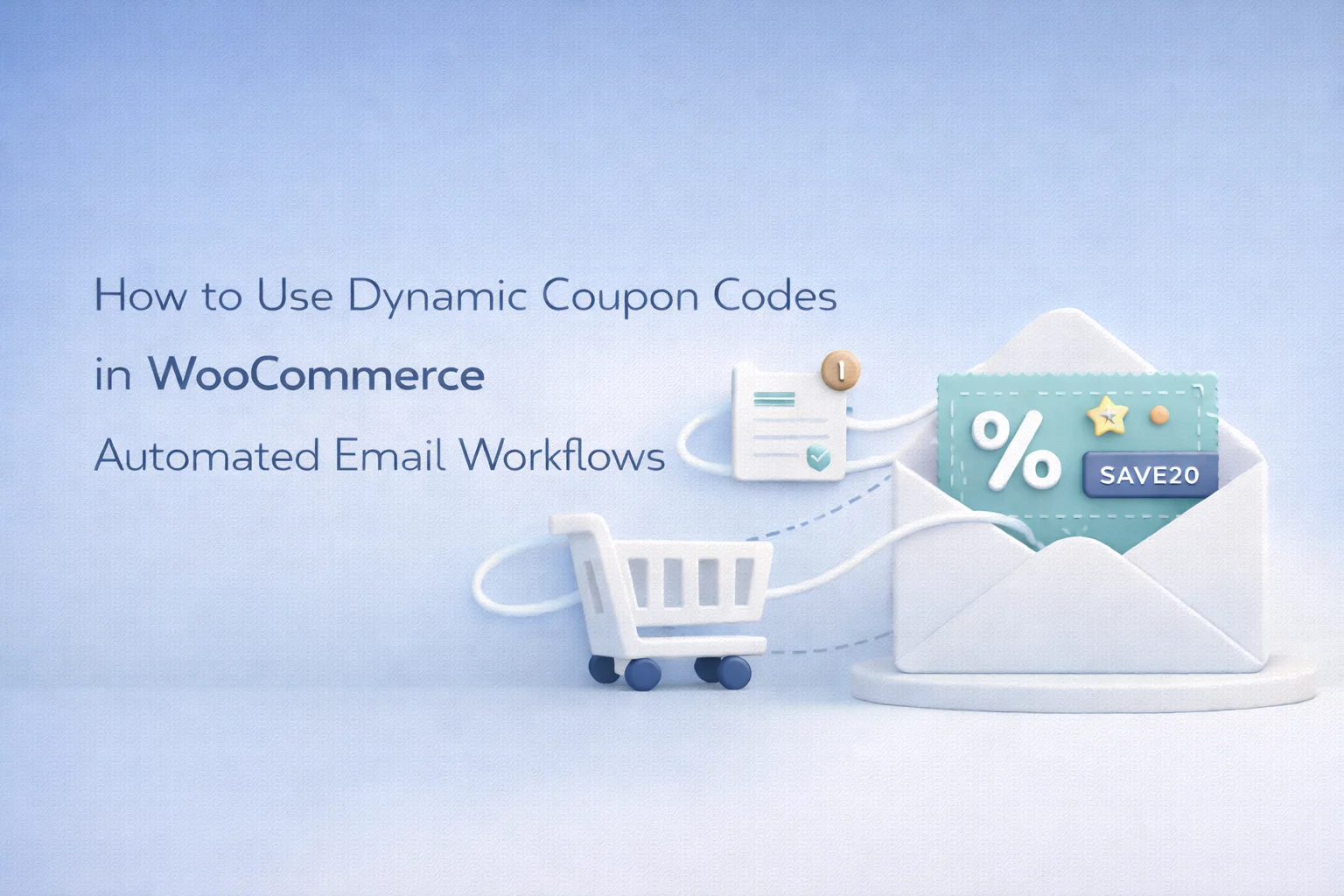
Dynamic coupon generation solves this problem completely. Instead of using a static code, your automation generates a unique, single-use code for each individual customer at the exact moment the email is sent. The code expires after a defined period, can only be used once, and cannot be shared meaningfully because it is tied to a specific email recipient. This guide walks through how to set up and use dynamic coupons in WooCommerce automated workflows using WooCommerce dynamic coupon generation for automated email and SMS marketing workflows.
To understand why dynamic coupons matter, consider the lifecycle of a static coupon code in a WooCommerce store. You create a code called CART10 for your abandoned cart emails. The code offers 10% off. You insert it into your recovery email template. For the first week, it works beautifully: people who abandoned their carts receive the email, use the code, and complete their purchases. Your recovery rate looks great.
Then someone shares the code in a Facebook group. A coupon browser extension detects it at checkout and adds it to its database. Within a month, your “cart recovery exclusive” discount is being applied by customers who never abandoned their cart, never received the email, and would have paid full price. Your WooCommerce reports show an increase in coupon usage, which looks like a marketing win. Your margin report tells a different story.
Research from CXL Institute has documented how coupon leakage affects ecommerce margins. The consensus is that once a static promotional code is in circulation, between 15% and 35% of its usage typically comes from customers who would have purchased at full price. Dynamic codes eliminate this leakage entirely because each code is unique, single-use, and tied to a specific recipient.
Dynamic coupon generation is straightforward in concept. You define a set of rules once: the discount type (percentage or fixed amount), the discount value, the expiration period, whether it is single-use, any minimum order requirements, and any product or category restrictions. These rules are saved as a coupon template, not an actual coupon code.
When an automation reaches the step where a coupon is needed, the system generates a new WooCommerce coupon on the fly based on those rules. The generated code is a unique alphanumeric string (something like NXU-7K2M9P) that has never existed before and will only work once. This code is injected into the email or SMS template through the {coupon_code} merge tag, so the customer sees a real, usable code in their message.
From the customer’s perspective, they receive a personalized discount code in their email or text message. From your perspective, you configured the rules once and the system handles creation, insertion, and enforcement automatically. From your accountant’s perspective, every discount is traceable to a specific campaign, a specific customer, and a specific trigger event, making it possible to calculate the true ROI of your coupon-based campaigns.
Each coupon template defines the rules that will apply to every code generated from it. Getting these rules right matters because they determine both the effectiveness of the incentive and the protection of your margins.
Choose between percentage discount and fixed amount discount. For cart recovery, percentage discounts (10% to 15%) are generally more effective because they scale with cart value. For win-back campaigns, a fixed amount (“$10 off your next order”) can feel more concrete and immediate. The discount amount should be large enough to motivate action but small enough to protect your margins.
The expiration creates urgency. For cart recovery coupons, 48 to 72 hours works well because the purchase intent is still fresh. For win-back coupons, 7 days gives the customer enough time to revisit your store. The expiration is calculated from the moment the code is generated, so each customer gets the full window regardless of when the automation triggered for them.
Always enable single-use for dynamically generated codes. A code that can be used multiple times defeats the purpose. Single-use means the code is automatically invalidated after the first successful redemption. If the customer shares it, the second person who tries to use it gets a “coupon has already been used” error. This is the core mechanism that prevents coupon leakage.
A minimum order amount prevents the coupon from being applied to transactions that are smaller than the discount itself. If your coupon offers $10 off, a minimum order of $30 ensures the customer is still spending $20 after the discount. Set the minimum at a level that ensures the transaction is still profitable after the discount.
Once your coupon rules are configured, using the dynamic code in your email or SMS templates is as simple as inserting a merge tag. The {coupon_code} tag acts as a placeholder that gets replaced with the actual generated code when the message is sent.
In your email template, you might write: “Use code {coupon_code} at checkout for 10% off. This code is exclusive to you and expires in 48 hours.” When the automation runs, one customer receives “Use code NXU-7K2M9P…” while another receives “Use code NXU-3T8R1W…” Each code is unique, each code works, and each code can only be used once.
The same merge tag works in SMS templates: “[Store]: Hi {first_name}, use code {coupon_code} for 10% off before it expires. Shop now: [link]. Reply STOP to opt out.” The code generation happens at send time, so the merge tag works identically across both channels.
Here are five specific automation scenarios where dynamic coupons add measurable value.
Trigger: cart abandoned. The first two emails are reminder and social proof, no discount. Only the third email (48-72 hours after abandonment) includes a dynamic coupon. Configuration: 10% percentage discount, 48-hour expiration, single-use, no minimum order. This position in the sequence ensures you only give away margin to the customers who genuinely need the incentive.
Trigger: customer inactive for 90 days. The first email is reconnection without discount. The second email (7 days later) includes the dynamic coupon. Configuration: 15% percentage discount, 7-day expiration, single-use, $25 minimum order. The higher discount reflects the higher value of reactivating a lapsed customer.
Trigger: customer leaves a product review. Send a thank-you with a dynamic coupon. Configuration: $5 fixed discount, 14-day expiration, single-use, $30 minimum. Encourages future reviews and drives repeat purchases. The fixed amount keeps the cost controlled while building goodwill.
Trigger: customer enters VIP segment (lifetime spend crosses threshold). Send a welcome-to-VIP email with a dynamic coupon. Configuration: 20% percentage discount, 30-day expiration, single-use, no minimum. The generous discount signals that VIP status carries real perks.
Trigger: one year since first order. Send a celebratory email with a dynamic coupon. Configuration: 15% percentage discount, 14-day expiration, single-use, no minimum. Anniversary emails have some of the highest open rates in ecommerce because they feel personal and non-promotional.
Dynamic coupon generation transforms discounts from a blunt instrument into a precise tool. Every code is traceable, every redemption is attributable to a specific campaign and trigger, and every discount is protected from the leakage that makes static codes increasingly expensive over time. The setup is a one-time configuration. The protection is ongoing.
Nexu AI Automate Marketing’s WooCommerce dynamic coupon engine for automated marketing workflows handles the generation, the merge tag insertion, and the WooCommerce coupon creation automatically. You define the rules. The automation handles the execution. Your margins stay protected. And your customers receive offers that feel exclusive because they genuinely are.
Automatic coupon generation with single-use enforcement, configurable expiration, percentage or fixed discounts, minimum order requirements, and seamless merge tag insertion into email and SMS templates. $89/year.







Saved my grades during finals week with this thing. We had a shop for class projects, and our static codes were getting abused like crazy. Once we switched to dynamic coupons and set up recovery emails, everything actually started working again no more random students snagging discounts they didn't earn. Still, totally worth it when the orders finally stopped leaking to those coupon sites. huge weight off my shoulders!
Just ran the numbers after switching to dynamic discount codes in my cart recovery emails, and wow turns out my old static WELCOME10 code was basically a free for all. over six grand last year went to customers who would've paid full price anyway.
I've been using the CART10 dynamic code in my abandoned cart emails for a few weeks now, and it's working great no more seeing my discounts pop up on coupon sites. one question though: is there a way to adjust the expiration time for these codes after they're generated? the default seems to work fine, but I'd like to test shorter windows for certain campaigns. appreciate any insights!
I read through the guide on inserting dynamic coupons into recovery emails, and it makes sense for abandoned carts. but what about win back campaigns for customers who haven't purchased in 6+ months? do these same auto generated codes work in those flows, or do I need to adjust the expiration settings differently? The 8 minute walkthrough covers cart recovery well, but I'm curious how this holds up for longer term reactivation. Anyone tested this yet?