Next-Level Code. Nexuvibe Style ...
Hrs
Min
Sec

Merchants treat checkout like artisan craft when it should be treated like infrastructure. Every manual rebuild on production is a chance to forget a required flag, invert two rows, or ship a typo in a legal label. JSON exports turn field configuration into an artifact you can review, diff, store, and restore. That is how grown-up teams ship storefront changes without holding their breath.
Agencies feel this pain acutely. Client staging sites multiply; production credentials are guarded. Without import paths, consultants screenshot admin and hope the client’s intern recreates it faithfully. Structured export eliminates that telephone game. You deliver a file, a checksum, and a test plan instead of a fuzzy video walkthrough.
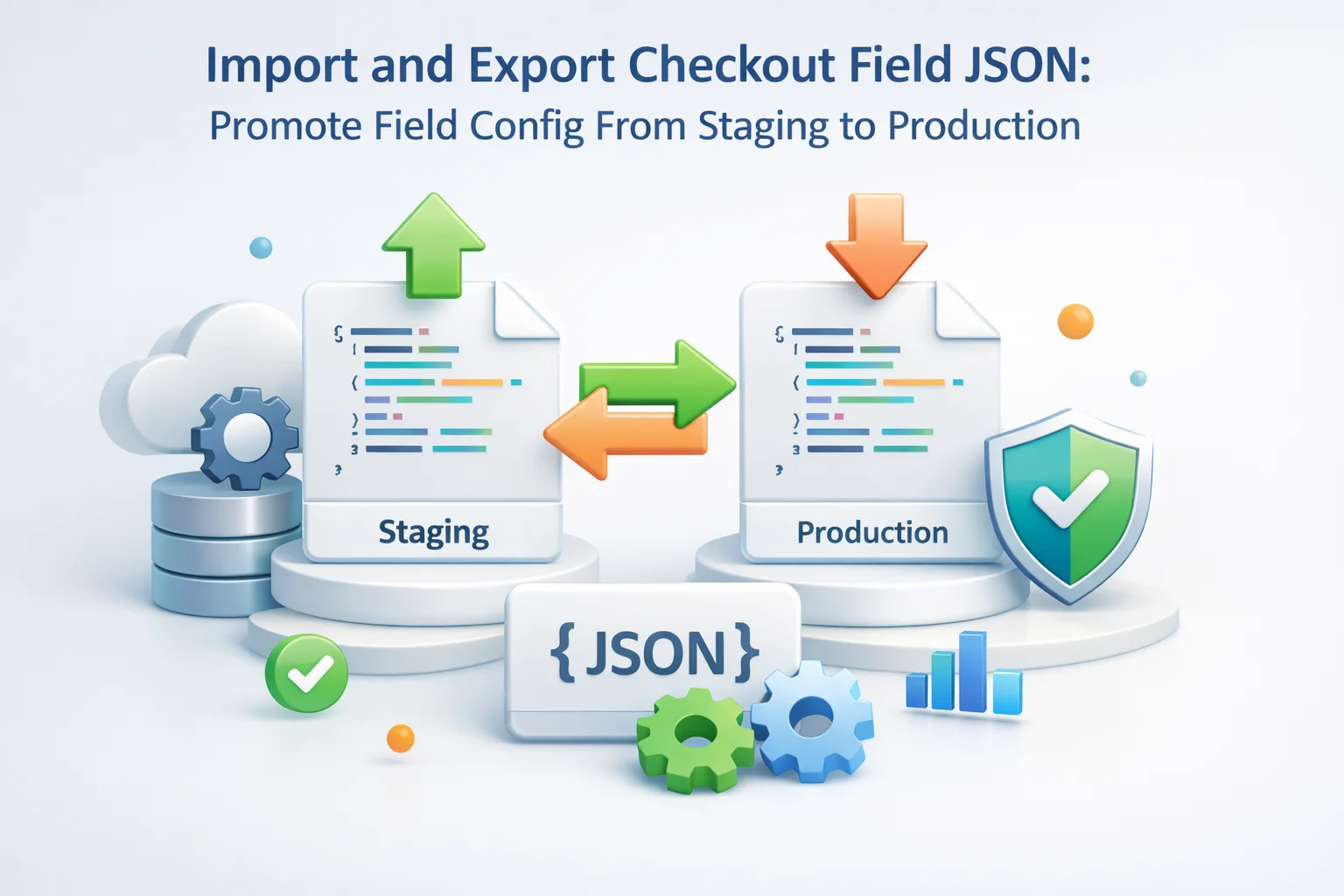
Advanced WooCommerce Checkout Field Editor with JSON import and export for checkout configuration is designed around that promotion story: design safely, ship deliberately, roll back quickly if telemetry screams.
Humans are bad at repeating multi-step admin tasks perfectly. You will mis-click a required toggle, skip a conditional rule, or paste placeholder text from an old campaign. The bugs surface as subtle revenue leaks: orders missing gate codes, file uploads optional when they should block checkout, or phone fields appearing above email against your documented standard.
Compliance risk rises too. If staging included a consent line production lacks, you may process orders without required acknowledgements. If production adds a line staging never reviewed, marketing approvals may be bypassed. Export files create an audit trail: who promoted what, when, and from which ticket.
Time cost is the argument finance understands. Ten minutes of careless clicking on live can equal hours of support cleanup. A JSON import measured in seconds pays for itself the first time Black Friday traffic hits while you are asleep.
Opportunity cost hides in meetings. Teams that cannot reproduce staging accurately spend hours in Zoom guessing which checkbox diverged. Exports end those meetings: either the file matches or it does not. The saved hours belong to merchandising and customer experience, not forensic admin archaeology.
Document expected import duration. If an import touches hundreds of rows, warn stakeholders about brief admin load even when storefront stays up. Perception management prevents unnecessary status page posts when nothing customer-facing actually broke.
Runbooks sound enterprise-heavy, but even solo operators benefit from a printed checklist. Steps: confirm staging matches production plugin versions; export baseline JSON before edits; implement changes; QA with scripted carts; export candidate JSON; peer review diff; schedule production window; import; smoke test payment; monitor error logs for thirty minutes.
Align with broader WordPress deployment hygiene. If your team already follows environment configuration guidance, treat checkout JSON like another config artifact. The WordPress developer documentation on wp-config.php and environment setup is a useful cultural reference even though checkout JSON is separate: both reward explicit environments instead of mystery tweaks.
Add explicit owners in the runbook: who exports, who imports, who signs smoke tests, who communicates with finance if checkout pauses. Ambiguous ownership produces either double execution or no execution when incidents strike. For agencies, align exports with sprint tickets so billing matches deliverables; clients should see a file path and hash in the same place they approve scope.
Schedule promotions outside of coupon-driven traffic spikes when possible. If you must ship during a sale, feature-flag risky changes by importing smaller JSON iterations rather than one massive bundle that touches twenty rows. Incremental promotion narrows blast radius if something misbehaves.
Treat exports like credentials-adjacent artifacts. They encode business rules and sometimes reveal field keys bad actors could probe. Store them in private repositories or encrypted drives, not public Dropbox links. Filename pattern: `hostname-checkout-fields-YYYYMMDD-ticketid.json`. Consistency beats cleverness when you search six months later.
Checksum or hash the file when handing off between agency and client. A corrupted transfer should fail verification before import, not mid-checkout on customers. If your client cannot verify hashes, at least compare file sizes and last-modified metadata as a weak guardrail.
Redact customer-specific data from exports shared externally. JSON should describe field definitions, not live PII snapshots. If your export workflow ever embeds sample values from a database backup by mistake, treat that as a security incident, rotate credentials if needed, and tighten export tooling.
Retention policy matters as much as creation. Keep at least three rolling exports: last known good production, the candidate you are about to import, and the emergency rollback from the previous quarter. Purge ancient files only after confirming no open disputes reference them. Storage is cheap; mystery checkout states are not.
Access control should mirror who can change checkout in admin. If only two leads may import, grant repository permissions accordingly and log imports in your ticketing system. Casual file sharing in Slack invites well-meaning teammates to apply the wrong JSON during a late-night launch panic.
When multiple brands share infrastructure, namespace exports by brand code inside the filename and inside your internal wiki page. Cross-brand imports are rare accidents that produce spectacular support tickets because the wrong legal copy shipped on the wrong domain.
Global checkout JSON captures the shared skeleton; per-product prompts may still live on individual SKUs. After importing global configuration, reconcile product-level fields on staging before declaring parity. Merchandising might have added three new personalized SKUs since the last export; those rows will not magically appear unless your process updates them too.
Import is not the finish line. Run three transactions: guest physical, logged-in digital, and a path that triggers your heaviest conditional rules. Open resulting orders in admin and confirm meta populated. Trigger transactional emails to a test inbox and read them like a customer, not like a developer skimming HTML.
Watch analytics for twenty-four hours after promotion. Spikes in checkout errors or drops in step-two completion often precede support tickets. If you changed field order, compare autofill behavior on mobile Safari specifically; iOS updates love to surprise merchants.
Involve finance when promotions touch fields that affect tax or invoice identifiers. A moved VAT line might still collect data yet confuse auditors if order exports reorder columns. Cross-check CSV samples from accounting before and after; structural JSON changes can ripple into boring back-office scripts nobody remembers until month-end close.
Payment gateways rarely care about label text, but they care when required fields block tokenization flows. After import, run a penny authorization in test mode, then a micro-capture in live mode if your processor allows. Some anti-fraud plugins read custom meta; confirm they still receive the keys they expect before you declare victory.
If orders sync to an ERP or CRM via webhook, replay a test payload or inspect the integration mapper. Renaming a field label does not always rename the meta key, but when it does, downstream mappings break silently until a warehouse shift discovers missing delivery instructions. A fifteen-minute integration check prevents a week of spreadsheet repairs.
Guest, member, and edge-case cart exercising every new field.
Inbox review for clarity, not only “it sent.”
Retail peaks punish experimentation. Define change freeze windows where only P0 fixes may import new JSON. Marketing will always request “just one more field” the day before Cyber Week; your runbook should politely reroute those requests to lightweight copy tweaks or post-peak releases unless legal mandates immediacy.
Prepare two exports before major promos: a `pre-promo-baseline` and a `promo-special` variant if you truly need seasonal prompts. Keep them labeled distinctly. After the promo ends, re-import baseline automatically rather than manually deleting rows while tired. Automation beats heroics.
Communicate freeze windows to agencies and freelancers with calendar invites. Contractors on retainers often forget internal retail calendars. A shared “no checkout JSON imports” week reduces accidental disruptions from well-meaning part-time admins.
Keep the previous known-good JSON beside the new file. If something misfires, import the old file first before debugging forward. Panic edits in admin during peak traffic multiply mistakes. A documented rollback removes heroics from the equation.
When issues are catastrophic, reset checkout to WooCommerce defaults, restore traffic sanity, then reapply a corrected export off-hours. Communicate status internally with timestamps. Customers rarely notice a temporary return to default fields if payments still flow; they always notice broken checkout that never ends.
Agencies maintaining a reference build export baseline JSON quarterly. New client projects import that baseline, then customize per catalog. You stop reinventing phone field order for every engagement. Clients receive documentation listing which JSON file represents their launch state, simplifying future upgrades.
Franchise operators synchronize core configuration while allowing local legal prompts. Maintain a “core” export and smaller “locale delta” notes rather than trying to encode jurisdiction-specific copy in one mega file unless your tooling supports layered merges cleanly.
Train franchisees to never import JSON while logged into live POS tablets shared with floor staff. Administrative actions deserve dedicated sessions on trusted devices. Social engineering targets small operators precisely because their guardrails are thin.
Document WooCommerce and plugin versions alongside each export. Importing a file generated on WooCommerce 9.x into an 8.x store might work, or might not, depending on field schema evolution. Version notes on the export preempt painful diff debugging.
Exports double as teaching tools. Open the JSON in a pretty-print viewer during onboarding and walk through sections slowly. New hires see the full shape of checkout configuration faster than clicking through admin tabs blindly. Obscure keys become less scary when explained in context.
Clients who fear “breaking checkout” gain confidence when they know a file can restore yesterday’s structure. That psychological safety matters for SMB owners who do not employ full-time engineering. Pair exports with a short video recorded during daylight hours, not a panicked midnight screen grab.
For enterprise teams, attach exports to change-management tickets automatically via scripting if your policy allows. Human forgetfulness is the main failure mode; automation that files artifacts where auditors expect them reduces compliance friction.
JSON captures admin intent, but storefront rendering still depends on theme and checkout mode. After import on production, reconfirm whether you are on Cart and Checkout blocks or classic shortcodes. A mismatch between staging and production checkout mode is a classic “it worked in QA” failure. Document the mode beside the JSON version entry in your runbook.
Theme updates may alter block spacing without touching your JSON. Schedule a quick visual regression pass after theme releases even when checkout configuration did not change. The combination of new CSS plus old JSON sometimes produces unexpected wrapping that JSON diffs will never show.
Agencies rarely inherit pristine documentation. A JSON bundle is the fastest way to say this is exactly what shipped. Screenshots drift; prose drifts; the file does not. When onboarding a new maintainer, hand them the latest export plus the ticket that authorized it. They can diff against their sandbox import instead of reverse engineering your narrative.
Partners appreciate machine-readable truth. If you white-label fulfillment, they may need to mirror certain prompts on their side. Sharing field keys and labels through JSON reduces interpretation errors that phone calls cannot fully eliminate. It also gives them a stable contract: if your export version bumps, they know to re-sync.
Legal and procurement teams sometimes ask how customer data collection changed over time. While JSON alone is not a privacy log, it complements change tickets by showing which fields existed at export time. Pair exports with release notes that mention new optional fields so compliance reviewers see deliberate evolution rather than silent drift.
When switching vendors, exports accelerate exit. You can prove parity between old and new implementations by importing into a staging clone and running the same test carts. Arguments about we think it worked like this disappear when both sides stare at identical field trees loaded from the same artifact.
Checkout field work stops being scary when it travels as structured data. Exports encode intent; imports reproduce it; rollbacks protect revenue. The merchants who win treat those steps as non-negotiable parts of release management, not optional nice-to-haves once someone finds the settings screen again. In mature teams, the question is no longer “can we export?” but “which ticket owns this file?”
Treat the JSON like a compiled binary: meaningless to skim quickly, invaluable when versioned with discipline. That mindset shifts checkout from fragile craft to dependable operations your whole company can trust.
Advanced WooCommerce Checkout Field Editor for staging-to-production checkout field promotion belongs beside your deployment calendar, monitoring dashboards, and incident playbooks, because checkout is revenue infrastructure, not a theme experiment.








Oh man this saved us so many hours!
Spent way too long tracking down silent consent field errors with zero warnings.
Finally, a way to push checkout configs without the "oops" factor. saved us twice this week alone