What Are Utility Plugins and Why Does Your WordPress Site Need Them?
Utility plugins are the precision tools of WordPress. They tackle specific, often technical jobs that standard plugins and themes can't - like file transfers, real-time analytics, or team collaboration - without adding visible front-end elements.
They don't just add features; they refine how your site works. A personal blog might use them to automate backups, while an e-commerce store could rely on them to customize checkout fields. Either way, they save time, reduce manual work, and eliminate the need for custom coding.
Top Ways Utility Plugins Enhance Your WordPress Experience
Here's how the right utility plugins can change the way you manage your site:
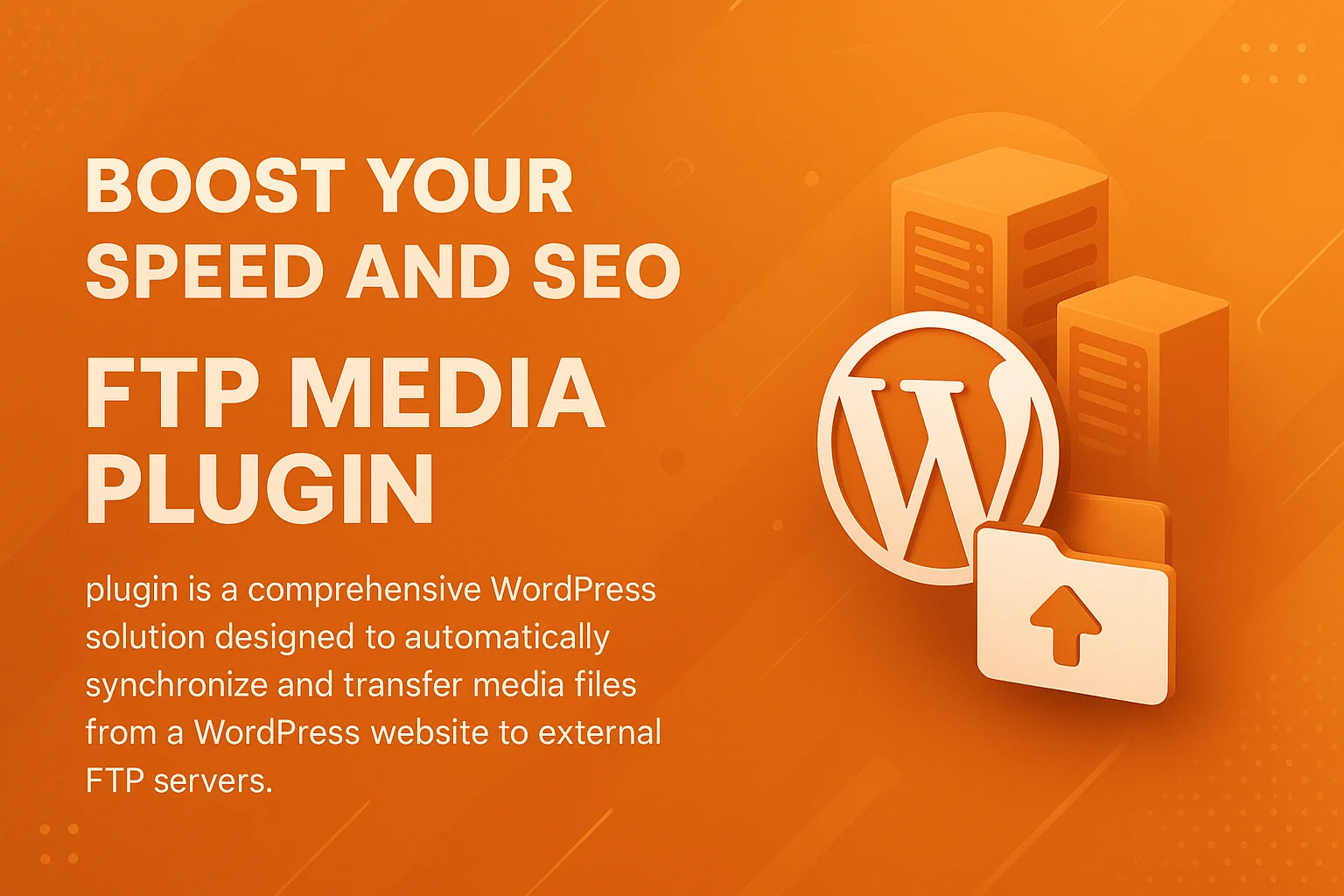
- Streamlined File Management - Plugins like the WordPress FTP Media Library Plugin let you upload, move, and organize files directly from your dashboard. No more juggling FTP clients or cPanel - just one central hub for all your media and documents.
- Real-Time Visitor Insights - The WordPress Geographic & Country Visitor Analytics Plugin tracks where your traffic comes from and how users interact with your content. Use this data to refine your strategy, improve engagement, and target the right audiences.
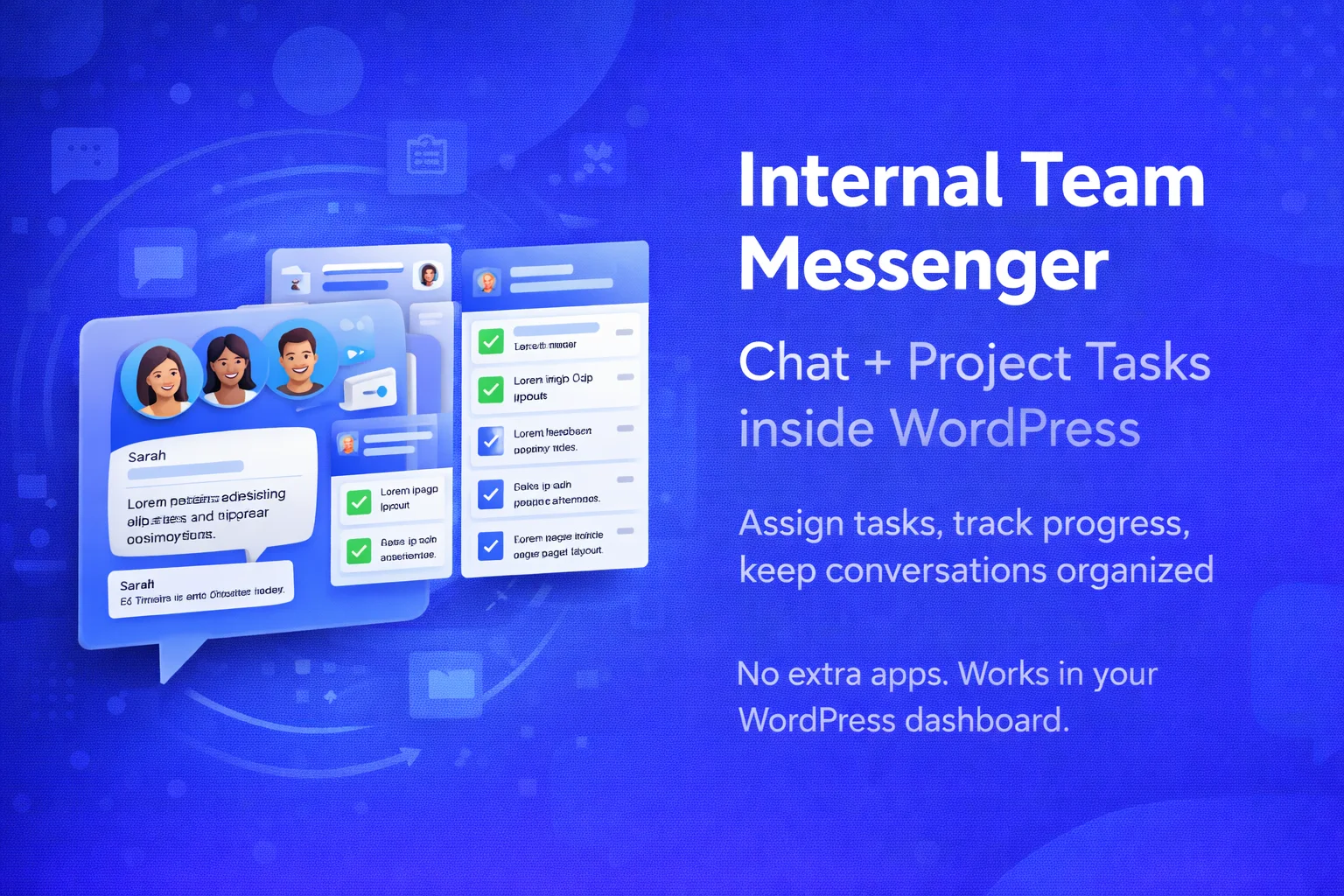
- Better Team Coordination - For agencies or multi-user sites, Nexu Internal Team Messenger Chat & Project Tasks turns WordPress into a collaboration hub. Assign tasks, chat securely, and even sync with Telegram - all without leaving your dashboard.
- Custom WooCommerce Checkout Fields - The Advanced WooCommerce Checkout Field Editor Plugin lets you tweak checkout forms per product. Collect the exact details you need, reduce cart abandonment, and create a smoother buying experience.
- Automated Multilingual Support - Loco AI Auto Translator works with Loco Translate to handle translations automatically. Expand your reach without hiring translators or manually editing every page.
How to Choose the Right Utility Plugin for Your Needs
With dozens of options, picking the right plugin can feel like searching for a needle in a haystack. Start by zeroing in on your biggest pain points.
Pinpoint Your Goals
What's slowing you down? If file uploads are a headache, look for plugins that simplify media management. Need better audience insights? Focus on analytics tools. The clearer your goal, the easier it is to find the right fit.
Check Compatibility
A plugin that conflicts with your theme or other tools will cause more problems than it solves. Verify it works with your WordPress version and existing setup. Plugins with active support and frequent updates are usually safer bets.
Read User Feedback
Reviews reveal how a plugin performs in real-world scenarios. Look for comments about ease of use, reliability, and whether it delivers on its promises. If multiple users mention the same issue, take note - it might be a dealbreaker.
Test Before Committing
The best way to know if a plugin works for you? Try it. Many offer demos or free versions. If it's clunky or doesn't solve your problem, move on.
Plan for Growth
Your site won't stay the same forever. Choose plugins that can scale with you - whether that means handling more traffic, supporting additional languages, or integrating with new tools.
Utility Plugins vs. Custom Development: Which Is Right for You?
Custom development gives you total control, but it comes with trade-offs. Hiring a developer costs more, takes longer, and requires ongoing maintenance. Utility plugins, on the other hand, offer ready-made solutions that are tested, optimized, and supported out of the box.
For most users, plugins are the smarter choice. They deliver advanced features without the hassle or expense of custom code. But if your site has unique needs that no plugin can meet, custom development might be the only option.
Maximizing the Value of Your Utility Plugins
Installing a plugin is just the first step. To get the most out of it:
Keep Them Updated
Updates often include security patches, performance improvements, and new features. Running the latest version ensures your plugins stay secure and efficient.
Monitor Their Impact
Even well-built plugins can slow down your site. Use performance tools to track their effect on load times. If a plugin is dragging you down, consider alternatives.
Combine Them for Better Workflows
Many utility plugins work well together. Pair a team messenger with a task manager to create a unified workspace. Look for ways to connect plugins and streamline your processes.
Use Documentation and Support
Premium plugins usually come with guides, tutorials, and support teams. Don't ignore these resources - they can help you troubleshoot issues and unlock hidden features.
Future-Proof Your Site with the Right Utility Plugins
WordPress keeps evolving, and so do the tools that support it. The right utility plugins don't just solve today's problems - they prepare your site for what's next.
Whether you need to speed up workflows, gain deeper insights, or expand your site's capabilities, these plugins provide the foundation. Browse the collection and find the ones that fit your needs.