
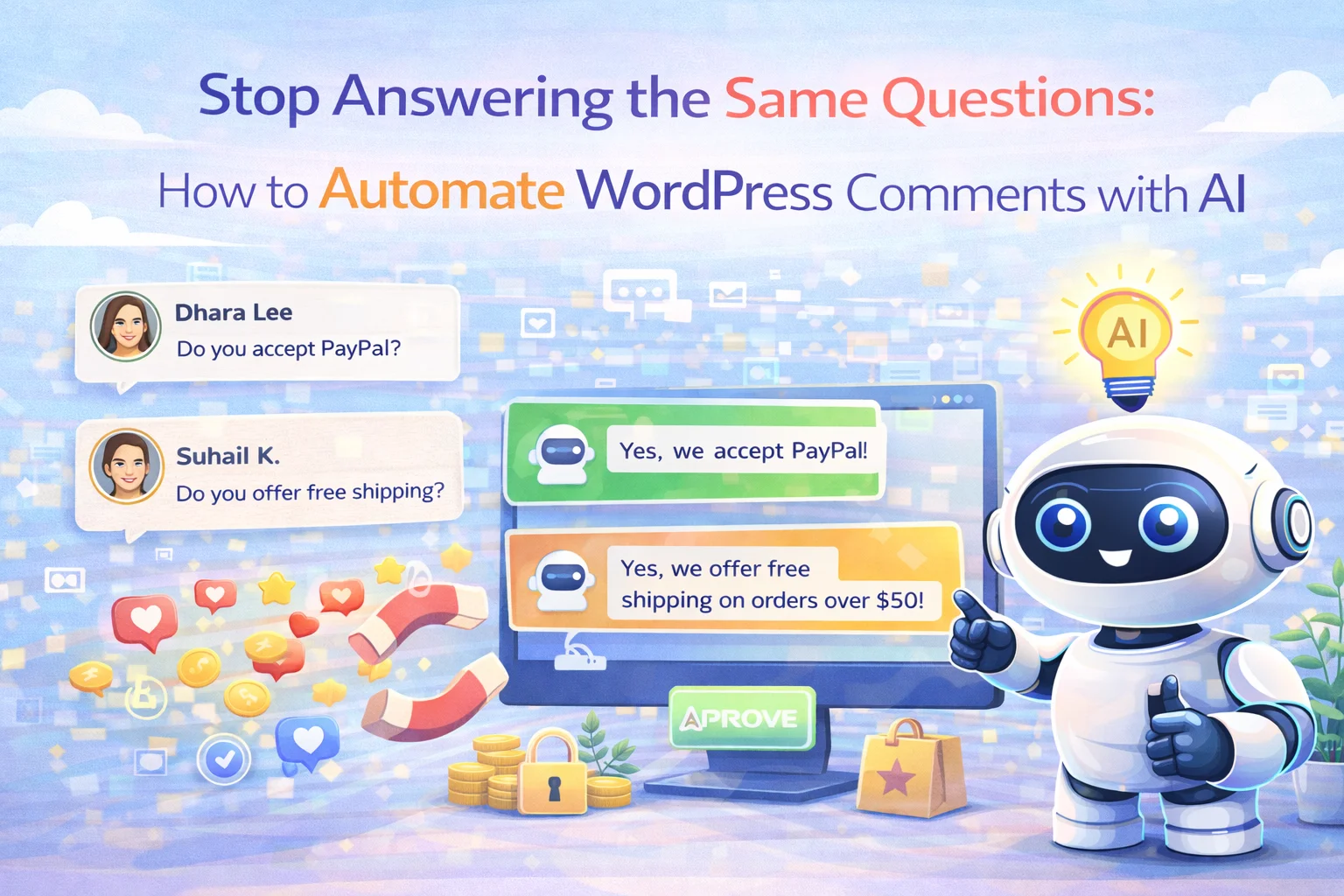
If you manage a WordPress site that gets regular traffic, you already know the feeling. You open the comments dashboard and there they are again. The same question about shipping times that came in yesterday, and the day before that, and every day last week. The same question about whether a product comes in a different size. The same request to know when something will be back in stock. You answer them, one by one, because leaving them unanswered is worse. And then you come back the next morning and do it again.
This is not a customer service problem. It is a systems problem. The information needed to answer these questions already exists on your site. The questions themselves are predictable. The only thing missing is the mechanism that connects the two automatically, reads the incoming question, understands what is being asked, and generates a reply that actually addresses it without you having to touch a single keyboard shortcut.
That mechanism exists now. This guide explains how AI-powered auto reply for WordPress comments works in practice, what it takes to set it up properly, and why the quality of the replies it generates is good enough that your visitors will not be able to tell the difference.
The hidden cost of answering comments manually
Two minutes per comment does not sound like much. But track it for a week on a moderately busy WordPress site and the number gets uncomfortable fast. Fifteen comments a day at two minutes each is thirty minutes. Across a month that is fifteen hours. Fifteen hours of your time, or someone on your team’s time, spent typing answers to questions that are almost always some variation of questions you have already answered before.
The time cost is only part of it. There is also the consistency problem. When you are answering comments manually, the quality of your replies varies with how much attention you have available. A question that comes in on a busy Monday morning gets a different answer than the same question on a quiet Friday afternoon. Sometimes you miss a comment entirely for two days because it got buried. When a visitor posts a question and comes back the next day to find no reply, a percentage of them do not come back a third time.
Unanswered questions also have a SEO dimension that is easy to overlook. A question sitting in your comment section with no reply is a signal to search engines that the page has low engagement quality. A comment section where questions get timely, relevant answers is a signal of the opposite. Over time, active and well-managed comment sections contribute to how Google evaluates the freshness and usefulness of a page. That is not a rounding error; it is a meaningful factor, especially for pages that are competing in crowded search niches.
How AI auto reply actually works: it reads before it writes
The most important thing to understand about a well-built AI auto reply system is that it does not work from a database of pre-written responses. It is not a chatbot that pattern-matches your visitor’s question against a list of triggers and fires back a canned reply. That approach produces responses that frequently miss the point and make it obvious that no human being was involved.
What a good system does instead is read the context first. When a new comment comes in on one of your product pages, the AI processes three sources of information before composing a reply: the content of the post or product page the comment was left on, the site-wide information you have provided about your business, and the specific rules you have configured for how replies should be written. Only after taking all of that in does it generate a response.
The result of this three-layer approach is a reply that addresses the actual question, references the actual product or content, and sounds like it came from someone at your company who knew what they were talking about. Not a template. Not a deflection. A real answer, generated in seconds, posted automatically.
Configuring the Reply Rule tab: where tone and behavior are set
The Reply Rule tab inside Nexu AI Comment Generator is where you define the character of every automated reply your site will post. This is not a minor configuration detail. The rules you set here are the difference between auto replies that feel like a natural extension of your brand and ones that feel robotic or off-tone.

Decide whether your replies should feel warm and conversational, professional and formal, or somewhere in between. A fashion blog has a different natural voice than a B2B software company. Setting the right tone here means every reply the AI generates will feel like it came from the same person, consistently. Your visitors experience a brand voice, not a machine.
Short answers for simple questions. More detailed replies for questions that warrant them. You control the default length the AI targets, which prevents both the problem of one-line replies that feel dismissive and the problem of wall-of-text replies that nobody reads. The right length depends on your site type and your audience, and you have full control over it.
What should the AI do when a question falls outside what it can answer accurately from your site information? You can configure it to acknowledge the gap honestly and direct the visitor to your support channel, rather than guessing. This boundary setting is one of the most important configuration decisions you will make. An AI that admits it does not know something is more trustworthy than one that confidently answers incorrectly.
Not every comment warrants an automated reply. Spam, abusive comments, and off-topic posts should be excluded from the auto reply trigger. The rule system lets you define which comment types get automatic responses and which get routed to a manual review queue, so the system handles what it should handle and flags what it should not.
Site Info Settings: the knowledge base your AI draws from
The Site Info section is where you give the AI the information it needs to answer questions accurately at the business level. Page-level information, the product description, the post content, comes from the page itself automatically. But there are questions that every site receives which cannot be answered from any individual page: questions about your return policy, your shipping regions, your business hours, whether you offer wholesale pricing, how to reach support.
Site Info is where all of that lives. Think of it as the briefing document you would give a new customer service hire on their first day. Everything they need to answer the questions that come up again and again, before they have had time to learn the site from scratch. The AI draws on this information whenever a question maps to business-level knowledge rather than product-level knowledge.

Shipping: regions you ship to, estimated delivery times, free shipping threshold if you have one.
Returns and refunds: your policy window, what is eligible, how to initiate a return.
Support: how visitors can reach a real person, expected response times, support hours.
Common FAQs: the five to ten questions you answer most often, and their accurate answers.
Brand voice notes: anything that should always or never appear in replies. Phrases to avoid, preferred language, tone guidelines.
The quality of your Site Info input has a direct relationship with the quality of the auto replies the AI generates. A sparse Site Info section produces replies that have to fall back on vague, generic language when specific questions come in. A detailed Site Info section produces replies that are specific, accurate, and genuinely useful to the person asking. Spending thirty minutes filling this in properly is the single highest-return investment you will make in the entire setup process.
What good auto reply looks like in practice
The fastest way to understand the value of a properly configured auto reply system is to see it side by side with the alternative. These are the kinds of exchanges that happen on WordPress sites every day. One version requires your attention. The other happens on its own.
None of these replies required a human to type a single character. They were generated from the product page content and the Site Info the admin configured once. The visitor got an accurate, friendly, specific answer within seconds of posting their question. From their perspective, the site is attentive, well-run, and worth trusting. From the admin’s perspective, nothing happened at all, which is exactly the point.
Seeing the auto reply flow from start to finish
The animation below shows the complete auto reply process as it happens inside Nexu AI Comment Generator. A real comment comes in on a product page. The system reads the comment, pulls context from the product and your Site Info, generates a reply according to your Reply Rules, and posts it. The whole sequence takes seconds.

Advanced settings: fine-tuning how the AI handles edge cases
For most comment sections, the Reply Rule and Site Info configuration is all you need. But for sites with more complex needs, the advanced settings panel gives you additional control over how the system behaves in edge cases. This is where you can handle situations that fall outside the everyday question-and-answer flow.

The advanced settings are where you configure things like delay timing, so replies do not appear instantaneously in a way that makes the automation obvious. A reply that appears three to eight minutes after a comment was posted feels human. One that appears four seconds later does not. You can also set exclusion rules for specific post types or categories, configure how the system handles replies to replies, and set the AI provider and model for the generation itself.
Who benefits most from automating WordPress comment replies
The auto reply feature solves a specific problem, and it solves it extremely well for the sites where that problem is most acute. Understanding where it adds the most value helps you prioritize whether this is the right investment for your operation right now.
Product pages attract repetitive pre-purchase questions constantly. Shipping, availability, compatibility, returns. A store with fifty products and a moderate traffic level might receive dozens of these every day. Auto reply handles all of them correctly without the store owner needing to check comments more than once a week for anything that genuinely requires human judgment.
Engaged readers ask follow-up questions on articles. When those questions go unanswered, it deflates the sense of community that makes a blog worth returning to. Auto reply keeps the conversation alive between publishing cycles and makes readers feel heard even when the author is unavailable.
When one person is running the entire operation, comment management is always the first thing that gets deprioritized when things get busy. The cost of that deprioritization is real: unanswered questions, lost sales, and a comment section that looks neglected. Auto reply makes comment management invisible on most days, which frees up time for the work that actually requires a human.
Setting up the auto reply feature in Nexu AI Comment and Review Generator takes about an hour if you are thorough with your Site Info and Reply Rules. After that hour, your WordPress site responds to visitor questions around the clock, consistently, accurately, and in your brand’s voice, without you needing to open the comments dashboard every day just to keep things from going quiet.
The questions will keep coming. The only variable is whether answering them costs you time or not.
Let AI handle the questions. You handle everything else.
Nexu AI Comment Generator reads your page content and site information to generate accurate, on-brand replies to every comment automatically. Configure once. Let it run.






Took me 25 minutes to set up, not the 8 the guide said.
Saved me so many hours this month just on repetitive questions alone. Totally worth it
I was really hoping this would solve my comment issues but it just added more work. The guide talks about how all the info is already on your site, but setting up the AI to actually find and use that info? way harder than they make it sound. i spent hours tweaking responses only for it to still give wrong answers about stock updates. Not the time saver I expected