
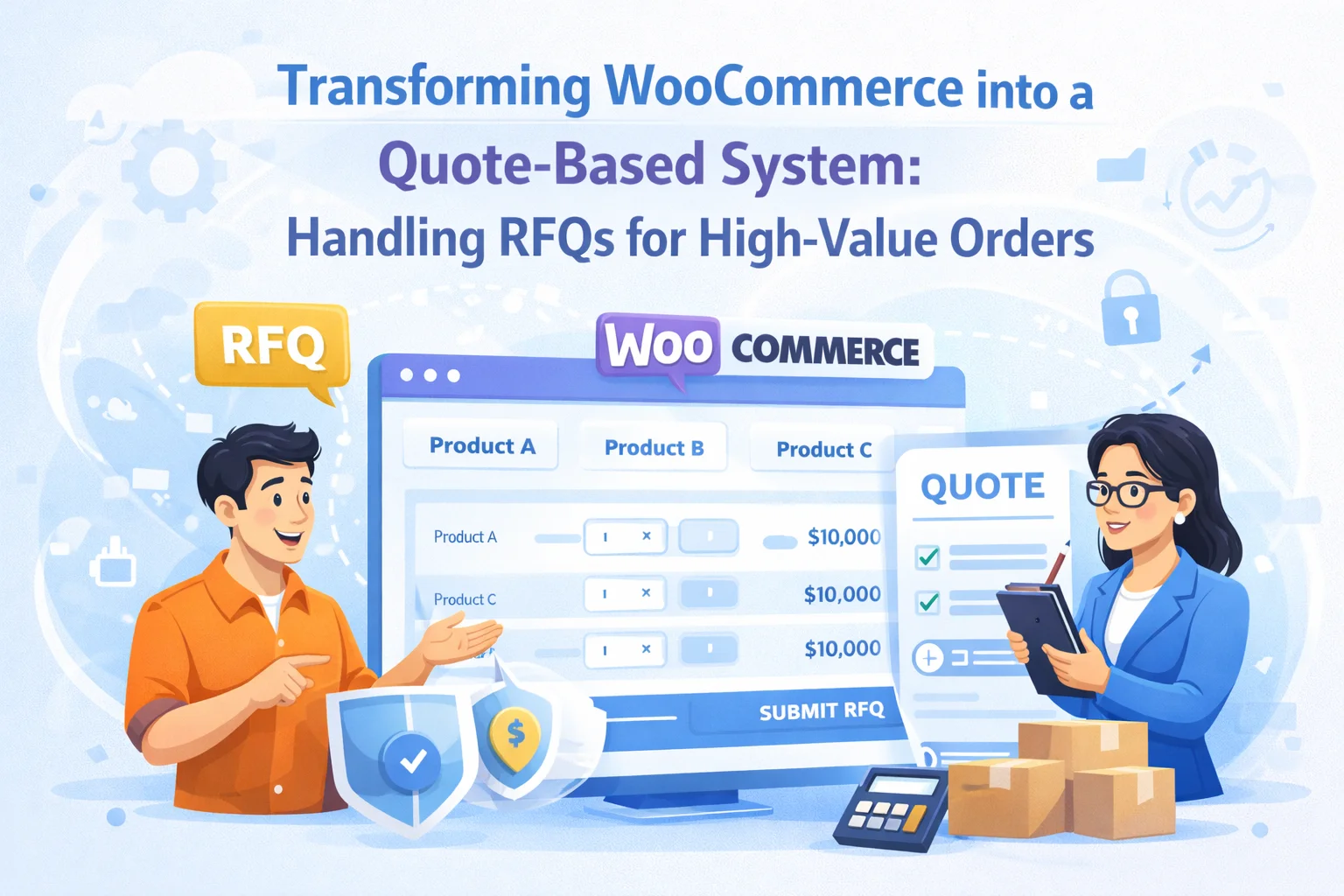
Fixed pricing works well for the majority of wholesale transactions. A verified buyer logs in, sees their role-based price, adds their required quantities to cart, and checks out. Clean, fast, automated. But a significant portion of high-value B2B commerce does not work this way. A buyer placing a $50,000 order for a custom product configuration wants to discuss terms. A distributor ordering a full container of product expects to negotiate the unit price. A corporate procurement team has a budget ceiling they need to work within and a specification they want to match exactly.
These are not edge cases. They are a normal feature of how large B2B transactions work, and they have historically forced businesses to operate two separate commercial processes: a digital store for standard reorders and a manual email or phone-based process for complex or high-value negotiations. The friction between these two channels — different systems, different documentation, different follow-up processes — creates operational overhead and a buyer experience that is inconsistent and often slow.
This guide explains how to bring request-for-quote (RFQ) functionality into your WooCommerce wholesale setup — what it involves, when it makes sense, what a well-designed RFQ workflow looks like, and how the wholesale infrastructure you build with B2B Wholesale Solution for WooCommerce by NEXU WP supports the conditions that make quote-based selling possible and efficient.
When quote-based selling is the right model — and when it is not
Not every wholesale business needs a formal RFQ process. For many operations — particularly those with a defined catalog, established wholesale prices, and buyers who reorder regularly — a well-configured fixed-price wholesale store is the right and complete solution. Adding a quote layer to a business that doesn’t need it creates complexity without benefit.
The question to ask is not “should we have a quote feature?” but “what proportion of our B2B revenue comes from transactions where the price is negotiated rather than fixed?” If the answer is small, the energy is better spent on optimizing your fixed-price wholesale setup. If the answer is substantial — 20%, 40%, or more of your wholesale revenue involves negotiation before order confirmation — then a quote process integrated into your WooCommerce environment is worth building properly.
The anatomy of an RFQ workflow in WooCommerce
An RFQ process has distinct stages, and each stage has implications for how your WooCommerce setup needs to be configured. Understanding the full workflow before choosing tools ensures you select solutions that handle all stages rather than just the most visible one.
How your existing wholesale infrastructure supports the quote process
One of the often-overlooked advantages of a properly built wholesale WooCommerce setup is how well it supports quote-based selling even before you add dedicated RFQ functionality. The wholesale registration, role, and payment infrastructure you build with B2B Wholesale Solution for WooCommerce — the complete wholesale infrastructure plugin creates the conditions that make quote management efficient.
When a quote request comes from a verified wholesale account, you already have their business information, their tier, their order history, and their VAT status. Pricing a quote for a known Gold-tier buyer with a 12-month order history is a different commercial calculation than pricing for an unknown entity. The registration and approval infrastructure you’ve already built turns every quote request into a contextualized commercial conversation rather than a cold enquiry you have to assess from scratch.
Your configured tiered pricing is the starting point for any quote. A buyer requesting a quote for 200 units already knows the standard volume price for that quantity from the discount table on the product page. The negotiation in a quote typically involves moving below that standard tier for an exceptionally large volume, or above it for a custom configuration. Having your standard pricing clearly configured and displayed means quote negotiations start from a known reference point rather than an undisclosed baseline.
High-value quoted orders almost universally involve bank transfer payment rather than instant card payment. The bank deposit gateway in your wholesale setup — with its order-hold status, receipt upload functionality, and manual confirmation workflow — is precisely the payment mechanism that quoted order processing requires. There is no mismatch between the sales process and the payment infrastructure, because both are built for the same commercial context.


WooCommerce RFQ plugins: extending your setup with formal quote management
For businesses where a significant volume of orders goes through a quote process, dedicated RFQ plugin functionality is worth adding to your WooCommerce wholesale stack. Several plugins extend WooCommerce with formal quote request, management, and conversion capabilities that integrate with your existing order and customer data.
YITH Request a Quote replaces the standard add-to-cart button with a quote request option, accumulates products in a quote cart, and manages quote submission and follow-up through the WooCommerce admin. It allows you to respond with a customized quote that the buyer can accept to convert directly to an order. One of the most widely used RFQ plugins for WooCommerce with a long track record of compatibility updates.
Admin quote management
One-click order conversion
WebToffee’s Request a Quote plugin provides a leaner quote request workflow — buyers add products to a quote request list and submit directly to the admin. It is simpler than YITH’s offering but covers the core need cleanly and has a free tier that covers basic quote request functionality without requiring a premium purchase to get started.
Lightweight
Simple integration
For stores that need a complete PDF quote document generated and sent to buyers — rather than a simple email with a link — Quotix provides professional quote document generation alongside the standard cart-to-quote request workflow. Particularly useful for businesses where the quote itself is a formal document that enters the buyer’s procurement process and needs to carry a professional appearance.
Professional formatting
Procurement-ready documents
When combining a dedicated RFQ plugin with your B2B Wholesale Solution setup, test the interaction carefully. The most important integration point is pricing: when a buyer adds products to a quote cart, do they see their role-based wholesale price as the starting point, or the retail price? A quote that starts from the retail price misrepresents your commercial relationship with the buyer and creates confusion during negotiation. Verify that your RFQ plugin correctly reads the WooCommerce user role and applies the role-based pricing that your wholesale setup has configured.
Managing custom pricing for accepted quotes inside WooCommerce
When a quote is accepted and needs to be converted to a WooCommerce order at a custom price — one that differs from both the retail price and the configured wholesale price — you have several options depending on how sophisticated your RFQ plugin integration is.
The best RFQ plugins allow you to set the quoted price directly within the quote management interface, and when the buyer accepts, the order is created with that price automatically overriding the standard product price. This is the cleanest flow — no manual order editing, no risk of the wrong price being applied, and a clear audit trail from quote to order at the negotiated price.
For lower volumes of quoted orders, manually creating the order in WooCommerce admin using the “Add order” functionality — with the product price manually overridden to match the agreed quote — is a practical approach. WooCommerce allows per-line-item price editing in the order editor. This is more labour-intensive but requires no additional plugin beyond your wholesale setup, and works well for businesses handling a handful of quoted orders per week.
For buyers who regularly receive custom pricing on specific products, some wholesale operations configure a dedicated “negotiated” wholesale role that carries the custom price at the product level. This adds configuration overhead per buyer but allows the buyer to place their own orders at the agreed price without admin intervention on every transaction — useful when a single large account has a standing arrangement that differs from your standard tier pricing.
The strategic value of bringing quotes inside your WooCommerce infrastructure
Businesses that handle quote-based sales outside their WooCommerce environment — through email threads, spreadsheets, or separate CRM tools — typically find the process difficult to scale and challenging to report on. Orders that originate outside WooCommerce don’t appear in WooCommerce reporting. Revenue from negotiated deals isn’t visible in your order analytics. Quote conversion rates are impossible to measure without separate tracking.
Bringing the quote process inside WooCommerce — even imperfectly, even with some manual steps — changes this. Every accepted quote becomes a WooCommerce order. Revenue from negotiated sales appears in the same reports as fixed-price reorders. The buyer’s account accumulates order history that informs future commercial decisions. The payment workflow follows the same bank deposit process as every other wholesale order.
According to research on B2B digital commerce published by McKinsey & Company, B2B companies that successfully digitize their sales processes — including quote and negotiation workflows — consistently outperform those that maintain manual offline processes alongside digital commerce channels. The operational efficiency gains compound over time, and the data visibility that comes from having all orders in one system enables commercial decisions that are simply not available to businesses running hybrid analog-digital sales processes.
The combination of B2B Wholesale Solution for WooCommerce — the wholesale platform that supports both fixed and negotiated pricing workflows — with a compatible RFQ plugin creates a digital commerce environment that can handle both sides of your B2B sales: fast self-service reordering for standard accounts and supported quote-to-order workflows for complex, high-value transactions. That coverage, from a single WooCommerce installation, is what a mature B2B digital commerce setup looks like.
Build the wholesale infrastructure that makes quote-based selling efficient and scalable
Verified buyer accounts, tiered pricing as a negotiation anchor, and a bank deposit payment workflow that handles high-value orders — the B2B infrastructure that powers both self-service reorders and supported quote-to-order conversions from one WooCommerce plugin.






This guide finally connects our regular WooCommerce store with the clunky offline quote system we've been dealing with for bulk orders. The part about tiered buyer pricing was a really helpful we've got loyal customers who shouldn't get stuck with generic pricing, but figuring out how to set that up in WooCommerce without messing everything up always felt impossible. This saved us from wasting time and money on a custom solution. My only nitpick is that it could've included a quick checklist for setting up bank deposits took some extra digging to find those steps
Finally found a way to handle bulk orders without losing my mind. my distributor clients always want to haggle on container pricing, and this keeps it all in WooCommerce instead of email chains.
Good for big orders but way overkill for small stuff