Next-Level Code. Nexuvibe Style ...
Hrs
Min
Sec

The question comes up in almost every conversation about WooCommerce wholesale: do we need a separate store for our B2B customers? The assumption behind the question is understandable. B2B and B2C seem like fundamentally different commercial operations — different pricing, different customer types, different purchasing processes, different payment methods. Surely they need different systems.
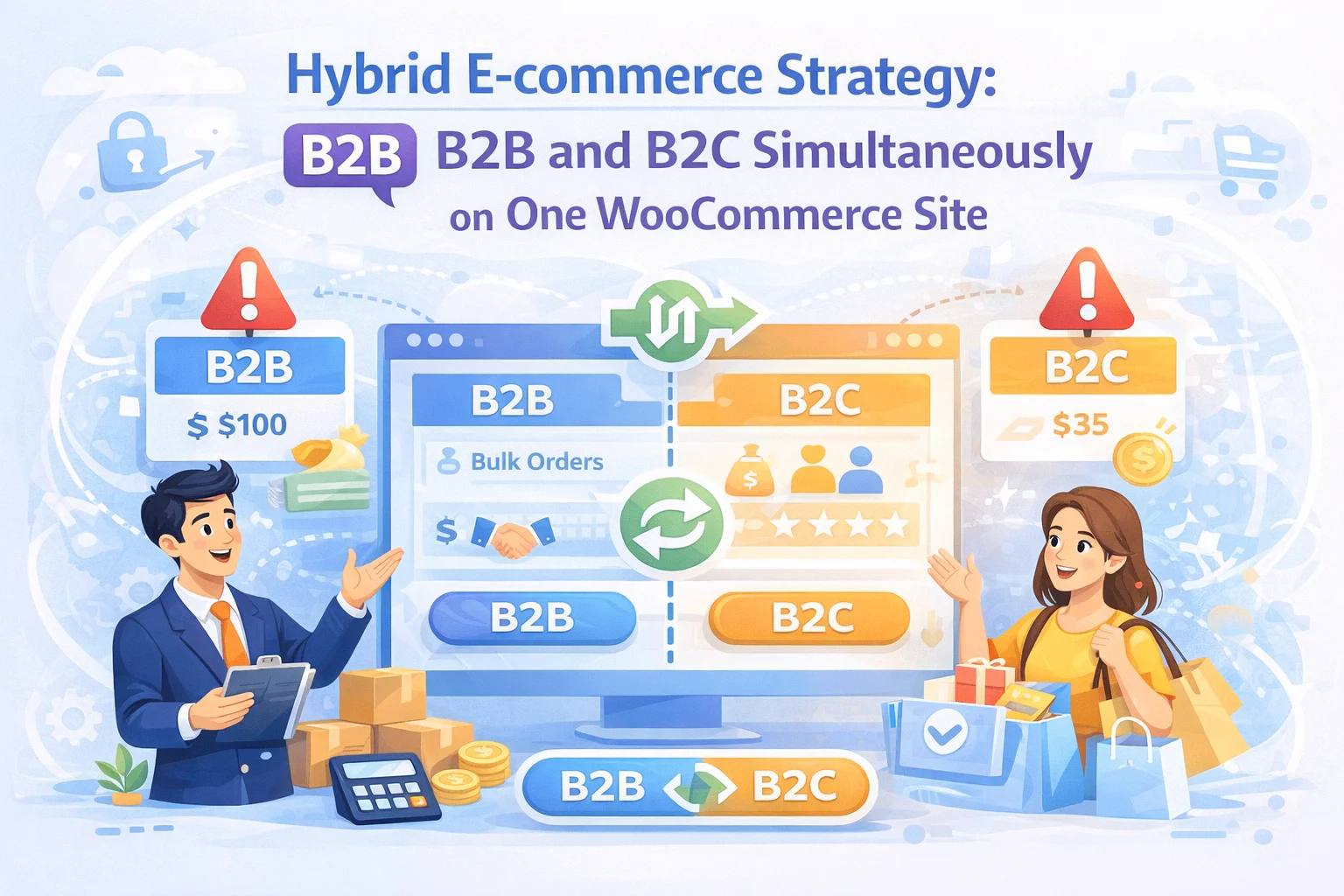
They do not. The separation that makes B2B and B2C feel incompatible in a single store is not a technical limitation of WooCommerce — it’s a configuration gap. With the right architecture in place, a single WooCommerce installation serves retail customers and wholesale buyers simultaneously, showing each group exactly what they should see and nothing they should not. One product catalog. One inventory system. One order management interface. One set of reporting. Two completely distinct commercial experiences for two completely distinct buyer types.
This is the hybrid WooCommerce model, and it is the approach that most serious wholesale businesses should be running in 2026. This guide covers the full architecture — what it looks like, why it works, what each layer of configuration contributes, and what you need to implement it properly. We reference B2B Wholesale Solution for WooCommerce by NEXU WP as the implementation layer that makes the hybrid model work — providing the role system, pricing, registration, restrictions, and payment infrastructure that the architecture requires.
We also cover the situations where two separate stores may genuinely make sense — because the hybrid model is not the right answer for every business, and being clear about the exceptions is part of giving you accurate guidance.
Businesses that run separate B2B and B2C WooCommerce stores typically do so because they built one before the other — they had a retail store, started wholesale, and added a second installation rather than reconfiguring the first. This is understandable as a path of least resistance. It becomes a persistent operational cost.
Two stores mean two inventory systems. Stock levels must be synchronized between them, either manually or through a third-party sync tool. When a product sells on the retail store, the wholesale store’s stock count doesn’t automatically update. Overselling, discrepancies, and manual reconciliation become recurring problems that consume team time and create customer-facing errors.
With two stores, your total revenue picture requires pulling data from two separate WooCommerce installations and combining them manually or through a reporting tool. Cross-channel analysis — which products sell best across both channels, which customers buy in both contexts, how wholesale revenue trends compare to retail — is either unavailable or expensive to produce. Business decisions that should be straightforward require significant data work.
Every plugin update, WooCommerce core update, WordPress security patch, and theme update must be applied to two installations. Two sets of backups. Two sets of performance optimizations. Two hosting costs. Two SSL certificates. The maintenance overhead of a single WooCommerce installation is already meaningful — doubling it without necessity is a compounding tax on your team’s time that grows with every update cycle.
Domain authority and search ranking are built on the age, backlink profile, and content quality of a single domain. When you split your catalog across two separate domains or subdomains, you split the SEO authority between them. Content written for one store doesn’t benefit the other. Backlinks to your retail store don’t help your wholesale store’s search visibility. A single domain serving both channels concentrates all that authority in one place.
A hybrid WooCommerce store is not a single store with a toggle — it is a layered system where each layer adds a dimension of differentiation. Understanding the layers makes it possible to configure them correctly and to diagnose problems when a specific layer is missing or misconfigured.
The most operationally valuable feature of the hybrid model is the shared product catalog. You manage one set of products. One set of descriptions, images, SKUs, stock counts, and attributes. When you update a description, it updates for both retail and wholesale buyers simultaneously. When stock runs out, both channels see the correct inventory status. There is no synchronization required because there is nothing to synchronize.
The product editor in the hybrid model has two distinct configuration areas. The standard WooCommerce fields — title, description, images, SKU, stock, regular price — are what retail customers interact with. The Wholesale tab — added by the B2B plugin — layers on the wholesale-specific configuration: per-role pricing, tiered volume discounts, minimum quantities, and retail restrictions. These two sets of configuration coexist on the same product record and operate independently depending on who is viewing the product.
This is the architectural elegance of the hybrid model: the product is neither a retail product nor a wholesale product — it is a product with role-aware behavior. The platform determines how to present it based on who is asking.
Beyond product-level configuration, the plugin’s global settings determine how the hybrid store behaves by default — what non-wholesale visitors see when they encounter wholesale content, how the retail channel is protected from B2B configuration leaking into it, and how payment methods are partitioned between buyer types.
A single domain serving both B2B and B2C benefits from concentrated SEO authority, but it requires careful configuration to avoid two specific problems: wholesale-only products appearing in public search results (exposing trade pricing to retail customers and competitors), and wholesale-gated content being crawled and indexed in ways that produce poor user experiences in search results.
Products that are visible to retail customers and have a public retail price should be indexed and optimized for search — they represent your public catalog and benefit from organic discovery. Products that are restricted to wholesale buyers only — where a retail customer landing on the product page would hit a login wall — should be set to noindex. Use your SEO plugin’s per-product noindex setting to handle this on a product-by-product basis. Yoast SEO and Rank Math both support this at the product level.
A single domain serving both channels is an opportunity to capture search traffic from queries like “wholesale [your product type]” or “trade account [your category]” — searches made by potential B2B buyers doing supplier research. A dedicated wholesale landing page that explains your trade program, the benefits of a wholesale account, and the registration process captures this traffic and converts it into trade account applications. This is SEO value that a separate wholesale domain would accrue independently; in the hybrid model, it flows to your main domain, benefiting both channels.
Products indexed for retail should have proper Product schema markup — including the retail price — to be eligible for Google’s product rich results. Your SEO plugin handles this for standard WooCommerce products automatically. Verify that wholesale-specific pricing is not being exposed through structured data on indexed product pages; the schema markup should reflect the public retail price, not the wholesale price that is only visible to role-qualified buyers.
Whether you are building a hybrid store from scratch or migrating from separate B2B and B2C installations, the implementation sequence matters. Getting the order wrong — configuring pricing before roles exist, or restricting products before the registration flow is in place — creates a store that partially works and is difficult to diagnose.
Install B2B Wholesale Solution for WooCommerce — the hybrid store architecture plugin and create your wholesale roles in the Wholesale Roles panel. Name them clearly. Do not proceed to product configuration until roles exist.
In Settings, Display, Retail, and Payments tabs — configure the global defaults for how retail customers experience the store, what contact information appears on restricted product pages, and how the bank deposit gateway is set up. These defaults apply across the whole store; product-level settings override them where needed.
Work through each product in your catalog. For every product: set the per-role wholesale price in the Prices tab, configure tiered volume discounts if applicable, set minimum quantities in the Rules tab, and define the retail restriction behavior. This is the most time-consuming step but the most important — missing product configuration produces gaps that show up as incorrect behavior at the buyer level.
Create a wholesale registration page, place the registration form using either a shortcode or Elementor widget, and link to it from your wholesale landing page and from restricted product pages. Test the submission flow — submit a test application, verify it appears in the approval queue, approve it, and confirm the role is correctly assigned to the test account.
Create test accounts for each buyer type — unregistered visitor, retail customer, wholesale buyer — and test the complete purchase journey from product discovery through checkout. Verify that each buyer type sees the correct prices, the correct product access, and the correct payment options. Use an incognito window for the unregistered visitor test. This step catches the configuration gaps that are invisible from the admin but immediately apparent from the buyer’s perspective.
Set noindex on wholesale-only product pages, verify that indexed product pages show the retail price in their schema markup, publish your wholesale landing page and optimize it for trade-related search queries, and submit an updated sitemap to Google Search Console. The hybrid store is ready.
Role-based pricing, visibility restrictions, registration and approval, retail contact pages, bank deposit payments, and Elementor integration — the complete five-layer hybrid architecture, delivered by one plugin, managed from one admin, serving two distinct commercial audiences from one WooCommerce store.








The idea of consolidating B2B and B2C into one WooCommerce store is solid in theory, but the execution isn't as smooth as advertised. the "one order management interface" works fine until you hit edge cases like bulk discounts conflicting with retail promotions or wholesale orders needing manual approvals while retail checks out instantly. i spent more time tweaking workflows than I saved by ditching the second store. if your operations are simple, it's a decent trade off. If not, expect to patch gaps yourself. the guide helps, but it's not foolproof.
Hey! This guide saved me so much hassle with inventory. one system for both B2B and B2C? Genius.
The reporting feature was the main reason I grabbed this guide, and it does consolidate everything in one place like it says. That part works fine. but setting up the filters to actually pull useful B2B vs. B2C data took way more tweaking than expected.
Didn't work right out of the box.