
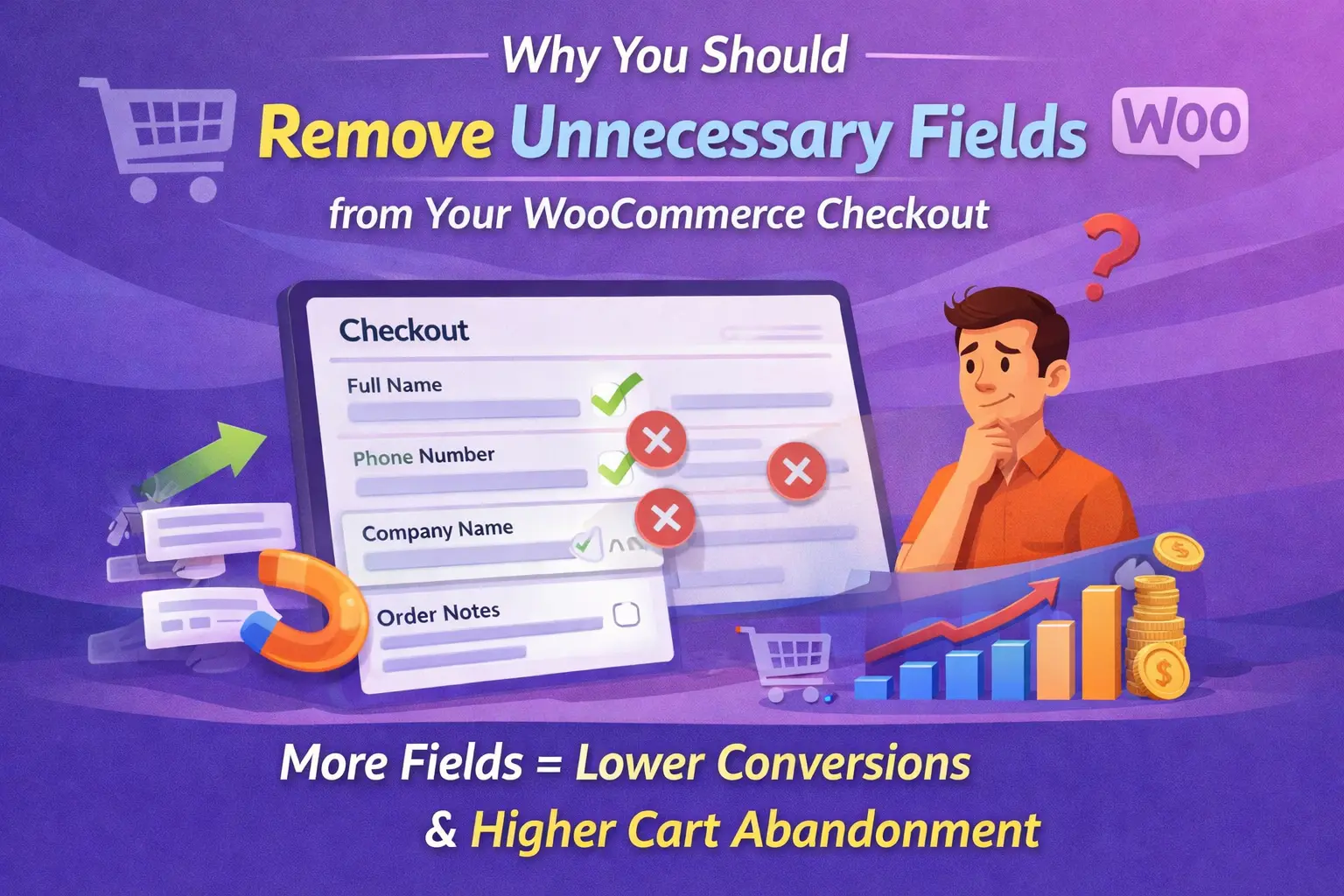
There is a persistent belief among e-commerce store owners that more information collected at checkout means better customer data, better fulfillment, and better marketing. The belief is understandable. Data is useful. Knowing your customer’s phone number, company name, and how they heard about you feels valuable. So when building or reviewing a checkout form, the instinct is often to leave fields in rather than take them out, to collect while the customer is present and willing.
The data on checkout behavior tells a different story. The Baymard Institute, which has conducted the most extensive ongoing research into e-commerce checkout usability, has found through large-scale user testing that the average checkout form contains nearly twice as many fields as are actually necessary to complete the transaction. Their research found that the average US checkout flow contains 14.88 form fields, while the optimal number — the number that balances data collection with conversion rate — is closer to 7 or 8. Every extra field above that optimum is extracting a cost in conversion rate that most store owners have never measured.
This guide is about that cost: what it is, how it works psychologically, which specific WooCommerce default fields are most commonly unnecessary, and how to make the case for removal to yourself and anyone else in your organization who believes that more fields mean more useful data. It also covers the right tool for making these changes without touching code — a proper WooCommerce checkout field manager for removing and disabling default fields that lets you streamline your form from a visual interface.
The research case for fewer fields
The Baymard Institute’s checkout usability research — conducted through large-scale qualitative testing with real shoppers across real e-commerce sites — is the most comprehensive public dataset available on the topic. Their findings on form field length are striking not because they show that fields matter, but because they quantify by exactly how much.
In their large-scale checkout usability benchmarking, the Baymard Institute found that the typical US checkout contains around 14.88 form fields. Their research concluded that most sites could reduce their checkout to around 7 or 8 fields without losing any data genuinely necessary to fulfill the order. They also found that 18% of US online shoppers had abandoned a checkout in the previous quarter specifically because the process was too long or complicated. That 18% represents real revenue, measurable and attributable directly to form length decisions the store owner made — or did not make.
The picture gets more specific when you look at e-commerce conversion rate data more broadly. Research published by the Nielsen Norman Group on form design found that reducing the number of fields in a form is one of the most consistently effective interventions available for improving completion rates — outperforming changes to visual design, button copy, and trust signals in controlled comparisons. The effect is not subtle. In A/B tests where the only variable is form length, shorter forms outperform longer ones reliably and materially.
What makes these findings particularly relevant for WooCommerce store owners is that they are not describing a scenario where stores are asking for obviously unreasonable information. They are describing stores asking for things that seem entirely reasonable — a phone number, a company name, a second address line — and finding that each one extracts a small but measurable conversion cost. The cost of any individual field appears negligible. The cumulative cost of six or eight such fields is significant.
The psychology driving the numbers
Understanding why fewer fields improve conversion requires a brief look at the psychology of decision-making during a purchase. Two well-documented phenomena are at work: decision fatigue and ego depletion.
Decision fatigue is the psychological phenomenon, documented extensively in behavioral economics research by Roy Baumeister and colleagues, whereby the quality of decisions degrades after a sequence of decisions has been made. The mental resource required to make decisions is finite and depletes with use. On a checkout form, each field that requires a decision — what to enter, whether the field applies to me, how to format the answer — consumes a small portion of this resource. By the time the customer reaches the payment section, their decision-making capacity is measurably diminished compared to when they started. This makes abandonment more likely at exactly the moment when the commitment is closest to being made.
Related to decision fatigue is ego depletion — the state in which self-regulatory resources have been sufficiently depleted that the quality of judgement and impulse control changes. A customer who reaches the end of a long checkout form in a mildly depleted state is more susceptible to second-guessing the purchase entirely. The cognitive friction of the form itself can tip the scales toward the rationalization “I’ll think about it more and come back.” This rationalization is rarely acted upon. The customer who abandons a checkout rarely returns to complete the purchase, as documented consistently in cart abandonment recovery data.
When a customer encounters a field whose purpose they cannot immediately understand in relation to their purchase, a trust question forms. “Why do they need my phone number for a digital download?” is not a paranoid question — it is a reasonable one. In a privacy-conscious environment where consumers are increasingly aware of how their data is used, a field whose justification is not immediately apparent is experienced as a signal that the store may be collecting data for purposes beyond fulfilling the order. This erodes the trust that the rest of the checkout experience was building.
The WooCommerce default fields most commonly removed in optimized stores
WooCommerce ships with a set of default checkout fields that were designed to serve the widest possible range of store types. The inevitable result is a form that includes fields which are essential for some stores and entirely unnecessary for most. Below are the fields most frequently removed or disabled when store owners audit their checkout with conversion in mind.

Remove for consumer stores
The default WooCommerce company name field is optional and positioned after the first and last name fields. For consumer stores selling to individuals, the vast majority of customers have no company name to enter, which means they glance at the field, confirm it does not apply to them, and move on. This micro-decision adds no value. For stores with a meaningful proportion of business customers, keep it — ideally controlled with conditional logic so it only appears for customers who identify as business buyers. For pure consumer stores, remove it entirely.
Make optional or remove
Address line 2 is one of the most universally optional fields in any checkout form. The majority of residential addresses in most markets do not require a second line. Yet it sits prominently in the address section, prompting customers to wonder whether their address is incomplete if they leave it blank. Baymard’s research found that many users are confused by a visible empty address line 2 field and feel compelled to address the apparent gap even when their address is perfectly complete. Removing it or converting it to a clearly-labeled optional field with placeholder text like “Apartment, suite, unit (optional)” eliminates this confusion.
Remove or make optional with reason
Phone number is the field that triggers the strongest privacy concern response among checkout form fields, particularly for first-time customers at stores they have never transacted with before. Unless you have a specific and genuine operational need for the phone number — courier delivery requiring a call-ahead, local delivery scheduling, or regulated products requiring contact verification — it should not be a required field. If you genuinely need it for certain shipping methods, use conditional logic to make it required only for those methods. If you do not genuinely need it at all, remove it. The conversion impact of phone number removal is among the highest of any single field change.
Remove or replace with specific fields
The default WooCommerce “Order notes” field is a freeform textarea with a vague label that most customers have no idea how to use. In practice, it collects a mix of genuine delivery instructions, requests for invoice formatting, promotional code complaints, and random commentary that is difficult to route or act on systematically. If delivery instructions are genuinely useful for your store, replace the generic order notes field with a clearly labeled “Delivery instructions” textarea with placeholder text that tells customers what to write. If they are not useful, remove the field entirely and recover the visual space and cognitive attention it was consuming.
Pre-fill or remove for domestic-only stores
If your store only ships to one country, displaying a country dropdown that contains 200 options — the vast majority of which are not selectable or available — is dead form weight. The customer cannot use most of the options, the dropdown itself adds visual complexity, and pre-filling it with your single available country would serve the same purpose without requiring any customer action. For multi-country stores this field is necessary; for domestic-only stores it is one of the easiest fields to either auto-populate or remove from the visible form entirely.
The one-question field evaluation framework
Rather than reviewing each field in isolation, it helps to have a single clear question that cuts through the “but this data might be useful” reasoning that keeps unnecessary fields on forms. The question is this: if this field were missing from the order, would it materially impair our ability to fulfill it or legitimately contact the customer?
“Materially impair” is the operative phrase. Not “would it be slightly inconvenient,” not “would we prefer to have it,” but would its absence actually prevent or significantly complicate fulfillment or legitimate post-order communication. Apply this test honestly to every field on your form and the fields that should stay will quickly reveal themselves. The ones that remain only because they might someday be useful, or because removing them would require a conversation with someone who originally added them, are candidates for removal.
Answering the objections to field removal
When the topic of removing checkout fields comes up in organizations with multiple stakeholders — marketing teams, customer service teams, fulfillment teams — objections tend to follow predictable patterns. Below are the most common ones and the honest counterarguments to each.
The email address you collect is a more reliable and less intrusive contact method than a phone number for almost all post-order communication. Carriers who genuinely need to contact a customer for delivery issues typically have their own customer contact mechanisms. If your fulfillment process genuinely requires a phone number in specific circumstances — local delivery, high-value items with signature requirements — make it required conditionally for those shipping methods only, not for every customer regardless of how they are ordering.
Some customers do use it. But the data that comes through an unstructured freeform field is highly variable and difficult to act on systematically. The question is not whether the field is ever used, but whether the conversion cost it imposes on the customers who do not use it outweighs the value it provides to the customers who do. If the data you receive through order notes genuinely requires a freeform field, keep it but rename it with a specific, clear label and add placeholder text that guides customers toward useful inputs. If the data would be better collected through a structured field, replace it with one.
Collecting personal data for purposes that are not disclosed at the point of collection is a GDPR compliance issue in Europe and an increasingly regulated practice in many other jurisdictions. Beyond the legal dimension, collecting phone numbers from customers who had no indication they would receive SMS marketing creates a poor experience when that marketing begins. If SMS is a serious part of your marketing strategy, collect phone numbers through a dedicated opt-in mechanism with appropriate disclosure — not as a silent addition to the checkout form fields.
Business customers who need a company name on their invoice represent a specific customer type that can be identified and served with conditional logic. Show a customer type selector at the top of the form. Business customers see the company name field. Individual consumers do not. This serves both groups precisely without imposing an unnecessary field on the majority of customers who have no company name to enter. It is a better solution than either removing the field entirely or showing it to everyone.
How to remove default WooCommerce fields without breaking anything
Removing default WooCommerce fields through custom PHP code is technically straightforward but creates an ongoing maintenance burden. WooCommerce’s checkout field hooks change between major versions, and a code-based field removal that works perfectly today may break after a plugin update, silently restoring fields you removed or causing validation errors on fields that expected to be present.
The right approach is a dedicated field editor that handles field visibility at the plugin level, maintaining compatibility with WooCommerce core updates and giving you the ability to re-enable any field instantly if you change your mind. The distinction between “disable” and “delete” matters here. Disabling a field removes it from the checkout form visually while keeping it in the system — you can re-enable it without any data loss or configuration work. Deleting a default field through custom code often creates conflicts with WooCommerce processes that expect the field to exist.

The case for removing unnecessary checkout fields is not a design preference or a UX opinion. It is grounded in consistent, replicated research findings about how human decision-making works under the conditions of a purchase transaction and what happens when that process is made unnecessarily complex. Every field you remove from your checkout that does not belong there is a friction point eliminated, a trust question that will never be asked, and a small but real improvement in the probability that the customer in front of you will complete their purchase.
The WooCommerce checkout field editor for disabling and removing default fields without code gives you the technical means to make these changes quickly, safely, and reversibly. The harder part — the part that requires honest evaluation of your specific store and customer base — is applying the single-question test to every field on your form and being willing to act on the answers it gives you.
Stop losing customers to fields they never needed to fill in
Advanced WooCommerce Checkout Field Editor lets you disable or remove any default WooCommerce field instantly, without touching code — and re-enable it just as easily if you change your mind. Clean up your checkout form in minutes and start recovering the revenue you have been leaving on the table.






Hey, this guide totally changed how I see checkout fields.
Dude, the checkout guide made me rethink my whole form
Okay, so I finally got around to trimming down my WooCommerce checkout fields after reading your blog post about optimization. made sense, fewer fields = fewer abandoned carts, right? But now I'm stuck trying to remove the default "company name" and "phone number" fields without messing up my site or conflicting with other plugins