Next-Level Code. Nexuvibe Style ...
Hrs
Min
Sec

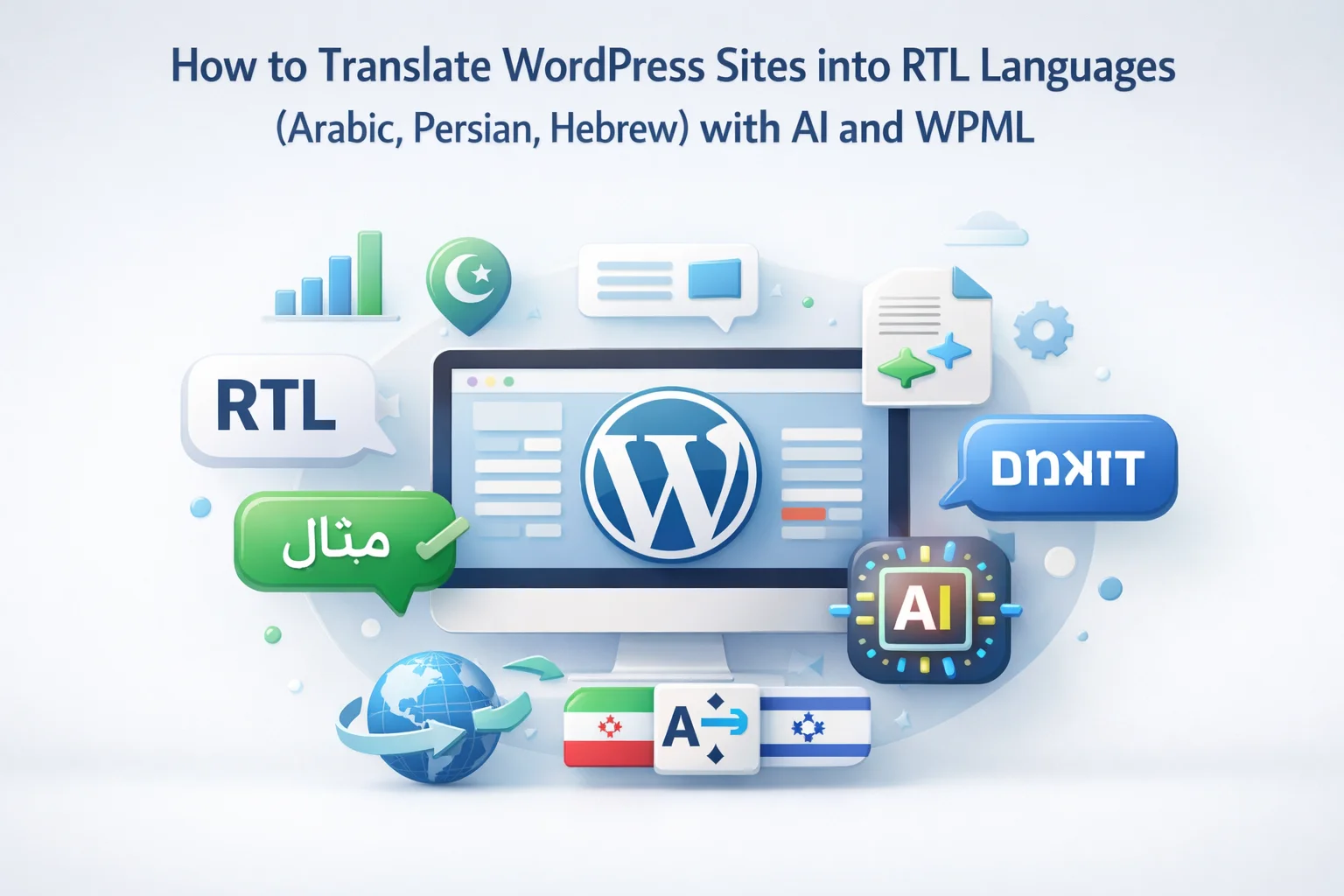
Adding Arabic, Persian, or Hebrew to your WordPress site is not the same as adding French or German. Right-to-left languages introduce an entire layer of complexity that left-to-right-only sites never encounter. The text reads from right to left, which means your entire layout needs to mirror. Navigation moves to the opposite side. Sidebars swap. Text alignment reverses. Numbers and Latin characters embedded within RTL text create bidirectional flow that has to be handled correctly or the page becomes unreadable.
On top of the layout challenges, AI translation quality varies significantly for RTL languages compared to European languages. Arabic has a complex morphological system where a single word can carry information that takes an entire English phrase to express. Persian uses a modified Arabic script but has a completely different grammatical structure. Hebrew has its own unique characteristics including a consonantal writing system where vowels are often omitted. Each of these languages requires an AI model that has been well-trained on that specific language’s patterns.
This guide covers both sides of RTL WordPress translation: the technical setup (making your site work correctly in RTL mode) and the translation quality side (getting the best AI output for Arabic, Persian, and Hebrew). We speak from direct experience. The NEXU WP website itself operates in Arabic and Persian alongside English and over a dozen other languages, so everything in this guide has been tested on a production site, not in a lab.
When WordPress renders a page in an RTL language, it sets the dir="rtl" attribute on the HTML element. This single attribute triggers a cascade of layout changes that affect every element on the page. Understanding what changes helps you identify and fix the issues that commonly arise.
WordPress core, most modern themes, and the major page builders ( Elementor included) handle this mirroring automatically through CSS logical properties and the dir="rtl" attribute. You do not need to create a separate RTL stylesheet in most cases. The browser reads the direction attribute and applies the appropriate layout rules.
The problems arise with custom CSS. If your theme or custom styles use hardcoded directional properties like float: left, margin-left: 20px, or text-align: left, these do not automatically mirror in RTL mode. The fix is replacing directional CSS properties with logical properties: margin-inline-start instead of margin-left, float: inline-start instead of float: left. CSS logical properties are well-supported in all modern browsers and are the correct way to write direction-agnostic stylesheets.
WPML has full RTL support built in. When you add Arabic, Persian, or Hebrew as a language, WPML automatically configures the language direction. There is no separate RTL setting to enable. The setup is the same as any other language, but there are a few things to verify.
Go to WPML, then Languages, then Add / Remove Languages. Search for Arabic, Persian (Farsi), or Hebrew and add it. WPML registers the correct script direction, language code, and locale automatically. For Arabic, WPML uses the standard “ar” language code. For Persian, it uses “fa.” For Hebrew, it uses “he.”
Before translating any content, switch your site to the RTL language using WPML’s language switcher and inspect the layout. Check that the navigation mirrors, text is right-aligned, and the overall page structure reads correctly from right to left. If your theme has serious RTL issues (overlapping elements, broken layouts), you may need to add RTL-specific CSS fixes or choose a theme with better RTL support. Most popular themes like Astra, GeneratePress, OceanWP, and Elementor’s Hello theme handle RTL well.
Your English font almost certainly does not support Arabic, Persian, or Hebrew characters. You need to specify an appropriate font for RTL languages. For Arabic, common choices include Noto Sans Arabic, Cairo, and Amiri. For Persian, Vazirmatn is excellent. For Hebrew, Heebo and Assistant are popular. You can load these from Google Fonts and apply them conditionally using CSS that targets the [dir="rtl"] selector or through WPML’s language-specific CSS feature.
This is the question RTL site owners care about most. Based on our testing across multiple articles (documented in our comparison pieces), here is the current state of AI translation quality for each RTL language.
Mistral Large consistently produces the most natural Modern Standard Arabic in our tests. It maintains proper Arabic sentence rhythm without falling into the trap of arranging Arabic words in English sentence patterns, which is the most common AI translation error for Arabic. Claude Sonnet 4.6 is close behind with strong accuracy and good flow. GPT-4o produces correct Arabic but occasionally uses constructions that sound slightly formal or stiff. For WooCommerce product descriptions targeting Arabic-speaking markets, Mistral is our first recommendation.
Persian is grammatically closer to European languages than Arabic, which means models trained heavily on European text transfer their structural understanding more effectively. Claude produces Persian that reads naturally with appropriate colloquial expressions where the source text is casual. GPT-4o is slightly more formal but equally accurate. Mistral’s Persian is acceptable but not as polished as its Arabic. We use Claude for our own Persian site content and have been satisfied with the quality since switching from GPT-4o.
Hebrew translation quality is generally lower than Arabic and Persian across all models because the Hebrew training data for AI models is smaller (Hebrew has roughly 10 million speakers compared to Arabic’s 400 million and Persian’s 110 million). GPT-4o produces the most natural Hebrew, likely due to a larger proportion of Hebrew content in its training data. Claude is close behind. Mistral and Grok produce usable but noticeably less natural Hebrew. For Hebrew content, we recommend GPT-4o as the first choice and human review for your most important pages.
Real-world RTL content is rarely purely right-to-left. It contains embedded LTR elements: English brand names, product codes, URLs, email addresses, numbers, and technical terms that remain in Latin script. This creates bidirectional (bidi) text, which is one of the trickiest aspects of RTL web content.
For example, an Arabic product description might say: “هذا المنتج متوافق مع iPhone 16 Pro Max ويعمل بنظام iOS 18” (This product is compatible with iPhone 16 Pro Max and runs iOS 18). The Arabic text flows right to left, but “iPhone 16 Pro Max” and “iOS 18” are LTR fragments embedded within the RTL flow. The browser handles this through the Unicode Bidirectional Algorithm, which automatically detects the direction of each text segment and renders it correctly.
AI translation models generally handle this well. When translating content that contains brand names, technical terms, or code examples, the models preserve these LTR fragments in the RTL output without translating them. This is important because “iPhone” should never be translated into Arabic script. In our testing, all four major AI models correctly preserved embedded LTR terms in RTL translations without manual intervention.
Where issues occasionally arise is with numbers and punctuation adjacent to LTR fragments. If a translated sentence mixes Arabic text, a number, and an English word, the rendering order can sometimes appear wrong, especially in older browsers or email clients. The fix is using Unicode direction marks (invisible characters that explicitly set text direction) around ambiguous fragments. AI models do not insert these marks automatically, so if you notice rendering issues with mixed-direction content, you may need to add them manually for the affected strings.
Elementor has built-in RTL support that automatically mirrors layouts when the page is rendered in an RTL language. Columns reverse order, text alignment flips, and spacing adapts. This works well for standard Elementor layouts without any special configuration.
The areas that need attention are custom-positioned elements and asymmetric designs. If you have positioned an element using custom CSS with position: absolute; left: 20px;, that element will not automatically move to the right side in RTL mode. You need to either use CSS logical properties or add RTL-specific overrides.
For Elementor sites using the AI translation addon, the translation process itself handles RTL seamlessly. The plugin translates the text content within Elementor widgets; it does not modify layout or styling. The RTL layout transformation is handled by Elementor and the browser when the translated page is rendered. This separation of concerns means that the translation quality is independent of the RTL layout quality, and you can fix each one separately if issues arise.
If your menu items display in the same left-to-right order in RTL mode, your theme’s menu CSS likely uses float: left for menu items. Replace with display: flex on the menu container, which automatically respects direction. Or add [dir="rtl"] .menu-item { float: right; } as an RTL override.
Arabic and Persian scripts have taller ascenders and descenders than Latin scripts. Your English-optimized line height (typically 1.5 to 1.7) may feel cramped for Arabic text. Increase line height to 1.8 to 2.0 for RTL languages. Also check that your chosen Arabic font renders at the same visual size as your English font, as some Arabic fonts render smaller at the same pixel size.
WooCommerce’s cart and checkout templates use inline styles that sometimes hardcode left alignment. WPML WooCommerce Multilingual handles most of these, but custom WooCommerce templates from your theme may need RTL adjustments. Test the entire checkout flow in RTL mode: add a product, view cart, proceed to checkout, and verify that form labels, input fields, and buttons are properly aligned.
Arabic can be written with or without diacritical marks (tashkeel/harakat). Formal texts like Quran and children’s books use full diacritics. Modern web content, product descriptions, and blog posts use none. AI models sometimes add diacritics that are unnecessary for web content. If you see Arabic text with small marks above and below letters that make it look overly formal, the AI added tashkeel. This is usually a prompt issue: the translation system should instruct the model to use informal, unvoweled Arabic for web content.
The NEXU WP website operates in 18 languages, including Arabic and Persian. Every product page, every blog post, every documentation page has been translated into these RTL languages through the same AI translation workflow we describe in this article. This is not theoretical advice. It is the workflow we use daily.
The Arabic version of our site uses Mistral for product descriptions and marketing content, where natural tone matters most. The Persian version uses Claude, which handles Persian’s conversational register better than the other models. Both versions use the same WPML setup, the same Elementor templates, and the same NEXU AI Auto Translator for WPML with model switching between Arabic and Persian batches.
The layout works correctly across both RTL languages because Elementor’s RTL support is robust and our CSS uses logical properties throughout. The fonts load conditionally: Noto Sans Arabic for Arabic pages, Vazirmatn for Persian pages, the default theme font for LTR languages. The hreflang tags, sitemaps, and SEO metadata all work identically for RTL and LTR languages because WPML handles these at the infrastructure level without caring about text direction.
Arabic alone is spoken by over 400 million people across 25 countries. Persian is spoken by 110 million. Hebrew by 10 million. These are massive markets that most English-language WordPress sites completely ignore because RTL seems intimidating. The technical reality is far simpler than the perception: WordPress and WPML handle RTL layout automatically, modern themes support it out of the box, and AI models produce good-to-excellent translations for all three languages.
The competitive advantage is significant precisely because so few sites bother. An English WooCommerce store that adds Arabic with high-quality AI translations immediately stands out in a market where most competitors either do not offer Arabic at all or offer poorly translated content that reads like it was run through Google Translate in 2015. The bar is low. Doing it well is genuinely differentiating.
If your analytics show traffic from Arabic-speaking countries, Persian-speaking countries, or Israel, you already have demand. Meeting that demand with properly translated, properly laid out RTL content is now a few hours of setup work and less than $50 in translation costs. The market opportunity vastly exceeds the effort required to capture it.
Four AI providers including Mistral for Arabic. WPML RTL integration. Elementor support. Bidirectional content handled automatically. From $39/year.






This saved me so many hours.
Hey, the sidebar swap worked on the first
I've been using this for my podcast site's Arabic translations, but mixed language content is giving me headaches.