Next-Level Code. Nexuvibe Style ...
Hrs
Min
Sec

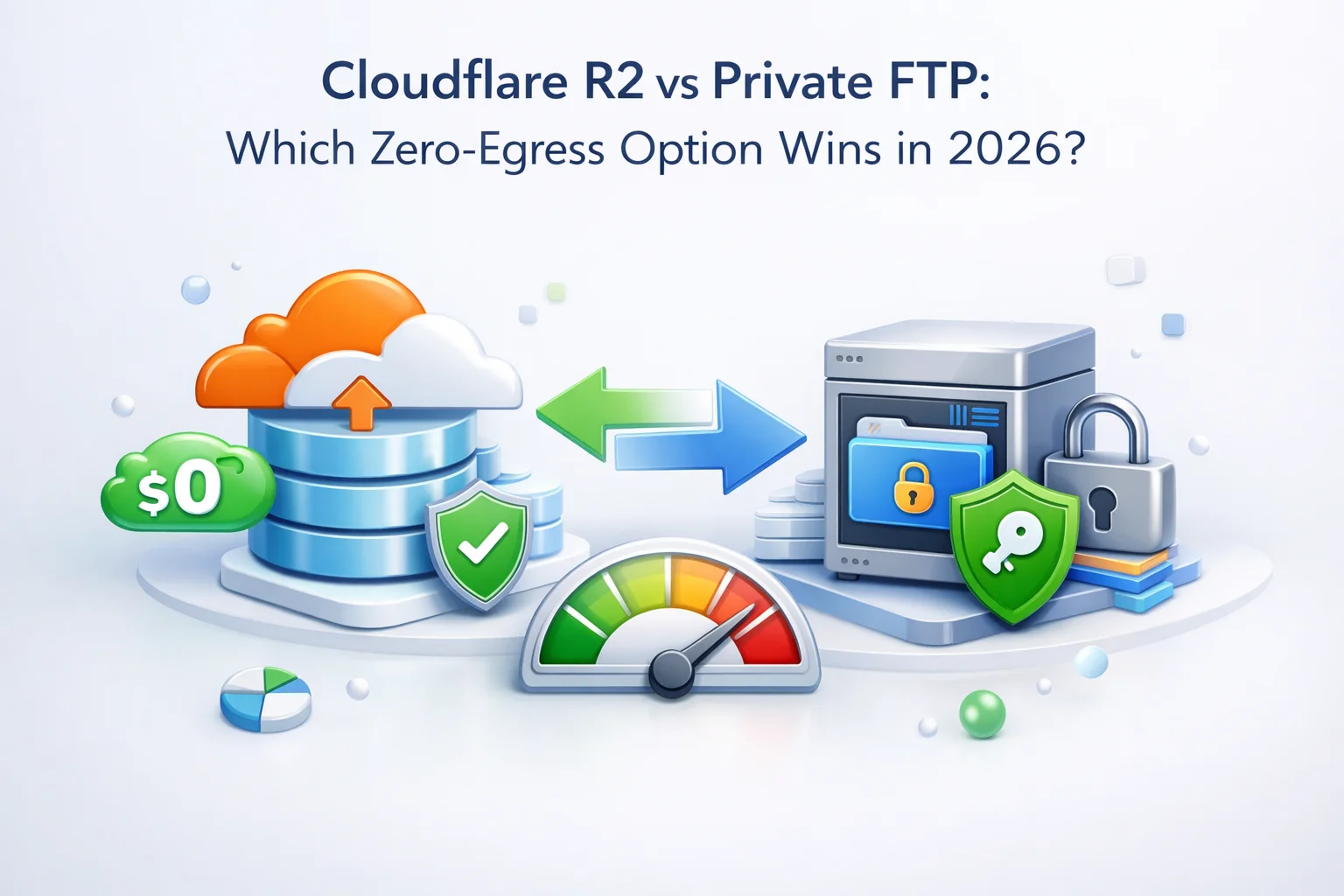
The conversation around WordPress media storage changed significantly when Cloudflare launched R2 in 2022. For years, the main argument against S3 was the egress fee problem: you pay every time a visitor downloads your images. R2 changed that with a straightforward promise, zero egress fees, and suddenly the cloud storage conversation for WordPress sites became a real comparison rather than a default recommendation.
Private FTP and SFTP storage has always had the same zero-egress characteristic, just without the marketing. A private storage server charges a flat monthly fee. Once your files are there, there is no per-request or per-gigabyte delivery charge to the server itself. You pair it with a CDN of your choice for delivery, and the economics work out to something predictable and flat.
So now there are two genuinely viable zero-egress options for WordPress site owners who want to offload their media library without the S3 billing model. This article compares them honestly: what each one costs, where each one fits, what the setup looks like, and which type of WordPress site or operator is better served by each approach.
Cloudflare R2 is an object storage service that is S3-compatible in terms of its API, which means existing tools designed for S3 can often work with R2 with minimal configuration changes. The headline feature is that R2 charges zero egress fees for data delivered to the public internet. This is a deliberate competitive positioning against S3, and it is a genuine and meaningful difference.
R2 storage is charged at $0.015 per GB per month, which is slightly more expensive than S3’s $0.023 per GB per month in US East (R2 is actually cheaper on storage too, making the comparison even more favorable for R2 on both dimensions). Operations are charged at $4.50 per million Class A operations (writes, like PUT requests) and $0.36 per million Class B operations (reads, like GET requests). There is a free tier: 10GB of storage, 1 million Class A operations, and 10 million Class B operations per month.
Private FTP and SFTP storage for WordPress media offloading typically means one of two things: a dedicated storage VPS or server that you rent from a provider like Hetzner, Contabo, or a comparable host; or a dedicated FTP service where the provider manages the infrastructure and you simply connect to a host address with credentials. Either way, the pricing model is a flat monthly fee for a storage allocation.
A typical dedicated storage server with 500GB to 1TB of space from a budget provider costs $3 to $8 per month. There are no operation fees per file read or write. There are no per-gigabyte storage charges beyond the flat allocation. There is no free tier with a usage ceiling that triggers charges when crossed. You pay your monthly fee and the server is yours to use within its allocated resources.
For WordPress media delivery, this FTP storage destination is paired with a CDN. Files are synced from WordPress to the FTP server. The CDN pulls from the FTP server (or a web-accessible URL serving from it) and delivers files to visitors globally. The CDN adds a per-GB or subscription delivery cost, but even with a CDN like BunnyCDN at $0.01 per GB for North American delivery, the total monthly cost remains lower than S3 egress at most traffic levels.
R2 charges $0.36 per million GET requests. A site with 100,000 monthly visitors loading 20 images per page generates 2 million GET requests per month, which costs $0.72. Not enormous, but it is a traffic-correlated cost that FTP storage does not have. On a private FTP server, reading a file costs nothing beyond your flat monthly fee.
R2 charges $0.015 per GB per month. A 200GB media library costs $3 per month in storage alone. A 500GB library costs $7.50 per month. A private FTP server with 500GB or more of allocated storage costs $4 to $8 per month total, with no scaling per-gigabyte charges. As your library grows past 200–300GB, FTP storage is consistently cheaper on pure storage cost.
With R2, your delivery is tied to Cloudflare’s network to get zero egress. Switching CDN providers means rethinking the delivery architecture. With private FTP storage, your files are on a server you control and you can point any CDN at them. BunnyCDN today, Fastly tomorrow, your own Cloudflare zone the day after. The storage and the delivery are independent decisions.
Setup complexity is one of the most important practical differences between R2 and private FTP, and it tends to be understated in comparisons that focus primarily on pricing.
R2 is not technically difficult for someone who already uses Cloudflare and is comfortable with the dashboard. But it does require a Cloudflare account, a domain managed through Cloudflare, and some familiarity with bucket configuration and access policies. For developers or agencies that are already in the Cloudflare ecosystem, this is a minor friction point. For a small business owner or a blogger who just wants their images off their hosting server, it is a meaningful barrier.
Private FTP setup, by contrast, is a hostname, a username, and a password. There is no platform to learn, no API key management, and no requirement to move your domain’s DNS to any specific provider. The WordPress plugin handles the connection and the sync. You define your CDN URL and you are done. For the majority of WordPress site owners who are not running infrastructure through Cloudflare already, this simplicity has real value.
This is an aspect of the comparison that gets very little attention but matters significantly over a multi-year horizon. When your WordPress media library lives in Cloudflare R2, it is tied to Cloudflare’s platform in a way that goes deeper than just API compatibility. If Cloudflare changes its pricing model, deprecates R2 in favor of a different product, or you simply want to move to a different setup, migrating your media library out of R2 requires a bulk transfer that can take hours or days depending on your library size.
R2 is an S3-compatible API, which does make migrations easier than a proprietary format. But you are still dependent on Cloudflare remaining a good actor on pricing. Cloudflare’s current zero-egress positioning is a competitive move against AWS. Pricing strategies at infrastructure companies have a history of changing once market position is established, as numerous developers on other platforms have discovered when free tiers were revised. That is not a certainty with R2, but it is a risk worth naming.
Private FTP storage on a commodity provider carries its own migration risk if the provider shuts down or changes pricing. But the migration path is simpler: your files are accessible via standard FTP protocol, downloadable with any FTP client, and uploadable to any new destination without proprietary API compatibility concerns. The portability of a standard protocol is a genuine advantage over any platform-specific storage API.
Numbers are the most useful part of this comparison, so let us run them across three realistic profiles. Each assumes a 500KB average image payload per page view and 1.5 pages per visit. CDN delivery cost for FTP uses BunnyCDN at $0.01/GB (North America/Europe).
The cost numbers are genuinely close at moderate traffic and storage. At low volumes, R2’s free tier makes it the cheaper option if you stay within the monthly limits. At high volumes and large library sizes, the GET request charges on R2 start to add up, and private FTP with a low-cost CDN edges ahead on total cost. The more interesting difference is not the monthly dollar figure but the structure of the cost model and the control you have over it.
The best choice between R2 and private FTP depends less on which one is technically superior in a vacuum and more on what kind of operator you are, what you are already using, and how you want to manage your infrastructure going forward.
You are already using Cloudflare for DNS and CDN, your team is comfortable with the Cloudflare dashboard, your media library is under 200GB and growing moderately, you want S3-compatible API access for programmatic use cases beyond basic WordPress file serving, and you value being on a major infrastructure platform with strong uptime SLAs and global edge presence as your baseline expectation.
You want the simplest possible setup without platform dependency, your media library is large (200GB or more) and the per-GB R2 storage cost is becoming a factor, you manage multiple client sites for an agency and want a consistent, portable workflow across all of them, you want to choose your CDN independently of your storage provider, or you are a small business owner or blogger who wants files off your hosting server without learning a new infrastructure platform.
Benefit significantly from private FTP because a single storage server can serve as the destination for multiple client media libraries, each in its own subdirectory. One server, one monthly fee, multiple clients. This is one of the strongest economic arguments for FTP over R2 in an agency context, and it is something R2 handles less naturally because each client project typically gets its own bucket with its own billing.
Whichever storage destination you choose, the WordPress plugin that bridges your site to that destination is where the day-to-day experience lives. The plugin handles the sync of existing files, the automatic upload of new media, the URL rewriting that keeps your pages working correctly, and the monitoring that lets you know the system is healthy.
For R2, you need either a plugin that supports the S3-compatible API (R2 accepts S3 API calls with an R2-specific endpoint and API key) or a Cloudflare-specific integration. The setup requires API key management and endpoint configuration that is slightly more involved than standard FTP credentials.
For private FTP and SFTP, a plugin like WP FTP Media by NEXU WP provides the complete workflow: connection configuration with encrypted credential storage, bulk sync with parallel transfer and progress tracking, output-based URL rewriting that keeps your database untouched, configurable upload rules including file type filtering and optional local deletion, and a monitoring screen that lets you verify the system is healthy before and after bulk operations.
Cloudflare R2 is a genuinely good product for WordPress media offloading, especially for developers and teams already embedded in the Cloudflare ecosystem. The zero-egress promise is real when implemented correctly, the S3 API compatibility makes tooling straightforward, and the Cloudflare network is one of the best global CDN infrastructures available.
Private FTP storage wins on simplicity, portability, independence from any single platform, and total cost at scale, particularly for large libraries and high GET request volumes. For agencies managing multiple sites, the economics of shared FTP storage are compelling. For individual site owners who want a reliable, understandable setup that does not require learning a new infrastructure platform, FTP remains the more accessible option.
Both are valid alternatives to the S3 egress problem. The right choice is the one that fits your team’s existing tools, your site’s growth trajectory, and the level of infrastructure complexity you are comfortable managing. Neither option requires you to compromise on performance or reliability. What they offer is the same outcome through different paths, and knowing the trade-offs clearly is what lets you pick the right path for your specific situation.
WP FTP Media connects WordPress to any FTP or SFTP storage destination, rewrites image delivery through your CDN of choice, and keeps your media workflow portable, predictable, and independent from any single platform.







Hey, just switched from FTP to R2 for my media heavy site
Hey, just switched my startup's media storage to private FTP with a CDN and wow the flat pricing is such a relief. No more surprise egress fees eating into the budget. Setup was straightforward with the FTP plugin docs
I was skeptical about moving my WordPress media offsite, but after testing both Cloudflare R2 and private FTP with a CDN, I'm sold on the FTP route. The setup took me an afternoon with the plugin's guide just configured the FTP credentials, set up the CDN rewriting rules, and let it sync. no surprise bills, no vendor lock in, and my client's high traffic site runs smoother than ever. The flat fee is easier to budget for than R2's tiered pricing, and I still get the speed boost from the CDN.
Hey everyone, just wanted to share my experience with the private FTP storage option from this guide. as a musician running a WordPress site for my band, I've been using it for about six months now, and honestly? it's been such a relief not stressing over egress fees every time fans stream or download our tracks.