Next-Level Code. Nexuvibe Style ...
Hrs
Min
Sec

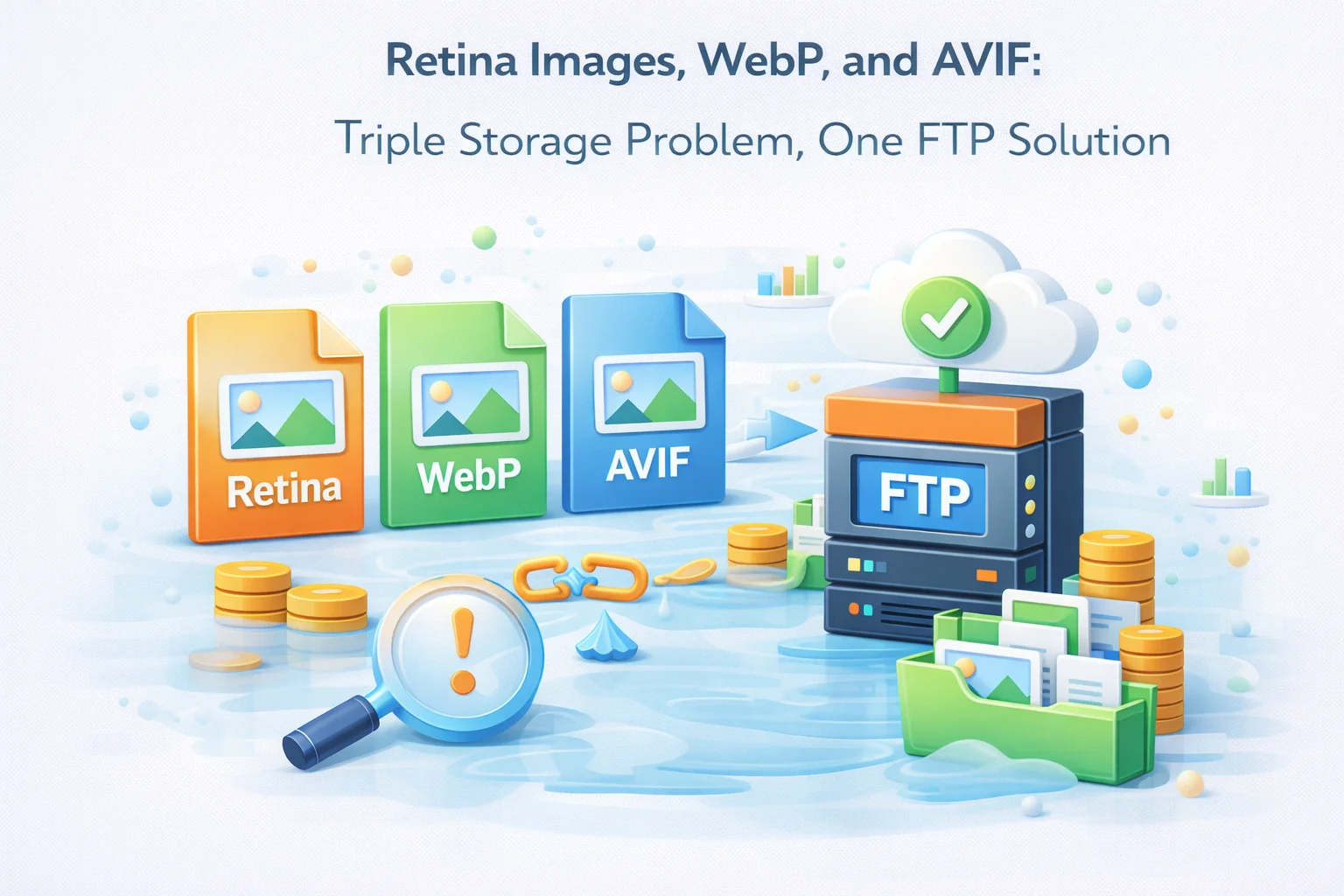
The image format landscape has changed dramatically in the past five years. Where once a WordPress media library contained JPEG and PNG files with a handful of thumbnail variants per image, the modern best practice involves serving multiple formats based on browser support: JPEG as fallback, WebP for browsers that support it (now over 97% of users globally), and AVIF for browsers with native AVIF support (growing rapidly). Add retina support for high-density displays and each uploaded image multiplies into a file family that can easily reach eight to twelve individual files.
This file multiplication is the right approach for image performance — serving AVIF to browsers that support it reduces image payload by 40 to 50% compared to WebP, and WebP reduces payload by 25 to 35% compared to JPEG. The visual quality is equivalent or better. The user experience is faster. But the storage requirement per image has increased by a factor of three to four compared to serving JPEG only, and the inode consumption per uploaded image has grown proportionally.
This guide examines the storage arithmetic of modern multi-format image serving in WordPress, explains why FTP offloading is specifically well-suited to handling the resulting storage growth, and covers the configuration that makes retina, WebP, and AVIF serving work correctly through CDN delivery.
To understand the storage problem, let us trace exactly what files are created when a single product image is uploaded to a WordPress site configured for modern best-practice image serving.
Classic JPEG-only storage: 5,000 × 3.8MB = 19 GB
Modern full-stack storage: 5,000 × 13.4MB = 67 GB
The modern best practice generates 3.5x more storage than the classic approach for the same catalog. For a site on a hosting plan sized for the classic approach, this means hitting storage limits 3.5x faster than expected.
Retina displays (2x pixel density) are now standard on iPhones, MacBook Pros, most high-end Android devices, and many Windows laptops. On a retina display, an image displayed at 400×400 CSS pixels requires an 800×800 image source to appear crisp. A standard-resolution 400×400 image displayed on a retina screen appears slightly blurry or soft because the display has twice the physical pixels than the image has data points.
WordPress’s srcset implementation handles retina delivery by including 2x and sometimes 1.5x versions of each thumbnail size in the srcset attribute. The browser selects the appropriate resolution based on the device pixel ratio. This is the right approach for image quality, but it means every thumbnail size effectively becomes two sizes: the standard version and the 2x retina version.
The inode row is the most important for practical planning. A shared hosting plan with a 250,000 inode limit hits that limit after 5,500 images in JPEG-only mode. With the full modern stack generating 41 files per upload, the same 250,000 inode limit is exhausted after just 1,220 uploaded images. A WooCommerce store with 500 products and 5 images each (2,500 uploads) will hit inode limits while still having gigabytes of storage quota remaining, triggering the confusing error state described in previous guides.
There are two architecturally different approaches to serving WebP and AVIF from a WordPress site, and they have meaningfully different storage implications.
Whether you use pre-generated variants or real-time CDN conversion, FTP offloading is the correct infrastructure choice for storing and delivering modern multi-format image libraries.
A Hetzner Storage Box at the BX31 tier (1TB) costs €7.90/month. Storing 67GB of multi-format images for a 1,000-product catalog uses 6.7% of a 1TB allocation. Adding WebP, AVIF, and retina variants triples the storage requirement but costs proportionally less than the equivalent hosting server storage. The flat-rate pricing means file multiplication has no per-file cost. Inode limits on Hetzner Storage Box are either absent or measured in millions rather than hundreds of thousands.
With real-time CDN conversion, FTP stores only the JPEG originals. The CDN converts and caches WebP and AVIF variants on the first request for each browser type. The FTP library contains one file per uploaded image. Storage growth is linear with uploads rather than linear-times-format-count. This is the most storage-efficient approach available: one file stored, three formats served.
Whether the WebP variant was generated by a plugin and stored on FTP, or generated in real time by the CDN, once a visitor has requested it, the CDN caches it at the edge node for subsequent requests. Both approaches deliver WebP and AVIF with the same 10 to 25ms TTFB from CDN edge nodes. The delivery architecture is identical; only the storage architecture differs.
When pre-generated WebP and AVIF variants are stored on the FTP server alongside JPEG originals, the CDN needs to serve the correct format to each browser. This requires configuration at either the CDN level or through WordPress’s output.
The most reliable approach for pre-generated variants is using the HTML picture element with explicit source elements for each format. WordPress’s block editor supports this natively for Image blocks when an optimization plugin has generated the variants. The browser selects the first source format it supports.
Both Cloudflare and BunnyCDN can serve different format variants based on the browser’s Accept header without changing the URL in the HTML. When a browser supporting AVIF requests image.jpg, the CDN intercepts the request and serves image.avif from cache if available. The WordPress HTML remains unchanged, and the format selection happens transparently at the CDN layer.
For Cloudflare, this is handled via Polish (image optimization) with AVIF enabled. For BunnyCDN, the Perma-Cache with Format Optimization feature provides the same capability. Both require that the variants exist on the FTP origin or are generated in real time by the CDN service.
WordPress automatically generates srcset attributes for images that include multiple size variants. When retina-sized thumbnails exist, WordPress includes them in the srcset. The browser selects the appropriate resolution based on its device pixel ratio. This works automatically once the retina-sized files exist on the FTP server and are served from CDN — no additional configuration is needed beyond ensuring WP FTP Media’s URL rewriting applies to srcset attribute values as well as src values.
According to Can I Use’s AVIF support data, AVIF is now supported by over 90% of browsers globally as of 2026, making AVIF delivery worth implementing for most sites. The compression advantage of AVIF (40 to 50% smaller than WebP at equivalent quality) is significant enough to justify the storage multiplication, provided that storage is managed on FTP rather than on the hosting server where inode limits and storage quotas make the file count increase problematic.
The modern image stack — JPEG originals, WebP variants, AVIF variants, retina sizes — is the right approach for image performance. The storage implication is 3 to 4 times the file count and 2 to 3 times the storage volume per image. WP FTP Media’s modern image format storage plugin for WordPress handles this multiplication cleanly by routing all variant files — JPEG, WebP, AVIF, retina — to FTP storage where flat-rate pricing and high inode limits make multi-format serving economically and technically straightforward.
WP FTP Media routes all WordPress image variants — JPEG originals, WebP conversions, AVIF files, and retina-sized thumbnails — to FTP storage with flat-rate pricing and high inode limits, making the modern multi-format image stack sustainable without inode exhaustion or hosting storage overflow.







Nice finally sharp pics without the bloat!
Worried about storage, but this keeps my originals safe on FTP. Solid deal!
This plugin creates way too many files per image 12 for each one! Even a small catalog of 1,200 images hits the inode limit on standard hosting, leaving no space for anything else.