Next-Level Code. Nexuvibe Style ...
Hrs
Min
Sec

If you run a WooCommerce store with more than a handful of categories, you have already encountered the problem. Every category page needs a description. It needs an intro that tells the visitor what the section covers, enough content below the products for Google to understand the topical scope, and ideally a structured FAQ block with schema markup to compete for rich results. Writing all of that manually for fifteen, thirty, or fifty categories is not a realistic ongoing task for most store owners or small development teams.
The market for WooCommerce content tools has grown in response to this problem, but the solutions vary enormously in how well they actually address it. There are general-purpose AI writing assistants, page builder add-ons with basic content fields, SEO plugins with meta description generators, and purpose-built category content tools. They are not equivalent. The approach you choose has a significant impact on output quality, workflow efficiency, and whether the content you produce holds up over time without constant editing.
This guide is a practical breakdown of those options. It covers what each approach does well, where it falls short, and what to look for when choosing the right tool for your store. The recommendation at the end is honest: one plugin stands out for WooCommerce category SEO specifically, and the reasons why are concrete enough to evaluate for yourself.
Throughout this guide, the tool we recommend is the AI-powered WooCommerce category SEO plugin by Nexu. We cover it in detail in the second half, but first it is worth understanding the landscape of alternatives so the comparison is meaningful rather than just promotional.
Before comparing tools, it helps to be honest about the methods stores actually rely on for category content. Most of them work at some level, but each carries a cost that only becomes visible after you have lived with the approach for a few months.
Writing category content manually produces the highest quality output when done well, because a human who knows the store and its customers can write with genuine authority. The problem is time. At roughly forty-five minutes per category for a properly structured intro, long-form section, and FAQ with schema, a store with thirty categories is looking at twenty-two hours of focused writing work — and that figure does not include any editing, revision, or schema markup implementation. For most store owners, this task simply does not get done, and the categories stay thin indefinitely.
Outsourcing can produce good results, but the economics for category content specifically are difficult to justify. A competent copywriter who can write genuinely useful, keyword-aware category descriptions typically charges between forty and ninety dollars per category depending on length and complexity. For fifty categories, that is two thousand to four thousand five hundred dollars — before revisions. Most agencies charge more. And because the writer is external, they need extensive briefing before they can write with the store’s brand voice, which adds both time and cost to every project.
Using ChatGPT or a similar tool outside of WordPress is faster than writing from scratch, but it creates its own workflow friction. You write a prompt, review the output, copy it, open the category in WordPress, paste it, format it, save it, and then start over for the next category. There is no bulk operation. There is no schema generation. There is no context awareness of the category’s position in the broader catalog. And there is no guardrail system to prevent the AI from writing content that includes prices or promotional language that will be outdated in two weeks. Every category is a manual project.
Plugins like Yoast SEO or Rank Math include category-level fields for meta titles, meta descriptions, and sometimes a short text description. These are useful meta tools, but they are not category content tools. They do not generate intro sections, long-form content below the product grid, or FAQ blocks with schema. They are designed to help you edit the information that appears in search snippets, not to populate the visible page content that affects both rankings and on-page experience. Using them for category SEO is like using a hammer to do a carpenter’s full job.
Understanding what is missing from the above approaches makes it easier to define what a good solution looks like. The gaps are consistent across all four: no bulk operation, no schema generation, no context-awareness, no guardrails for content longevity, and no integration with the actual WordPress and WooCommerce data that makes category content specific and relevant. A plugin that fills these gaps genuinely changes the economics of category SEO for stores of any size.
A single run should cover the entire catalog, not require opening each category individually. The time saving is not incremental — it is the difference between a project that gets done and one that stays on the backlog.
JSON-LD schema should be generated and injected automatically from the FAQ content, with no manual markup required. Structured data that requires developer maintenance does not stay current.
The AI should have access to the category name, breadcrumb, keywords, sibling categories, and product data when generating content. Generic prompts produce generic output. Context produces relevant copy.
Rules that prevent the AI from writing prices, stock claims, and promotional language mean the content stays accurate without requiring regular audits. This is essential for any catalog that changes seasonally.
A two-stage process that drafts and then refines content produces copy that reads more naturally than single-pass generation. This matters for brand voice and for avoiding patterns that feel obviously machine-written.
Generated content should be reviewable and editable in the native WordPress category editor, not in a separate interface that requires exporting and re-importing. Friction at the review stage means fewer categories get properly checked.
Of the six requirements above, the Humanizer pipeline is the one that gets least attention in most AI content tool comparisons, and it is arguably the most important for long-term content quality. Here is why it matters specifically for WooCommerce category pages.
When a single AI model generates a first draft and that draft goes directly to the page, the output tends to carry certain patterns: sentences of similar length arranged in a predictable rhythm, transitions that appear at the same structural moments in every piece, and a certain informational density that feels uniform whether the topic warrants it or not. These patterns are not necessarily incorrect, but they feel impersonal, and they are increasingly recognizable to readers who consume a lot of online content.
A two-stage pipeline addresses this by separating the job of getting the information right from the job of making the writing feel natural. The creator stage focuses on producing accurate, keyword-relevant, contextually appropriate content for the category. The humanizer stage focuses on varying the phrasing, adjusting the rhythm, and ensuring the final output reads the way a human writer would have expressed the same information. The two stages can use different models, which means you can choose the best tool for each job rather than compromising on one model for both.
With the requirements above as a benchmark, the best WooCommerce category SEO plugin with AI bulk generation and schema in this category is Nexu AI Category SEO. It is a purpose-built tool, not a general content assistant or an SEO plugin with a content add-on, and that distinction shows in how every feature is designed around the specific workflow of managing WooCommerce category pages at scale.
Here is a direct feature-by-feature look at how Nexu AI Category SEO addresses each of the requirements that distinguish a purpose-built tool from the alternatives described earlier in this guide.
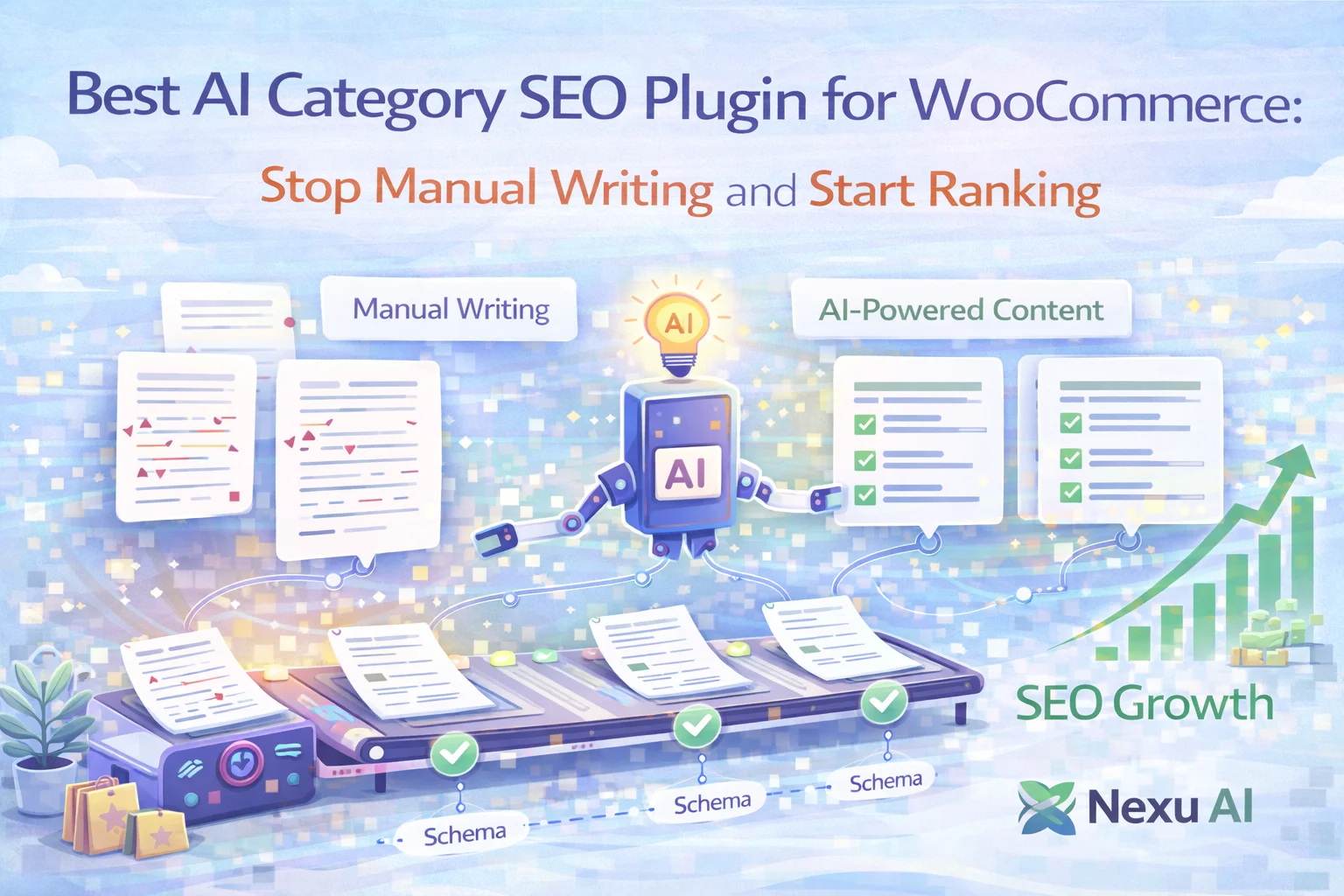
The bulk generator screen lets you select any combination of categories and run content generation across all of them in a single operation. Each category receives its own contextually relevant content — not a common template — because the generator draws on the individual category data: its name, position in the catalog, associated keywords, and product context. A store with fifty categories can have all fifty populated in a single supervised session rather than fifty individual editing tasks.
The plugin connects to OpenAI, Claude, Gemini, DeepSeek, Mistral, and Grok. You can choose different providers for the creator and humanizer stages, which is how you get content that is both accurate in its category context and natural in its tone. The connection test feature confirms that your API key is working before you commit to a generation run, which prevents the most common frustration of bulk setups.
When you generate FAQ content for a category, the plugin can output the corresponding FAQ schema markup automatically and inject it into the page without any JSON-LD editing on your part. This is the feature that enables Google rich results for your category pages. No developer is needed, no schema validator is required after the fact, and no manually maintained markup file that breaks when the FAQ content changes.
The content rules system applies guardrails to every generation run. You configure restrictions once — no specific prices, no discount claims, no stock availability language, no time-sensitive promotional copy — and they apply across all categories without having to re-specify them per category. The result is category content that stays accurate and useful long after the initial generation run, even when the catalog’s pricing and availability changes.
Generated content is placed on category pages either through automatic injection at the standard positions or through shortcodes if your theme requires manual placement control. This means the plugin works with standard WooCommerce themes out of the box, and also works with custom layouts and page builders without requiring theme file modifications. No coding required in either case.
It is worth being clear about what AI category SEO automation delivers and what it does not, because setting the right expectations is part of making the investment worthwhile.
What you should realistically expect after properly setting up AI category SEO automation and running it across your catalog: every category page goes from having no useful content to having a complete intro, a long-form section, and a FAQ block with schema markup. In search terms, you are going from a collection of thin pages that Google has little reason to rank to a set of pages that provide genuine topical depth, structured data signals, and content that can capture long-tail category queries. That shift takes time to appear in rankings — typically weeks to a few months for Google to recrawl and reindex affected pages — but the direction is consistent when the content is properly configured.
What you should not expect: immediate ranking jumps, a complete replacement of human editorial judgment, or content that requires zero review. The best use of AI bulk generation for category SEO is as a first draft at scale that you then prioritize for review based on traffic importance. Your highest-traffic categories deserve more editorial attention than your smallest subcategories, and the workflow should reflect that.
The honest summary is this: manual writing, agency outsourcing, and general-purpose AI tools all have their place in a content strategy. But for WooCommerce category SEO specifically — where the goal is complete coverage at catalog scale, with FAQ schema, content that stays accurate over time, and no coding requirement — a purpose-built solution is the only approach that is both practical and sustainable. The WooCommerce category content automation plugin with AI humanizer and bulk schema generation is designed for exactly this task, and the feature set reflects that focus clearly.
Nexu AI Category SEO covers every gap the alternatives leave open: bulk generation, automatic FAQ schema, a humanizer pipeline for natural-reading copy, content guardrails, and flexible display — all without writing a single line of code.








I got this for my team lead as a gift because we're buried in category pages. The side by side breakdown of manual vs AI vs hybrid is so useful, but I'm still hung up on one thing how do you actually figure out which method works best for your store's size? Like, when does bulk AI generation become the smarter move over manually tweaking templates per category? The guide covers pros and cons but doesn't really connect them to store scale or team capacity.
This plugin legit saves me hours every month. i run a WooCommerce store with 50+ categories, and writing unique descriptions for each used to be the task I'd dread and put off forever. Now it pumps out solid drafts in seconds no fluff, no nonsense, unlike those other AI tools that just spit out generic junk.
Spent way too long trying to bulk edit categories can't even do it here