Next-Level Code. Nexuvibe Style ...
Hrs
Min
Sec

There is a problem hiding in plain sight inside most WooCommerce stores. It is not the product catalog, the checkout flow, or the homepage design. It is the category pages. Those archive pages that sit between your navigation and your individual product listings — the ones that show up for broad shopping queries, the ones that Google evaluates when deciding whether your store is a serious authority in its niche, the ones that most store owners quietly ignore because there are always more urgent things to fix first.
A thin category page is a missed opportunity in at least three directions at once. It gives Google very little to index beyond product cards. It gives the shopper very little reason to feel confident before they start comparing items. And it passes up every chance to capture the kind of long-tail intent that category-level search queries carry. If you have twenty categories and they all contain nothing but a grid of products, that is twenty pages doing about ten percent of what they could.
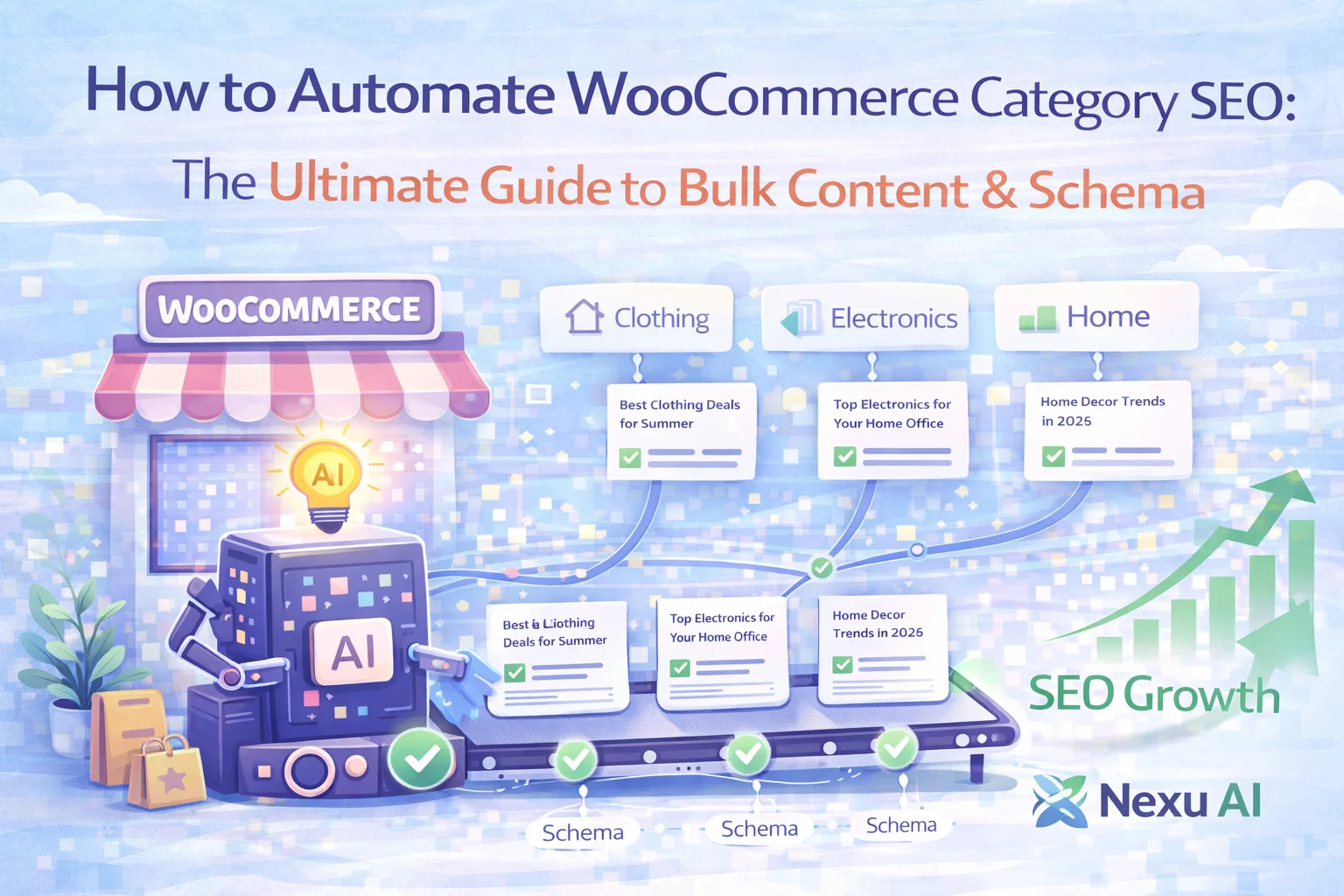
The solution used to require hiring a copywriter or spending several hours per category writing, formatting, and adding schema manually. Neither of those options scales when a shop has dozens or hundreds of categories. This guide is about a better path: understanding what WooCommerce category SEO actually demands, and using AI-powered bulk generation to meet that demand without making it the most time-consuming part of running the store.
We cover this through the lens of the WooCommerce AI category SEO and bulk content generator by Nexu, but every principle in this guide applies regardless of how you decide to act on it. The goal is that you leave with a clearer picture of the problem and a practical plan for solving it.
When a potential customer types “men’s waterproof hiking boots” into Google, they are not necessarily ready to buy a specific product yet. They are in research mode. They want to see a range of options, understand what distinguishes different products at a category level, and get a sense of whether a particular store knows what it is talking about. That is exactly the kind of intent a well-built WooCommerce category page can intercept. And it is exactly the kind of intent a thin archive page cannot.
Google evaluates category pages the same way it evaluates any other page: by the quality and relevance of the content. An archive that contains nothing but product titles and prices gives the crawler very little signal. There is no topical depth to reward, no user questions to answer, no semantic richness to establish relevance for the broader category intent. The result is that the page ranks weakly for commercial category terms, or does not rank at all, even if the individual product pages are well-optimized.
A WooCommerce category page with no description, no intro text, and no supporting content is essentially a page with nothing but navigation and product cards. Google classifies this as thin content and rarely rewards it with strong positions for competitive category-level terms. Worse, a site with dozens of these pages can drag down the overall quality perception that Google assigns to the domain.
Shoppers at the category research stage often convert at a higher rate than those arriving at product pages from generic informational searches. They already know what type of product they want. A category page that meets them with clear context, useful answers to common questions, and strong SEO foundations can capture this traffic at a stage where it is still available. Most stores are not competing for it because most category pages are empty.
FAQ schema markup on category pages enables Google to display expandable question-and-answer results directly in the SERP. These rich results take up significantly more visual space than a standard blue link, often appear above standard results, and routinely outperform them in click-through rate. A category page without FAQ schema is competing with one hand tied behind its back against any competitor who has taken five minutes to add it.
Before you can automate anything, you need a clear picture of what you are automating toward. A high-performing WooCommerce category page has a few distinct content zones, each of which serves a different purpose for both the user and the search engine.
The anatomy of a category page that ranks well and converts well tends to follow a consistent structure. Understanding this structure is what makes automation meaningful rather than just faster content production.
If you have ever sat down to write proper SEO content for a WooCommerce category page, you know roughly how long it takes. Between understanding the buying intent for that category, identifying the right keywords, structuring the intro, drafting the long-form section, and then writing FAQ entries that are actually useful, you are probably looking at forty-five minutes to an hour per category before any review or revision.
For a store with fifteen categories, that is maybe twelve hours of focused writing work, which is already significant. For a store with fifty categories, that number becomes genuinely prohibitive without outsourcing to an agency or a content team. And none of that time accounts for keeping the content updated as the catalog evolves, adding schema markup, or maintaining consistency in brand voice across every archive page.
This is where bulk automation with proper AI tooling changes the economics completely. The time investment shifts from writing each category individually to setting up a generation workflow once, configuring it to match your store’s tone and SEO requirements, and then running it across your entire catalog in a fraction of the time manual writing would require.
One of the most common mistakes people make when using AI for content generation is treating the AI as a generic tool and not configuring it properly for the specific task at hand. For WooCommerce category SEO content, the quality of your output is directly related to how well you have set up the generation pipeline before you run it.
The creator-to-humanizer pipeline approach is worth understanding specifically. The idea is that content generation and content refinement are two different jobs. When you assign both jobs to the same AI model with the same prompt, the output often carries the telltale patterns of machine-generated writing: repetitive sentence structures, unnaturally even information density, and a certain smoothness that feels generic rather than genuinely brand-aware.
By separating the drafting stage from the refinement stage, and optionally using different models for each, the pipeline gets the raw content right in the first pass and then makes it feel more natural in the second. For store owners who care about brand voice — and who want their category content to feel like it was written for their store specifically, not just a template — this two-stage approach produces noticeably better results than single-step generation.
The plugin supports connection to OpenAI, Claude, Gemini, DeepSeek, Mistral, and Grok. Each provider has different strengths in terms of writing tone, factual grounding, and instruction-following. You can choose different providers for the creator and humanizer stages, which gives you additional flexibility when optimizing for a specific output quality.
The built-in connection test in the providers tab lets you confirm that your API key is valid and the model is responding before you attempt bulk generation. This sounds simple, but it prevents the very common experience of setting up a batch run, walking away, and coming back to find that nothing generated because of a configuration error that could have been caught in thirty seconds.
One of the most underappreciated aspects of WooCommerce category content is maintenance. Generated content that includes specific prices, discount percentages, stock claims, or time-sensitive promotional language becomes inaccurate the moment those conditions change. And outdated content on category pages is not just unhelpful to users — it can actively damage trust when a shopper reads “currently 30% off all items” on a page where nothing is discounted.
The content rules system inside the plugin lets you configure restrictions that apply to every generation run. These rules act as instructions to the AI model about what to avoid: exact pricing language, discount claims, stock availability statements, and other time-sensitive phrasing that ages poorly. The result is category content that remains accurate and useful over the long term without requiring regular audits and corrections.
Once your provider is set up, your content rules are configured, and your context notes are in place, the bulk generator is where the economics of the whole approach become clear. Instead of opening each category one at a time, writing content, adding schema, and saving, you can select multiple categories and run generation across all of them in a single operation.
The generator uses the context that is available for each category: the category name, breadcrumb path, existing description, target keywords you have specified, and optionally product data from within the category. This means each category receives content that is contextually relevant to it specifically, not a single templated paragraph that is slightly different for each page. The output is differentiated by design, which matters both for user experience and for avoiding duplicate content signals in search.
The most impactful pre-generation step is specifying the primary and secondary keywords you want each category to target. You do not need an exhaustive keyword plan — even a single well-chosen target keyword per category gives the AI enough direction to write content that is semantically relevant to the right search intent. These keywords should reflect what actual shoppers type when researching that product type, not just the category’s internal name.
For your highest-traffic or most commercially important categories, invest a few minutes writing a context note before running generation. Include the target customer, what makes your store’s selection distinctive, the buying considerations that matter for this category, and any tone guidance. The content will reflect this input and will be noticeably more on-brand than generation without context.
After generation, the intro text, main content, and FAQ entries are editable directly in the WordPress category edit screen. You do not need to work in a separate interface or export content to a document for editing. This workflow keeps revisions fast and keeps everything in the context of the actual category where the content will appear.
Once the FAQ content is generated and reviewed, turning on schema output takes the structured data from being visible only to users on the page to being readable by Google in the SERP. This is what enables the expandable rich results that give category pages significantly more search real estate than a standard listing. It requires no manual JSON-LD editing — the schema is generated and injected automatically.
Generating the content is one part of the equation. The other part is deciding how and where it renders on the actual category page. This is where the display settings matter, and getting them wrong can cause generated content to appear in places that hurt the shopping experience even if the content itself is excellent.
The display tab gives you two core options for each content zone. Auto-inject places the content automatically in the standard position for that zone — intro text above the product grid, long-form content below it, FAQ section at the bottom. This is the fastest option and works well for most standard WooCommerce themes. Shortcode-based placement gives you manual control over exactly where each content block appears, which is useful when your theme handles category templates in a non-standard way or when you are using a page builder.
The choice between these two approaches is mostly about your theme and your tolerance for layout complexity. If auto-inject produces the right result visually, use it. If you need more control, the shortcode option gives you that without requiring any code changes to your theme files.
FAQ schema is one of the most straightforward structured data opportunities available for ecommerce category pages, and it remains one of the most underused. The mechanism is simple: when Google crawls a page that includes valid FAQ schema markup, it may display those questions and answers as expandable rich results beneath the main search listing. Each FAQ entry is clickable and expands to show the answer directly in the SERP.
The practical SEO benefit of this is significant. A category page with FAQ rich results occupies more vertical space in the search results than a standard blue link. It answers pre-click questions that were previously only answerable by visiting the page. And it signals to Google that the page contains structured, organized information — the kind of content that the search engine trusts to answer user queries directly.
Rich results with FAQ schema consistently show higher click-through rates in A/B tests compared to standard results at the same position. The expanded visual footprint alone draws more attention in a scroll-heavy search results page.
A shopper who reads an FAQ answer in the SERP and then clicks through has already received some information and chosen to continue. That visitor arrives on the category page with more context and typically a stronger purchase intent than someone who clicked a standard result with no pre-answer exposure.
Writing and maintaining FAQ schema markup by hand — ensuring the JSON-LD is valid, the property names are correct, and the formatting matches Google’s requirements — is tedious and error-prone. Automatic schema generation from the FAQ content removes this entirely from the workflow.
The most common reason store owners delay improving category pages is that the task feels enormous. Forty categories feels like forty separate writing projects. The automation framework above is designed to make this manageable, but it still helps to approach it with a staged plan rather than trying to do everything at once.
This kind of staged approach is what separates WooCommerce stores that see real SEO gains from those that generate content once and never revisit it. The content itself is the starting point. The monitoring, refinement, and maintenance cadence is what turns it into a compounding asset over time.
If you want a single, purpose-built tool for this entire workflow — from provider setup through bulk generation to schema output — the WooCommerce category SEO automation plugin with AI bulk content and FAQ schema covers the technical infrastructure without requiring developer involvement. The strategy and the monitoring are yours to build. This guide is designed to give you both.
Nexu AI Category SEO generates intro text, long-form content, and FAQ schema for every category in your store — with brand voice controls, content guardrails, and bulk generation that covers the whole catalog without manual writing.








As someone who's spent years teaching digital marketing, I'll admit I was pretty skeptical about automating SEO content until I read this guide. The way it breaks down structuring intro text and FAQs for category pages? that's the kind of tactical advice most resources just skip over.
The guide totally nails why bare category pages kill trust
Bought this thinking it'd save me time on category pages, but the setup is anything but quick. Ended up spending more time troubleshooting than I would've just writing the content myself. Not the plug and play solution I was promised.
This guide finally made me see why my category pages were tanking in search. i'd been obsessing over product descriptions and checkout tweaks, but turns out the real leak was those empty archive pages