
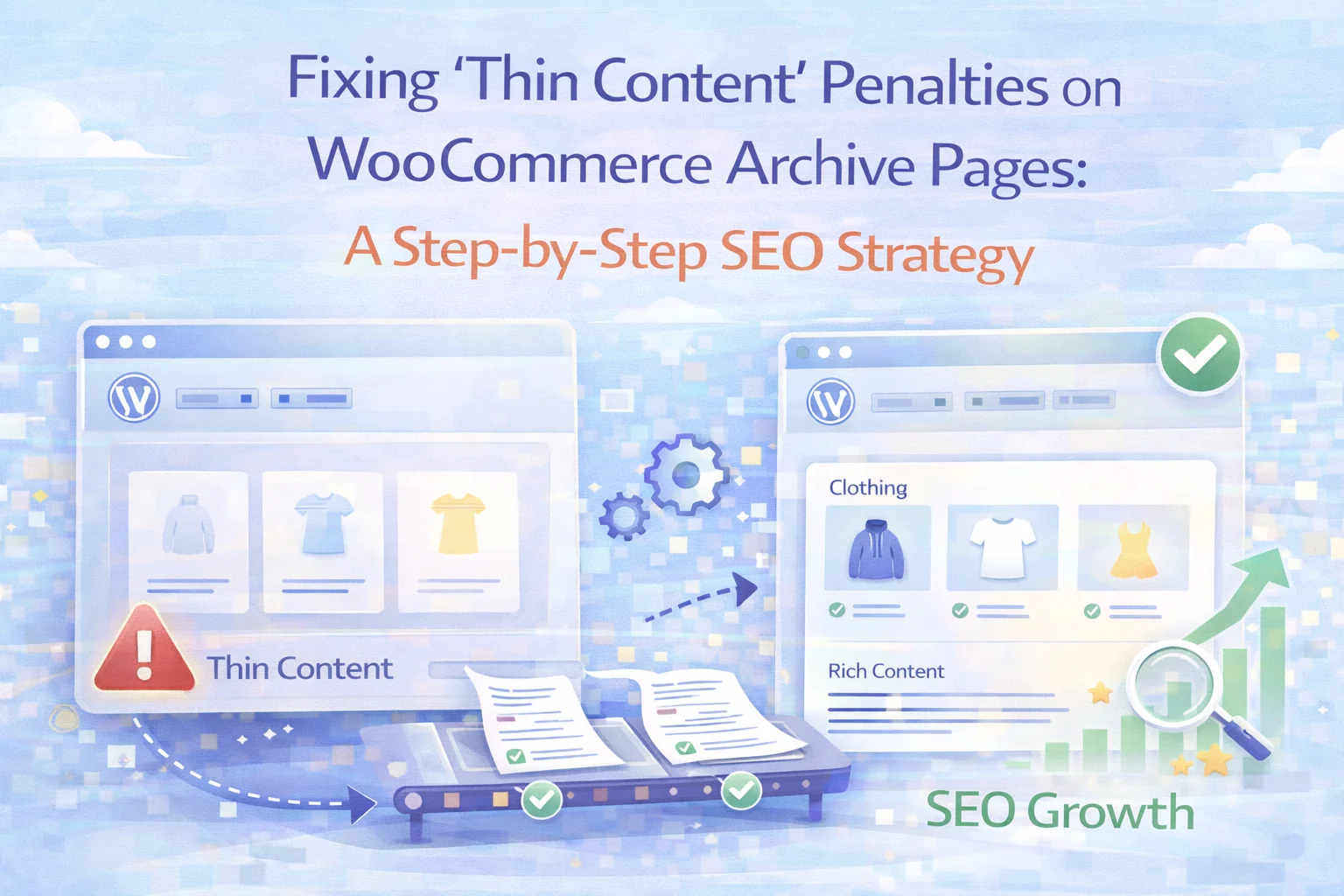
There is a pattern that shows up consistently in WooCommerce SEO audits, and it is frustrating precisely because it is invisible until you know what to look for. The store has solid product pages. The homepage is well-optimized. The technical foundation is clean — no crawl errors, no redirect chains, reasonable page speed. And yet the category pages are stuck far down the rankings for exactly the commercial queries the store should be winning. Traffic from organic search is lower than it should be by any reasonable estimate, and the gap between the store’s authority and its actual category rankings does not make sense on the surface.
The explanation, in most cases, is thin content on the category archive pages. Not a technical penalty in the sense of a manual action from Google, but a consistent ranking suppression that affects every page on the site that offers a product grid without meaningful surrounding content. Google does not reward those pages with strong positions because it has no compelling reason to. The pages do not demonstrate topical depth, do not answer the questions a shopper at the category research stage is asking, and do not provide the kind of structured information signals that help a page stand out in a competitive SERP.
This guide is a step-by-step recovery strategy. It covers how to identify thin content problems on your category pages, how to understand what Google actually expects in their place, and how to fix the issue across an entire catalog without spending weeks on manual content creation. The solution discussed throughout is the WooCommerce thin content fix with AI-generated category SEO content by Nexu, which is built specifically to inject the rich content layer that thin archive pages are missing.
A note before we start: thin content is not punished by Google with a manual action in most cases. It is simply not rewarded. The distinction matters because the fix is not about removing content or disavowing links — it is about adding the substantive page content that earns rankings in the first place. That is a more optimistic problem to have, and a more tractable one.
What thin content actually means — and why category pages are the most vulnerable
Thin content is not simply short content. It is content that provides little or no additional value beyond what already exists elsewhere, or content that fails to meaningfully serve the user intent that brought someone to the page. A well-written 150-word category intro that gives the visitor genuine context is not thin. A category page with five hundred words of keyword-stuffed boilerplate that says nothing useful is thin despite its word count. The distinction is about usefulness and uniqueness, not length alone.
For WooCommerce stores, category and archive pages are structurally the most exposed to thin content problems because of how WooCommerce generates them by default. When you create a product category in WooCommerce, you get an archive URL that displays products assigned to that category. The page title comes from the category name. The content is the product grid. If you have not manually added a category description, that is the entire page: a title and a grid of products. There is almost nothing for Google to evaluate beyond the product titles and thumbnail images, neither of which communicates anything about the category’s topical scope, the buying intent it serves, or the questions a potential customer might have before clicking into a product.
Google’s Helpful Content system and the Panda-era quality signals that preceded it both evaluate pages against a consistent question: does this page provide genuine, original value to the user who arrives on it? For a WooCommerce category page with no description and no supporting content, the answer is almost always no — the page is a filtered product index, which is useful for navigation but not for answering the broader shopping research intent that category-level search queries represent.
This is compounded by the fact that Google likely encounters many similar category pages across thousands of WooCommerce stores in any given product vertical. A page that looks structurally identical to every other category archive in its niche offers no differentiation signal — no reason to prefer this store’s category over any other. That is the environment thin content creates, and it is why category pages in competitive niches struggle to break into the top positions without substantive content behind them.
The other dimension of the thin content problem on WooCommerce sites is cumulative domain quality. When a large portion of a site’s indexed pages are thin — low-content category archives, tag pages, filtered views — Google’s quality assessment of the site as a whole is depressed. This can suppress rankings even for the pages that have good content, because the overall quality signal from the domain is pulled down by the volume of pages that do not. Fixing your category pages is not just about ranking those specific pages better; it is about lifting the quality signal for the entire site.
Step 1: Diagnosing thin content problems on your category pages
Before you can fix thin content, you need to know which pages are affected and how severely. The diagnosis phase should give you a prioritized list of category pages ranked by both the severity of the thin content problem and the commercial value of the category. You do not need to fix every page simultaneously — you need to fix the right pages first.
In Search Console, open the Performance report and filter by page type to isolate your WooCommerce category URLs. These typically follow a pattern like /product-category/ in the URL. Export the list with impressions, clicks, and average position. Any category page with significant impressions but a low average position (below page 2) and near-zero clicks is a clear candidate for thin content diagnosis. The gap between impressions and clicks for a given query is one of the clearest signals that the page is being seen but not chosen.
For each category page on your list, visit the URL and assess the content directly. If the only visible text is the category name as a heading and a product grid beneath it, the page is thin by any reasonable definition. If there is a short description that reads as a generic placeholder — “Browse our selection of [category] products” — it is functionally thin even if it technically contains text. Make note of whether each page has no content, placeholder content, or partial content, as this affects the priority of the fix.
Some WooCommerce configurations noindex category pages by default, particularly when an SEO plugin has been set to suppress archive pages. Use Search Console’s URL Inspection tool on your most important category URLs to confirm they are indexed and not being blocked by robots.txt or meta robots tags. A thin content strategy is pointless if Google is not crawling the pages in the first place. If important categories are noindexed, that setting needs to be reversed before any content improvement will affect rankings.
Sort your category list by commercial importance: which categories contain your highest-margin products, your best-selling product lines, or the items with the most direct revenue impact? Cross-reference this with the Search Console data showing which categories already have impressions but weak click rates. The intersection of high commercial value and existing search visibility with poor rankings is where thin content fixes deliver the fastest return.
Step 2: Understanding the three content layers that fix thin archive pages
The fix for thin WooCommerce category pages is not simply adding words. It is adding the right types of content in the right structural positions so that both Google and the user get what they need from the page. There are three distinct content layers that together transform a thin archive page into a well-optimized category page, and each one serves a different purpose.
Step 3: Why manual fixes do not scale — and what does
The logical response to discovering thin content across your category pages is to start writing. Pick the most important categories, draft proper content for each, add FAQ entries, implement schema. This approach works, but it runs into a scaling problem almost immediately.
A thorough content fix for a single category — researching buyer intent, drafting the intro, writing the long-form section, creating the FAQ entries, and implementing FAQ schema markup — takes between forty-five minutes and ninety minutes depending on the complexity of the category and how familiar the writer is with the product area. For a store with twenty-five categories, that is between eighteen and thirty-seven hours of focused work. For a store with sixty categories, the number becomes prohibitive for any team without dedicated content resources. The result, in most cases, is that the fix gets started on the most important three or four categories and then stalls indefinitely.
A WooCommerce store where four high-traffic categories have good content and twenty-six others are still thin has not meaningfully resolved the cumulative quality problem described earlier. Google’s quality assessment of the domain is still pulled down by the volume of thin pages. The four fixed categories will rank better, but the broader SEO recovery that comes from lifting the whole site’s content quality requires comprehensive coverage, not selective improvement of the most obvious pages.
This is the specific problem that AI-powered bulk content generation solves for WooCommerce thin content recovery. Instead of writing each category individually, you configure a generation system with the right context, quality rules, and tone guidance, and then run it across the entire catalog. The result is a complete first pass — every category with an intro, a long-form section, and FAQ content — that can be reviewed and refined on a priority basis rather than written from scratch in the same sequence.
The time comparison is significant. Setting up a generation workflow, running bulk content across thirty categories, and reviewing the output takes a fraction of the time that manual writing would require for the same coverage. The quality difference, when the generation is properly configured with category-specific context and content guardrails, is narrow enough that the time saving justifies the approach for the initial pass — and for any category that does not receive high enough traffic to warrant the full manual treatment.
Step 4: Implementing the fix with AI-powered category content injection
The AI WooCommerce category SEO plugin for fixing thin content and archive page penalties is built for exactly the workflow described above. Here is the implementation sequence for a thin content recovery project.


Step 5: Tracking the recovery and understanding the timeline
After implementing the content fix across your category pages, the recovery follows a fairly predictable pattern — predictable in its direction, less predictable in its exact timeline. Understanding what to look for and when avoids the common mistake of drawing conclusions before the data is meaningful.
After publishing the content changes, use the URL Inspection tool in Search Console to request indexing for your highest-priority category URLs. Google will typically recrawl these pages within a few days to two weeks for an established site. You will see the new content reflected in Search Console’s cached version once recrawling occurs. No ranking changes should be expected during this phase — this is purely the indexation period.
The first meaningful ranking signals typically appear three to eight weeks after indexation on pages that previously had no substantive content. Watch for three things in Search Console: an increase in impressions for category-level queries (indicating the pages are being considered for more queries), gradual improvement in average position for those queries, and the appearance of FAQ-related queries that the page was not previously showing for. The last signal is often the clearest early confirmation that the content and schema are working.
Sustained ranking improvements on category pages that previously had no content typically consolidate over two to four months. The speed depends on the competitiveness of the category’s query space, the overall authority of the domain, and the quality of the generated content relative to what competitors have on their corresponding category pages. Check Search Console’s rich results report to confirm that FAQ schema is rendering correctly for your categories — this is separate from ranking and can be validated independently.
Three months after a complete category content overhaul, the Search Console performance data for the affected pages should show: total impressions significantly higher than before (more queries being matched), average position improved across the category’s primary and secondary keywords, click-through rate improved (especially if FAQ rich results are appearing), and a broader distribution of queries — the category ranking for long-tail variants it previously had no visibility for.
The cumulative site quality effect takes slightly longer to measure. After six months of comprehensive category content coverage, compare the site’s overall click-through rate and average position across all pages to the baseline before the fix. The broader improvement in those aggregate metrics is the measure of the site-wide quality lift that comprehensive thin content recovery produces.
Thin content on WooCommerce category pages is one of the most fixable SEO problems a store owner can have. It requires no technical SEO expertise, no link building, and no site restructuring. It requires content — the right content, in the right structure, on the right pages. The barrier has always been the time and effort required to produce that content at catalog scale. With AI bulk generation configured specifically for WooCommerce category pages, that barrier is no longer what it was.
The WooCommerce category thin content fix with AI-generated SEO content, FAQ, and schema markup provides the infrastructure for the fix this guide describes. The strategy — diagnose, prioritize, generate, review, track — is the same whether you are recovering five thin pages or fifty. The difference is that with the right tool, fifty pages takes an afternoon rather than a month.
Fix every thin WooCommerce category page — across your entire catalog
Nexu AI Category SEO generates the three content layers that turn thin archive pages into rankable, trust-building category pages: intro text, long-form SEO content, and FAQ schema — across every category in one bulk operation.






Hey! if I focus on my top 3
Worth every penny saved my store!
Hey, picked this up after a slow month and wow the tip about category descriptions actually working?