Next-Level Code. Nexuvibe Style ...
Hrs
Min
Sec

The indexation problem has become one of the most discussed frustrations in the WordPress SEO community over the past two years. Site owners publish content, submit their sitemaps, wait, and then discover in Search Console that significant portions of their site are flagged as “Discovered but not indexed” or “Crawled but not indexed.” The content is there. The technical setup appears correct. But Google is not processing the pages.
The response from most SEO troubleshooting guides is to check the usual suspects: verify robots.txt is not blocking the pages, check canonical tags, look for noindex directives, review your sitemap format, use URL Inspection to request indexing. All of these are worth checking, and all of them are the right starting point for pages that have never been indexed. But for the specific pattern of a growing “Discovered but not indexed” count on sites that are otherwise technically clean, there is a different root cause that these checklists consistently miss.
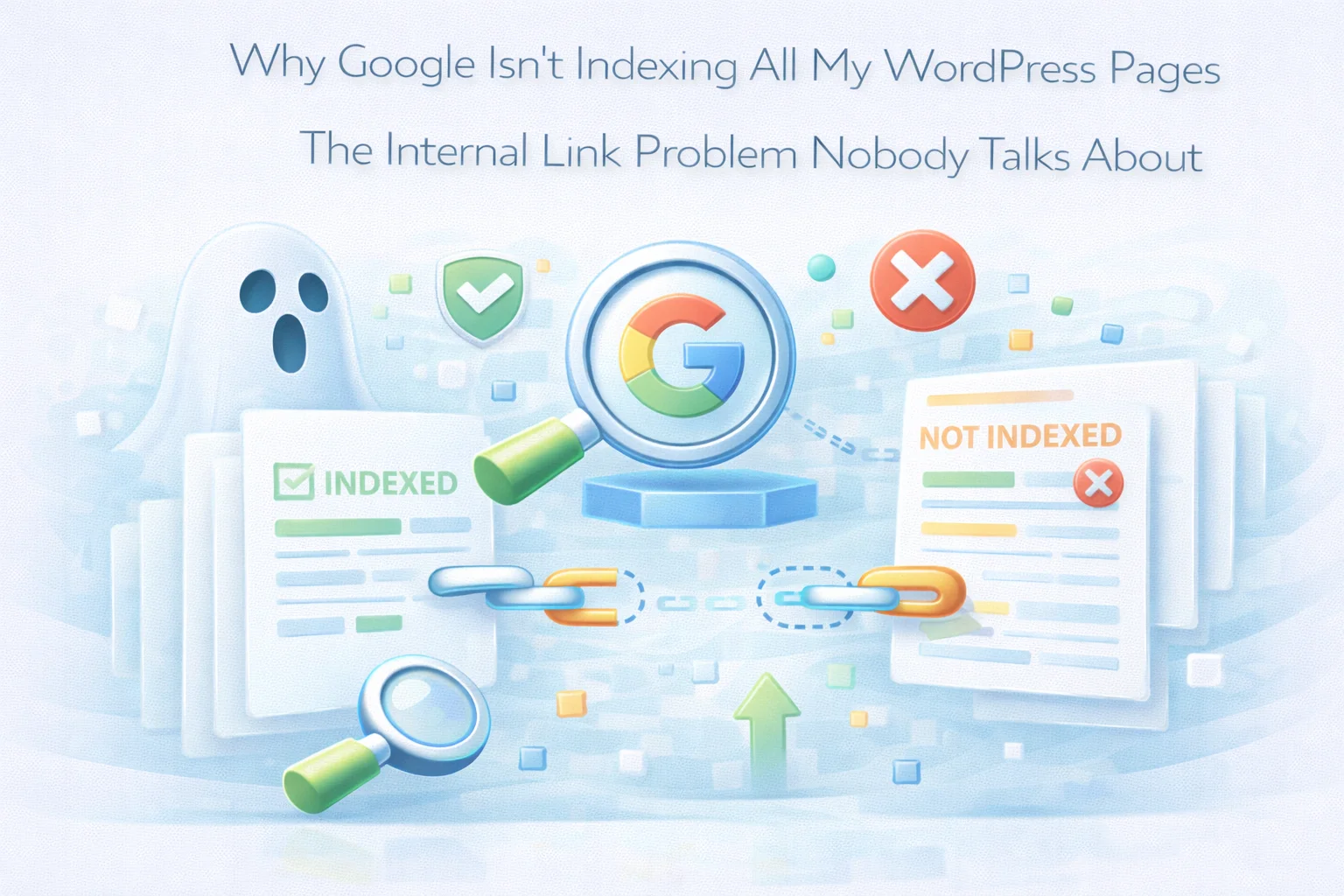
The root cause is almost always internal link structure. Specifically: pages that are discovered through your sitemap but have no internal links pointing to them are signaling to Google that they are low-priority content not worth the crawl budget investment. Google has a finite amount of attention it will give your site. Pages with no internal endorsement from the rest of your content consistently end up deprioritized in Google’s crawl queue, which is exactly what “Discovered but not indexed” means.
This guide explains this mechanism in detail, shows you how to diagnose whether internal links are your specific indexation bottleneck, and walks through the repair process, including how Nexu Link Brain addresses it systematically.
Before addressing the internal link connection, it helps to understand precisely what these Search Console status labels mean, because they describe different stages of Google’s content processing pipeline and the distinction between them matters for diagnosis.
This status means Google has added the URL to its known list, most likely through your sitemap, but has not yet sent Googlebot to actually visit the page. The key word is “yet,” but in practice, pages stuck in this status for more than four to six weeks are unlikely to be indexed soon without intervention. Google has assessed the page as lower priority than other crawling tasks and is deprioritizing it in its crawl queue.
This status is distinct from the first and has two main causes. The first cause is content quality: Google visited the page, assessed it, and determined it was thin, duplicate, or otherwise not worth serving in search results. The second cause, which is less discussed, is low authority signal: the page was crawled, but it received such weak authority signals from the rest of the site that Google classified it as low-value despite potentially reasonable content quality. Both causes can exist simultaneously.
Indexed pages have been crawled, assessed, and added to Google’s search index. They are eligible to appear in search results for relevant queries. The path from “Discovered but not indexed” to “Indexed” requires Google to assign sufficient crawl priority to visit the page and then assess it positively. Internal links from well-established pages are one of the most reliable ways to accelerate this progression.
When site owners encounter indexation problems, the most common first response is to check and resubmit the sitemap. This is understandable: the sitemap is specifically designed to tell Google about your pages, and if Google is not indexing them, surely telling Google about them more explicitly will help.
The limitation of this logic is that most sites’ sitemaps are already working correctly. Google has found and added the unindexed pages to its crawl queue, which is why they appear as “Discovered but not indexed” rather than as pages Google does not know about at all. The sitemap did its job. The problem is what happens after discovery.
According to Google’s official sitemaps documentation, sitemaps help Google discover URLs, but they do not guarantee crawling or indexing. Google uses its own signals to determine which discovered URLs are worth crawling. Internal links are among the strongest of those signals. The sitemap adds URLs to the queue. Internal links from authoritative pages push those URLs to the front of the queue.
For small sites with 20 to 50 posts, sitemaps are often sufficient because Google’s crawl budget easily covers the entire site and every page can be indexed without prioritization signals. For sites with 100 or more pages, Google must make prioritization decisions, and pages without internal link endorsement consistently fall to the back of the queue.
Not every indexation problem is caused by internal link structure. Content quality issues, technical problems, and genuine crawl budget limitations also produce “Discovered but not indexed” statuses. Before investing effort in an internal linking fix, confirm that internal links are actually your specific bottleneck.
Export the list of pages showing “Discovered but not indexed” from Search Console’s Coverage report. Then run the orphan page report in Nexu Link Brain. If there is significant overlap between the two lists, which there will be on almost every site with both problems, you have strong confirmation that internal link isolation is a direct cause of the indexation failure. Pages that are both orphaned and stuck in the “Discovered” status need internal links to get indexed.
Look at a sample of your well-linked pages (those with 5 or more incoming internal links) and check their indexation status. Compare this to a sample of your poorly linked pages (those with 0 to 2 incoming internal links). If the well-linked pages are indexed and the poorly linked pages appear in the “Discovered but not indexed” group, the correlation is your diagnosis. This comparison is more reliable than any single-page test because it controls for content quality differences.
Take three pages from your “Discovered but not indexed” list that have good content quality. Manually add two to three relevant internal links from well-indexed, well-linked pages on your site to each of these three test pages. Record the date. Check Search Console in three to five weeks. If all three have moved to indexed status, internal links are definitively your indexation bottleneck. If only one or two move, content quality issues may also be a factor on some pages.
Not all internal link deficiencies cause indexation problems equally. There are specific patterns that produce the “Discovered but not indexed” outcome most consistently.
Every post you publish without immediately creating backward links from existing content to the new post arrives as an island. On a site with 50 or more posts, this means the new post enters the crawl queue solely through the sitemap and competes for crawl attention against dozens of other previously discovered pages. On active content sites, new posts without internal links can sit in “Discovered but not indexed” status for three to eight weeks, during which they generate no impressions, no clicks, and no compounding authority.
On sites that rely heavily on category pages for internal navigation, older posts end up on page 4, 5, or 6 of the category archive. Google follows pagination but with diminishing enthusiasm: it prioritizes page 1 of a category archive and assigns progressively less crawl priority to subsequent pages. Posts that can only be reached through deep category pagination receive very infrequent direct link-following crawls and often appear as “Discovered but not indexed” long after newer content on the same topic has been indexed.
Many WordPress sites have posts that appear in the main navigation category, in a few tag archives, and nowhere else. Tag archive pages typically have low authority, are often noindexed, and are crawled infrequently. Posts discovered primarily through low-authority tag pages receive very weak internal endorsement. Even if the tag page is indexed, its low authority means the link it passes to the post carries minimal crawl prioritization signal.
Sites that have evolved their focus over time often have older content that predates their current topic clusters. This content may be on adjacent topics that are not well-covered by newer posts, or it may be on topics the site has since moved away from. Either way, it sits outside the main cluster architecture with no incoming links from the newer, better-linked content. Over time, as the ratio of well-linked new content to poorly linked old content grows, Google’s crawl attention becomes increasingly concentrated on the new content and the old content drifts toward “Discovered but not indexed.”
With the diagnosis complete and the specific patterns identified, the repair process follows a clear sequence.
Download the “Discovered but not indexed” list from Search Console and the orphan report from Nexu Link Brain. Identify the overlap. These overlapping pages are your highest-priority repair targets. For each, note the topic area and the content quality level so you can prioritize those with good content that are genuinely worth indexing.
For each page on your priority repair list, use the orphan rescue workflow to find relevant, well-linked source pages that should link to it. Apply a minimum of two to three incoming links per target page. Prioritize sources that are themselves well-linked: a link from a page with 20 incoming internal links is worth significantly more for crawl prioritization than a link from a page with 2.
After adding internal links, use the URL Inspection tool in Search Console to manually request indexing for your highest-priority pages. This is most effective when done after adding internal links: Google’s next crawl of your source pages will follow the new links and reach the previously unindexed pages through a natural path rather than only through a manual request. The combination of new internal links plus a manual indexing request is faster than either alone.
Record which pages you added links to on what date. Check Search Console four to six weeks later to see how many have moved from “Discovered but not indexed” to “Indexed.” For pages with good content and multiple new internal links, a 70 to 90 percent indexation conversion rate within six weeks is typical. Pages that remain unindexed after six weeks with multiple incoming links likely have content quality issues that internal links alone cannot fix.
Fixing your current “Discovered but not indexed” backlog is only half the solution. Without a systematic process for connecting new content to your existing link network on publication, the same problem will rebuild over time as you continue publishing. The prevention is more important than the repair.
The WordPress AI internal linking plugin for fixing indexation problems addresses both the repair and the prevention. The orphan rescue workflow handles the existing backlog. The auto-suggest system on publish ensures that going forward, every piece of content you produce enters Google’s crawl queue with internal link endorsements rather than as an isolated sitemap entry waiting in line.
Nexu Link Brain fixes the internal link isolation that puts your pages in the “Discovered but not indexed” queue, creates the authority-weighted connections that push them to the front of Google’s crawl priority, and prevents new content from being published in isolation going forward.








This was a total lifesaver for figuring out my crawl budget mess. that part about Google pushing pages down based on internal links? nailed it. Wish I'd known this before I wasted hours tweaking sitemaps for nothing
A colleague recommended this guide when I noticed a bunch of my clinic's blog posts stuck in "Discovered but not indexed" limbo. The breakdown of how Google prioritizes crawl budget was actually helpful I hadn't considered that even with a perfect sitemap, my newer pages might just be getting deprioritized because the site isn't seen as "high value" yet. That said, the advice here is pretty much what you'd find in any SEO forum after some digging. It's solid, but not groundbreaking.
I've been chasing this "Discovered but not indexed" issue for months tweaking sitemaps, double checking robots.txt, the whole nine yards. This guide finally broke down why my pages weren't getting picked up, and it wasn't any of the usual stuff everyone blames. Turns out my internal linking was a total mess.